


For those who run websites and blogs, they often need to use picture materials. Although there are many free material websites on the Internet that advertise CC0 authorization, I believe some friends are still worried about licensing issues. This Designstripe website is another good choice. You can easily create the exquisite illustrations you need with just a click of the mouse, and all the content can be used for commercial purposes.
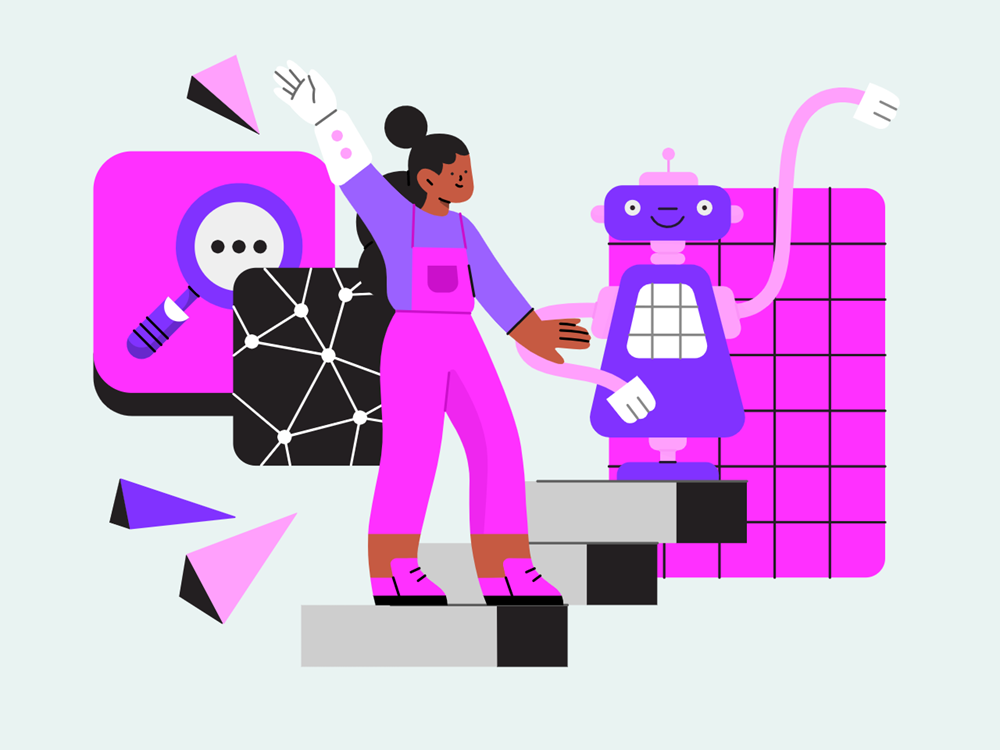
Introduction to Designstripe, a free online website for creating exquisite illustrations
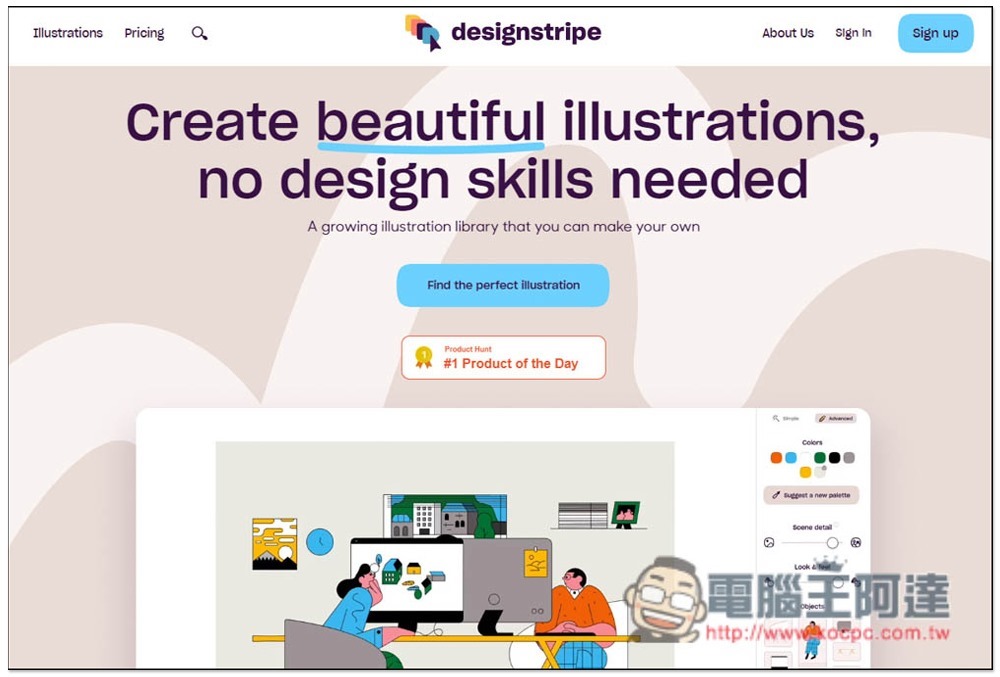
Designstripe is somewhat similar to online design tools such as Canva, Designcap, and Fotor, but Designstripe only focuses on illustrations. After entering the website, press Find the perfect illustration to view all illustration materials:
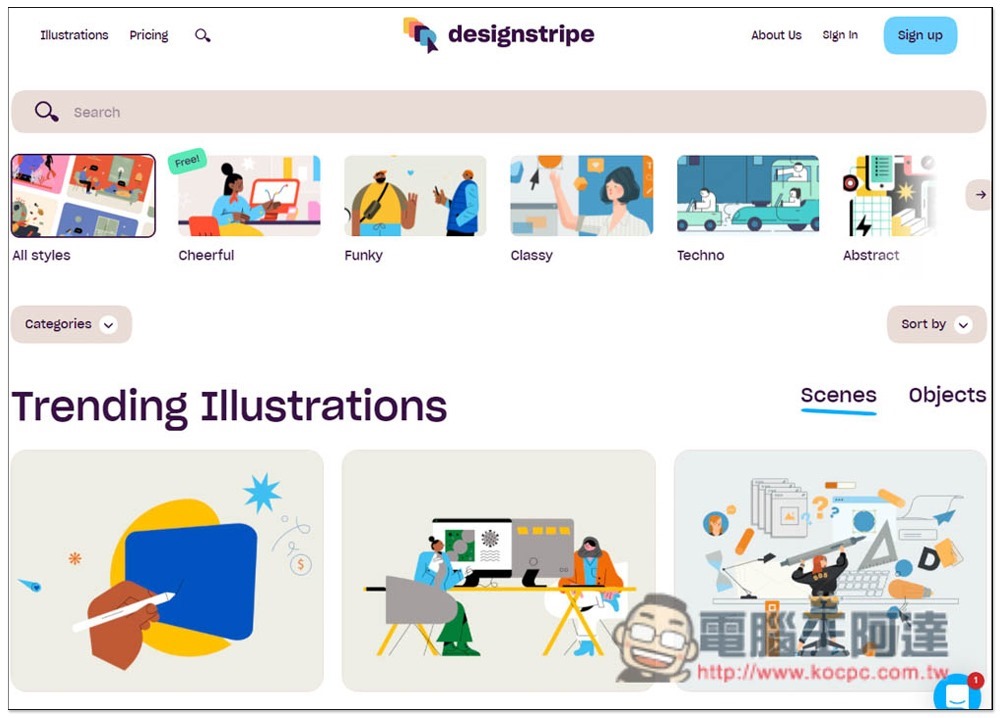
There is a complete classification at the top, and the current popular illustrations are listed below:
One thing to note when using it is that the free version can only select free illustration materials, that is, if it says Free in the upper left corner, if it does not say it is only for paying users:
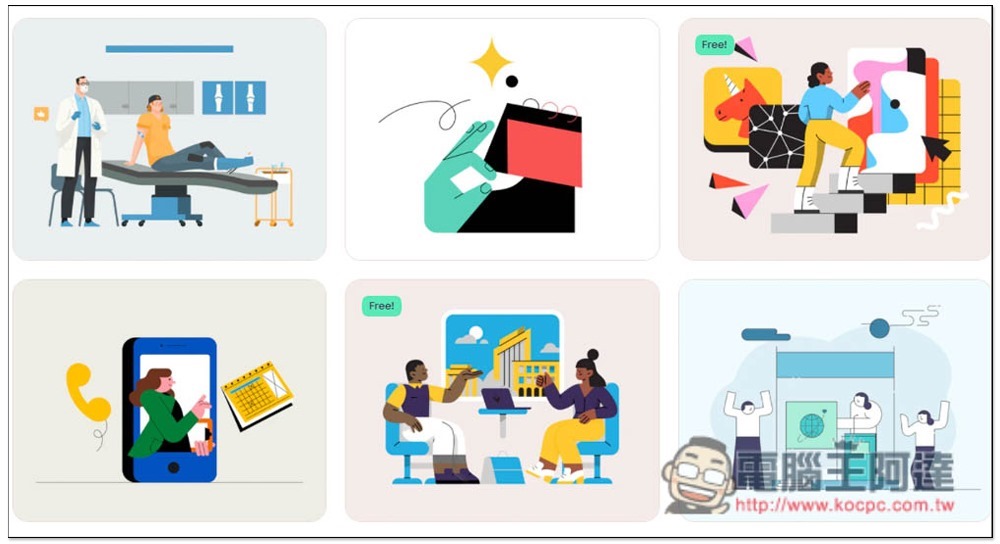
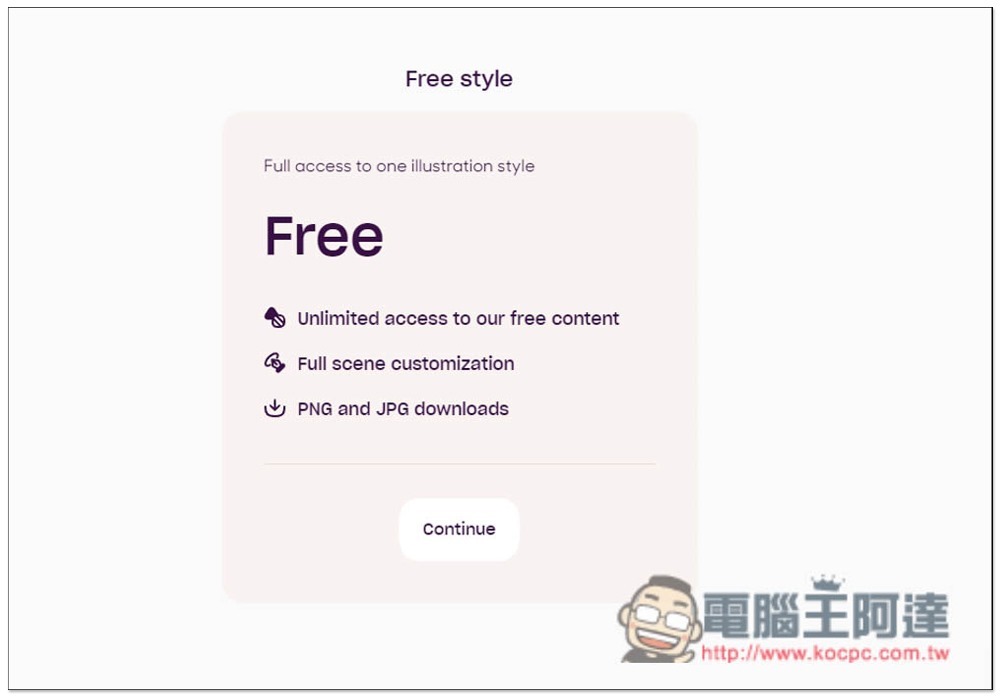
The permissions of free members include: “can use all free content”, “can get complete editing functions”, “save PNG and JPG formats”, which is enough for most people. Unless you can’t find what you want in the free content, or want to save it in SVG format, you can consider upgrading to the paid version:
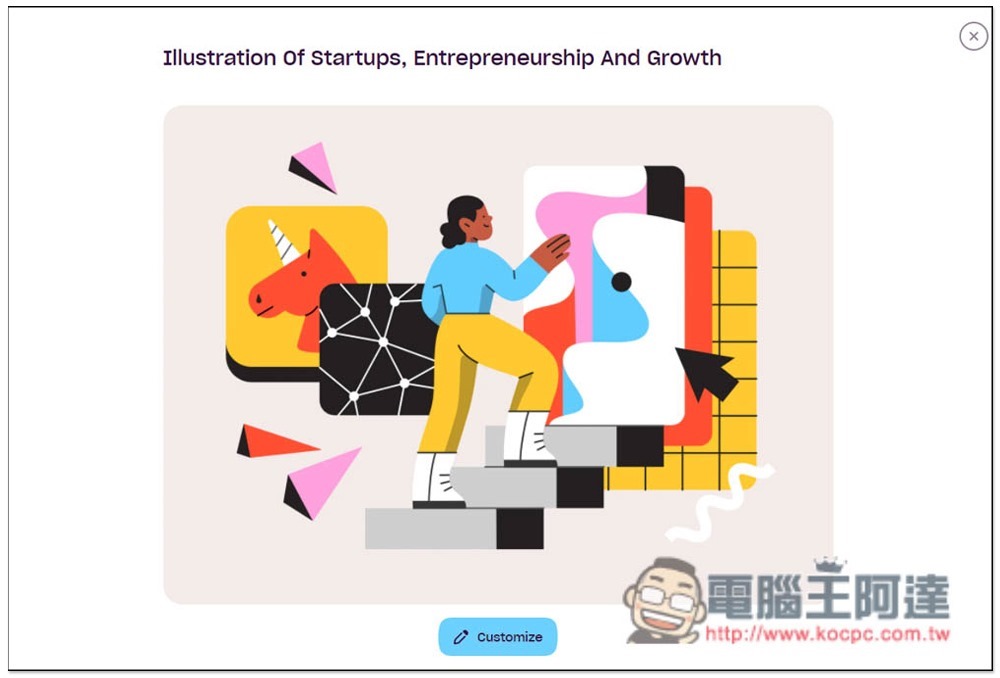
Once you find the illustration you want to use, click Customize below:
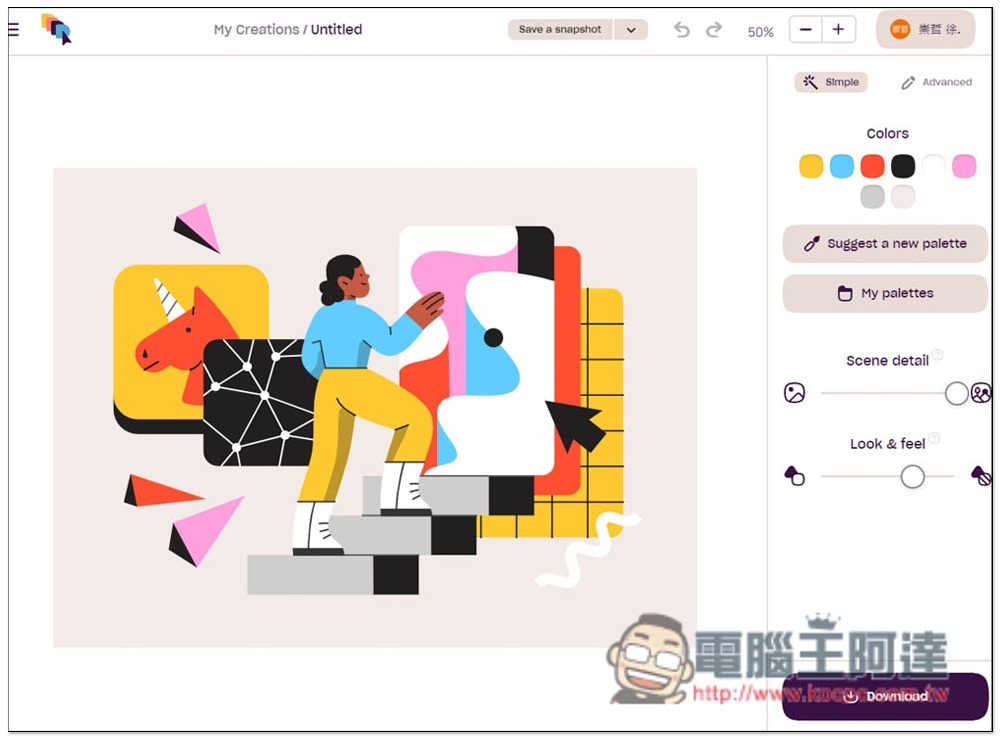
You will enter the editing background. The editing functions are located on the right side. It doesn’t matter if you don’t understand English. Just try each one:
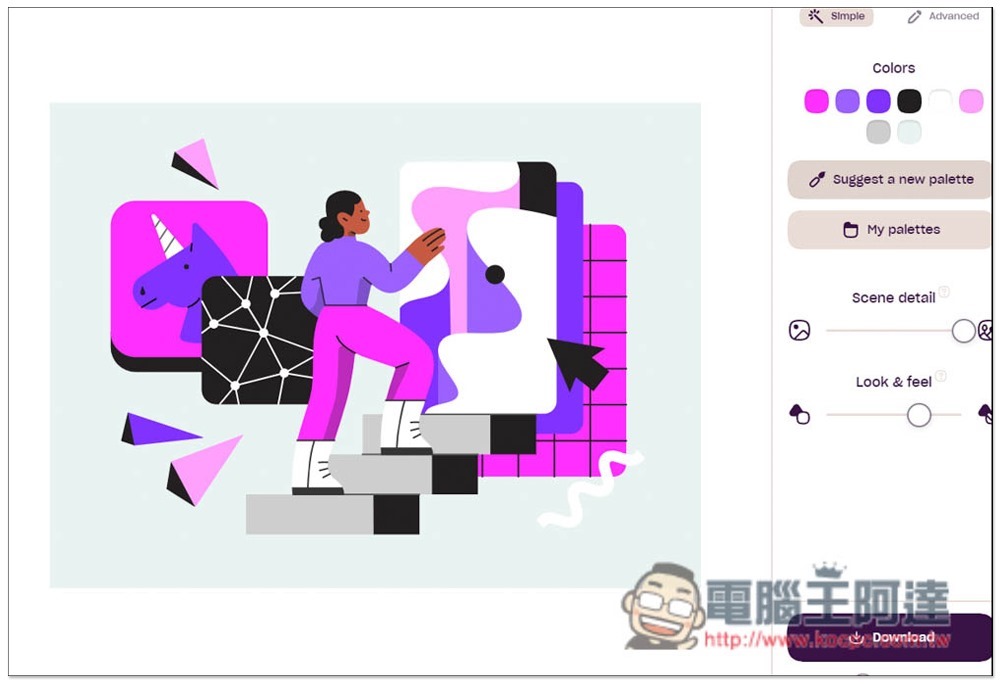
Suggest a new palette This function is quite good. Click it to change the color of the illustration:
Click on the main object, and replaceable options will be listed below. For example, characters have many postures, actions, and appearances. Even hair and skin color can be modified manually. If you’re not sure which one is the main object, just look at them all:
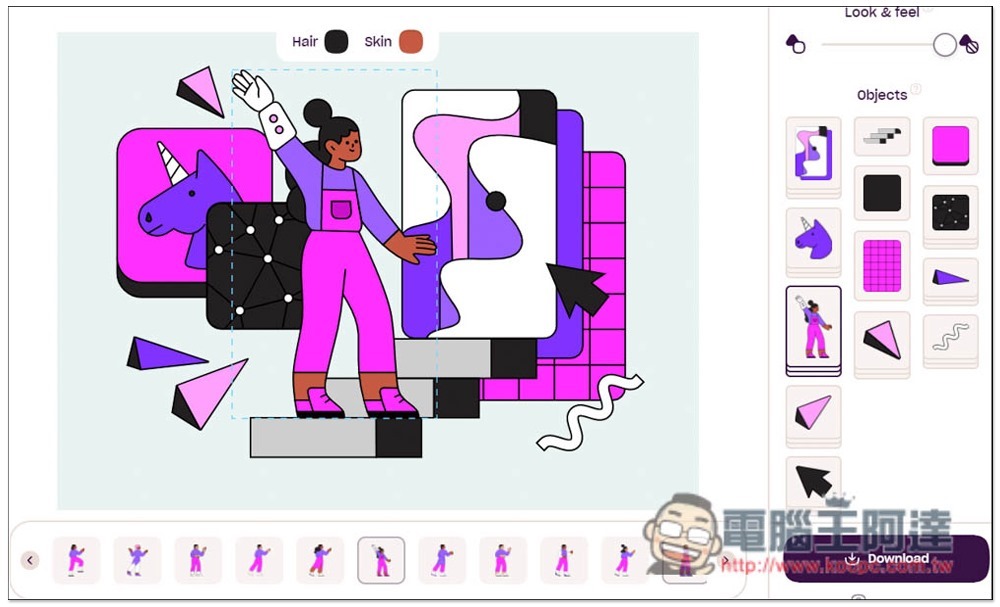
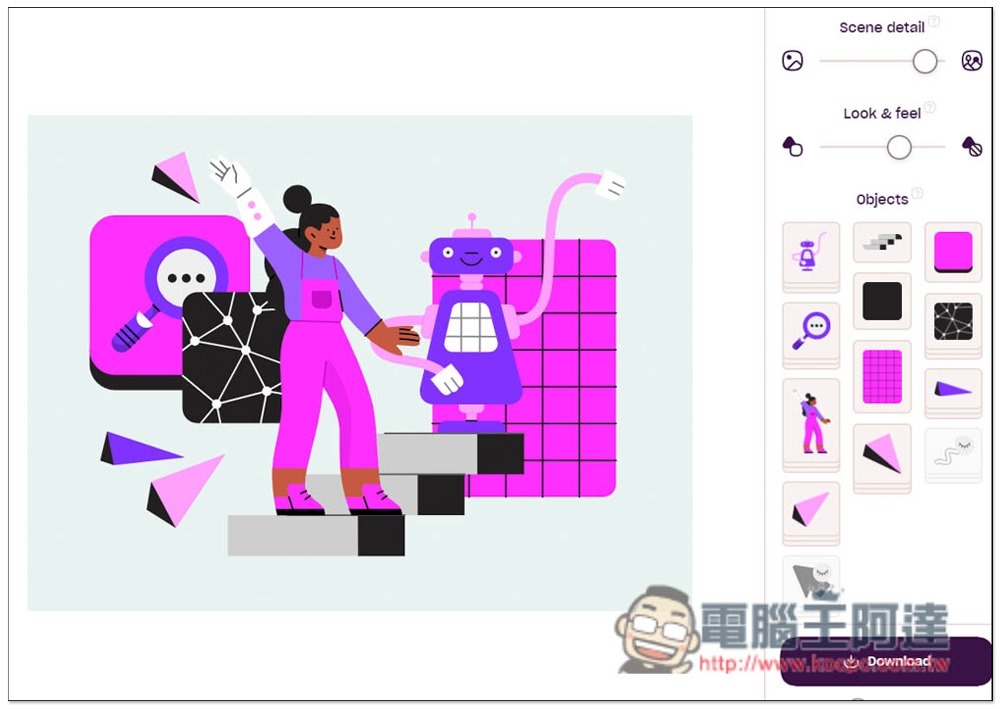
There is also a very special Scene detail and Look & feel on the right side. You can change the illustration content by moving the slider:
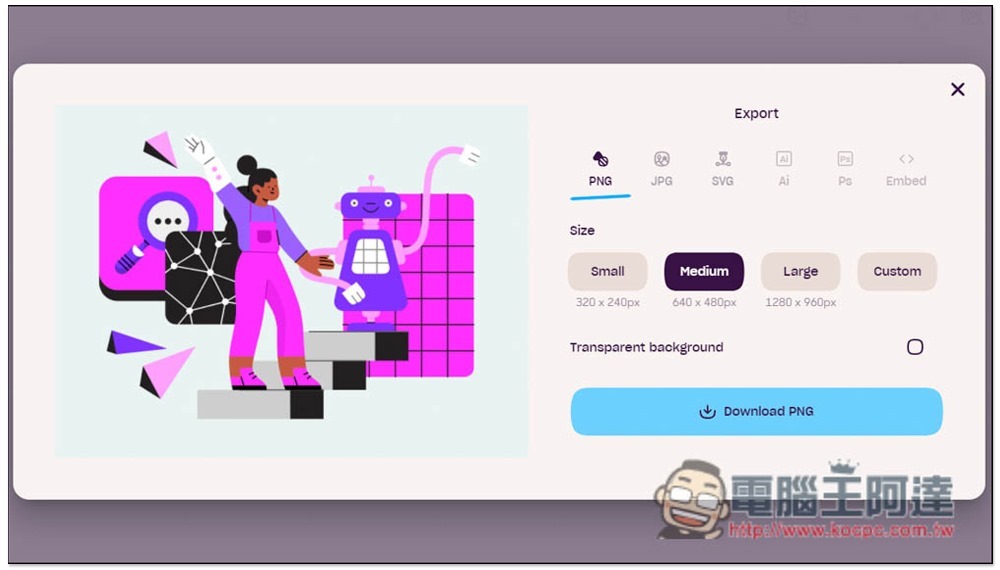
After deciding, click Download in the lower right corner to select the format and size you want to download. The free version can only choose PNG and JPG, but the size reaches 1280x960px, which is enough for Internet use:
For those who are worried about authorization, you can go to the License at the bottom of the web page to check it. Commercial use is absolutely fine.
Source: KOCPC Chinese