


In addition to Word, PDF is the most commonly used document file for many people today, whether it is for work or school assignments. During the use, you will definitely encounter the need to convert files. If you do not have PDF conversion software on your computer, then you can consider Free PDF Convert, a free online tool. You can convert files by uploading them. It supports multiple formats, including Word, Excel, PowerPoint, JPG, PNG, etc., and even has some basic editing tools, such as merging, splitting, and unlocking.
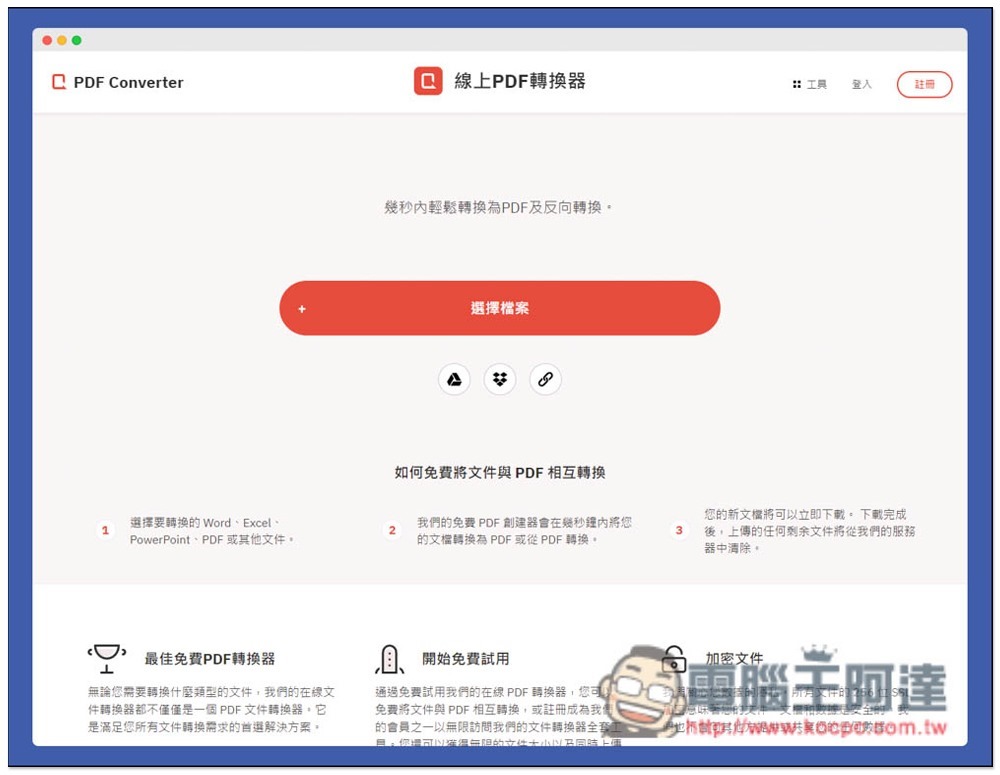
Introduction to Free PDF Convert Free Online Conversion Tool
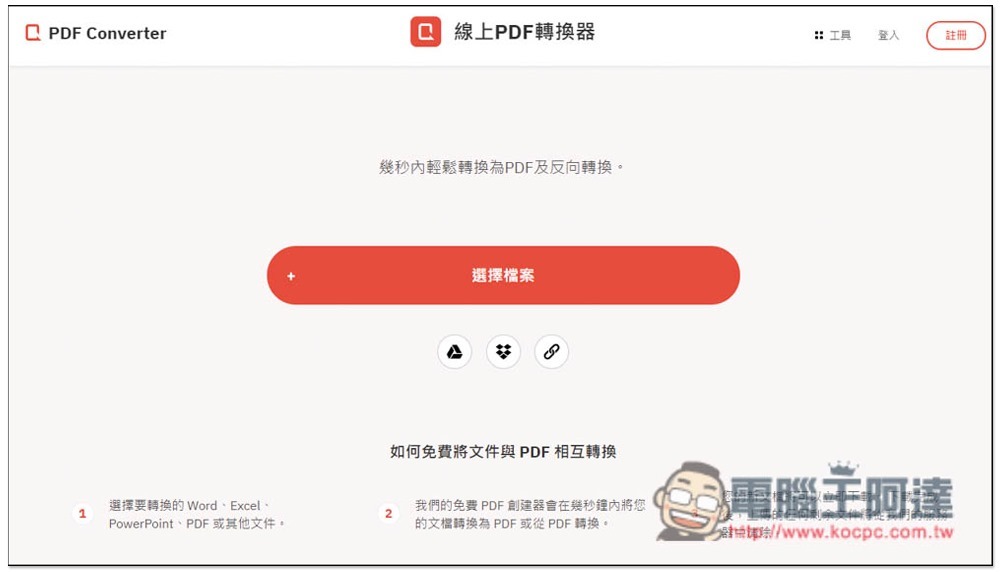
Free PDF Convert is available in Chinese, so it should be quite simple to use. In addition to manually uploading files, Dropbox, Google Drive, and online links are also provided, which is quite convenient:
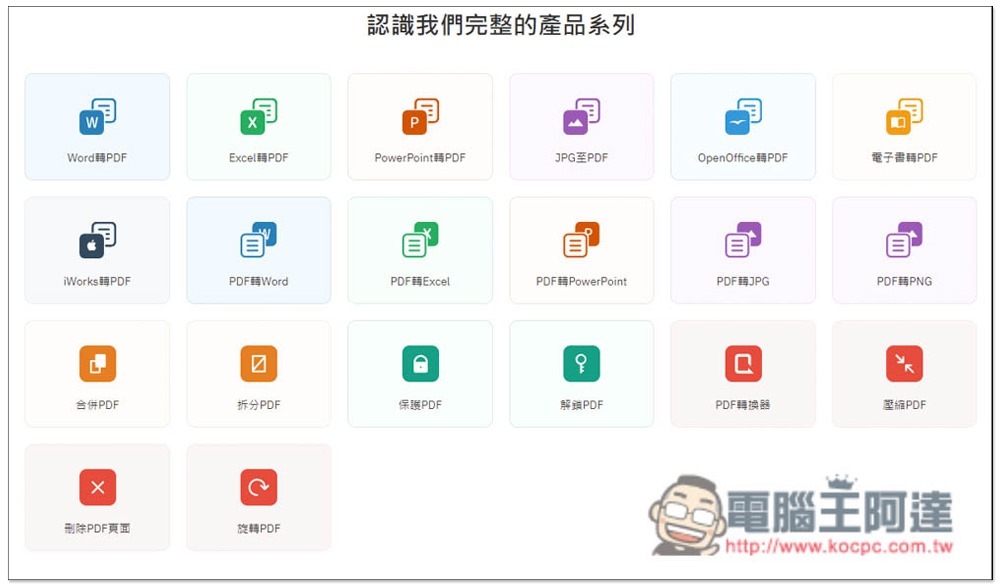
Scroll down to browse all the conversion and editing functions provided by this website. There is no need to specifically select the function you want to use at the beginning. After uploading the file you want to convert or edit, all the functions provided by this file format will be displayed. Just select from here:
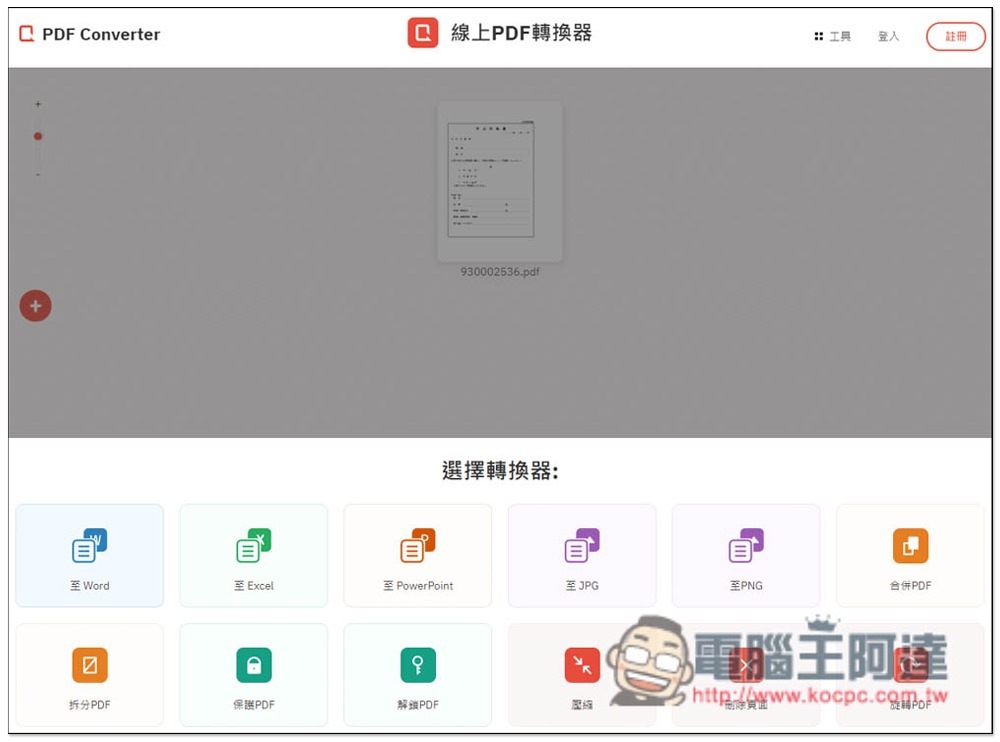
As shown in the picture below, I upload a PDF file, and all available functions will be displayed below, such as converting to Word, Excel, JPG, etc. I will convert to Word as an example:
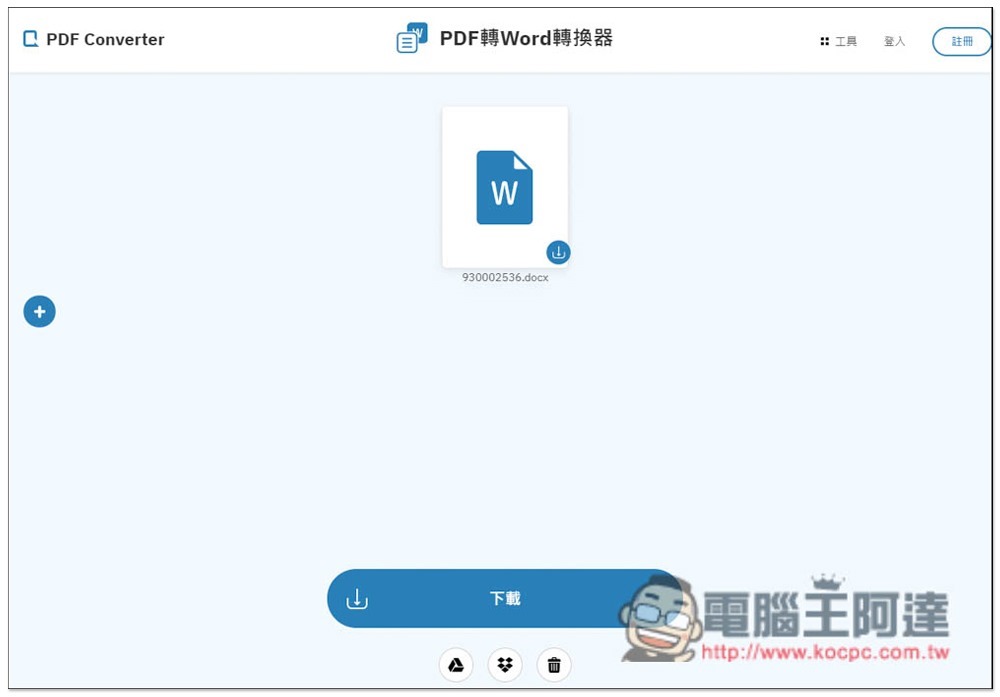
After waiting for a few seconds, you will see the message that the conversion is completed. The speed is quite fast. Click download to save it locally. You can download it without registering an account. For example, when converting PDF to Word, the content format is not lost:
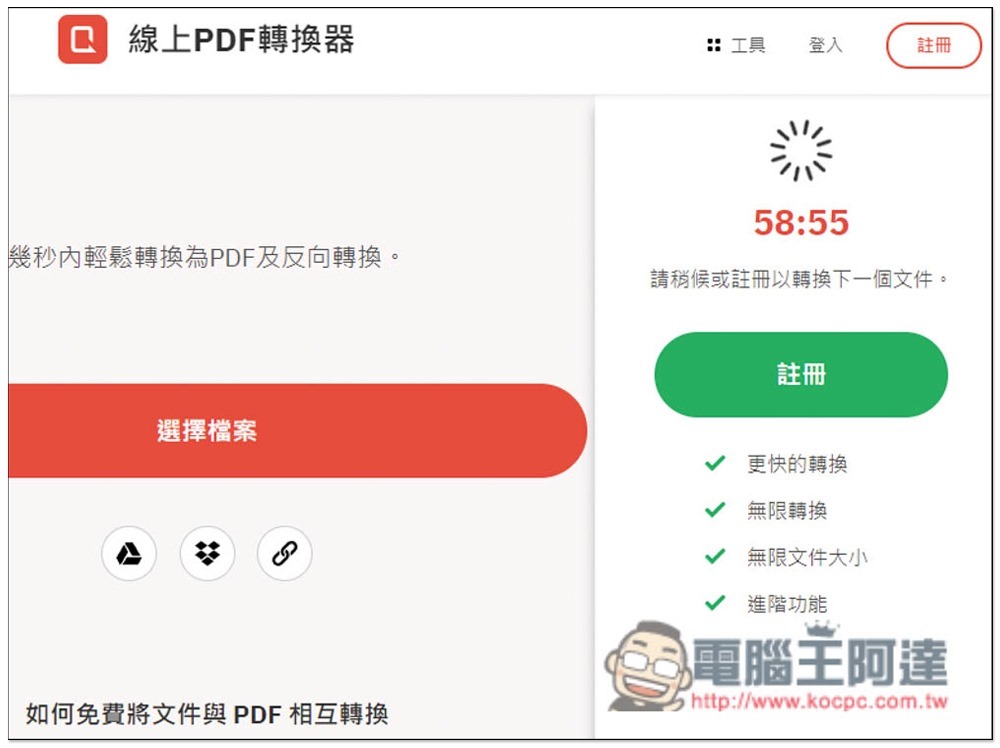
However, the free version can only convert or edit one file per hour. If you often need to use it a lot, you may also consider upgrading to the paid version:
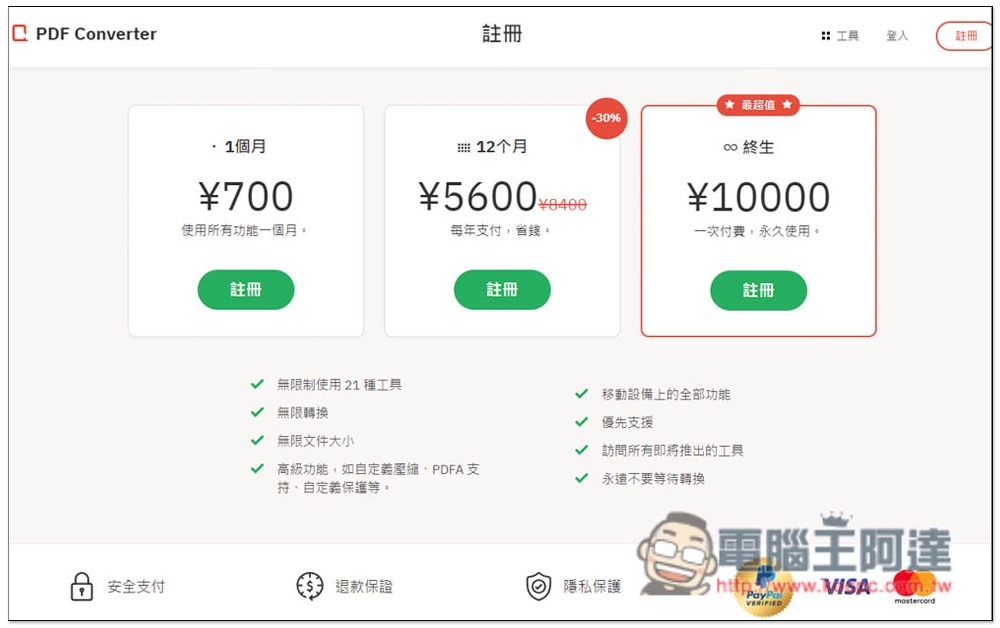
The price of the paid version is provided for your reference. I personally think it is a bit expensive! It is more cost-effective to buy a computer version of the PDF conversion tool. The only advantage of the online tool is that it can be used by any device as long as it is connected to the Internet:
Finally, a reminder. After all, you have to upload the PDF to the server of this website. If it is an important document, it is not recommended. It is safer to use local software.
Source: KOCPC Chinese