


Although there are many free PDF tools on the Internet, all of which provide many editing functions, you need to have an Internet connection and upload the PDF to the server of the service. If it is just a simple edit, you can actually use this open source small-second PDF Arranger. It has built-in basic PDF editing functions, such as cropping, reordering PDFs, merging, etc. There is an installation-free version available.
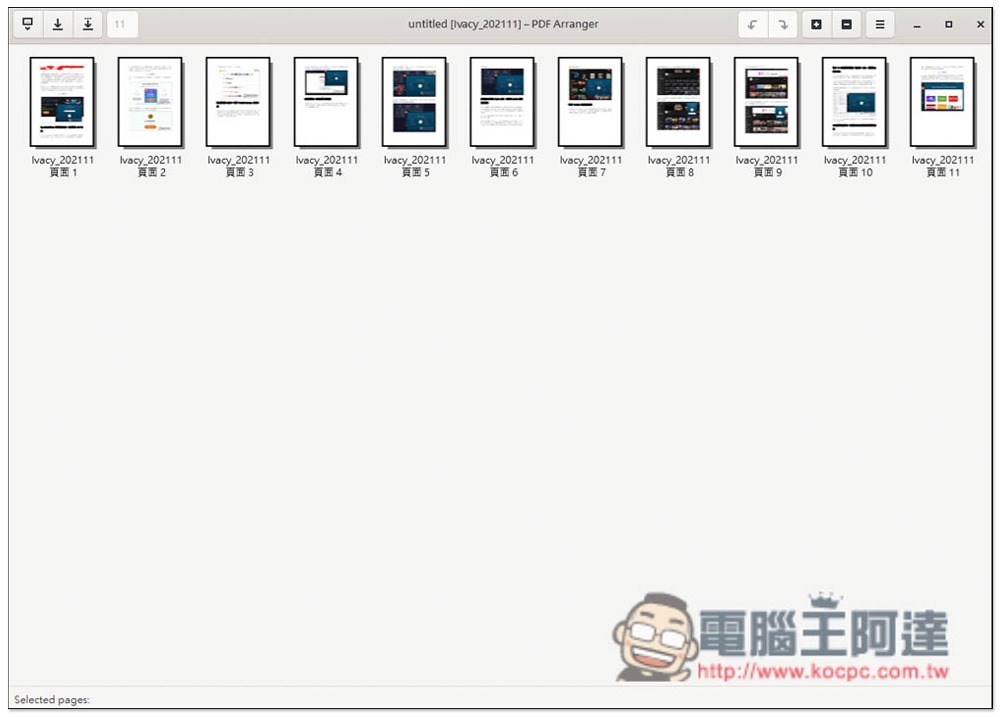
Introduction to PDF Arranger, a free and open source PDF editing tool
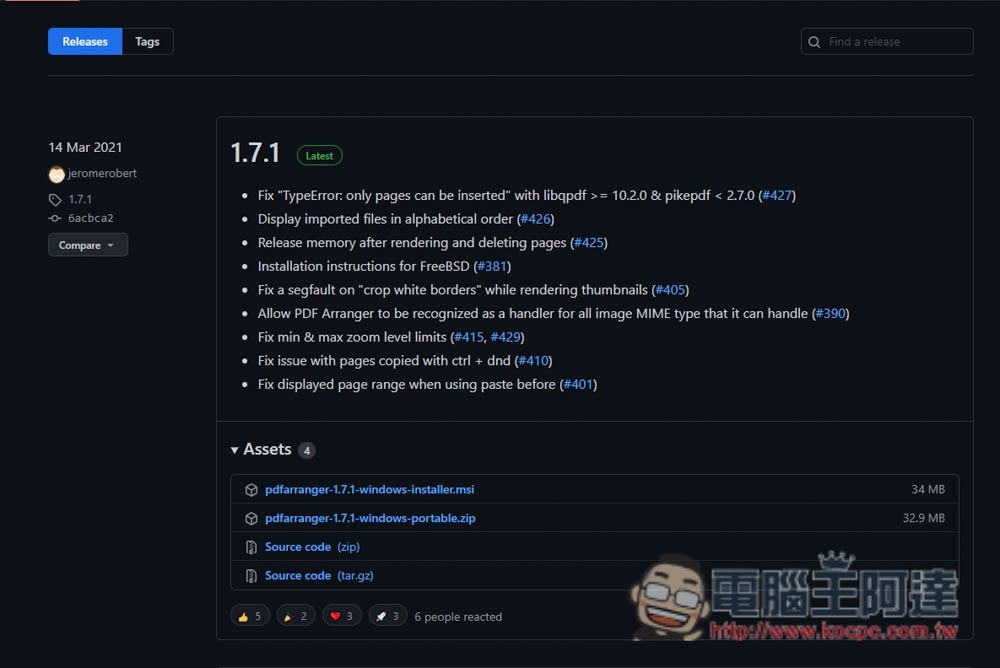
PDF Arranger is available for Windows and Linux (as well as other less well-known operating systems). The link above is for the Windows version. People using other operating systems can return to the GiHub homepage to find the download point.
Both installation and installation-free files are provided, depending on which one you need. I downloaded the installation-free file Portable.zip:
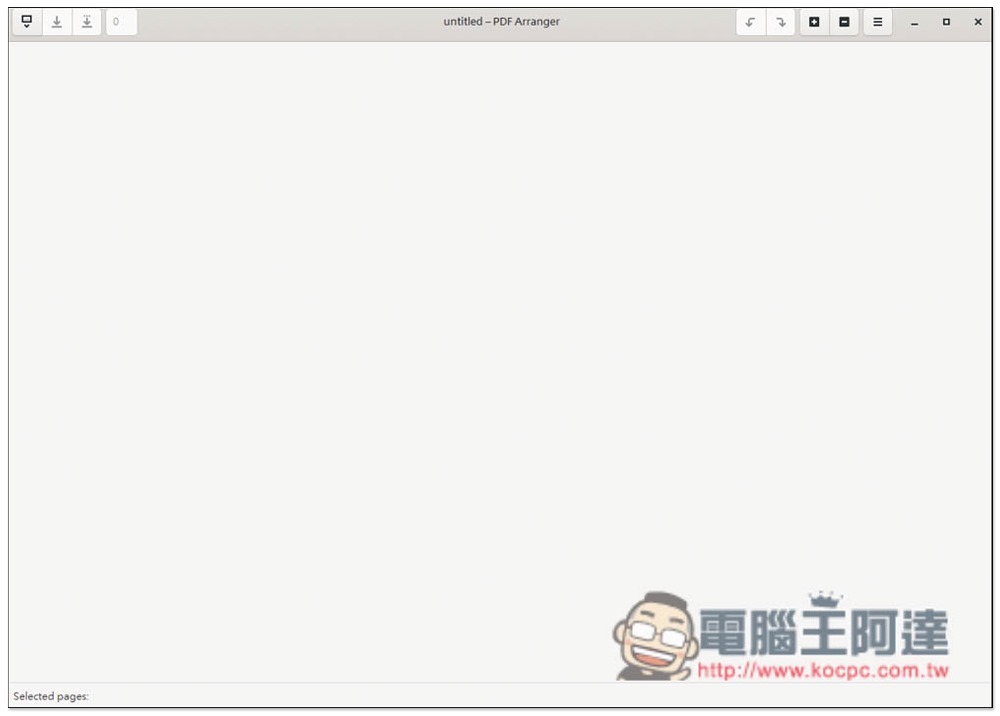
The interface design is very simple. After opening it, you can drag in the PDF you want to edit:
The screen will display all the pages of this PDF file, and then find the page you want to edit:
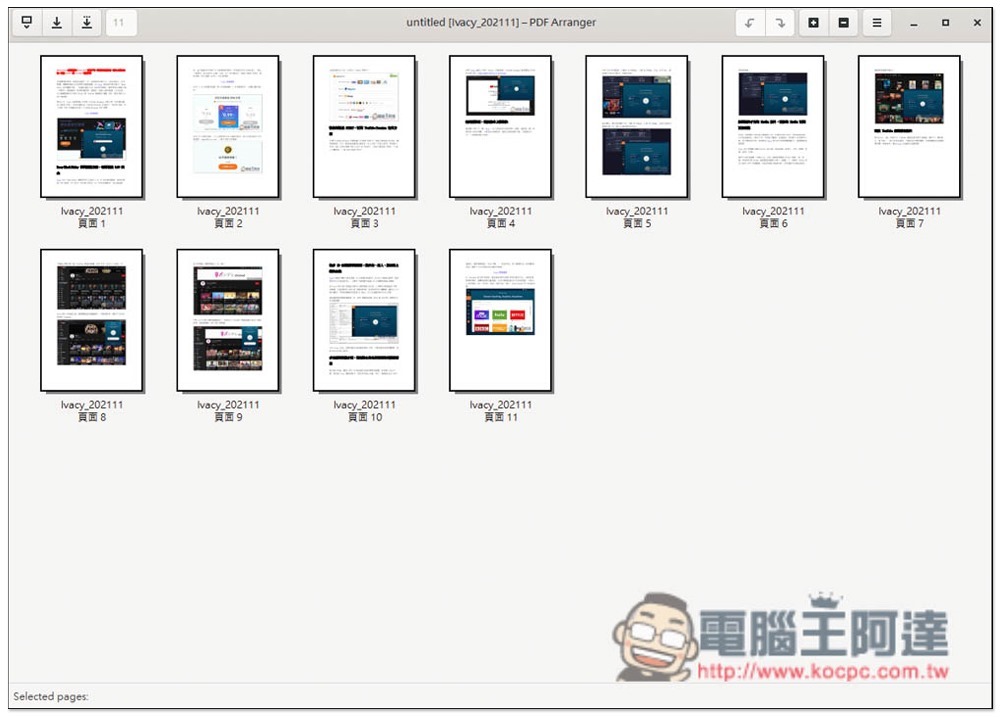
If you want to rearrange the order, you can drag it directly with the mouse, which is quite convenient and very intuitive:
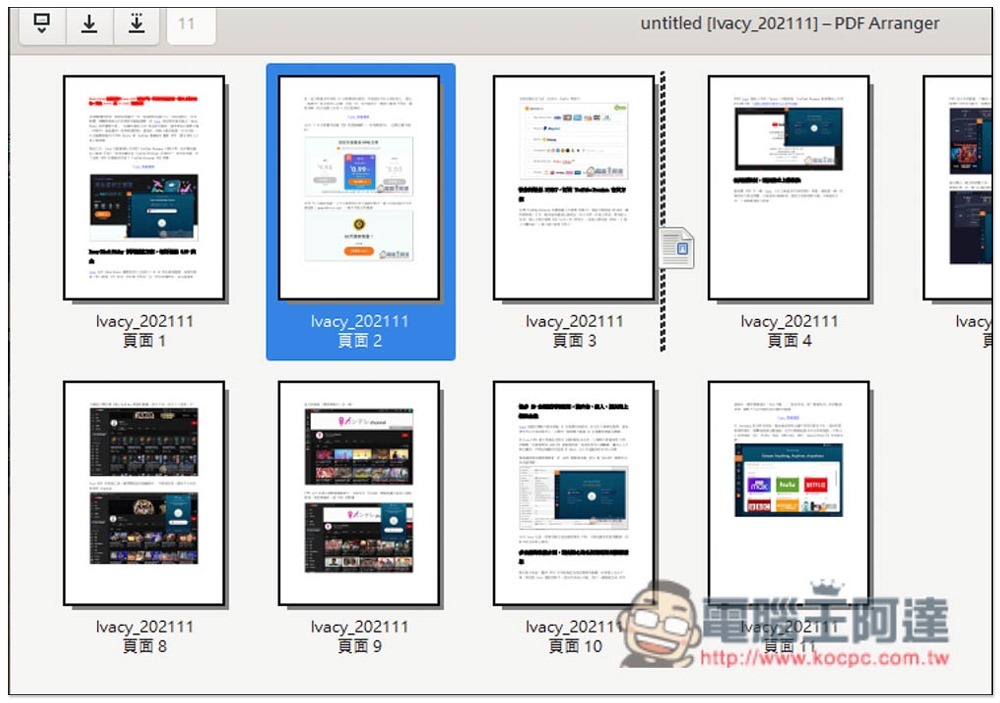
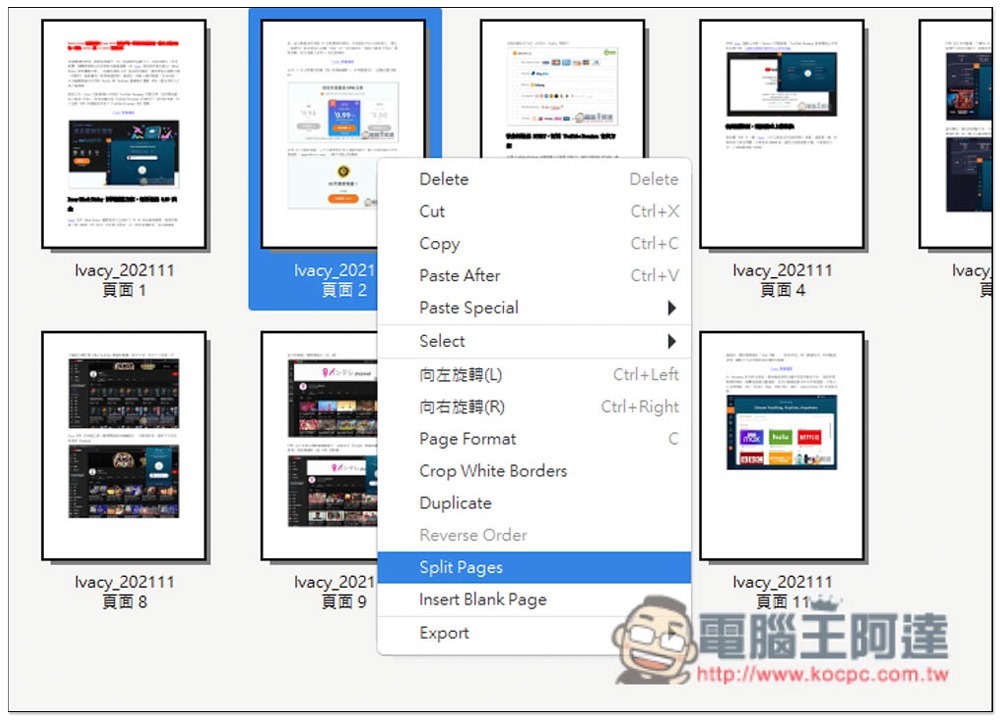
Open the right-click menu to find other editing functions, such as: delete, cut, copy, rotate left or right, insert blank pages, etc.:
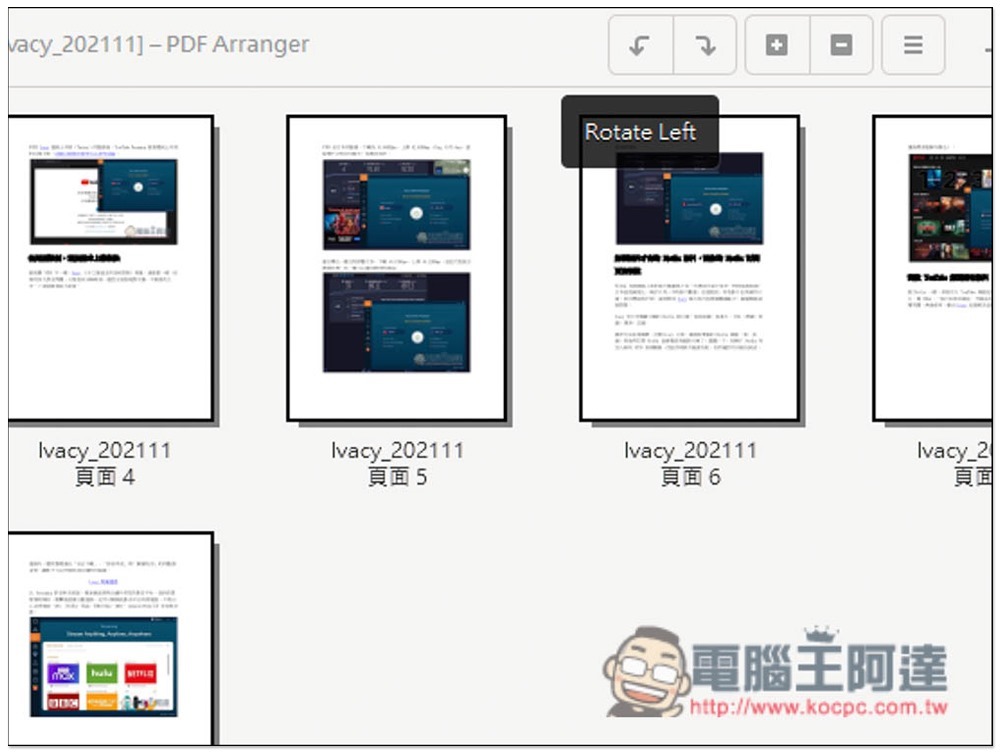
There are also some shortcut function icons in the upper right corner:
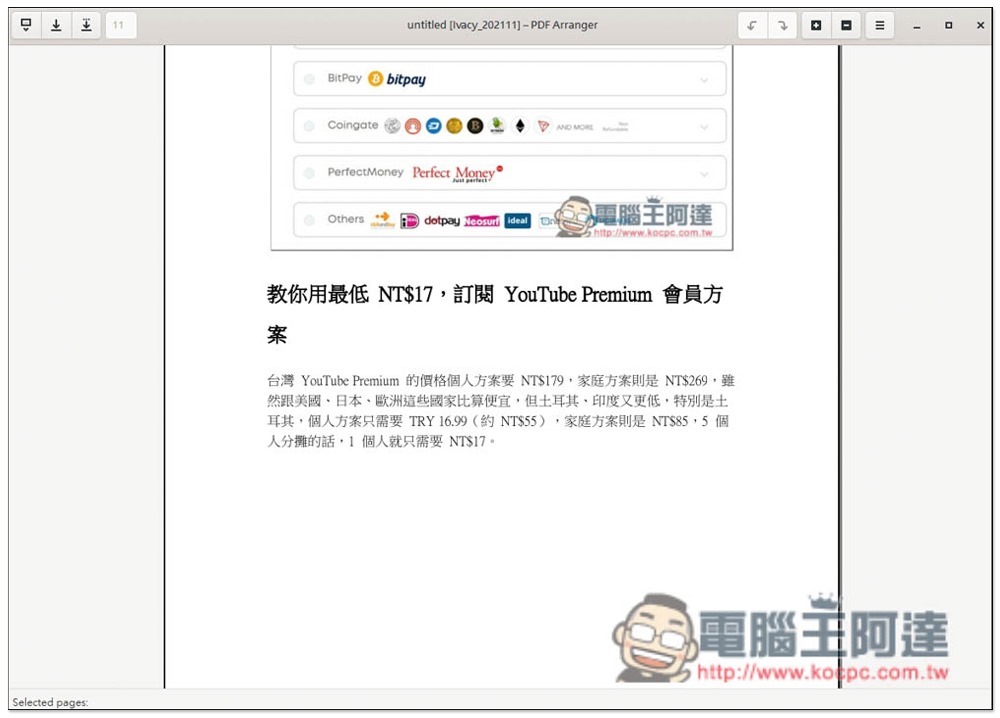
When you don’t need to edit, you can also use this as a PDF browsing tool. It’s compact, very fast, and doesn’t take up much space:
When saving, it can also be saved as other PDF files (or overwritten). It is a pity that there is no conversion function. It would be perfect if it had it. If you are looking for a PDF conversion tool, I recommend using Adobe’s official Adobe Acrobat. It is not only safe, but also supports conversion to a wide range of formats.For related introduction, please refer to this article. Adobe Acrobat also provides browser extensions, which are easier to use. We also haveUse instructional articles。
Source: KOCPC Chinese