


For those who often share resources on the Internet, they will definitely want to find a free space that is safe and will not be tracked. The AnonFiles anonymous free space recommended in this article is very good. It can be used without registration, and each file is supported up to 20GB. It also claims that if there is no conflict with the policy, the file will basically be retained permanently, that is, it will not be deleted, and there is no upload or download speed limit.
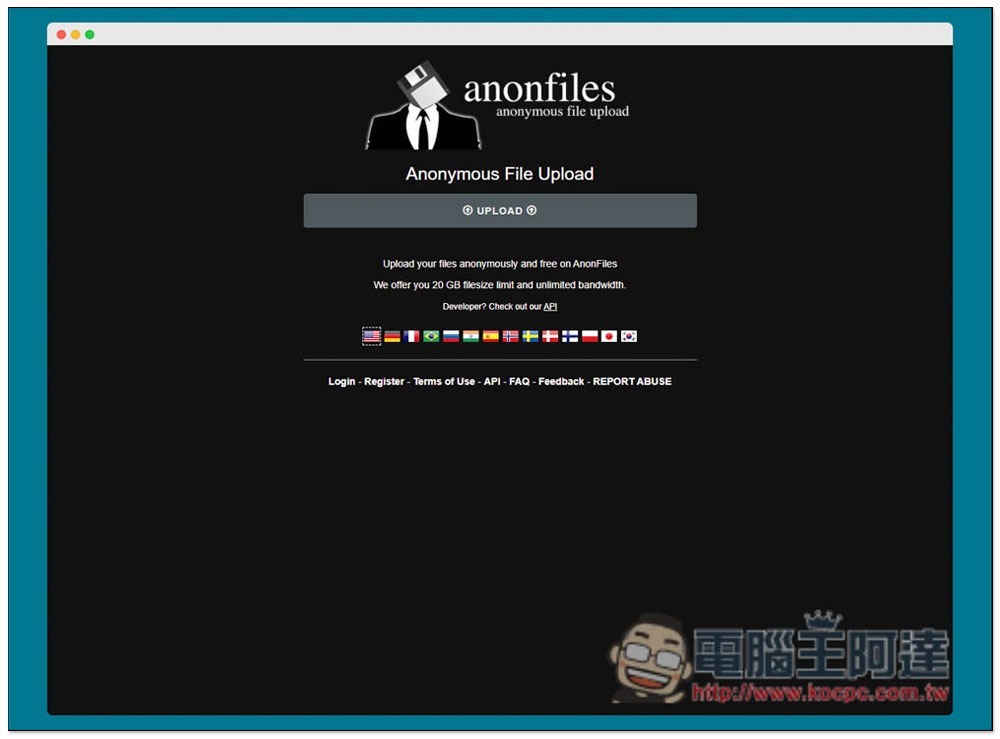
AnonFiles anonymous free file sharing space introduction
After entering the AnonFiles website, you can select the file you want to upload. The maximum single file is supported up to 20GB. There is no capacity limit. You can upload as much as you want. However, in order to avoid abuse, a maximum of 500 files or 50GB can be uploaded per hour, and a maximum of 5,000 files or 100GB per day. Therefore, if the file is too large, it will still take multiple days to upload. Otherwise, you can try clearing browser cookies or VPN to see if the restriction can be lifted:
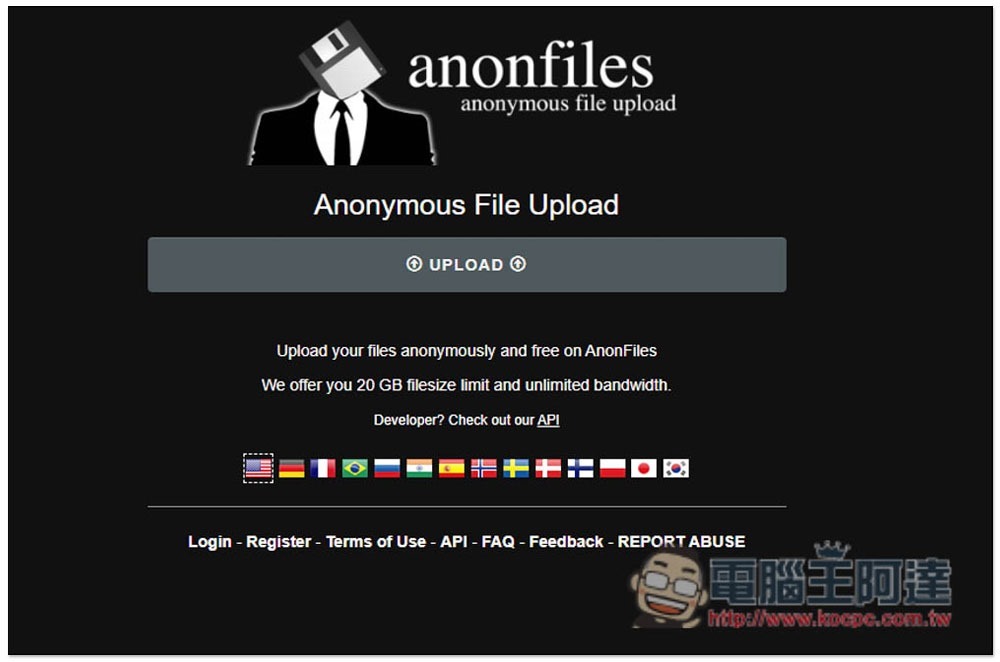
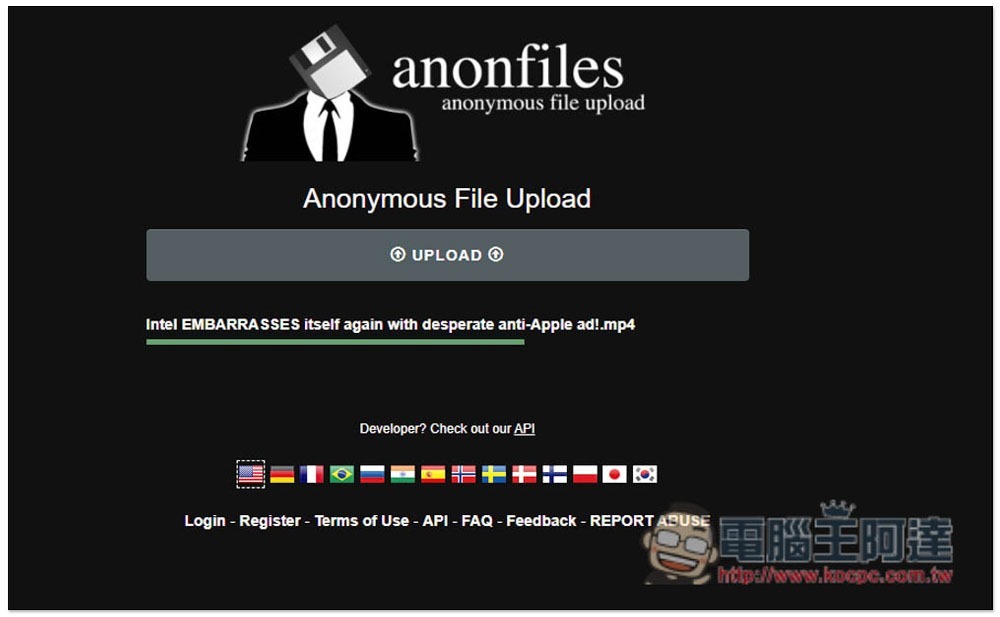
After selecting the file, it will start uploading. There is no bandwidth limit, so the speed is quite fast:
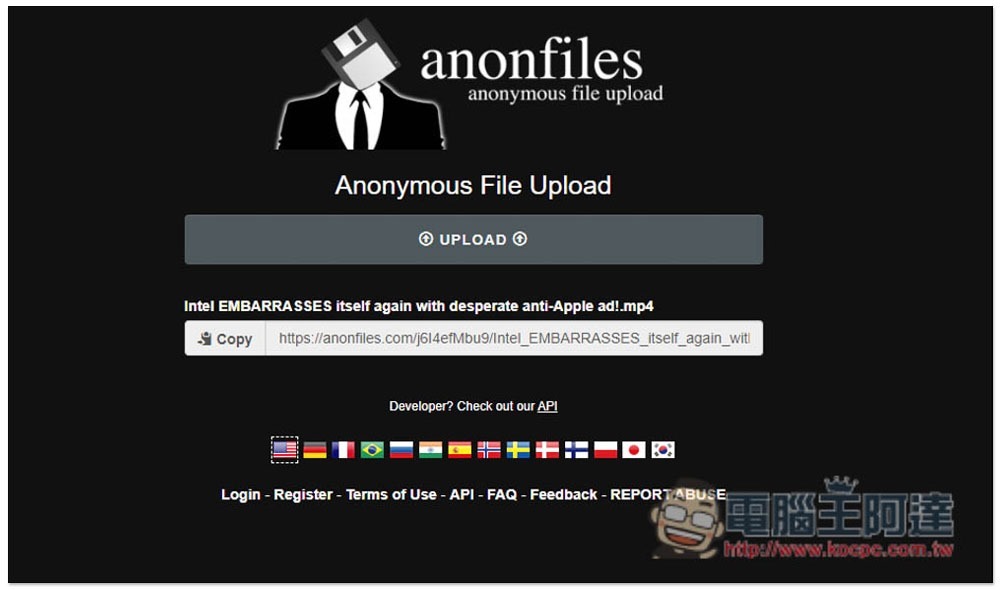
After completion, you will get a loading point, which can be quickly copied by pressing Copy on the left. Also because it is anonymous, you cannot delete files manually:
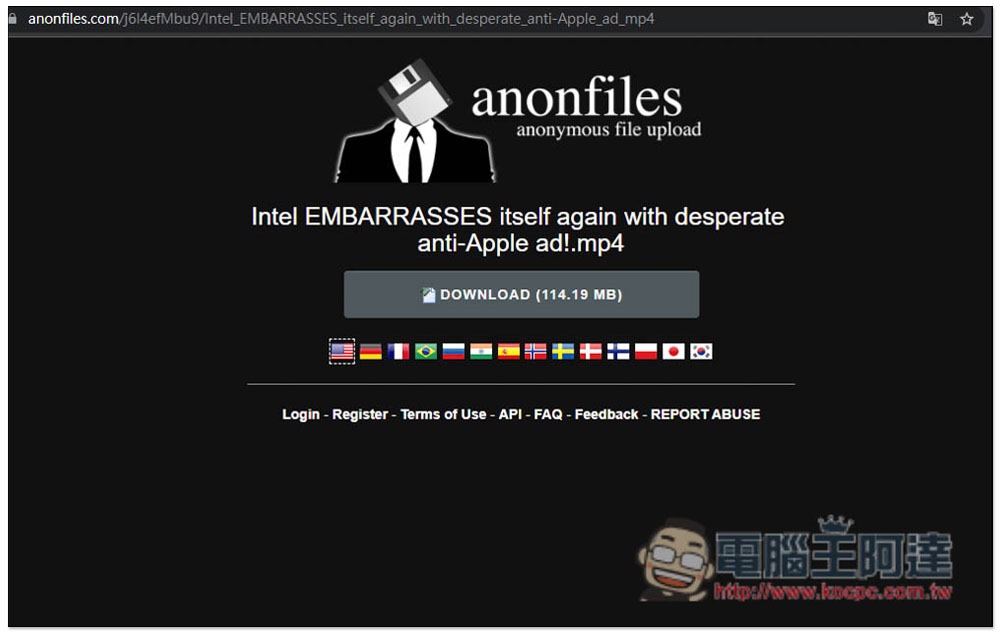
The screen where the other party pastes the URL will display the file name and capacity. Click Download to start downloading:
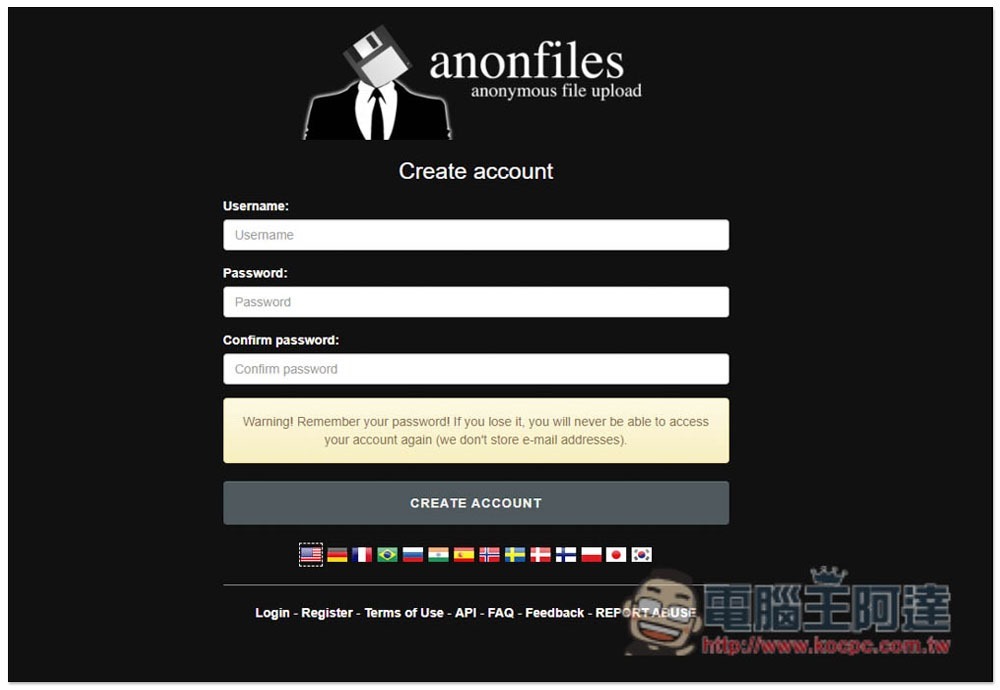
However, this website actually also provides a registration function. Just fill in your user name and password. After registration, you can manage the files you upload:
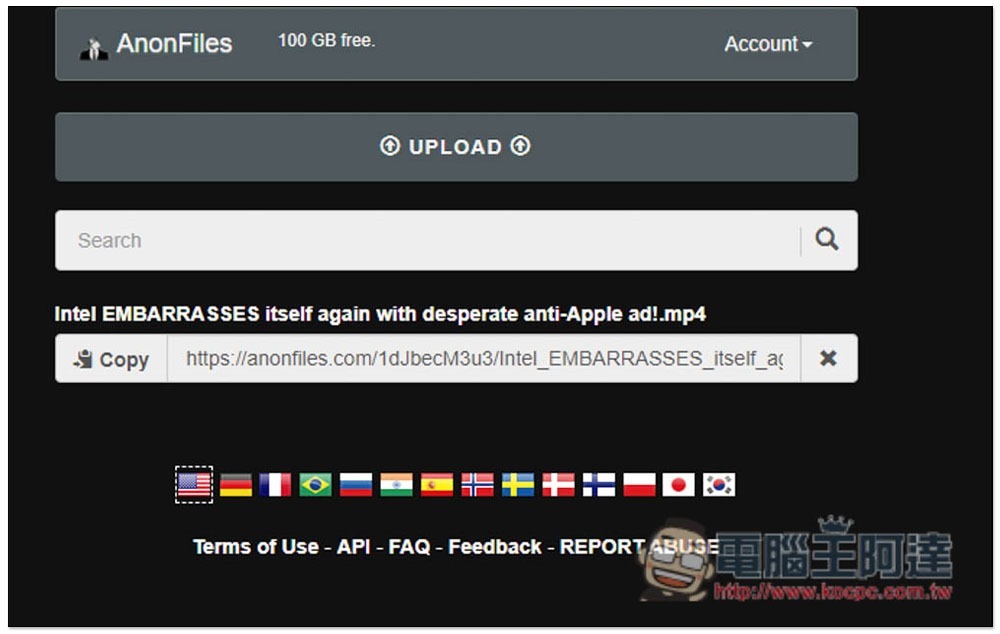
If you have registered and logged in to an account, an X icon will appear on the right side of the uploaded file. Click to delete the file manually:
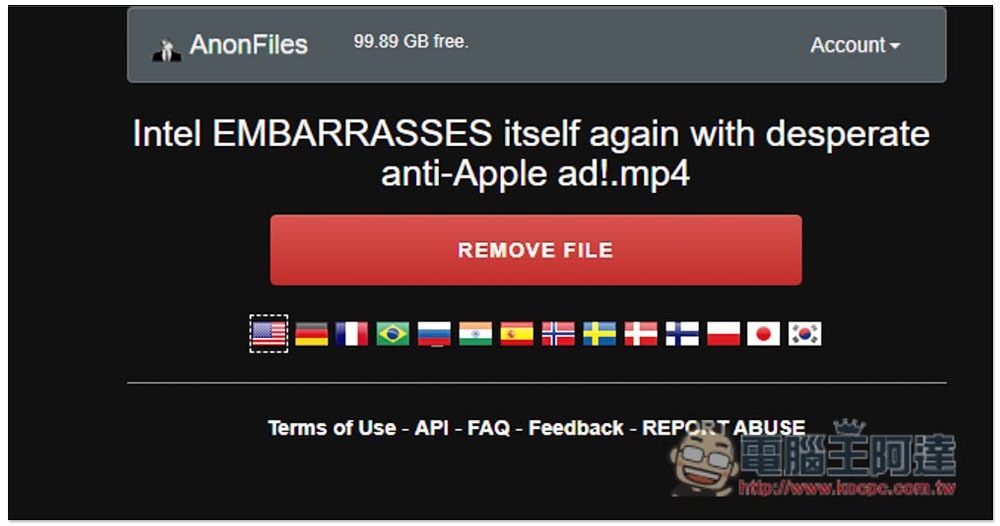
Clicking REMOVE FILE will remove it from the server. The only disadvantage of registration is that each account can only upload 100GB of capacity. Once it is full, files uploaded in the past must be deleted to make more space. Therefore, if you want to share large-capacity files, it is easier to use anonymous:
As for the storage time of anonymous files, the official website states that they will be deleted unless they violate their policies, which means they will be stored permanently (as long as the service is still there).
Source: KOCPC Chinese