


Previously, we have introduced many free online text-to-speech tools, such as:TikTok text-to-speech generator、Luvvoice、Free text-to-speech、VOICEVOX、TTSMARKER And so on—each one has its own features and works well. The “Azure TTS Web” introduced in this article, besides supporting a wide array of multilingual voices and requiring no registration, also provides various voice adjustment options, including style, speech rate, and pitch. This means that with these settings, you can easily create voices that are distinct from those that are clearly recognizable as AI or computer-generated.
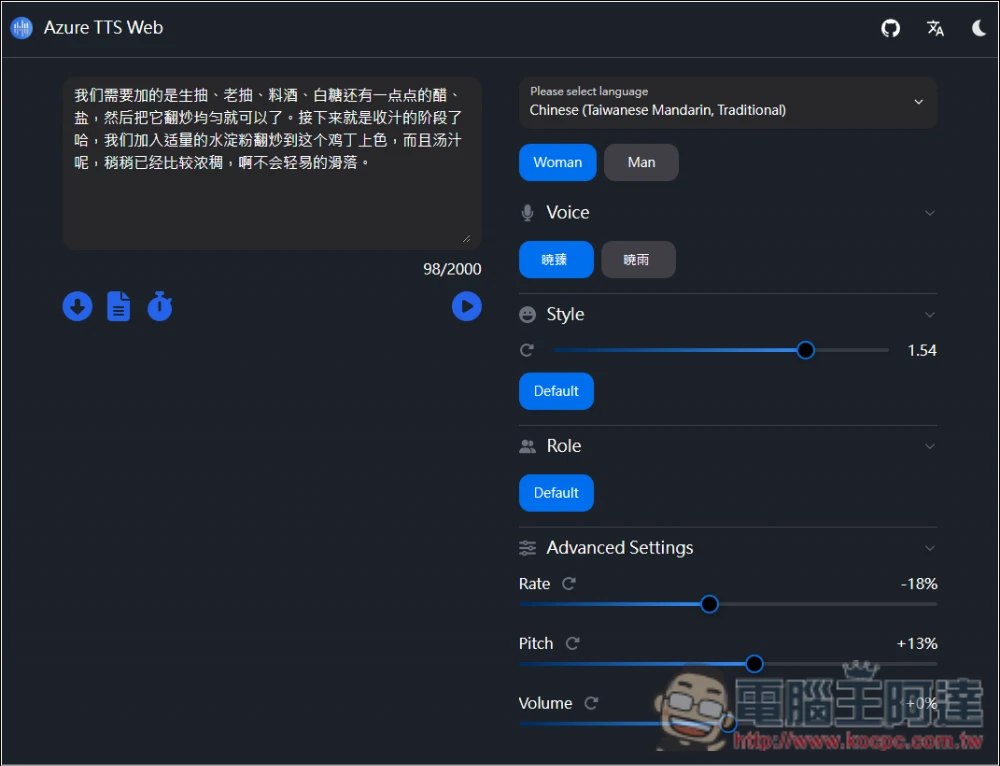
Azure TTS Web free online text-to-speech, with adjustable voice style, speed, pitch, and volume.
Azure TTS Web offers Simplified Chinese and English interfaces. My screenshot is of the English version. If you’re worried about not understanding the functions, you can use Simplified Chinese.
Once you enter the site, you can choose advanced settings like the language, gender, voice, style, and speaking speed for your voiceover. The text supports up to 2,000 characters at a time, which is more than enough. If you exceed that, you can also split it into segments and then use editing software to stitch the multiple audio clips together.
What’s even more noteworthy is that this one lets you insert specific points to set pause durations, with options from 0.2 seconds to 5 seconds, making the speech sound more human-like.
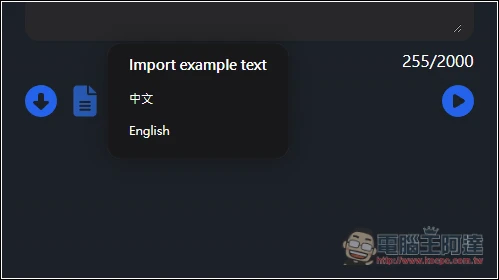
If you want to try it first, the website also provides sample text, including Simplified Chinese and English.
After clicking the link above to access Azure TTS Web, select the language you want at the very top. It supports numerous countries, and each language may also be divided into different accents:
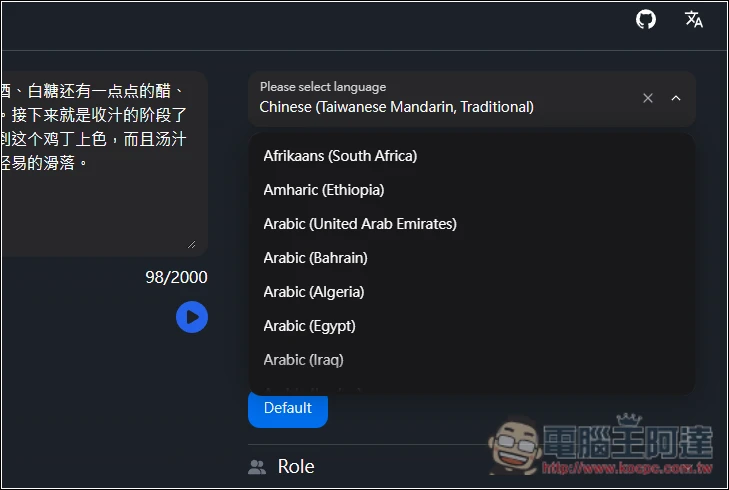
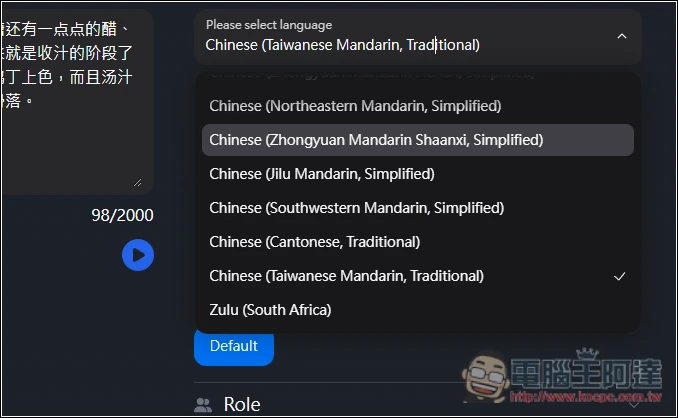
Traditional Chinese is only used in Taiwan and Cantonese, while Simplified Chinese is used in many more places:
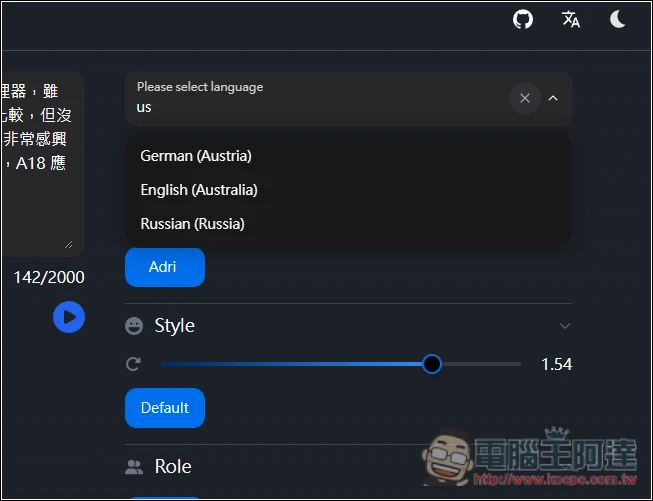
If you think there are too many options to look through, you can also enter keywords to search, which will make it easier.
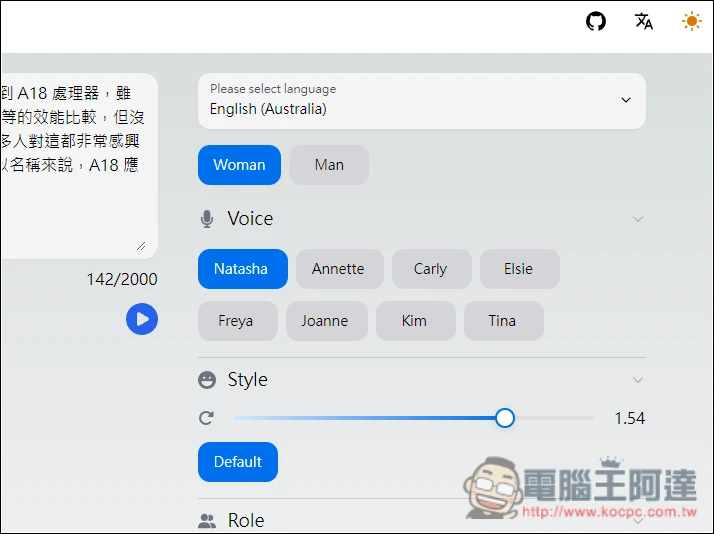
Next, enter the text you want to convert to speech on the left, and the character count will update in real time below, with a maximum of 2,000 per session. On the right are voice settings, such as female, male, style, role, etc. Taiwan has only one male voice and one female voice. I set the style to 1.54, the speech rate to -29%, and the pitch to +30%, and the resulting voice sounds completely different from the default.
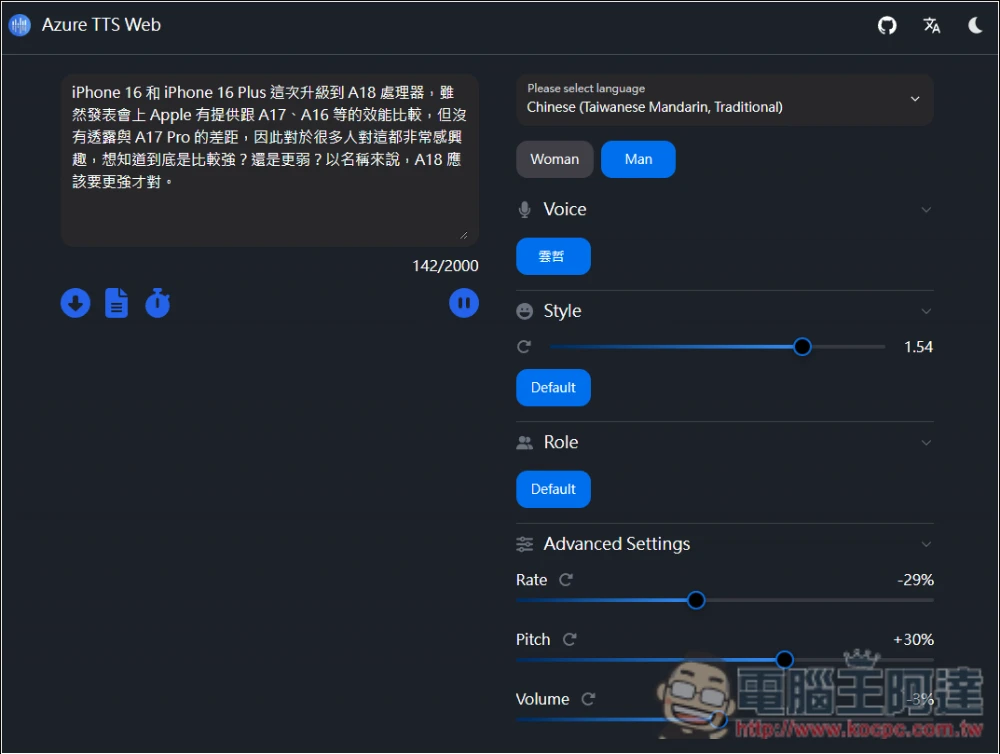
I checked several languages for the role function, and it seems there is only the Default preset.
If it’s English, there are tons of voices; even in Australian English, women have 8 different voices.
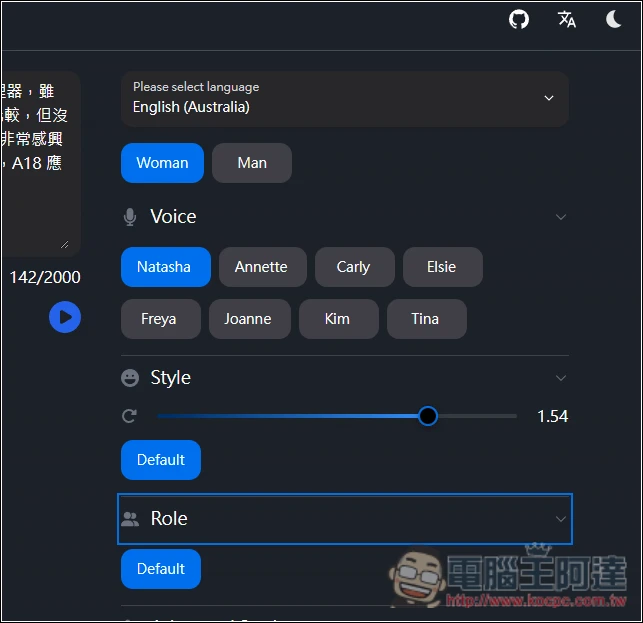
If you’re satisfied with the converted speech, click the download button in the lower-left corner to download the .MP3 file. The clock icon on the right represents the pause duration, with six options: 200ms, 300ms, 500ms, 1000ms, 2000ms, and 5000ms.
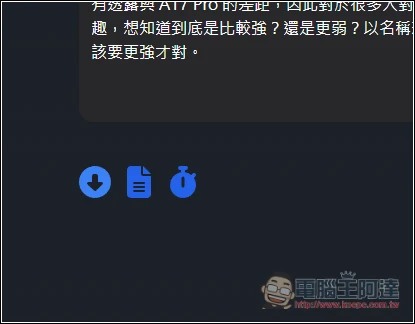
The paper icon in the middle is example text, with Chinese and English:
There’s also a light mode. If you don’t like dark mode, click the icon in the top-right corner to switch.
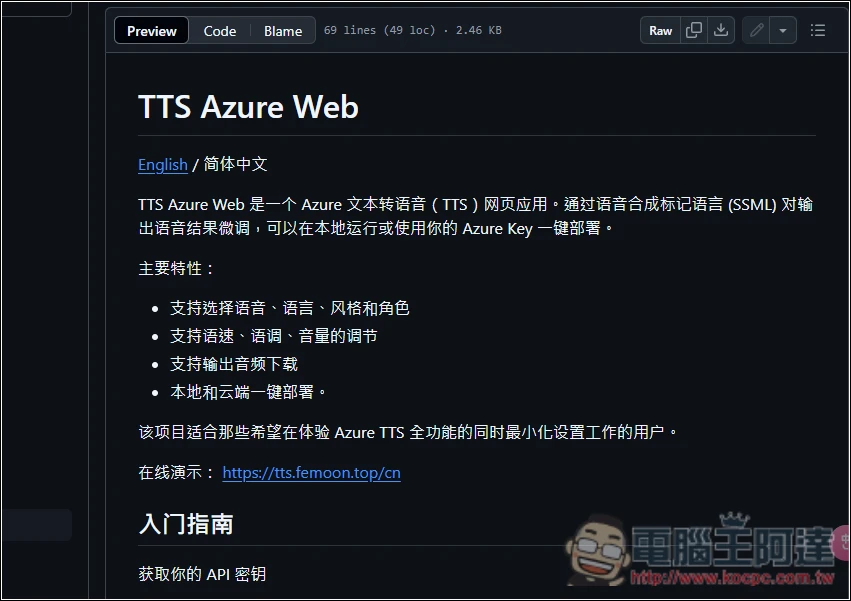
This tool is also open source. In addition to using the online version, you can also deploy it locally. Those interested can read the detailed steps in the GitHub open source project:
When doing text-to-speech, I highly recommend trying out multiple websites. First, listen to the voice samples each site offers and see if any of them satisfy you. If there are, then go with that one.
Source: KOCPC Chinese