


As AI image generation becomes increasingly powerful, you might often wonder what descriptions could be used to generate similar images when you see them. For those looking to strengthen their prompts for AI image generation, they would definitely want to build their own prompt database, so they can find suitable descriptions more quickly in the future.
This post introduces a handy tool called “AI Describe Pictures” that lets you quickly get detailed descriptions of any image—from detailed and concise down to people descriptions. You can even specify what points you want it to cover, and it’s completely free to use.
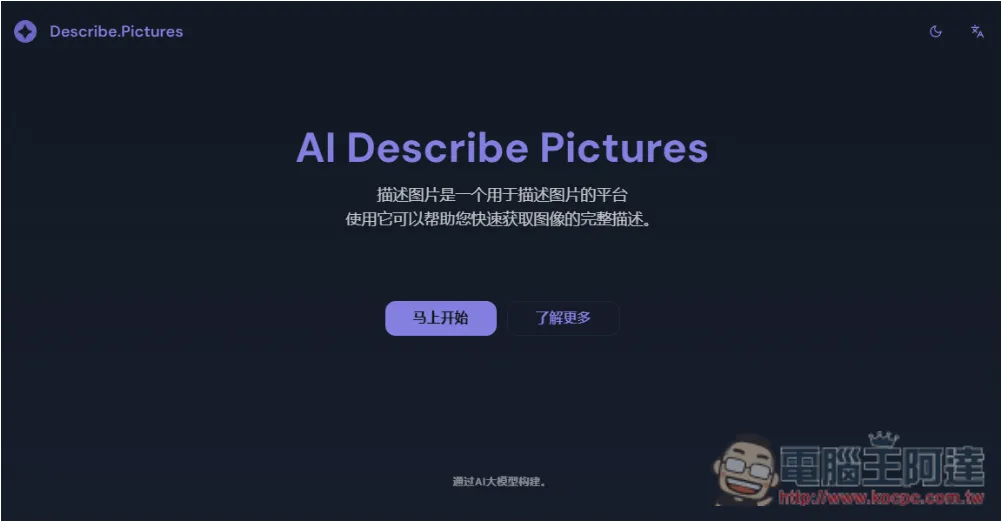
“AI Describe Pictures” – get the Prompt description of an image with one click, allowing you to generate similar AI images.
AI Describe Pictures offers English and Simplified Chinese interfaces, along with dark and light modes, which can be switched from the top right corner.
The usage is simple: after entering the website, upload the image you want to get a prompt description for, then choose from the three description options on the right. You can also manually write your requirements. Finally, click “Start Describing” and you’ll get the result within a few seconds.
However, I used the description it gave without any modification and directly fed it into DALL-E, and there was still a noticeable gap from the original image. That said, it can indeed generate images with a similar style. So if you want to generate an AI image that closely resembles the original, you still need to modify it yourself; this can only give you a basic prompt.
Click the link above to go to the AI Describe Pictures website, then scroll down to see this interface. Upload the image you want described on the left side, and choose the description mode on the right. There are three default options: “AI Detailed Image Description,” “AI Brief Image Description,” and “AI Describe People.” If it’s a portrait, remember to select AI Describe People, as it will focus more on the person.
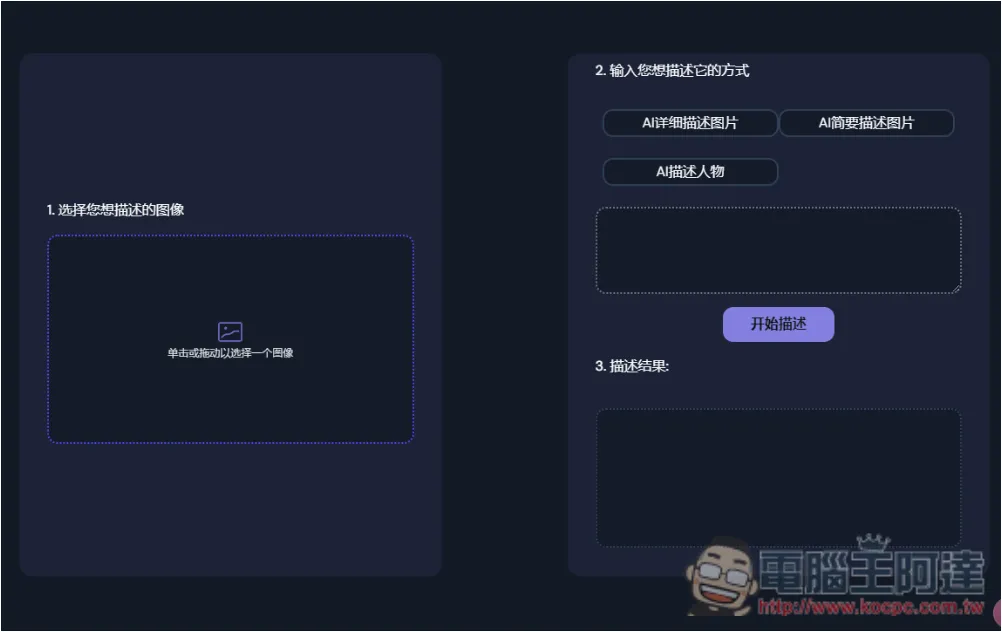
Like this, after pressing Start Description, you’ll get the result:
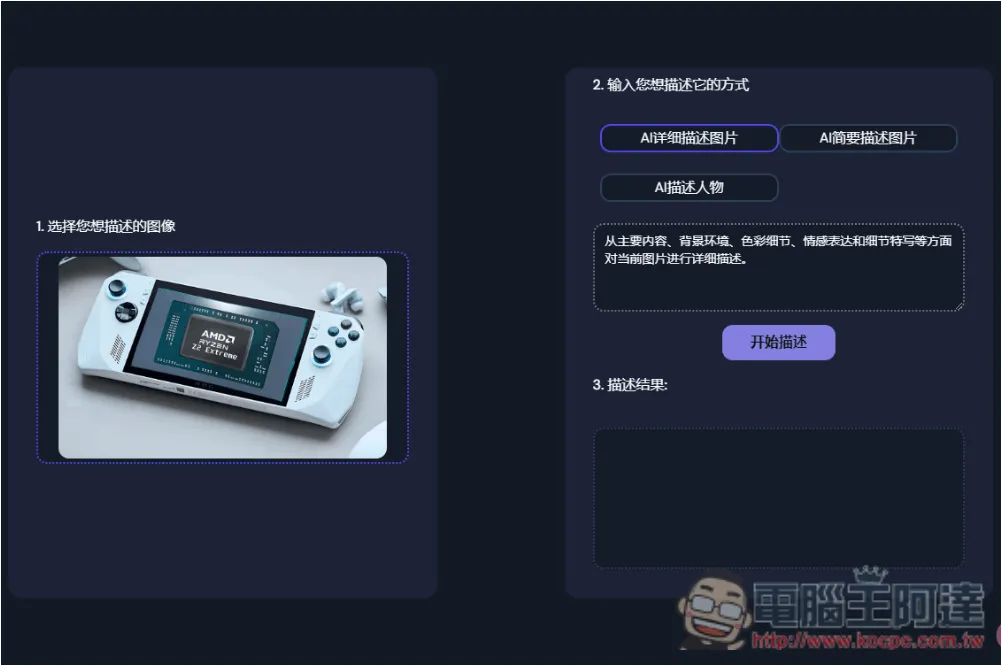
However, because the default description is in Simplified Chinese, the results obtained are also in Simplified Chinese:
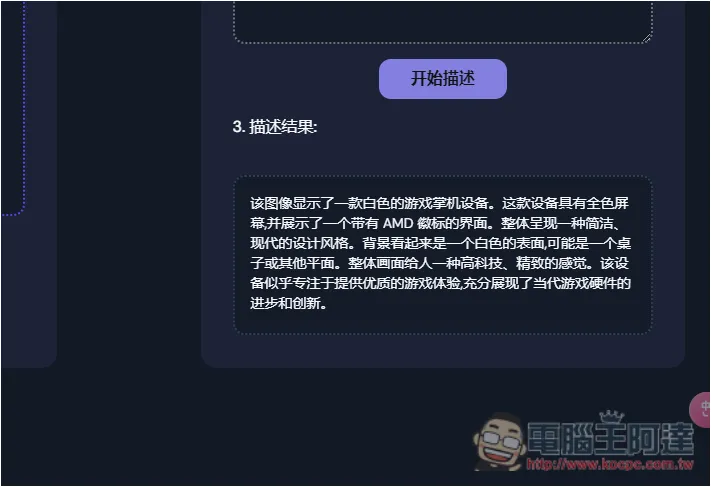
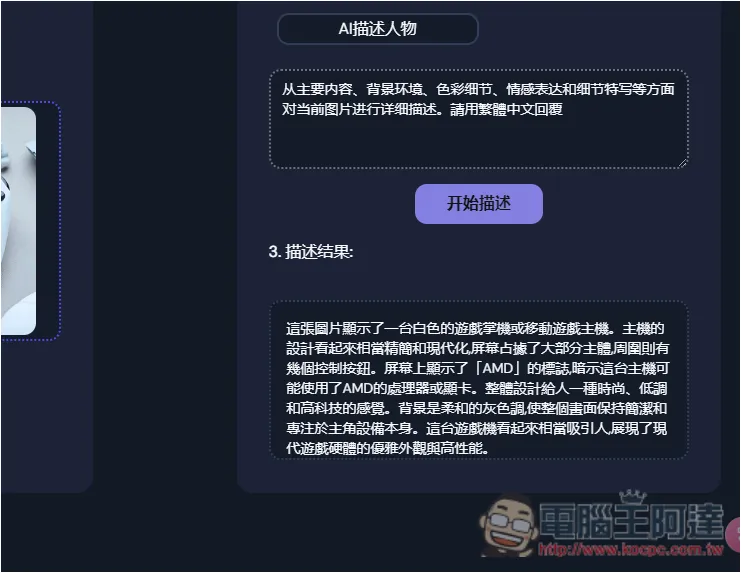
If you want Traditional Chinese, remember to add “請用繁體中文回答” at the end, and you’ll get a Traditional Chinese description, as shown in the image below. And here’s what I got:
This image shows a white gaming handheld or portable gaming console. The device has a fairly minimalist and modern design, with the screen taking up most of the front and several control buttons around it. The AMD logo is displayed on the screen, suggesting that the console may use an AMD processor or graphics card. The overall design gives a stylish, understated, and high-tech feel. The background is a soft gray tone that keeps the image clean and focused on the device itself. This gaming console looks quite appealing, showcasing the elegant appearance and high performance of modern gaming hardware.
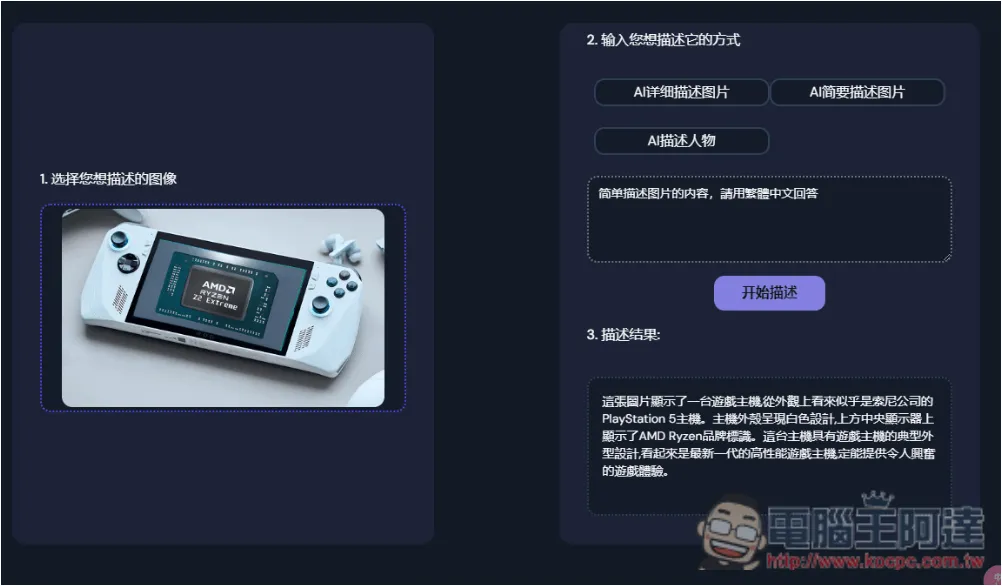
If you use AI to briefly describe the image, the content you get will be shorter:
This image shows a gaming console that appears to be Sony’s PlayStation 5 based on its appearance. The console has a white design, and the display at the top center shows the AMD Ryzen brand logo. This console features the typical design of a gaming console and looks like the latest generation of high-performance gaming hardware, sure to provide an exciting gaming experience.
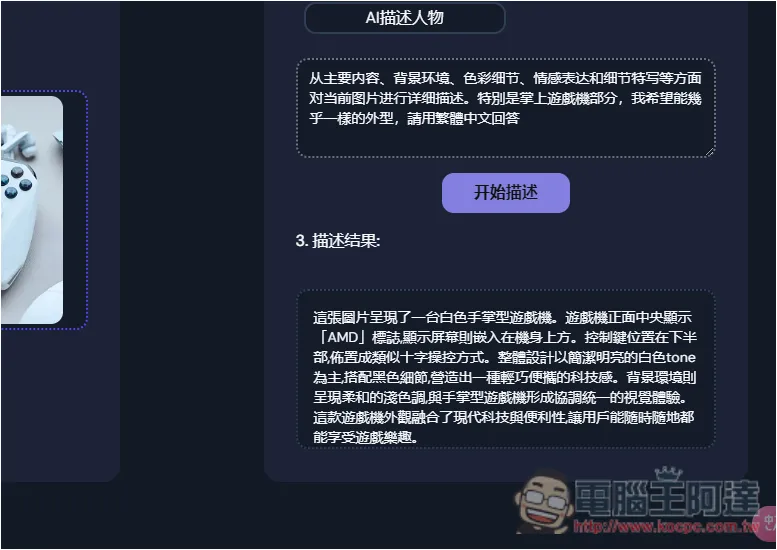
Additionally, you can also supplement the parts you want to strengthen. For example, if I add “especially handheld game consoles”, the resulting description will include more about handheld game consoles:
This image shows a white handheld gaming console. The center of the console’s front displays the “AMD” logo, with the screen embedded in the upper part of the device. The control buttons are located in the lower half, arranged in a D-pad style layout. The overall design features a clean, bright white tone with black accents, creating a lightweight and portable tech aesthetic. The background environment has a soft, light color tone that forms a cohesive and unified visual experience with the handheld console. This gaming device combines modern technology with convenience, allowing users to enjoy gaming anytime, anywhere.
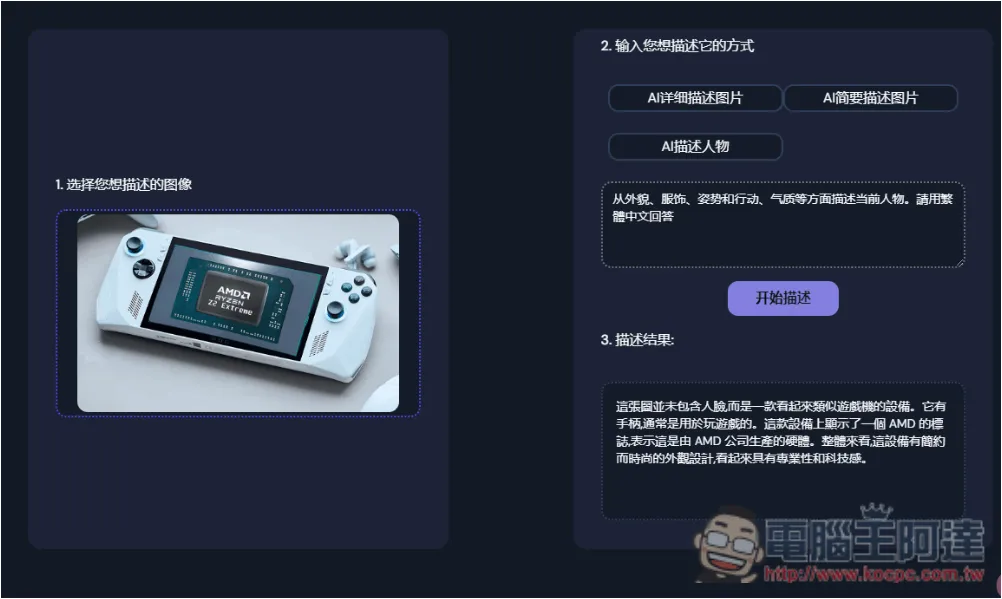
I also tested face recognition, and it clearly replied that this image has no face:
This image does not include a human face; it shows a device resembling a gaming console. It has controllers and is typically used for playing games. The device features an AMD logo, indicating that it is hardware produced by AMD. Overall, the device has a minimalist, stylish design that looks professional and tech-forward.
With these basic descriptions, you don’t need to start from scratch—just add details, and you can get an AI image that better matches your requirements.
Source: KOCPC Chinese