


Recently, due to work needs, I have to back up a lot of pictures from web pages, and downloading them one by one manually is very tiring and a waste of time, so I found this very useful free online tool called Image Extractor. After pasting the URL, all the pictures on the web page will be listed. In addition to being able to download all of them with one click, it also provides a designated download function, which allows you to download only the pictures I checked. It is highly recommended for people who need to download multiple or all pictures on the web page.
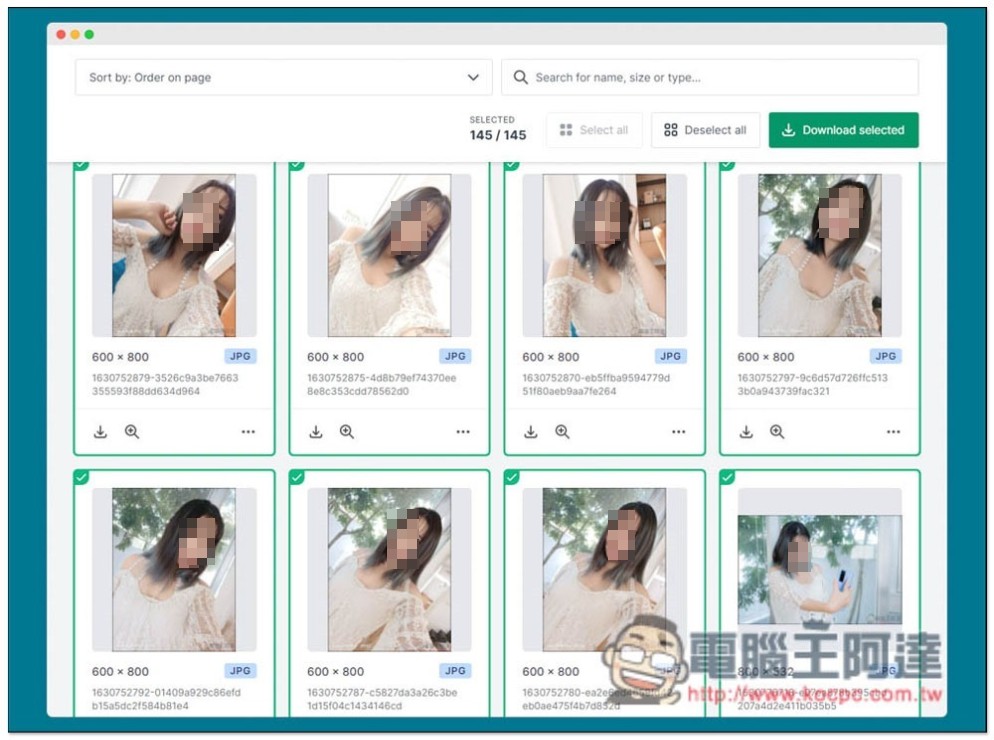
Image Extractor is a free online tool that easily downloads all images from web pages with one click.
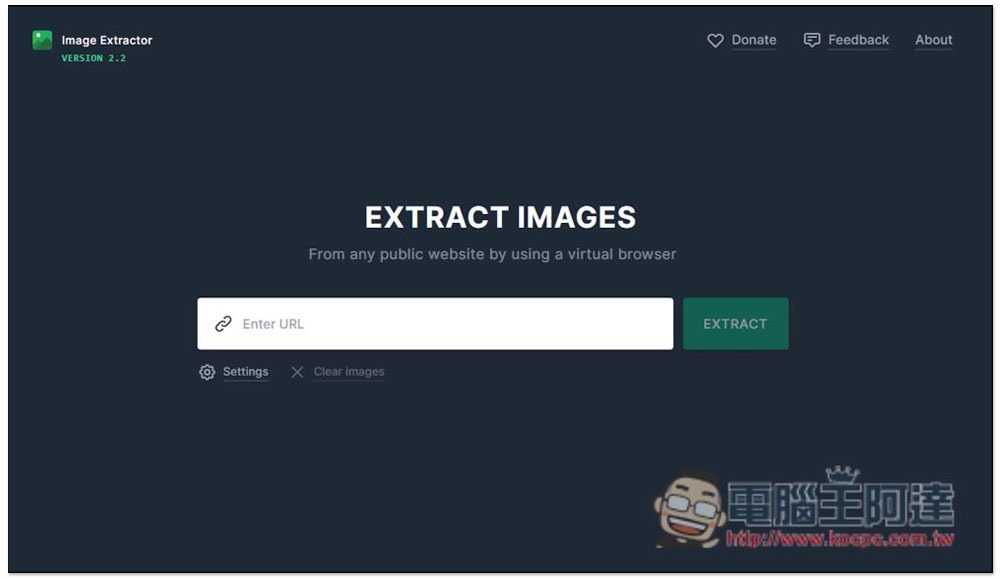
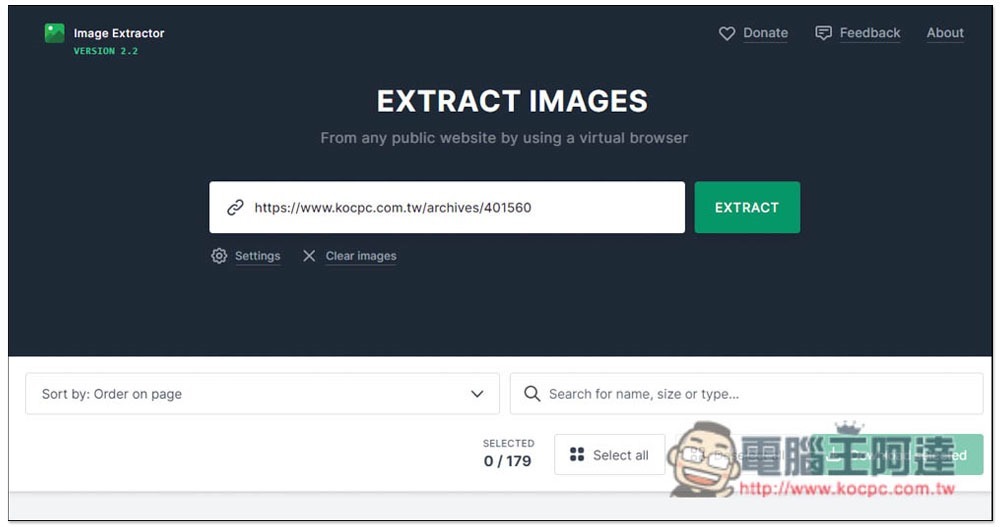
Once on the Image Extractor website, paste the URL of the image you want to download into the search field and press EXTRAC. In addition, I have also tested and found that this tool currently does not support Instagram and can only download images from general web pages:
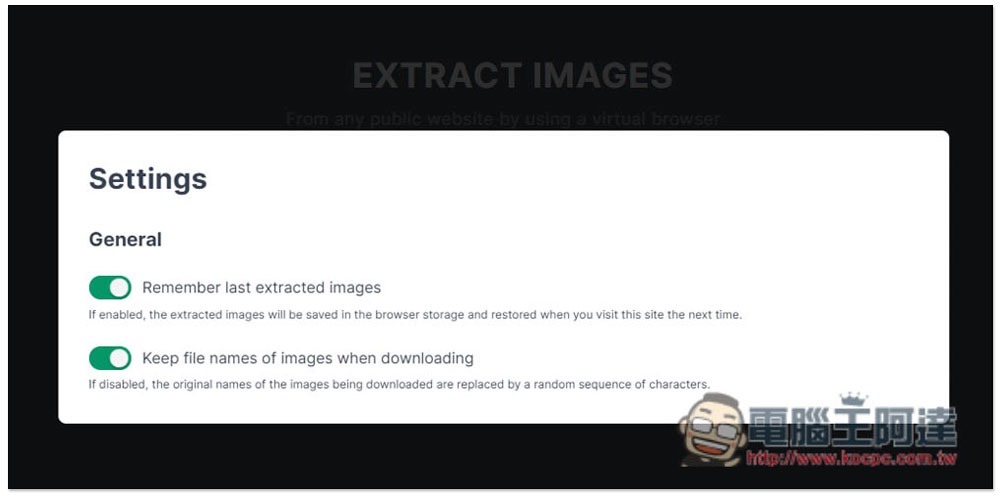
In the settings, you can adjust “Whether to remember the currently acquired image” and “Keep the file name when downloading”. The default is to turn it on. If you don’t want it, you can turn it off:
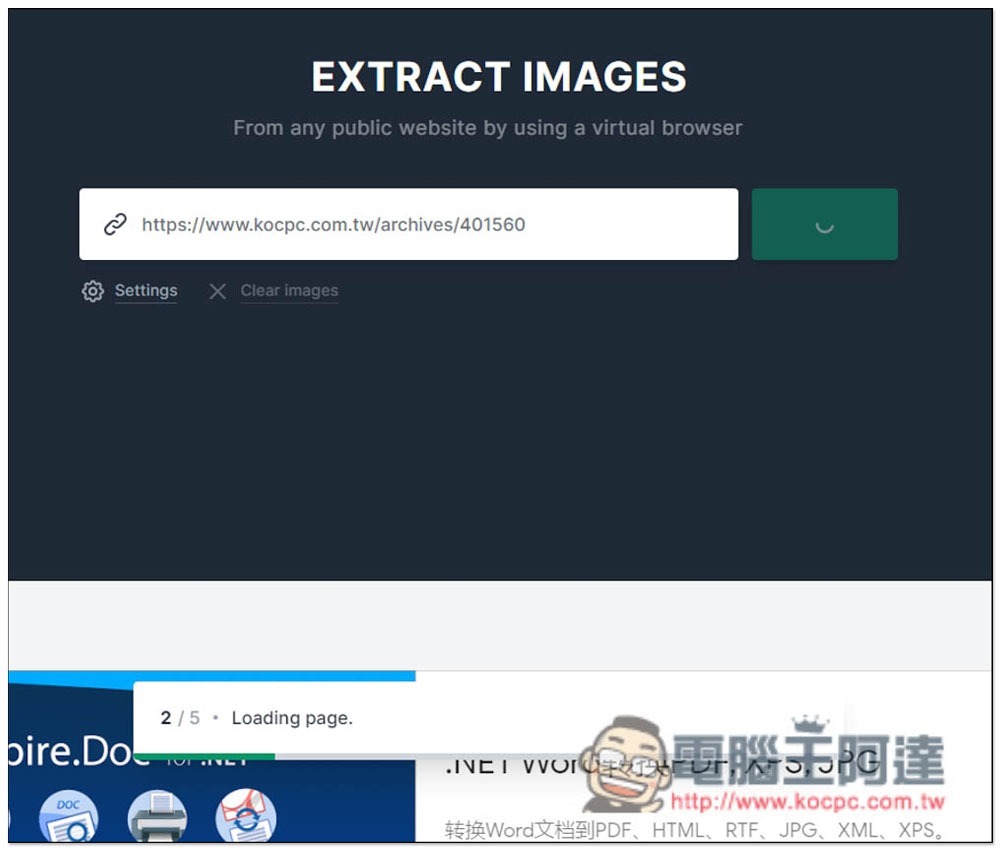
Then wait for a few seconds (about 10 seconds). The processing status will be displayed below. If there are too many pictures on the web page, it will take a long time:
After reading, all pictures will be listed below. No pictures will be selected at the beginning. If you want to download directly with one click, click “Select all” and then click “Download selected” on the right. Packing will take a while, depending on how many pictures there are on the webpage:
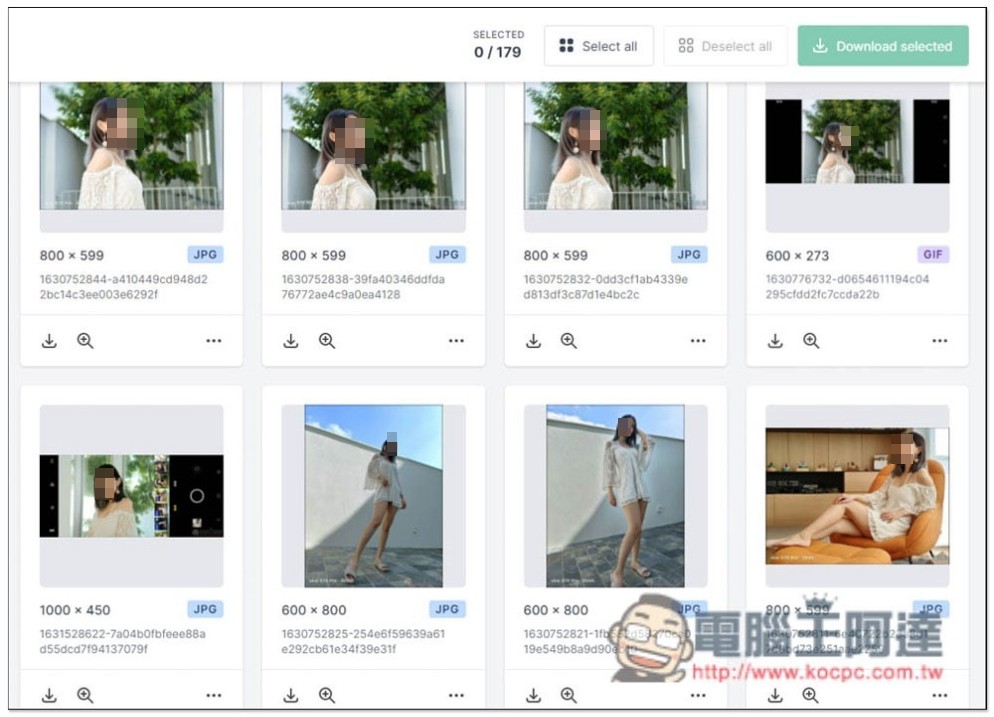
Scroll down to browse all pictures. The size and format will be told to you:
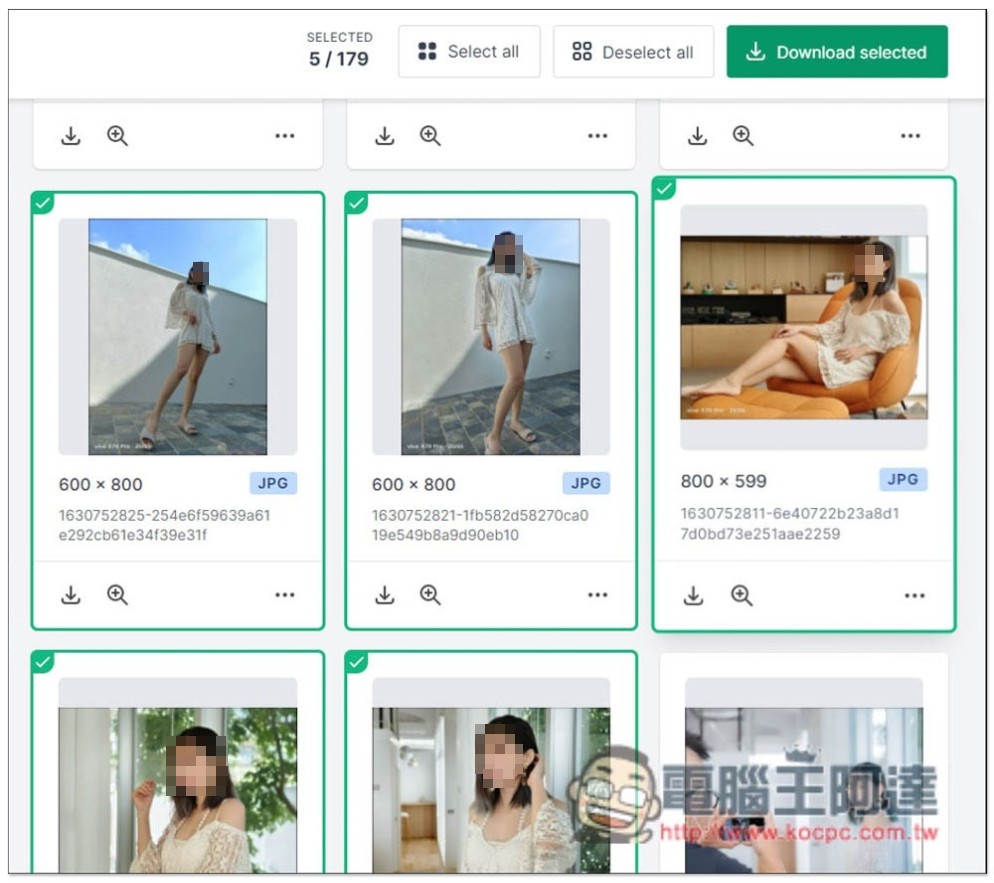
Click to specify the picture you want to download (there will be a check mark in the upper left corner), and press Download selected after selecting:
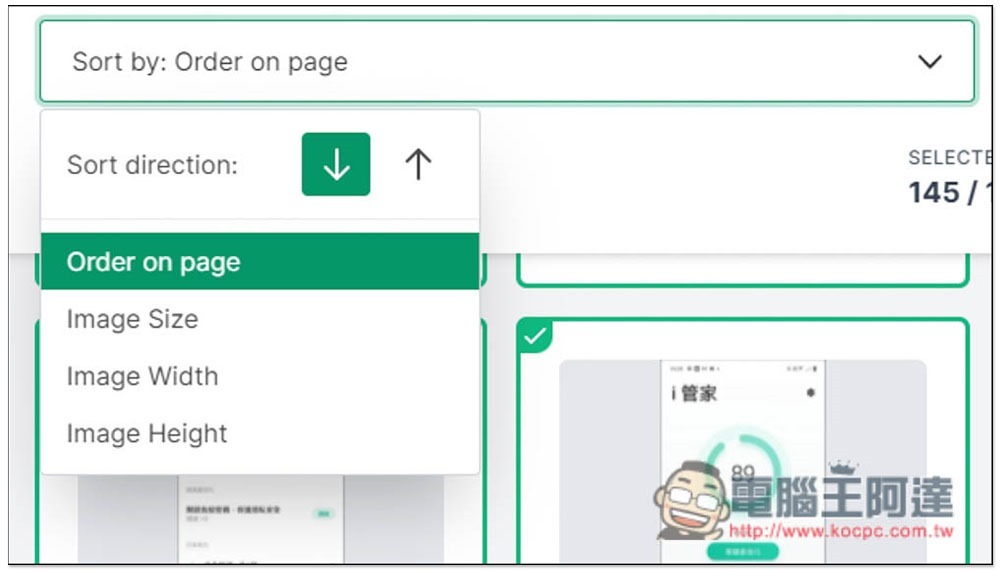
There is also a filter function at the top of the webpage, where you can choose the arrangement method (image size, width, height, etc.), and there is also a keyword search on the right:
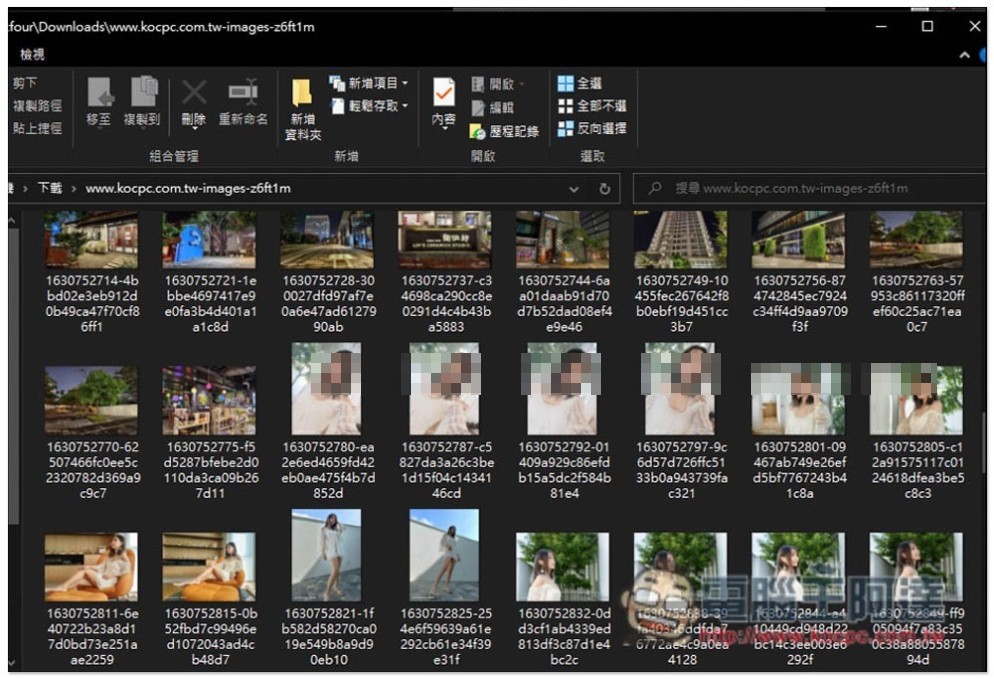
After downloading, the images will be the largest size on the web page, and there will be no small files:
People who often download pictures from the Internet can save this tool so that they don’t have to manually operate them one by one in the future, saving effort and time.
Source: KOCPC Chinese