


Whether students or office workers, PDF is a commonly used file format. However, most useful PDF editing software requires payment and is expensive. Adobe Acrobat Pro is very expensive. The good news is that recently, on a well-known foreign limited-free software website, there is a very high-rated Perfect PDF 10 Premium, which is offering a limited-free promotion, and it comes with a lifetime license. The original price is US$39.99. Friends who lack PDF editing software on their computers highly recommend it. This product is really useful.
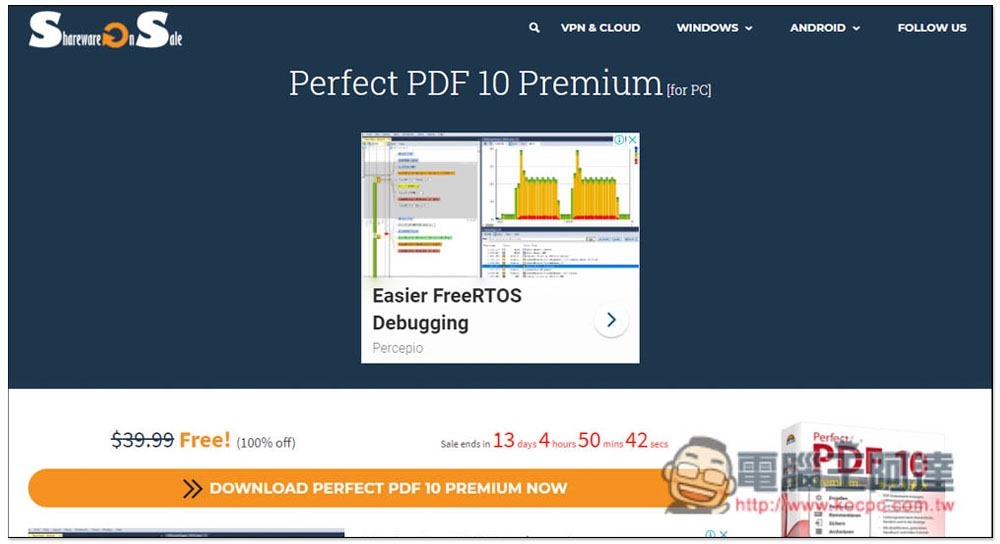
Perfect PDF 10 Premium limited free event introduction
The well-known foreign Sharewareonsale limited-free website has recently launched a limited-free promotion of Perfect PDF 10 Premium. When writing this article, there are still about 13 days left. Click “DOWNLOAD PERFECT PDF 10 PREMIUM NOW”:
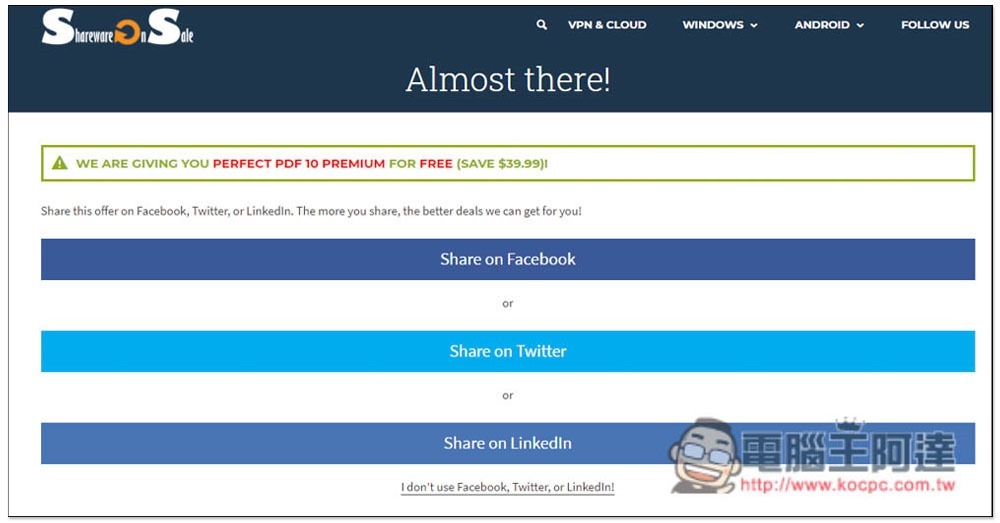
This step will ask you to share the event page to FB, Twitter or Linkedln. People who don’t want to share can also click I don’t use… below:
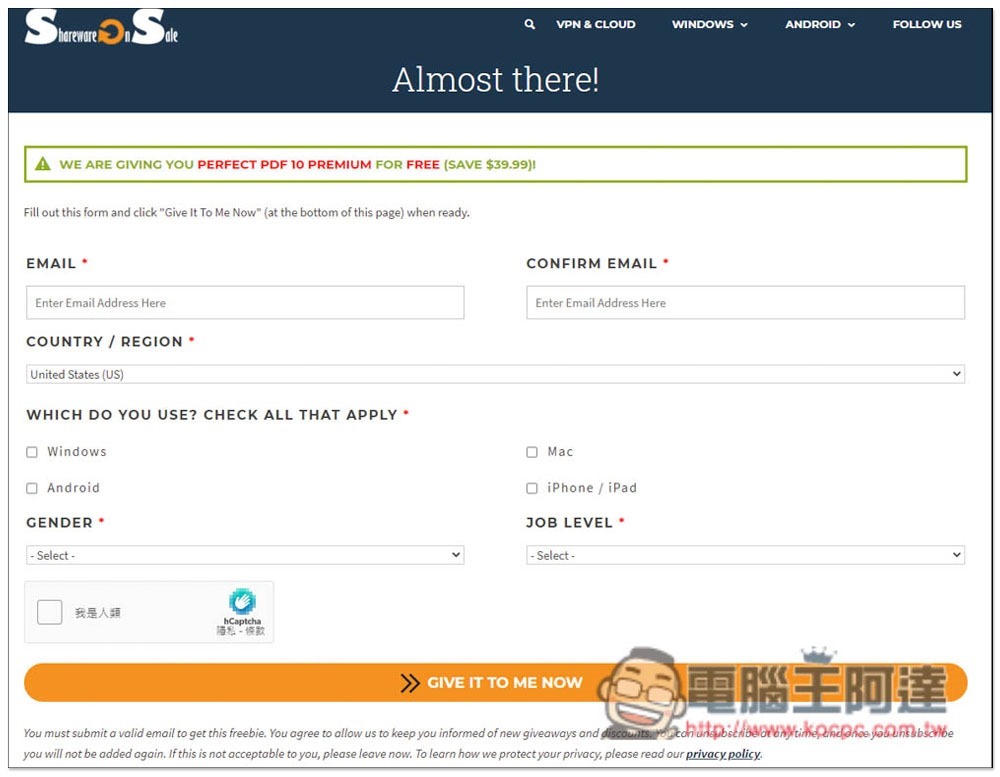
It will change to fill in EMAIL and basic information. After filling in, press GIVE IT TO ME NOW:
The next page will display the product key and installation point:

However, the downloaded software is Sharewareonsale’s Hub tool, and you also need to use this tool to download the installation file of Perfect PDF 10 Premium:
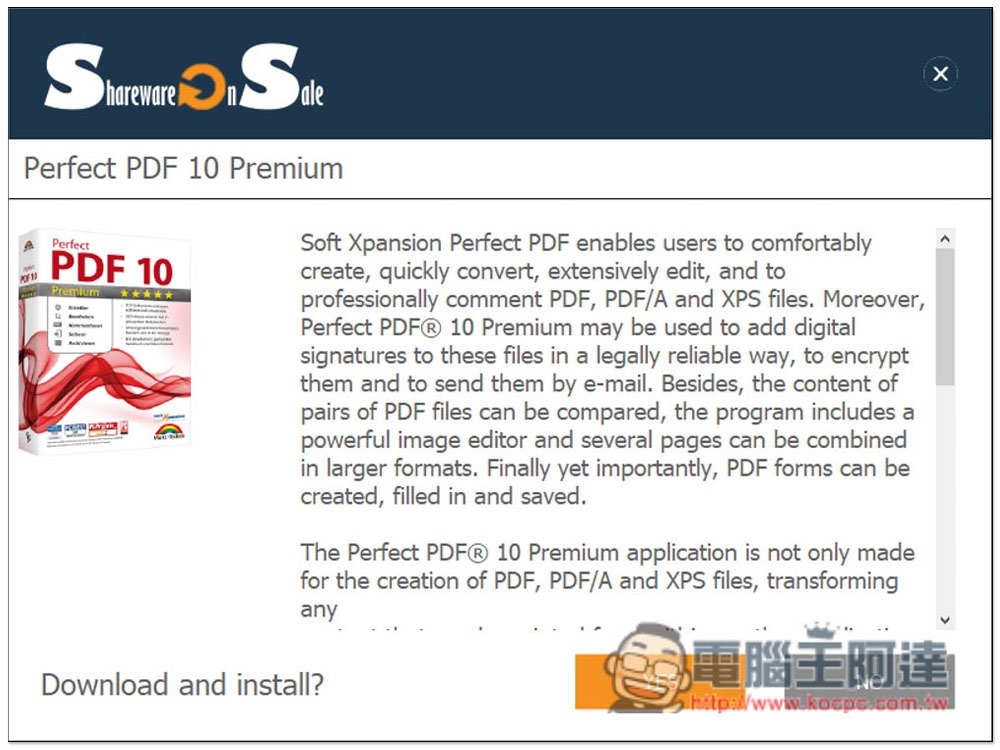
This step will ask you if you want to install Sharewareonsale’s daily limited free notifier. If you don’t want it, please press No:
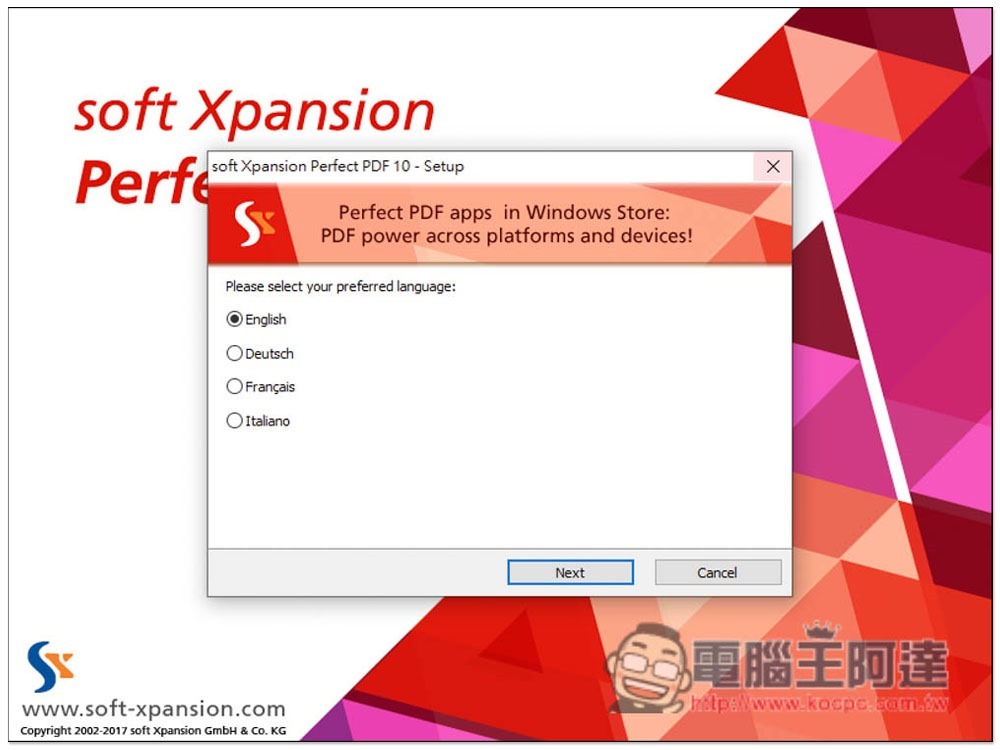
This PDF editing software currently does not have a Chinese interface, but I think the operation is quite simple. People who don’t understand don’t have to worry too much:
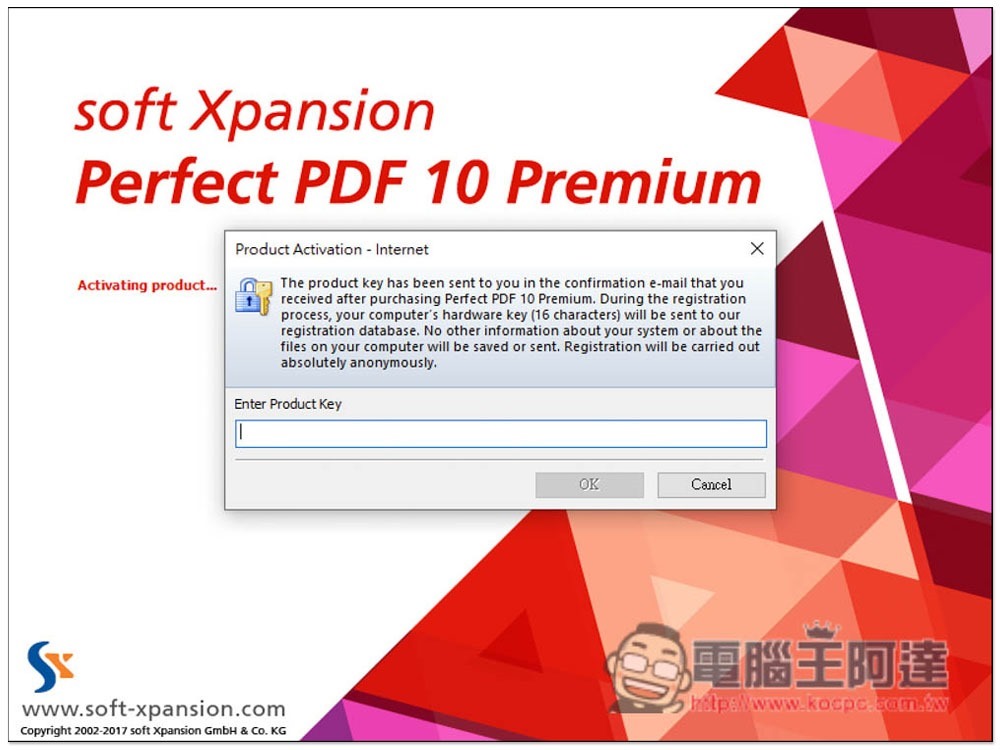
After installation, you will be asked if you want to enable the software. Select the first “Internet” network to enable:
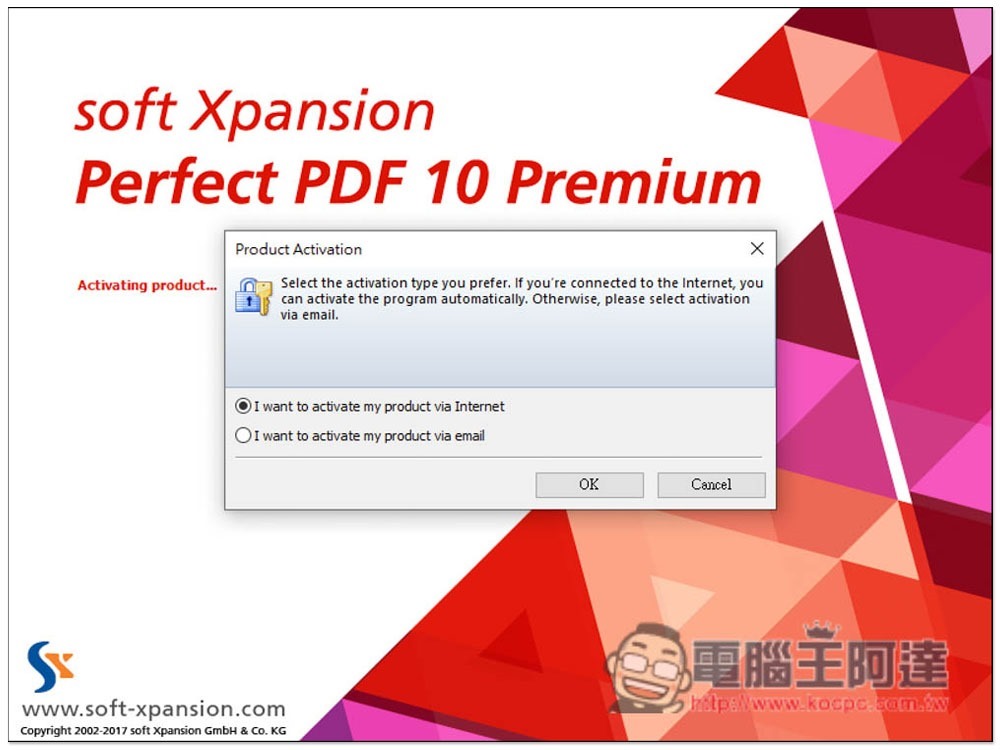
Fill in the serial number you just obtained:
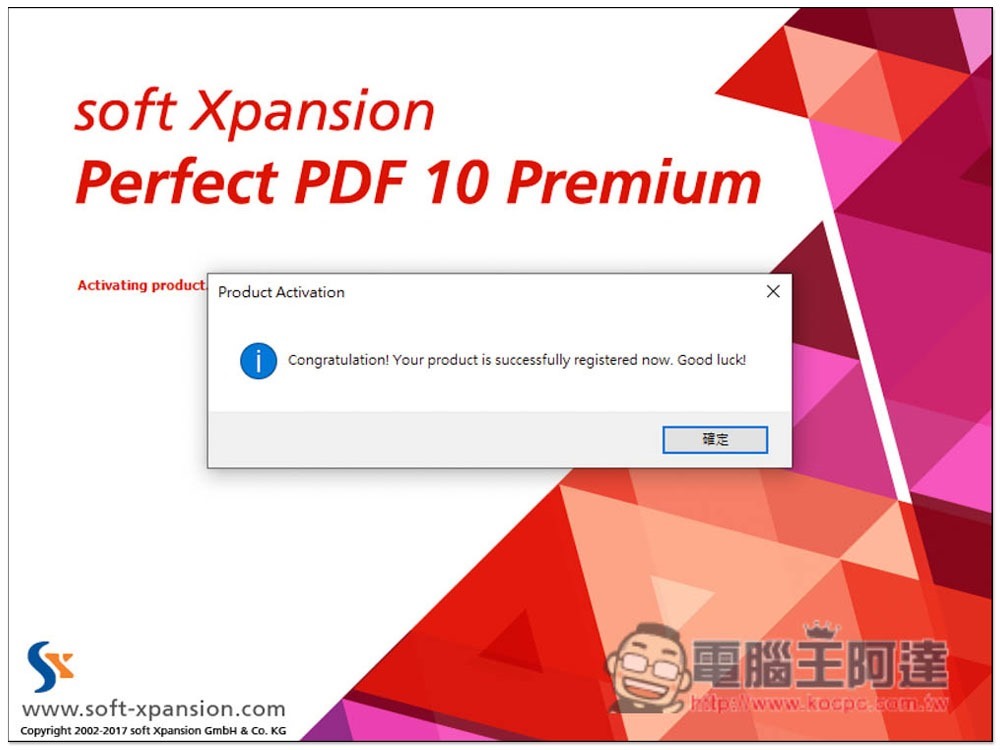
This enabled it successfully. Another thing to note is that if a new version of this software is released in the future, remember not to update it. After the update, activation will become invalid:
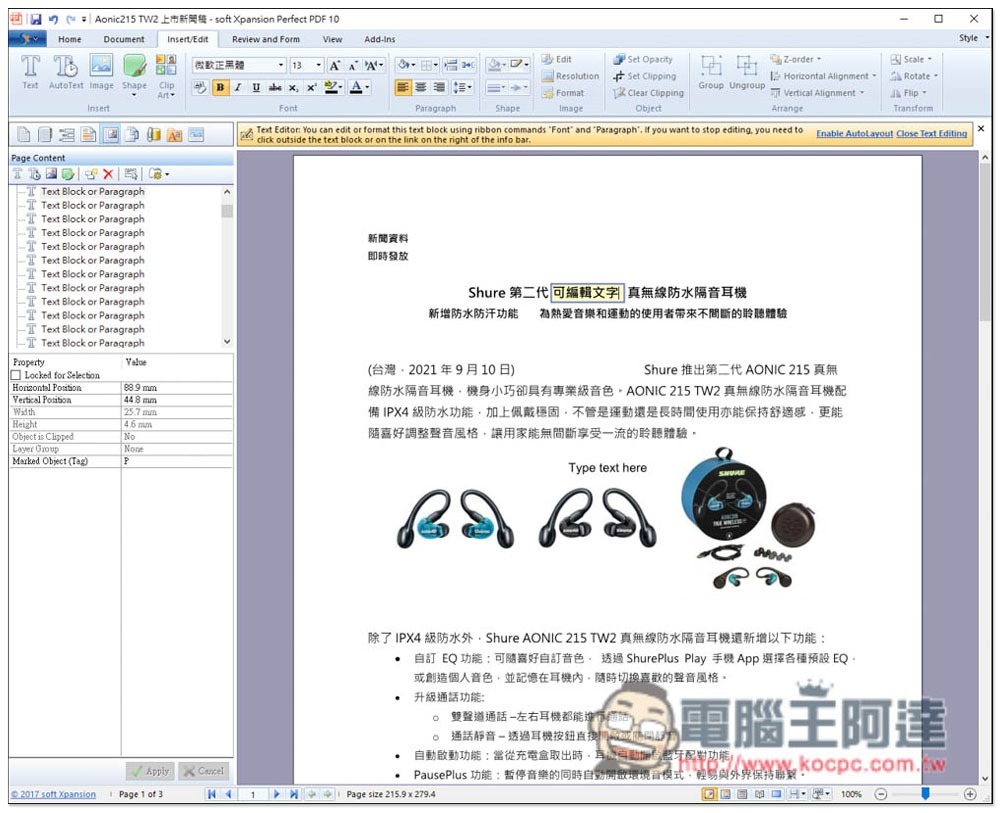
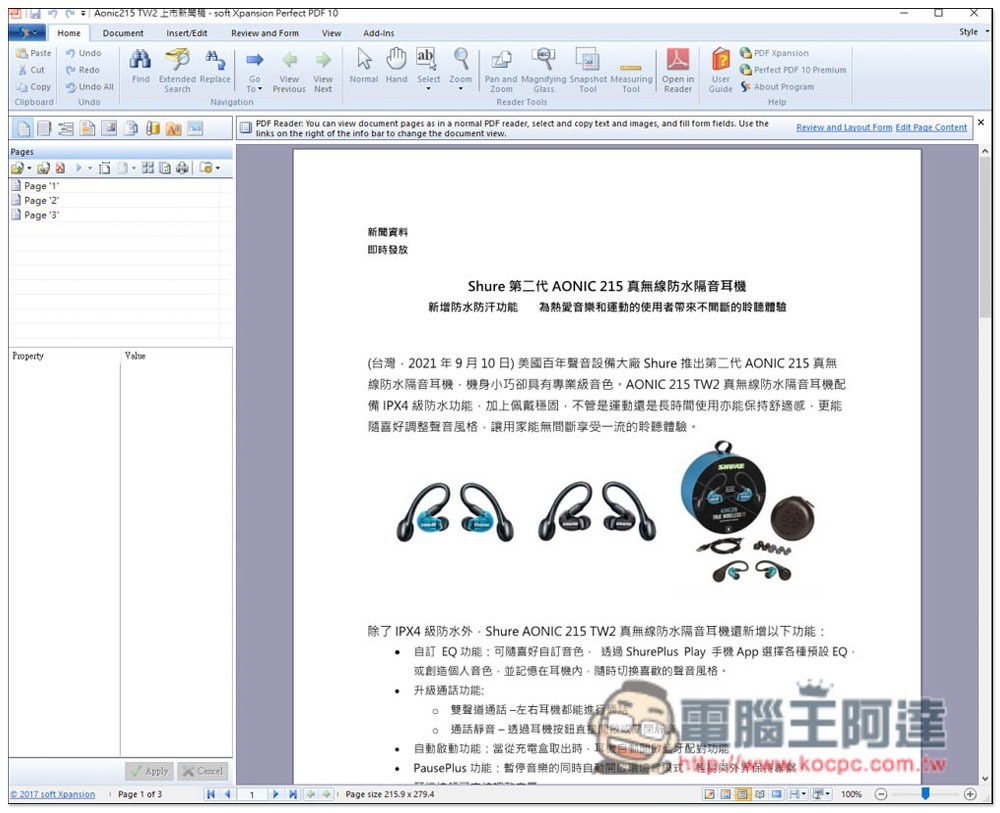
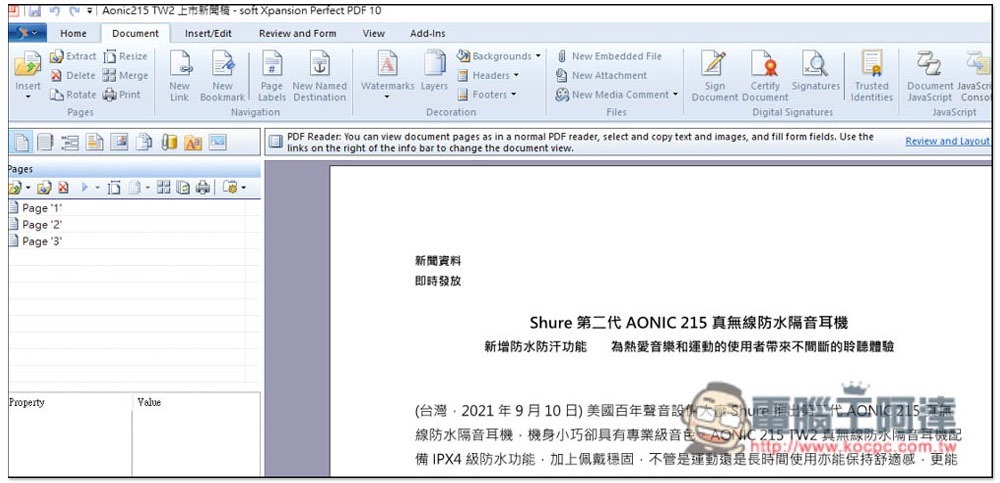
The operating interface is similar to that of most document software. The toolbar is at the top and the number of PDF pages is displayed on the left:
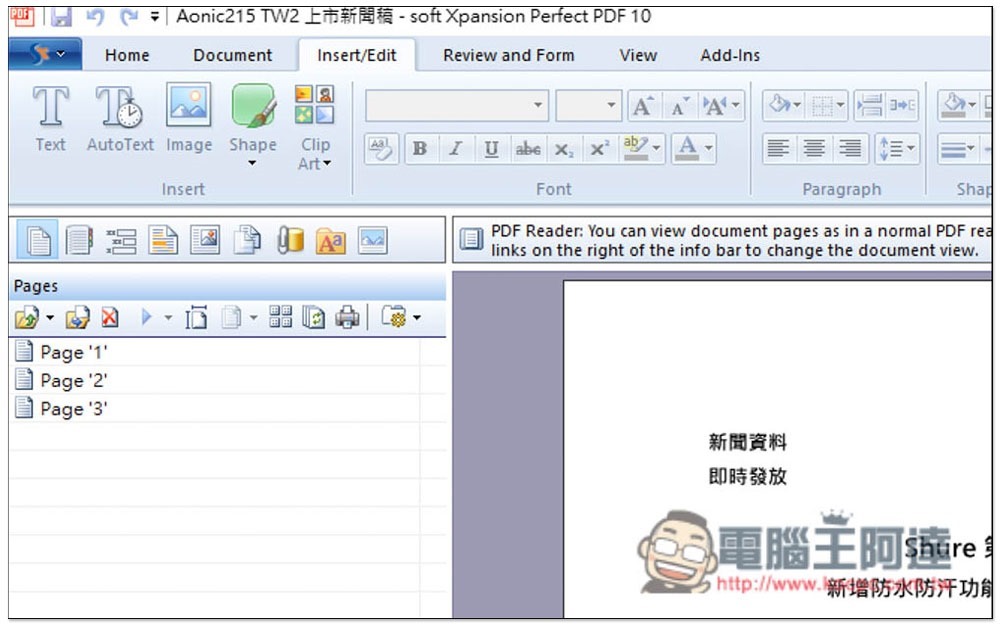
The editing function is located in the Insert / Edit menu, and you can add text, pictures, shapes, etc.:
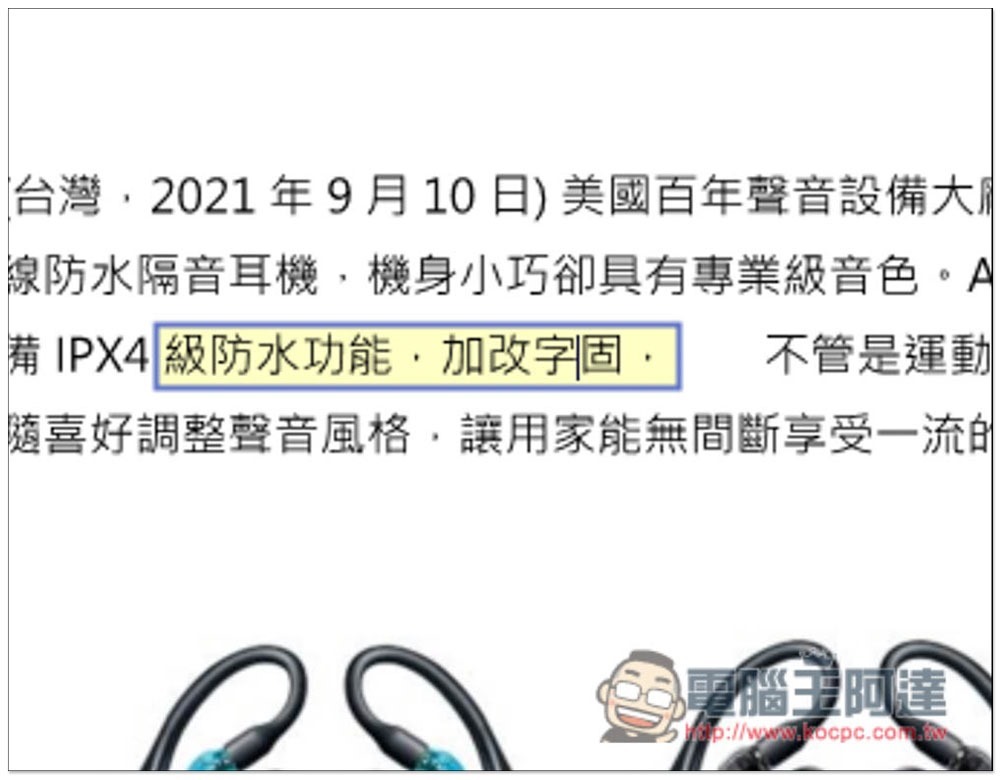
Click on text in the PDF to edit it:
It also provides signatures, adding watermarks, etc. This set of functions is very rich, and the rest is left to the readers to play by themselves:
Source: KOCPC Chinese