


For those who want to learn Japanese, the first thing to do is to learn the Japanese syllables well. It is best if you can also understand the voiced sounds. After you have a certain foundation, of course you will enter the stage of learning Japanese words. We have already introduced a lot of learning of the Japanese syllables. App, this article is going to recommend a pretty good “Japanese memorizing tool”. It provides a variety of learning modes, including pure words, and advanced modes that add grammar and listening exercises. The best part is that the words have special marks where the stress is, allowing you to quickly learn how to speak the Japanese word correctly. Available on iOS and Android.
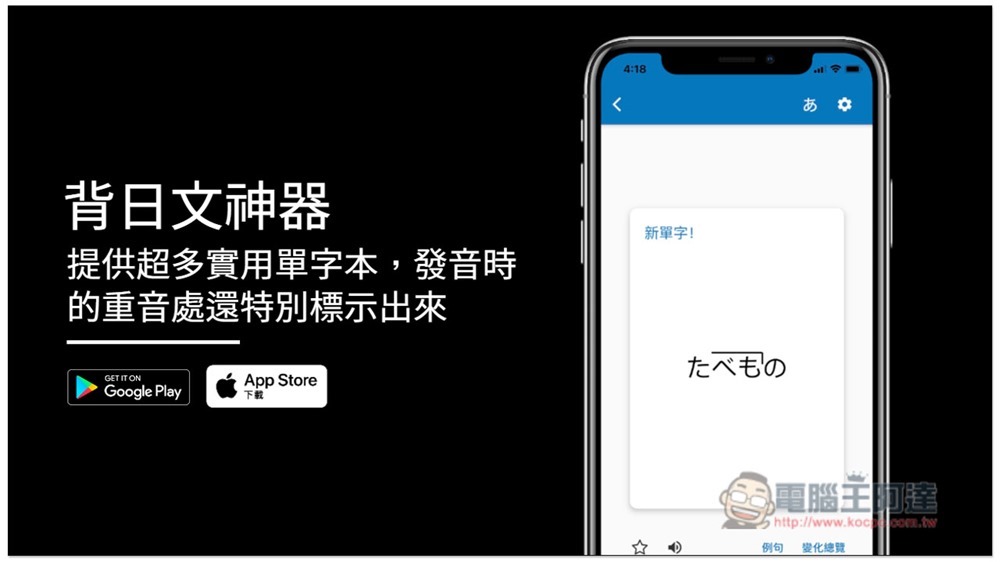
Introduction to the Japanese memorizing tool app
Download link
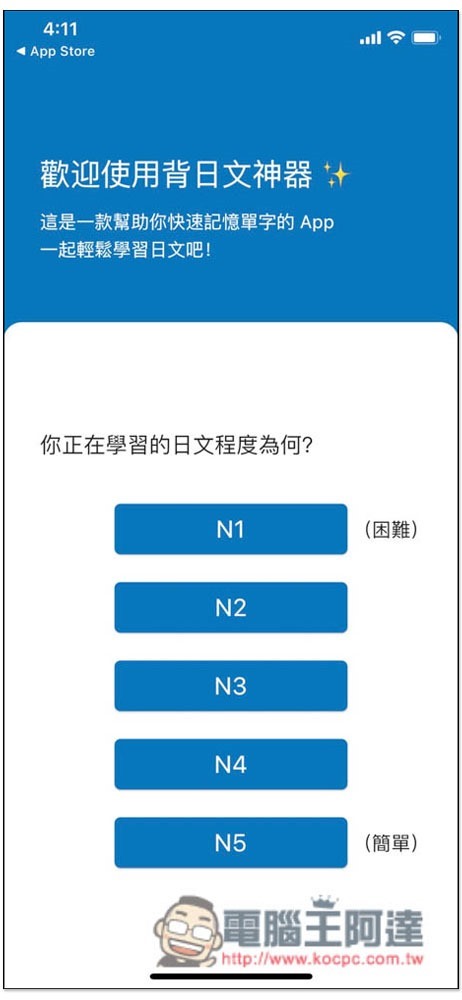
When you open the Memorize Japanese app for the first time, you will be asked to choose your Japanese level, from the easiest N5 to the most difficult N1, which will affect the Japanese words you learn in the future:
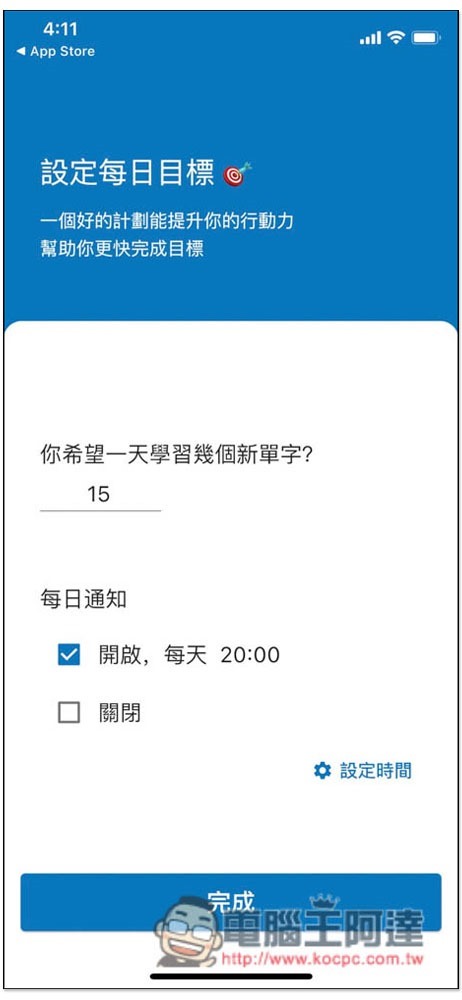
Set daily goals, such as: How many Japanese words do you want to learn every day? Do you need push reminders:
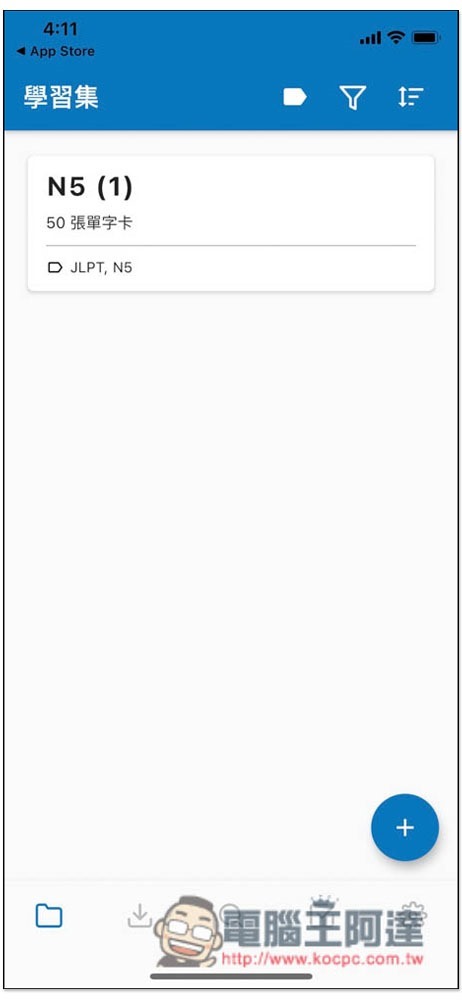
Then you can start reading Japanese words. I take the Japanese words of N5 as an example:
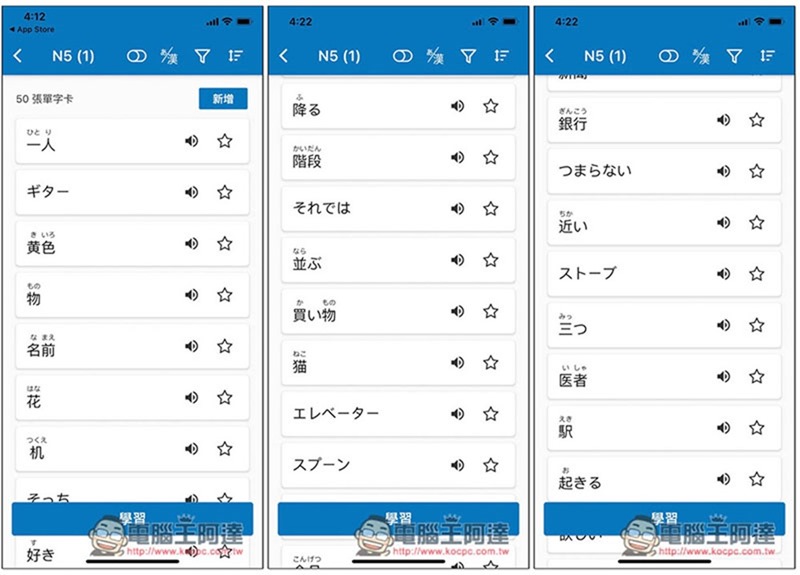
After entering, you can view all the Japanese words you are about to learn. By default, the Chinese translation is not displayed, only kanji and flat/katakana:
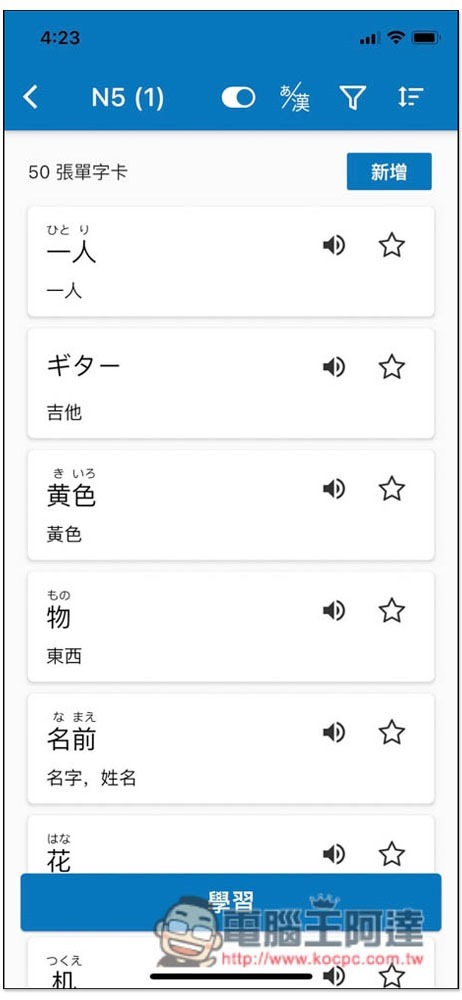
Click the switch above to display the Chinese translation. If you want to start learning (memorizing) Japanese words, just click “Learn” below:
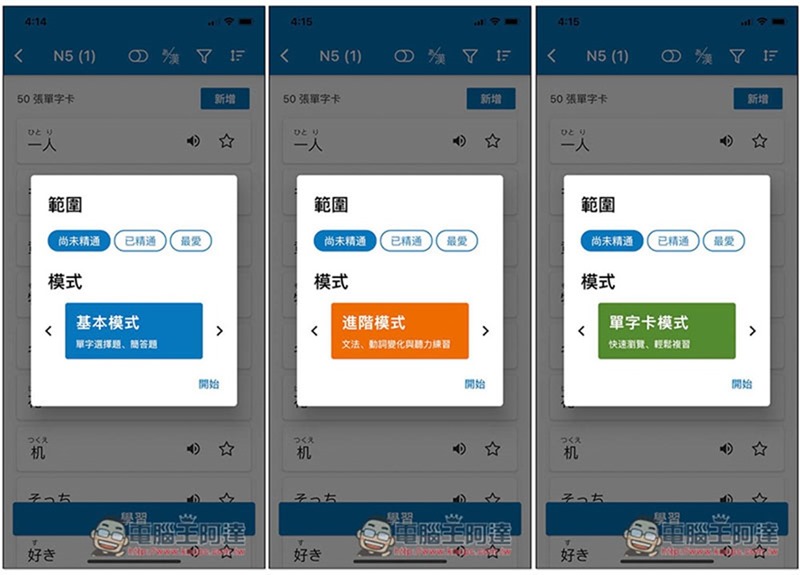
There are three modes, “Basic mode (single-choice questions, short-answer questions) can be used in the free version”, “Advanced mode (grammar, verb conjugation and listening exercises) can also be used in the free version, but there are daily limits”, “Word card mode (quick browsing, easy review) can only be used in the paid version”:
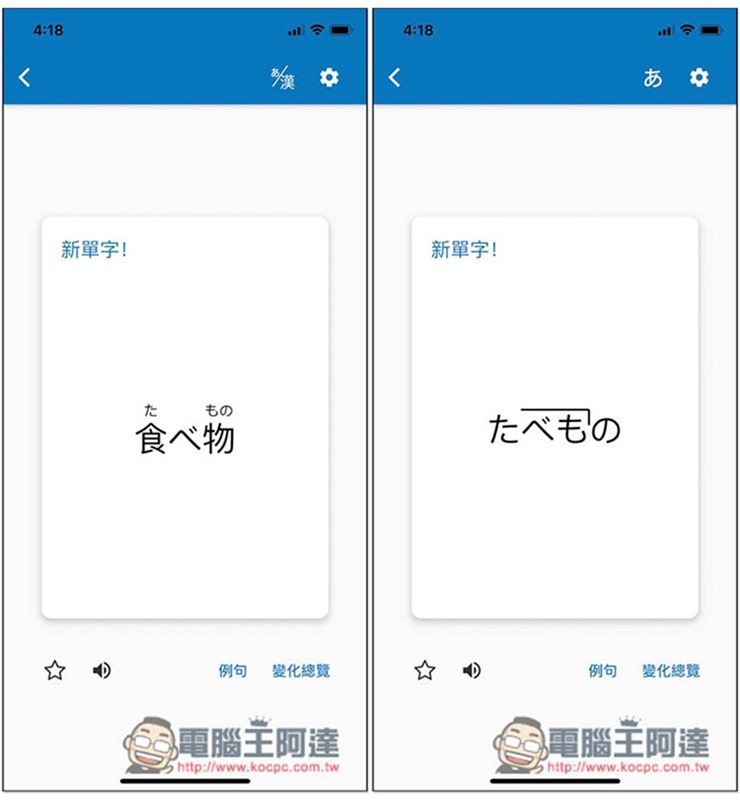
Each Japanese word will be automatically pronounced first. If you are not sure yet, there is also a pronunciation button on the lower left. If the single character part is a Chinese character, the flat/katakana will be marked above to let you know how to pronounce it:
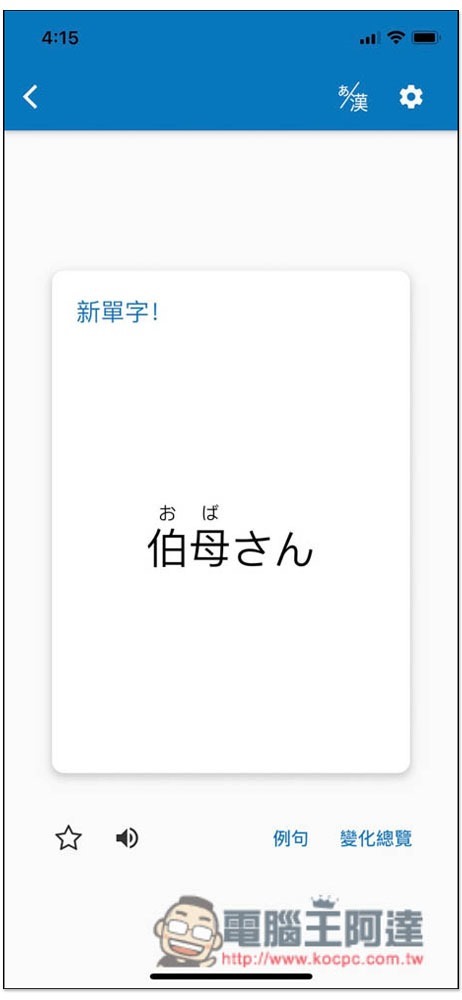
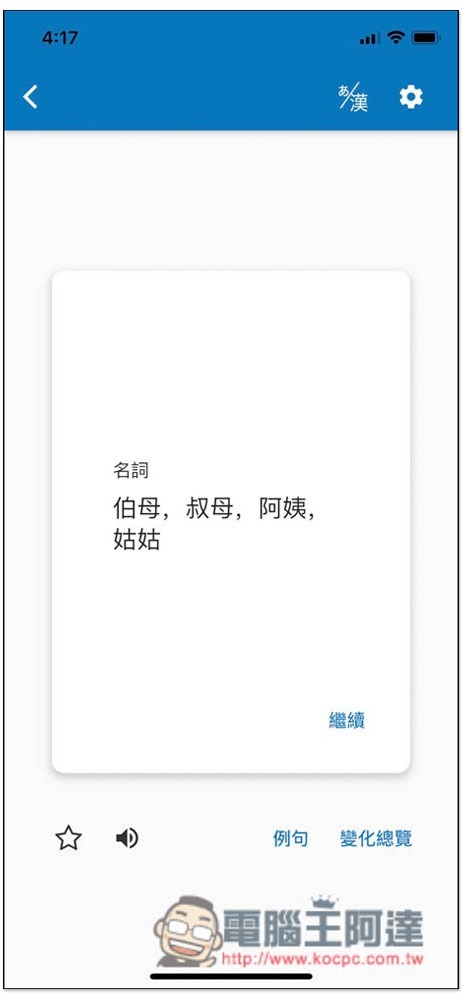
Clicking it will switch to Chinese translation. There are also examples and change overview functions on the lower right:
What is worth mentioning is that each Japanese word will be marked with how to pronounce it. The stress of the word below is at the end no hiragana:
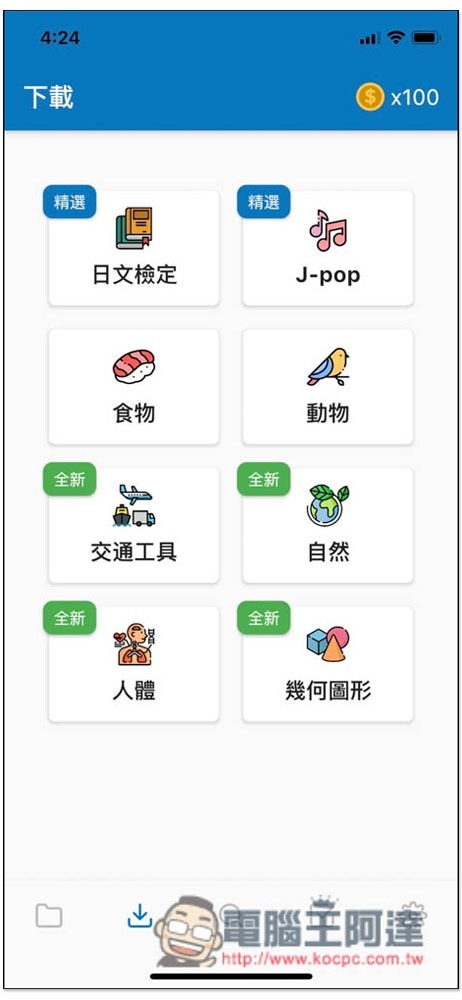
In addition, the single-character book not only tests N5~N1, but also J-pop, food, animals, transportation, nature, human body, and geometric figures:
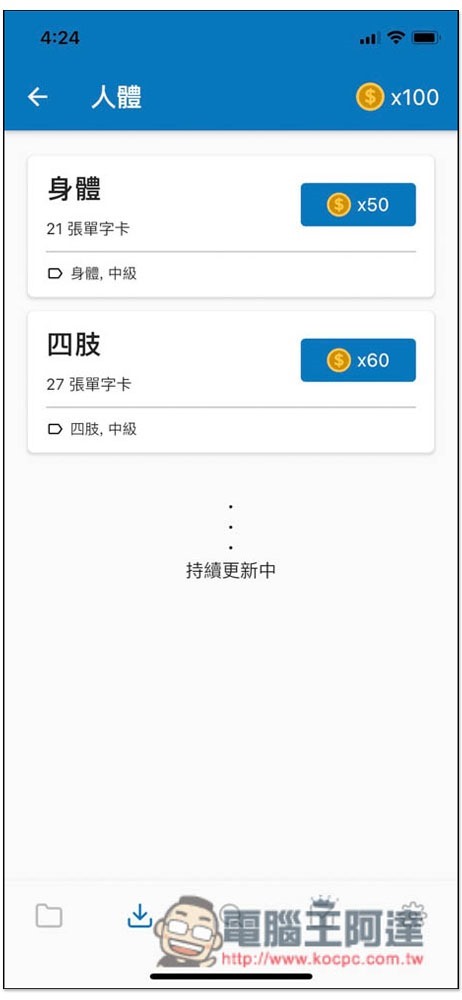
You can download it by exchanging gold coins. There are many ways to obtain gold coins, including upgrading the paid version, watching ads, learning or reviewing words, and you can also get them in the free version:
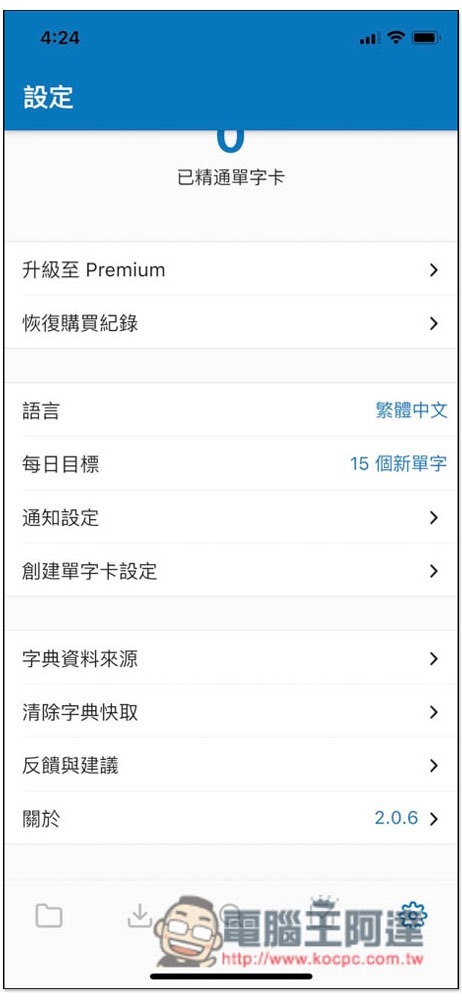
If the daily goal is set too little or too much at the beginning, you can adjust it in the settings:
Source: KOCPC Chinese