


a few months ago,foreign mediaIt has been reported that YouTube is providing mobile device users with the function of displaying the “comments” area during full-screen playback of the YouTube App. This feature has also recently been quietly officially supported on Android and iOS dual systems. With this new feature, when watching a YouTube video in full-screen landscape mode on your phone, the video comments or live chat room will be displayed on the right side. Today I will share with you how to turn on this feature!
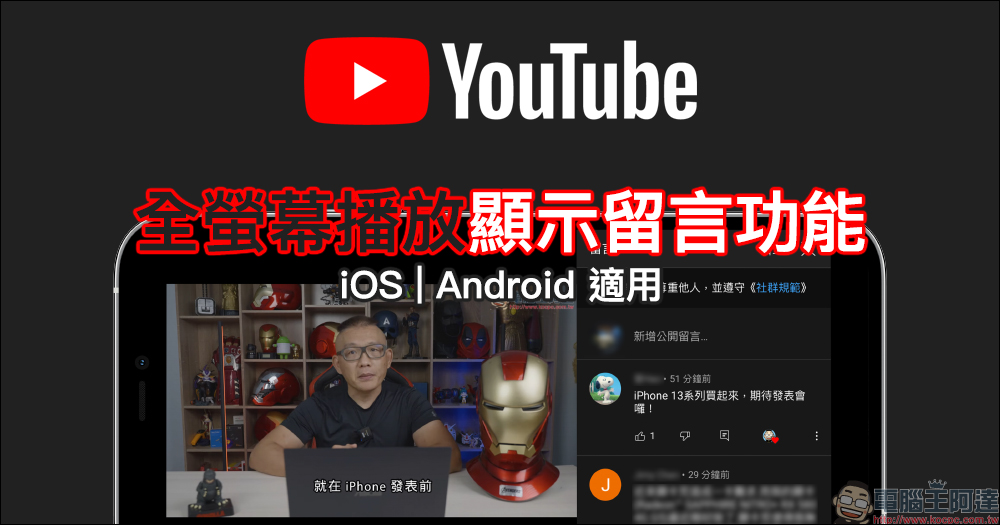
YouTube App full-screen playback and message function enable tutorial (iOS & Android)
In the past, when playing YouTube videos on mobile phones, the “comments” would be organized under the video channel name, which was quite inconvenient for those who wanted to play the video in full screen and also want to view other netizens’ comments on the video at any time. However, in fact, the YouTube App now supports the full-screen message/chat room function! The way to start it is quite clever. Next, I will briefly share how to start it.
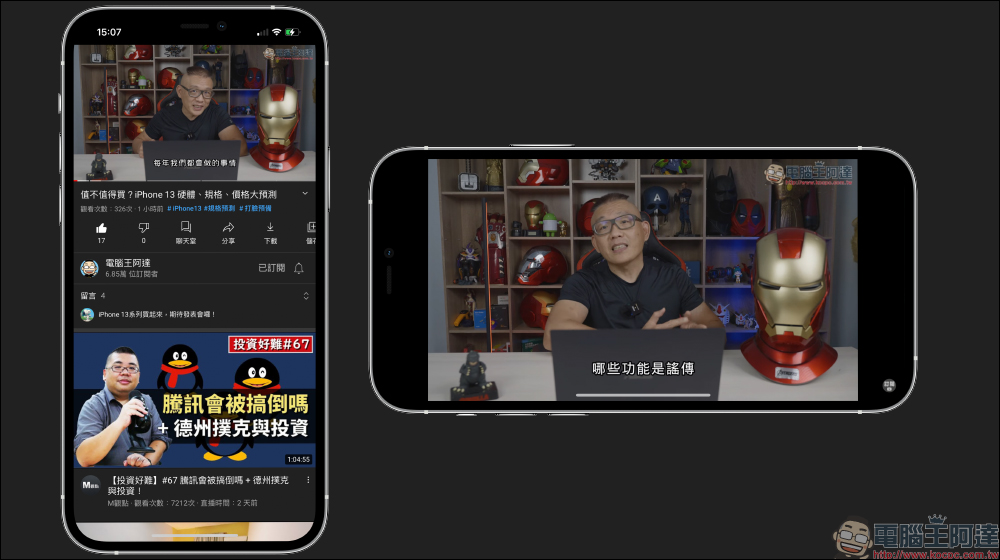
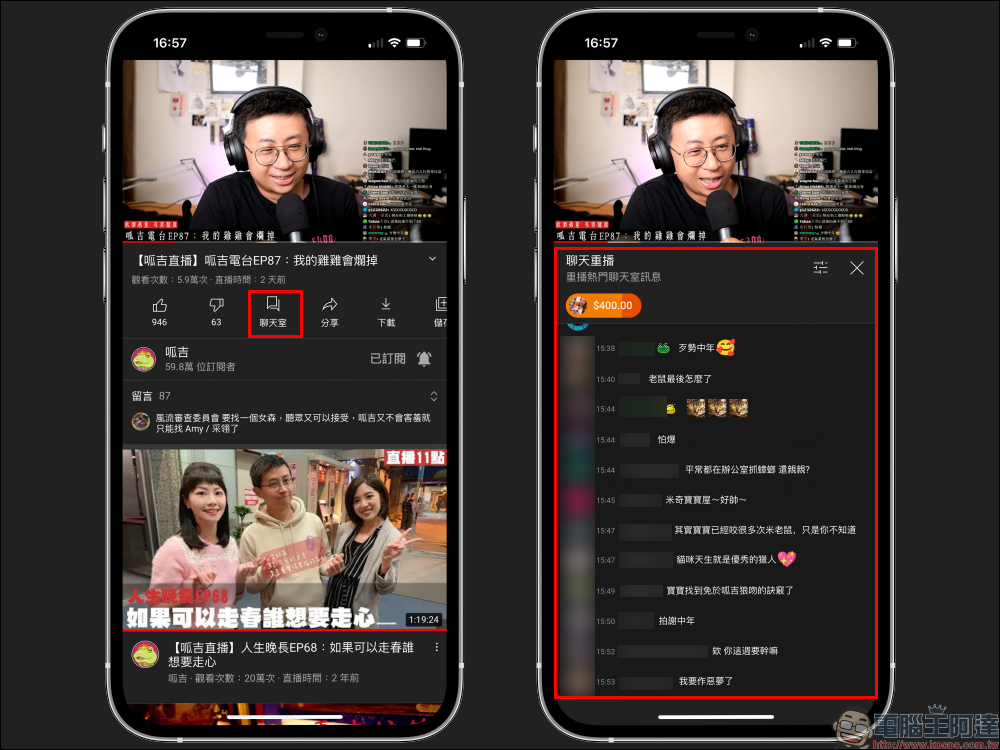
If you want to display video comments during full-screen playback, you can first click “Message” to expand the message area when the phone is facing upright (as shown below).
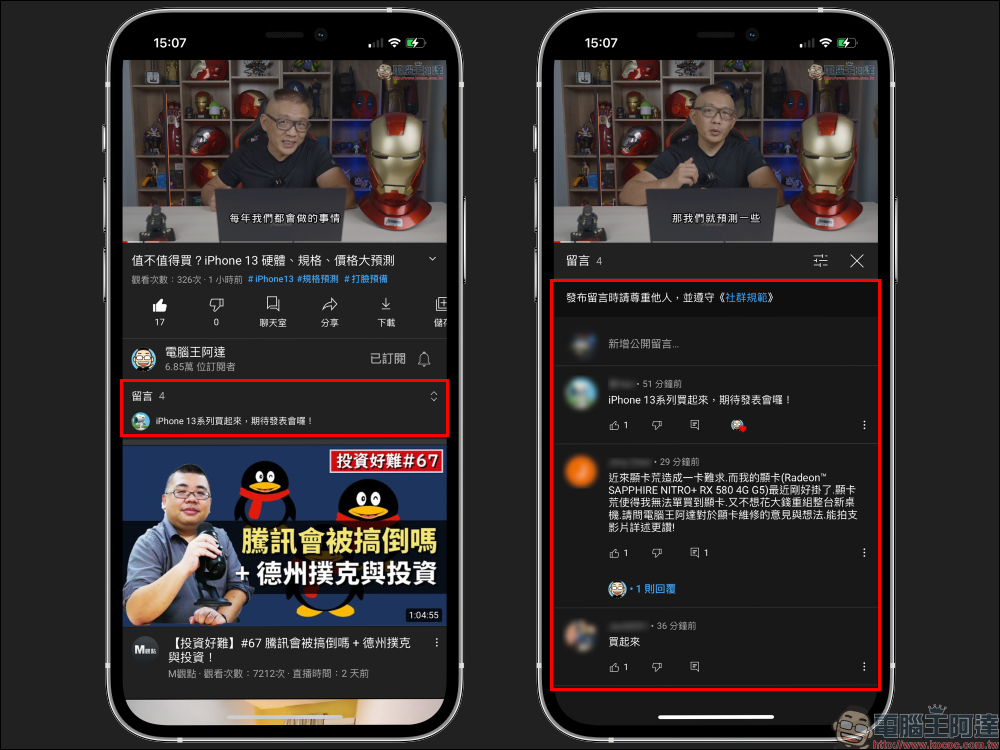
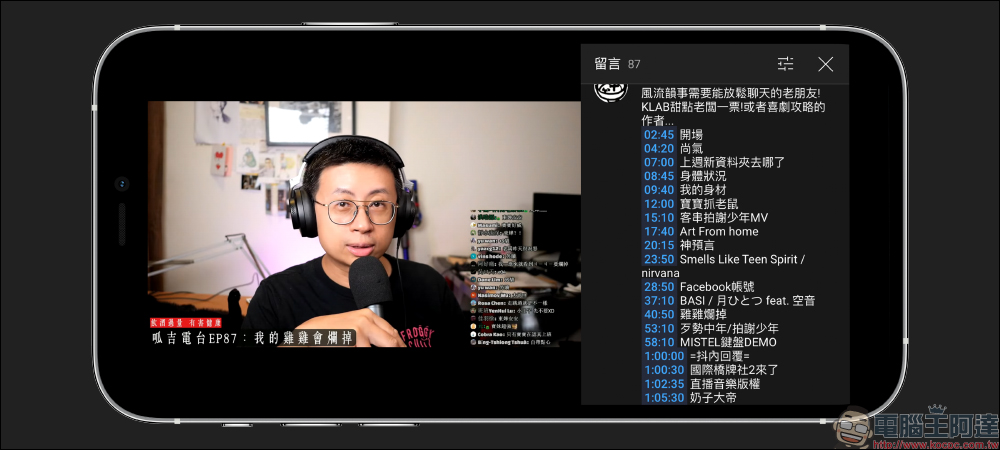
Then, turn your phone to landscape orientation (or tap the video and slide up the screen) to switch to full-screen playback. At this time, you will find that the display method is a little different from before. The video will be played in full screen on the left side of the screen, and the video comments will be on the right side.
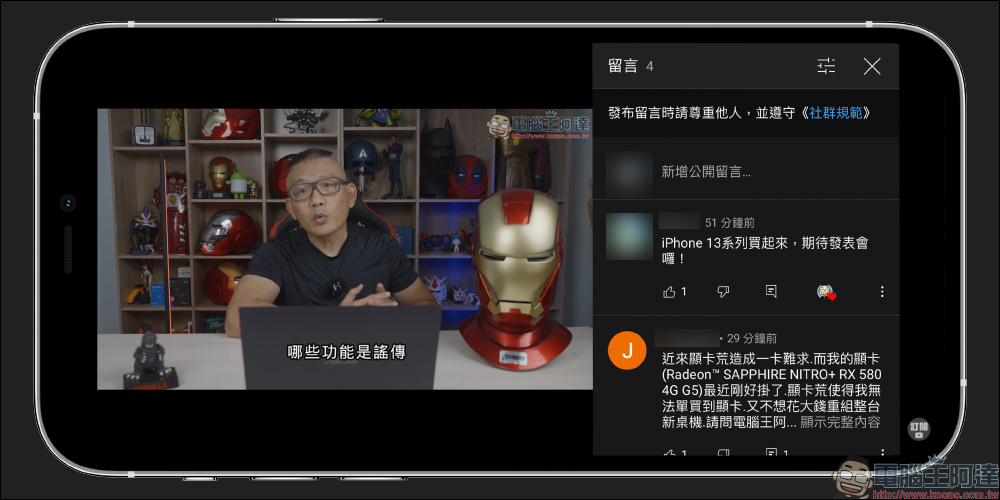
This function not only allows viewers to view other netizens’ comments under the video at any time when playing a YouTube video in full screen, but also if an enthusiastic netizen provides a Timecode link to some videos, they can directly click on it to quickly jump to that time point in the video for playback.
In addition, if the YouTube video was originally a live broadcast and had a “Chat Room”, you can also click “Chat Room” to expand the chat room message and play the chat room message in the full screen.
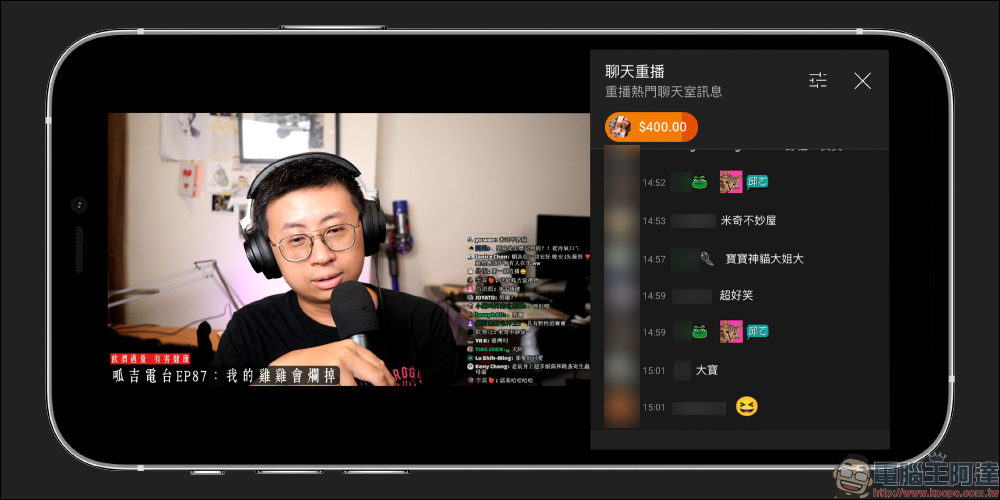
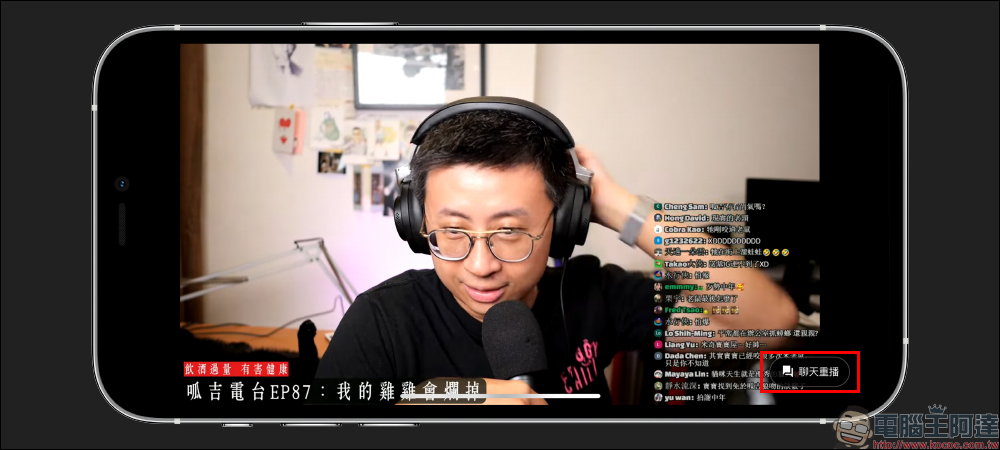
If it is a message in a chat room, after clicking “X” to close the chat room in full-screen mode, a “Chat Replay” button will appear in the lower right corner of the video, allowing viewers to open or close the chat room in full-screen mode at any time. However, this feature only works if the user first opens the chat room and then enters full screen.
Further reading:
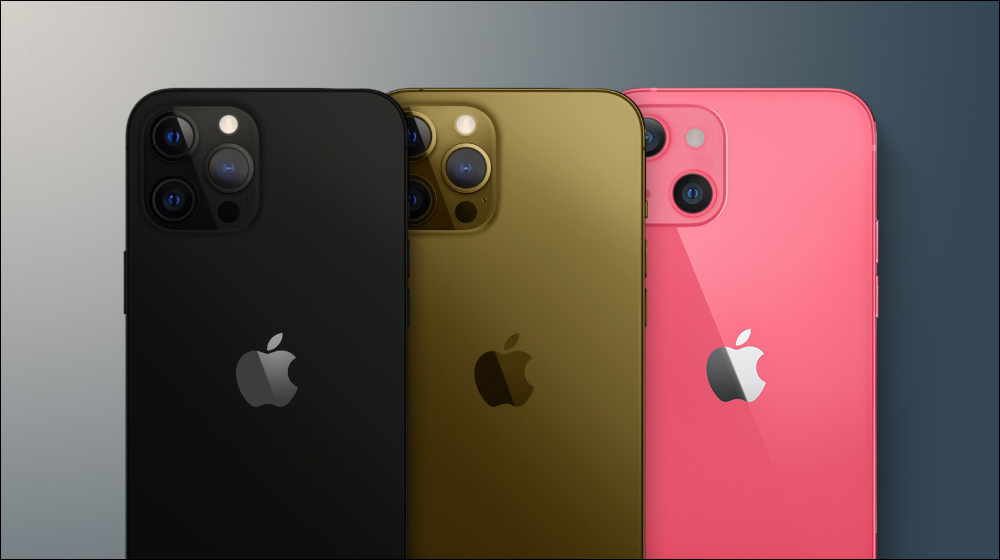
The color scheme and capacity specifications of the iPhone 13 series have been criticized by Ukrainian e-commerce companies. New colors of pink and bronze will be added to the new lineup.

Source: KOCPC Chinese