


When you see this name, I believe it will be familiar to those who are using online design tools. Yes, this Free Stock Photos by Canva free library is launched by the well-known online design tool Canva. It provides millions of high-quality photos and can be downloaded without registering as a member, but the steps are different from other stock photo websites.
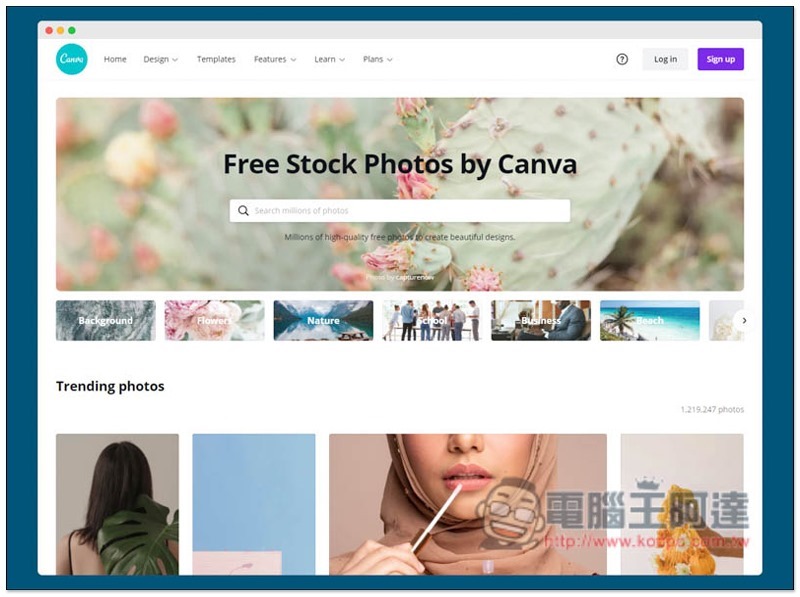
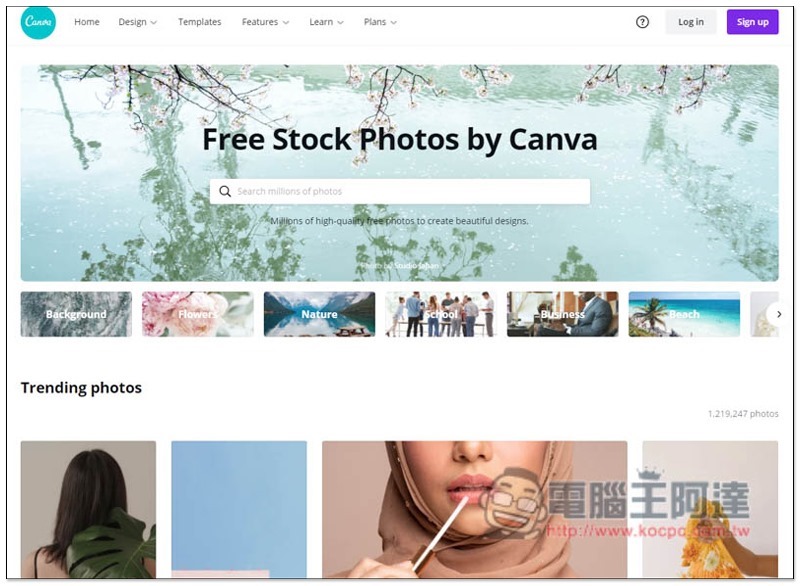
Free Stock Photos by Canva Free Gallery Introduction
After entering Free Stock Photos by Canva, you can directly enter keywords to search, or scroll down to browse the currently popular photos. The classification function is in the middle, providing many categories, including background, flowers, nature, school, business, beach, food, money, coffee, books, family, house, etc.:
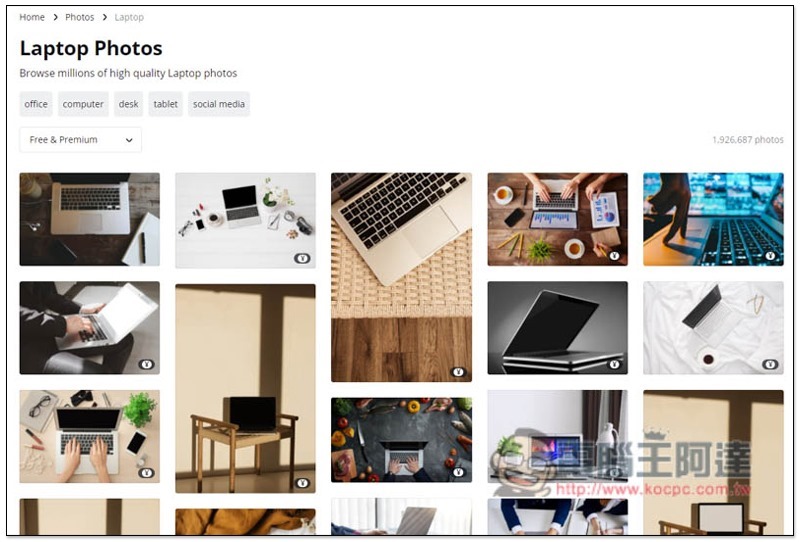
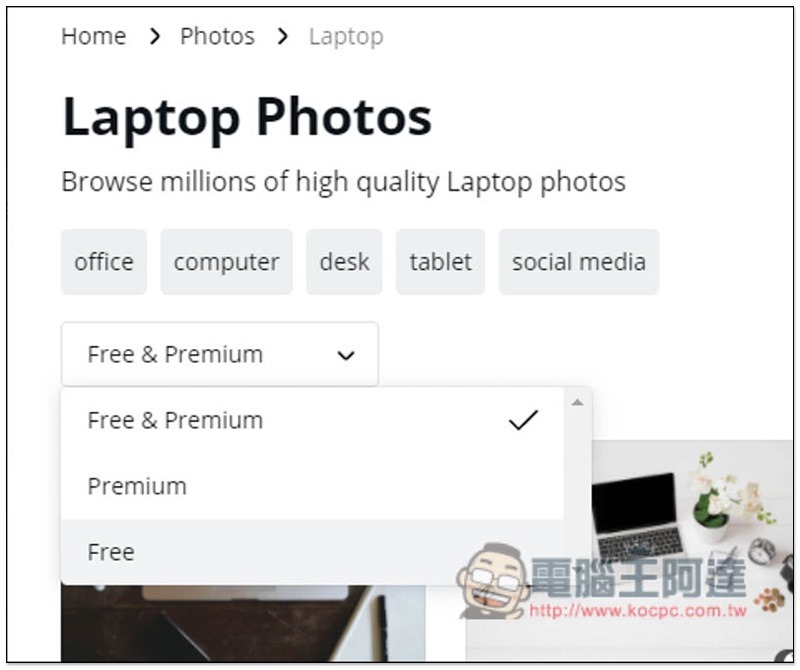
After entering the category, most of the photos displayed at the top are paid to use. If there is a currency icon in the lower right corner, it means free. If you don’t want to find paid photos, you can open the option in the upper left corner:
Here you can switch to showing only free photos:
As shown in the picture below, after I set Free, all photos have no currency icons and can be used for free:
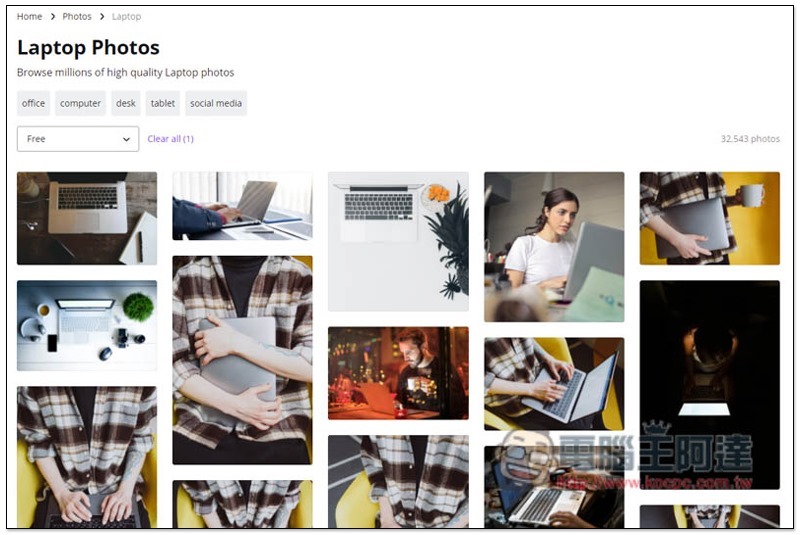
After entering the inner page, this website is different from other photo gallery websites. You need to enter the editing tool to download. There is no way to download photos directly from here:
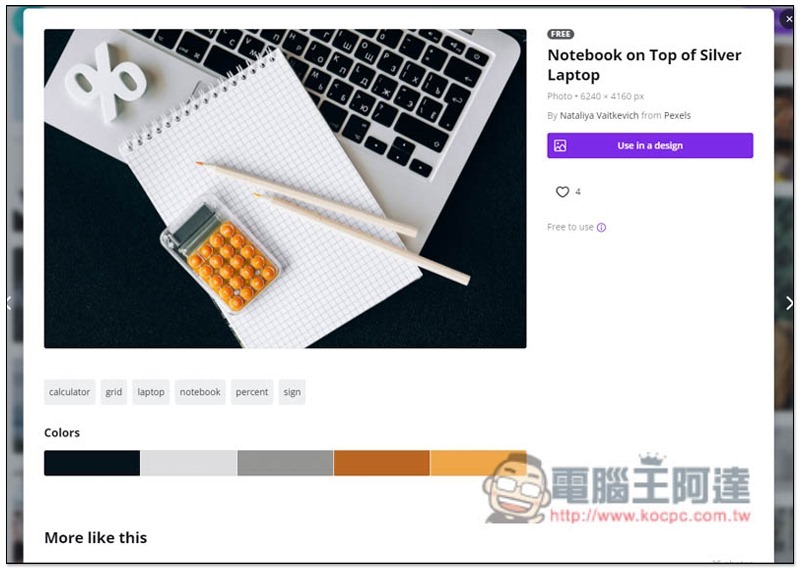
Click Use in a design to select the version you want. There is one thing to note here:
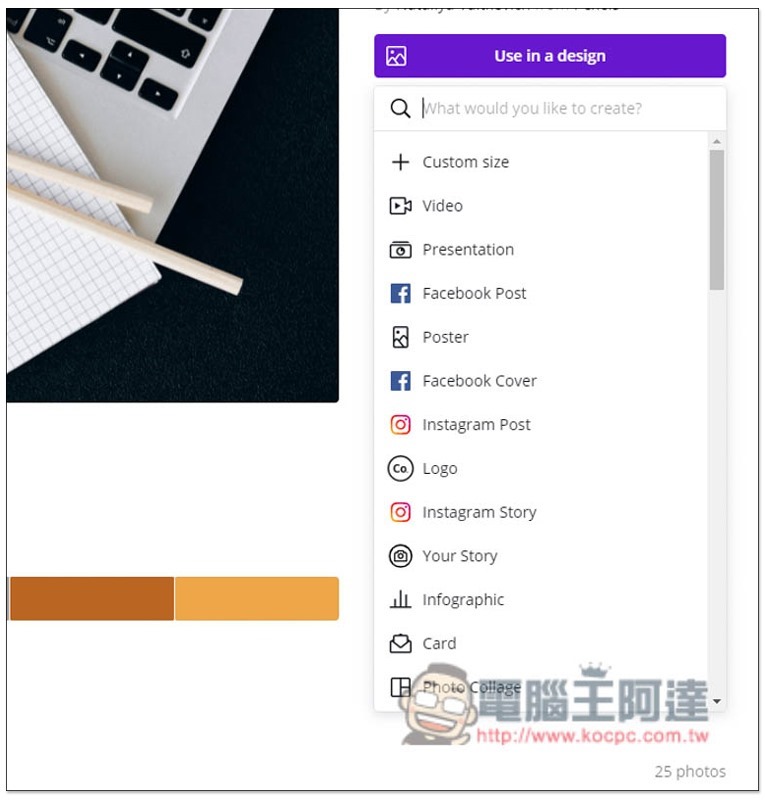
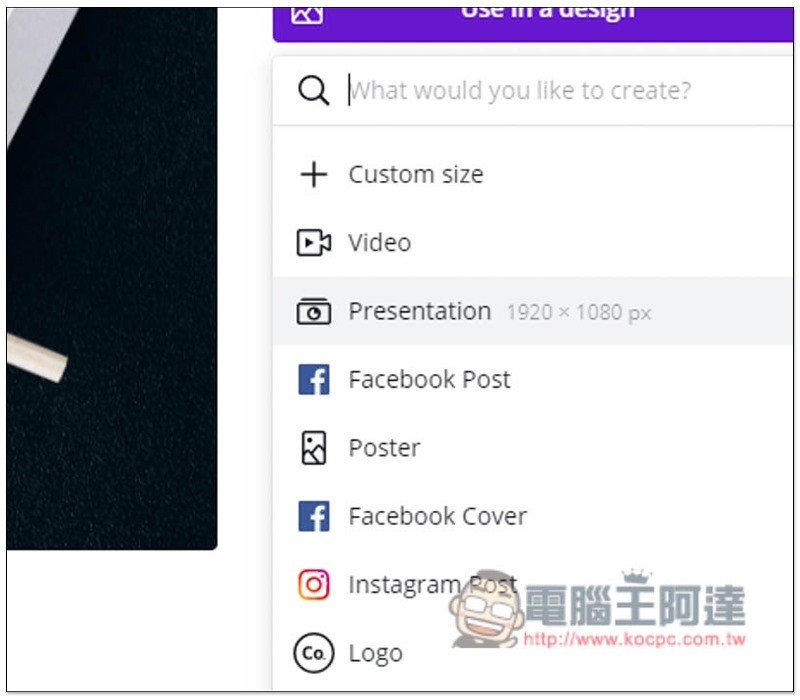
The size of each layout is different. If you don’t want the photo to be cropped, you can use the Custom size function at the top to enter the length and width of the photo:
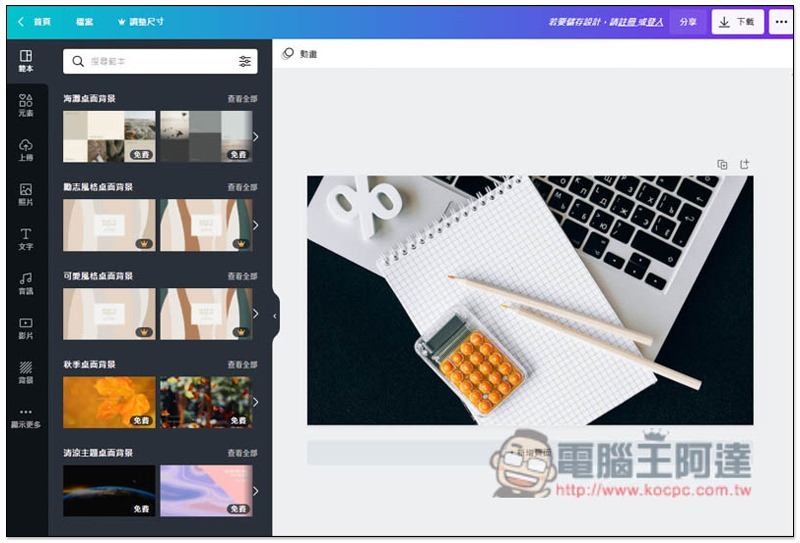
After entering the editing tool, if you need to design, you can use the function on the left. If not, just click the upper right corner to download:
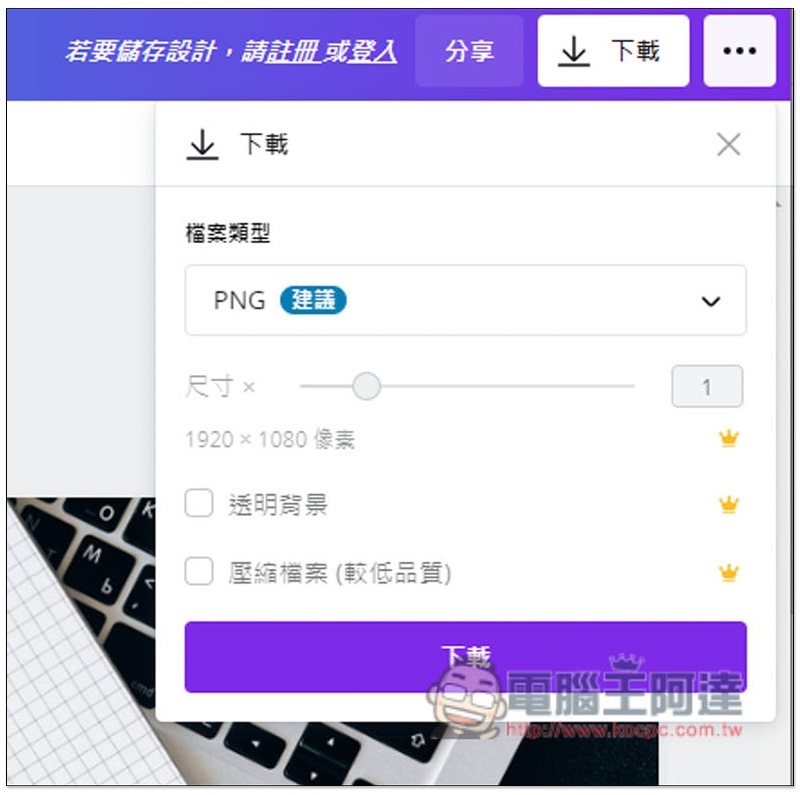
The default file type is PNG, you can change it to other, then click download without registering or logging in:
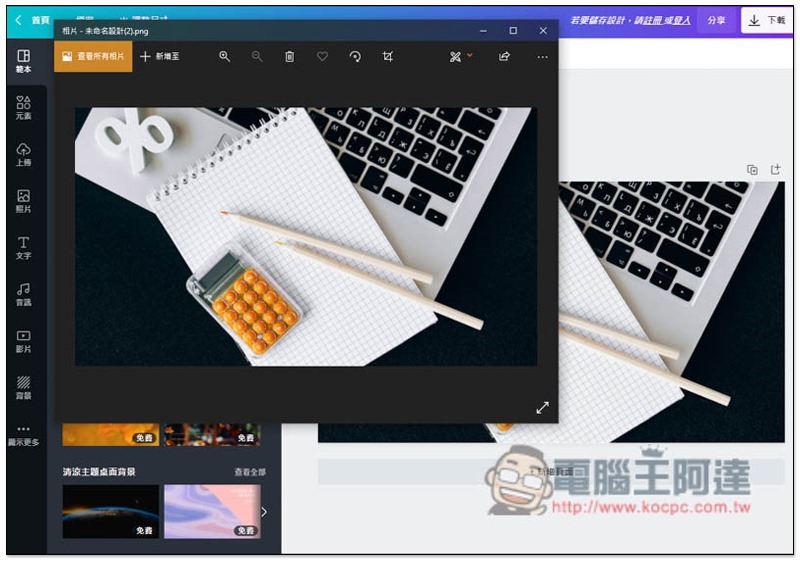
This downloads successfully:
I really think it’s very practical to add the gallery function to Canva, so that when you want to create pictures, posters or other needs in the future, you don’t have to go to other gallery websites to find it. In addition, it is safer to read the authorization instructions before use to see if your use is allowed.
Source: KOCPC Chinese