


Although iCloud has been launched for a long time, it has always had poor compatibility with Windows and provided few functions. However, Apple can be said to have accelerated development in the past two years. Since the launch of iCloud for Windows, new functions have been added one after another. For example, the latest version has added a super practical “password management tool” and “Chrome and Edge extended plug-in auto-fill function”, allowing Windows users to also manage and use iCloud’s password library.

iCloud for Windows now has password management tools
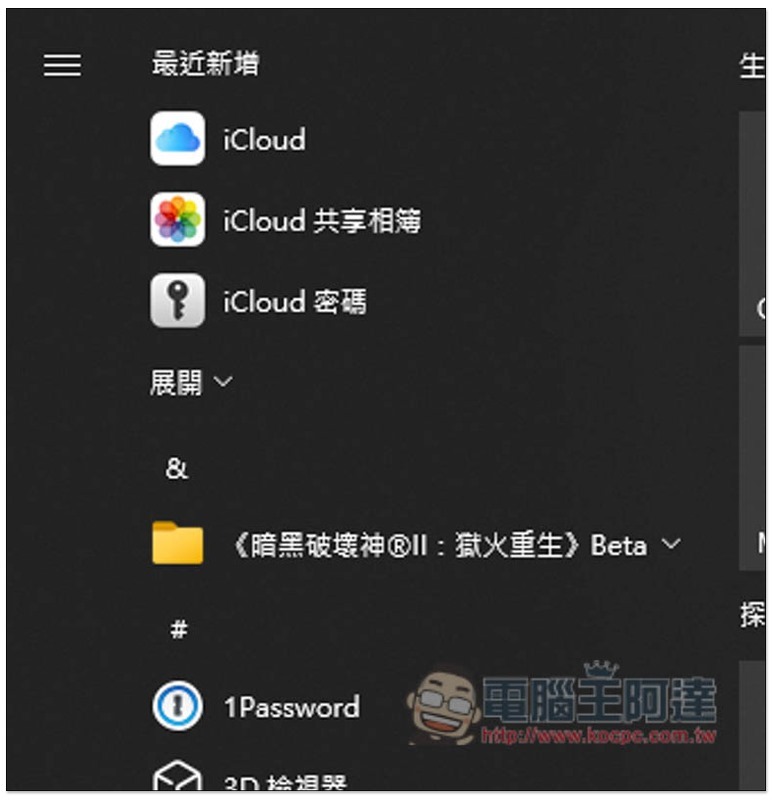
Now after upgrading to the latest iCloud for Windows 12.5 version, you will see the new “iCloud Password” tool, and there is also a “Password” option in the iCloud software:
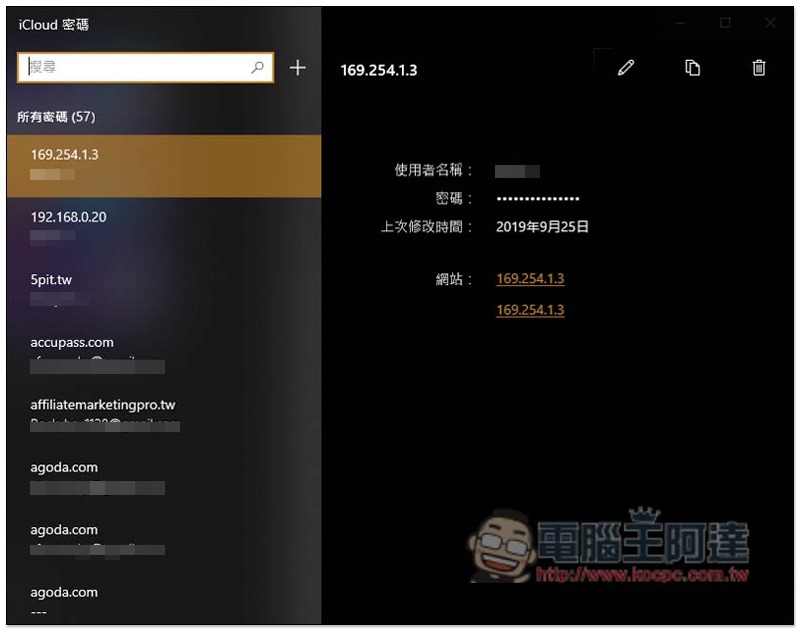
After opening the iCloud password management tool, you can see all the passwords you have stored. If there are too many, there is a search function in the upper left corner. You can quickly find them by entering keywords. In addition, if necessary, editing functions are also provided in the upper right corner (pencil icon):
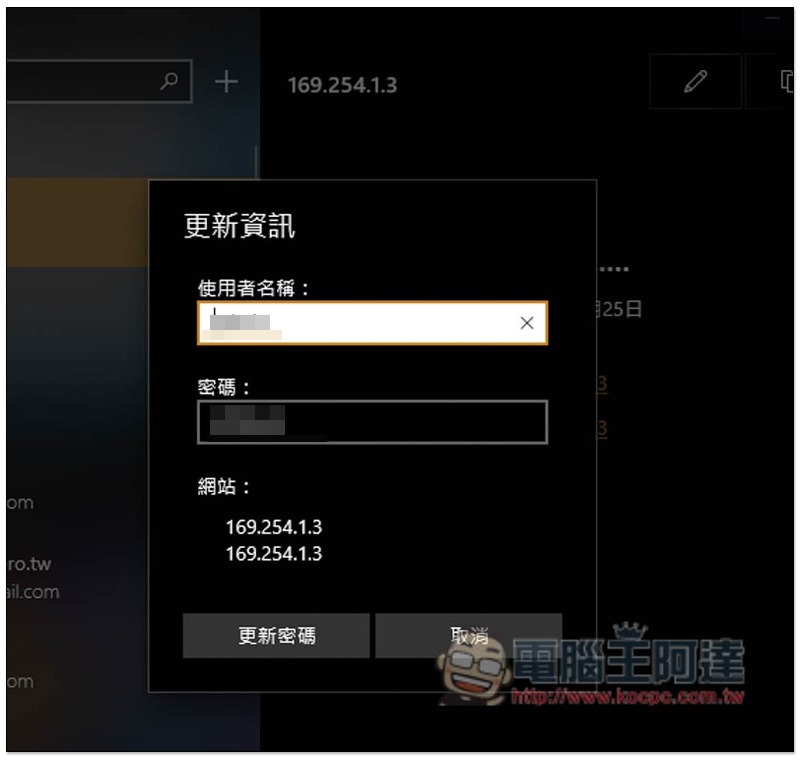
The user name and password can be modified, but the URL cannot be modified:
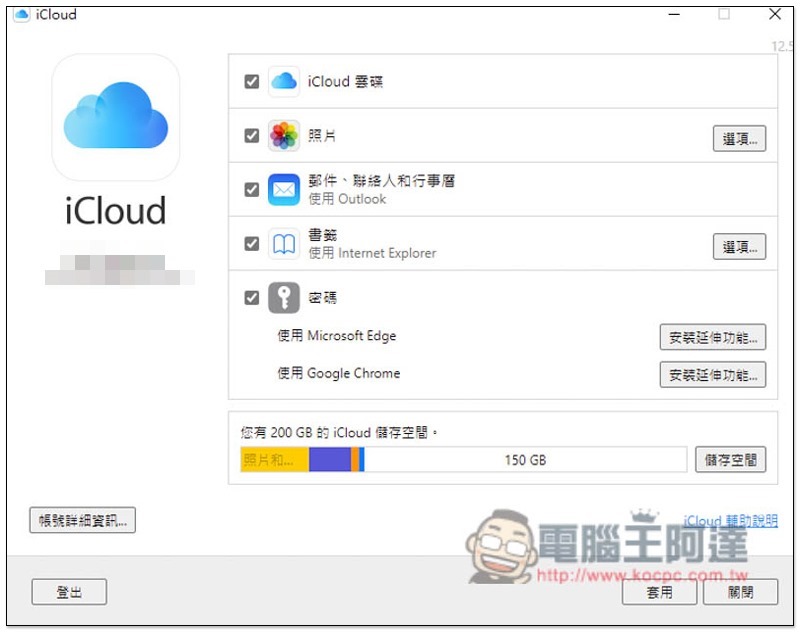
After opening the iCloud settings, the password field below also has the function of managing the iCloud extension plug-in of Microsoft Edge or Google Chrome. Those who have not installed it can directly click the link on the right. After installation, you can use the function of automatically filling in the Autofill iCloud password:
You need to enter a verification code when using it for the first time. A verification code notification will pop up in the lower right corner of the computer screen:
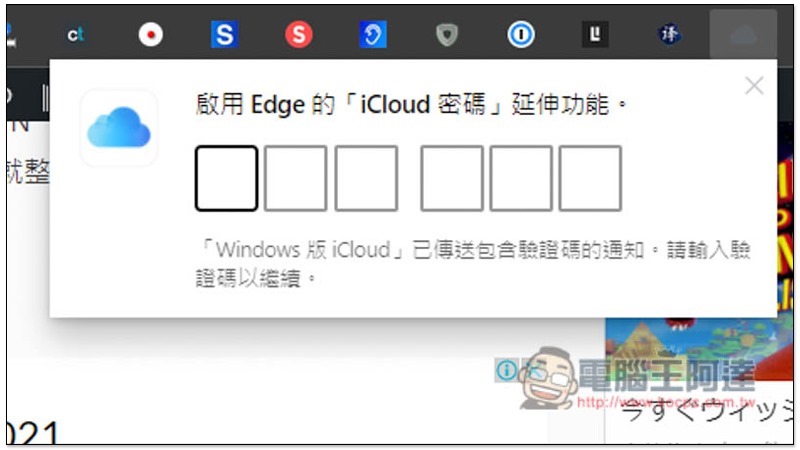
In addition to auto-filling, when you log in to a website where iCloud does not store passwords, you will also be asked if you want to record your iCloud password.
However, compared with other professional password management tools, iCloud Password still has some shortcomings. For example, there is no tool to create complex passwords, and there is no way to record other account information except account passwords and URLs.
iCloud for Windows Supports Windows 10 version 18362.145 and above, currently providing the following five functions:
- iCloud cloud drive
- photo
- Email, contacts and calendar
- bookmark
- password
蘋果啟動「無密碼體驗」的 passkeys in iCloud Keychain 技術測試,更安全地以 Face ID 代替密碼
Source: KOCPC Chinese