


Apple’s iPhone and iPad will shoot and store photos in the HEIF file format by default. The disadvantage is that when you transfer the photos directly to the Windows 10 system, the photo viewing function on the computer cannot open this type of image file, which is a bit troublesome for many people. HEIC is the file extension of HEIF. The web tool I will introduce today can help you convert files quickly without installing any software!

Can’t open iPhone photos on computer? The web tool “HEICtoJPEG” helps you convert files easily
HEIF (High Efficiency Image File, high-efficiency image file) is Apple’s default format for storing photos, and HEIC (High Efficiency Image Container, high-efficiency image container) is the file extension used by Apple to describe the HEIF format. The advantage of HEIF is that its file size is half that of common JPEG files, but it has better image quality than JPEG. However, this exclusive file type is not very friendly to other system platforms. The website “HEICtoJPEG” can help you quickly convert HEIC to JPEG files so that you can open the photos on Window, Android or other platforms.
【To go to HEICtoJPEG, click here】

HEICtoJPEG can help you convert HEIC photos to more versatile JPEG files without affecting the photo quality. It is optimized by the JPEGini engine during conversion, so that you can receive photos with smaller files and unchanged resolution. On this website, you can directly drag 5 HEIC photos at a time to work, and they can be downloaded directly after the system server has completed processing. Don’t worry about your photos being leaked because they will be automatically removed from the Beamr system within 48 hours after they are uploaded to the server.
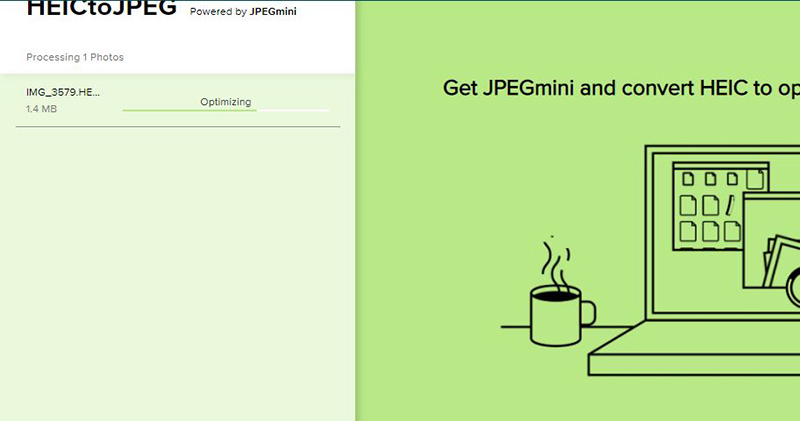
This web tool is most suitable for situations where it is difficult to install any software on a public computer, or when you suddenly use someone else’s computer and want to process photos quickly. Moreover, its conversion speed is quite fast, and you can download it immediately, which is super convenient.
Further reading
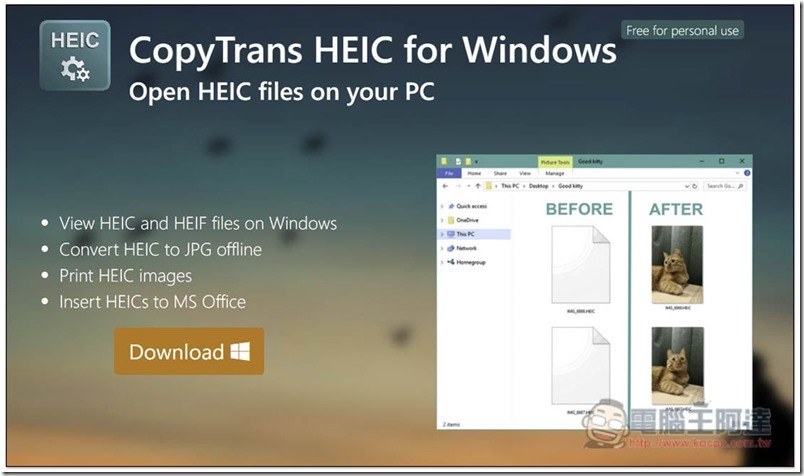
CopyTrans HEIC for Windows is a free tool that enables Windows 10 to browse HEIC photo thumbnails
Source: KOCPC Chinese