


Since iOS 14, users have been able to use widgets of various applications on the iOS home screen. More and more applications have started to support home screen widgets. For example, many apps owned by Google, including Google, Chrome, Gmail, Google News, Google Calendar, etc., already have exclusive home screen widgets. Recently, Google finally launched Google Maps and finally supports home screen widgets! Save time searching for apps, and make daily map navigation and itinerary planning faster!
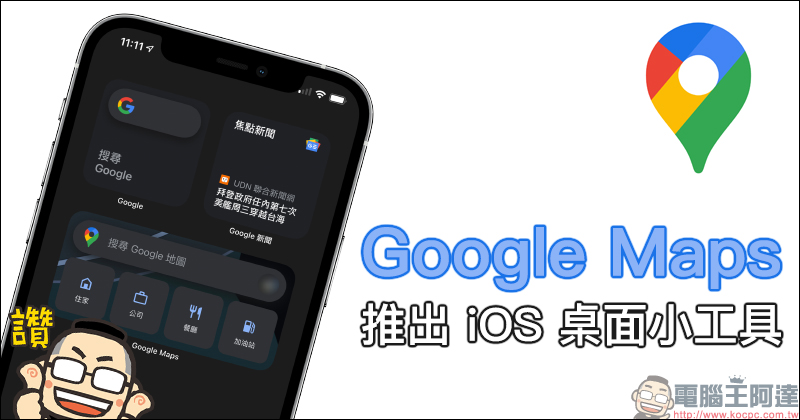
Google Maps launches iOS desktop gadget: map navigation and planning trips faster!
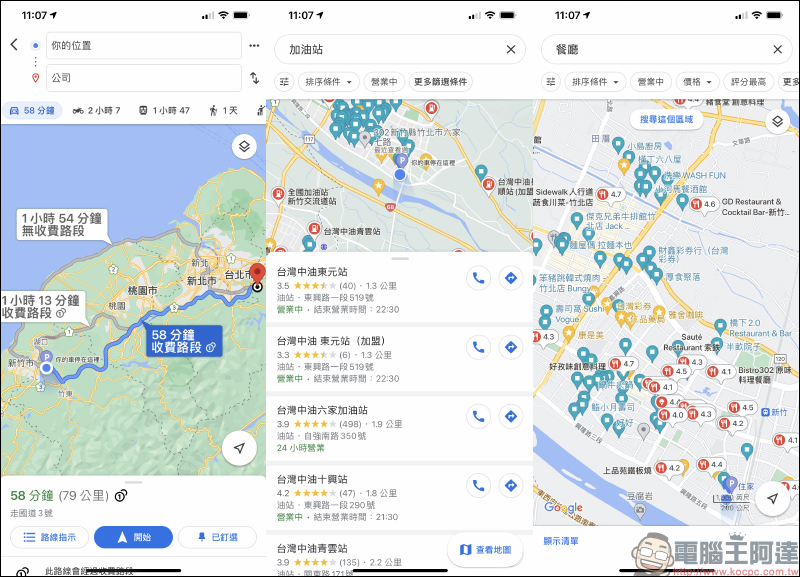
The recent update to version 5.74 of the Google Maps App for iOS has finally launched the Google Maps iOS home screen widget! For users who usually have a dazzling array of apps on their iPhone home screen, but often need to use Google Maps to help navigate to their destination, this update supports home screen widgets, which also saves navigation the process of finding and opening apps, making it more convenient whether you want to navigate directly to your home, work, or find nearby restaurants and gas stations! Of course, you can also navigate to the search destination with one click on the gadget.
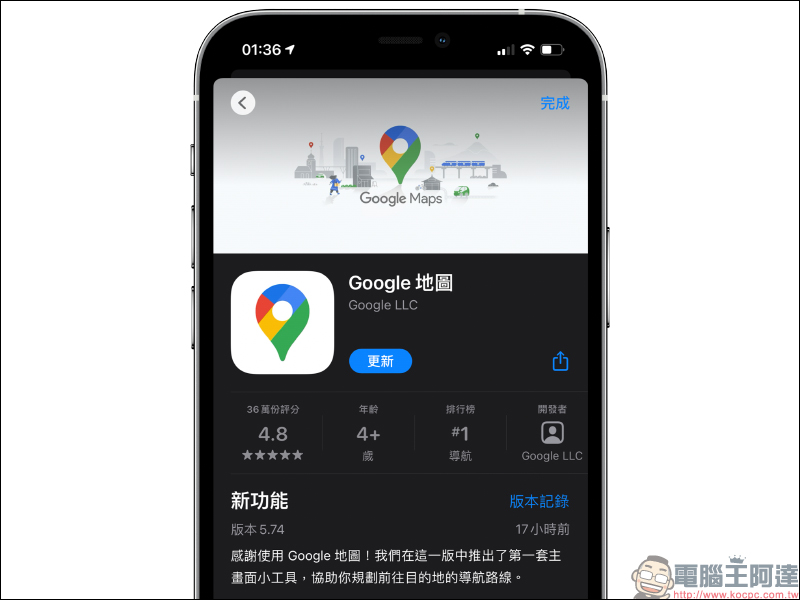
If you want to use the iOS home screen widget of Google Maps, in addition to updating the iOS system to iOS 14 (inclusive) or above, you must also go to the App Store to update the Google Maps App to version 5.74 (inclusive) or above.
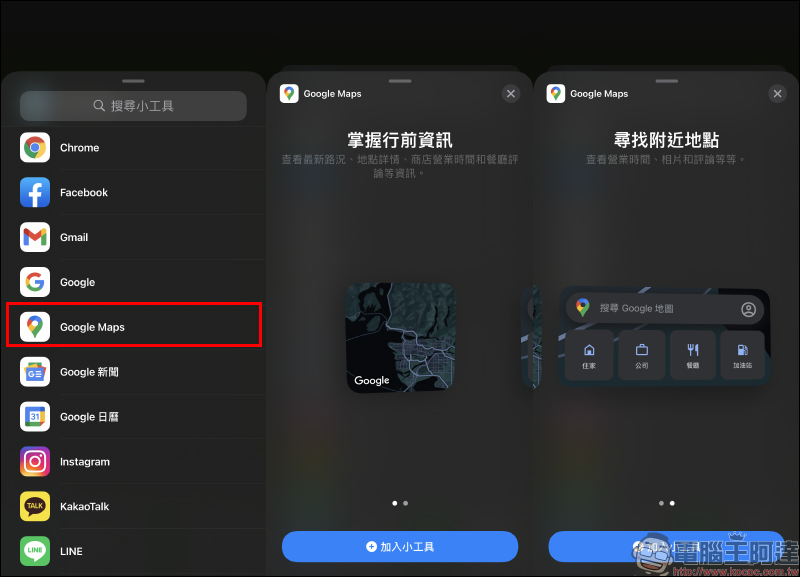
After the update, you can see the Google Maps option when you add a home screen widget. If you don’t see it, just open the Google Maps App first and then search for the widget again. The home screen widget of Google Maps currently offers two layout options. You can choose according to your personal usage habits.
After adding the Google Maps widget to the iOS home screen, you will need to allow location permissions for the first time.
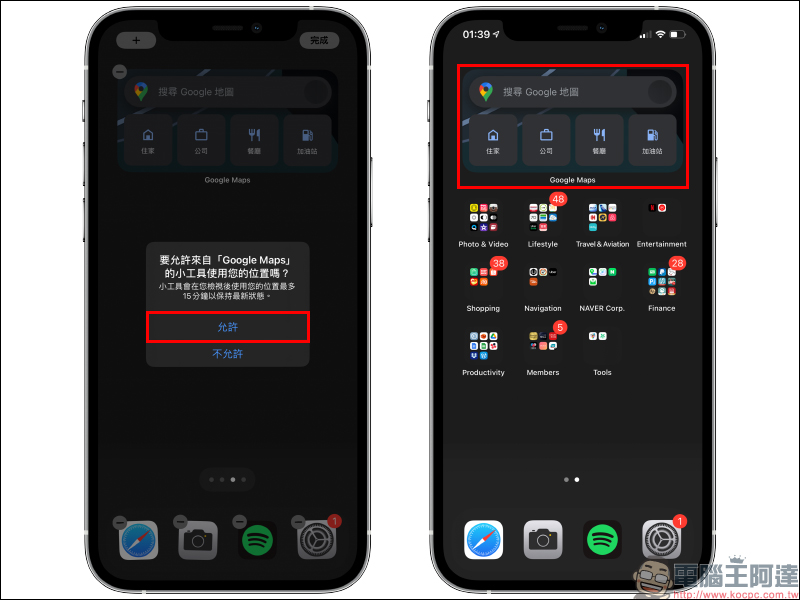
The small-sized Google Maps gadget is more likely to present a map of the user’s location, and when clicked, the Google Maps App will be opened. The larger version also includes four quick options for home, work, restaurant and gas station.
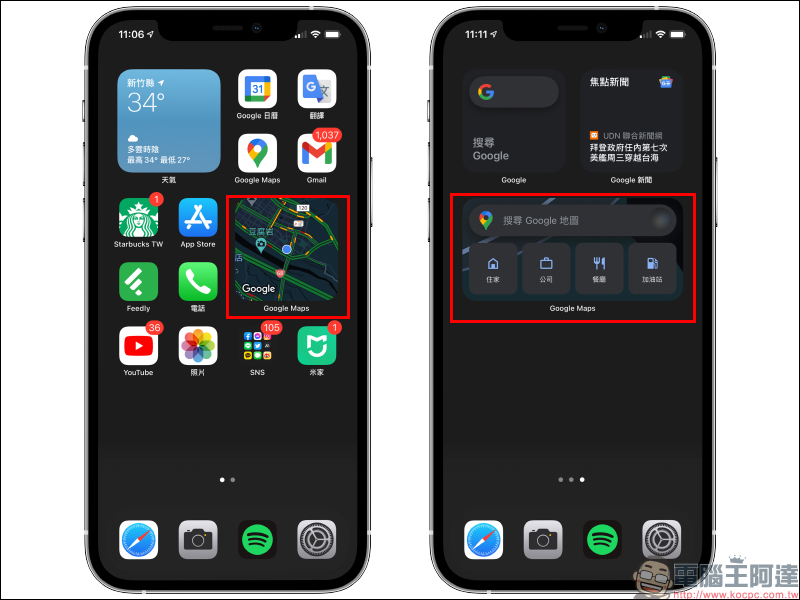
If users want to quickly perform map navigation to their home or work, or want to find nearby gas stations and restaurants, they can use the widget function directly on the iOS home screen of Google Maps.
Google Maps iOS App:
Click here to download (App Store)
Further reading:
Google officially launches Safari browser using Google dark theme (tutorial)
Google App hides pinball game! You can play it directly on your iPhone

Source: KOCPC Chinese