


Today I’m introducing a free AI webpage called “Tengr AI” that generates images from text or images. Tengr AI is easy to use, supports prompts in both Chinese and English, and offers a variety of styles to choose from. Let’s take a look at how to use Tengr AI.
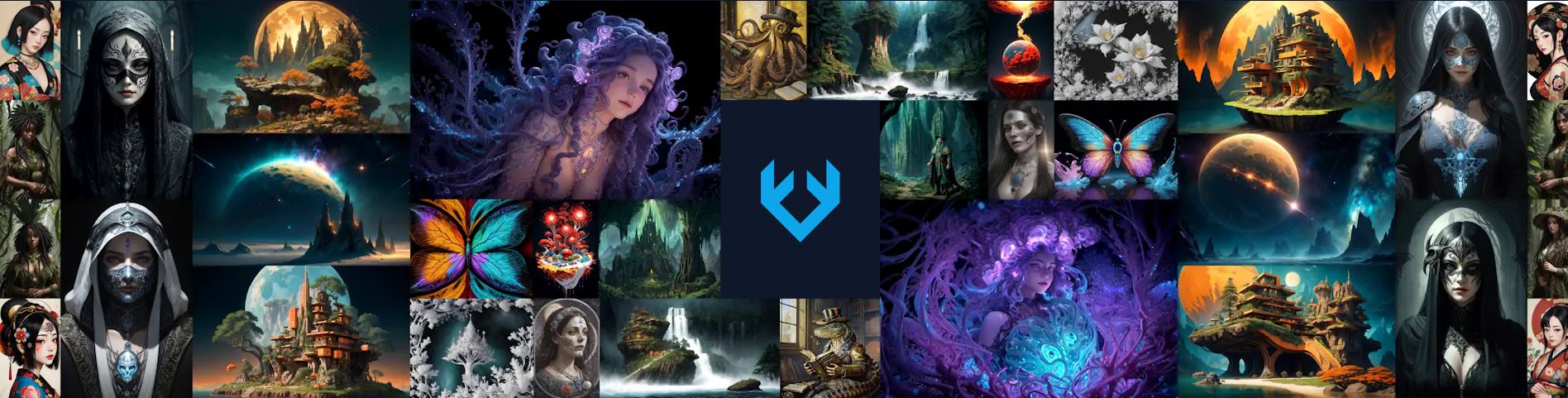
Both Chinese and English prompts can be used. “Tengr AI” is a free image generation webpage offering 19 styles.
Tengr AI is a website that lets you generate images using text or images. The operation is very simple, with an intuitive web interface, making it easy for both beginners and experts in AI drawing to use. In addition to generating images, Tengr AI also allows you to edit a single generated image. You can directly crop, resize, add effects, adjust colors, draw, and add borders on the Tengr AI webpage, without needing to open other apps or websites.
To use the website “Tengr AI” to generate images from text or images, please click here.
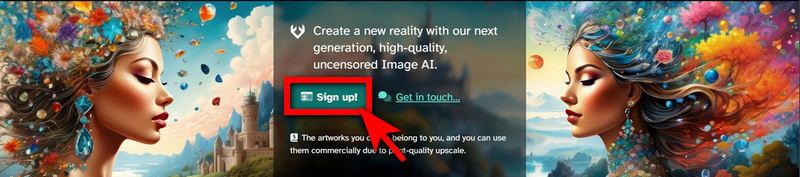
New users need to register first. After entering the Tengr AI website, click “Sign Up” to register or log in. You can choose to register via GitHub, Facebook, Discord, or Google.

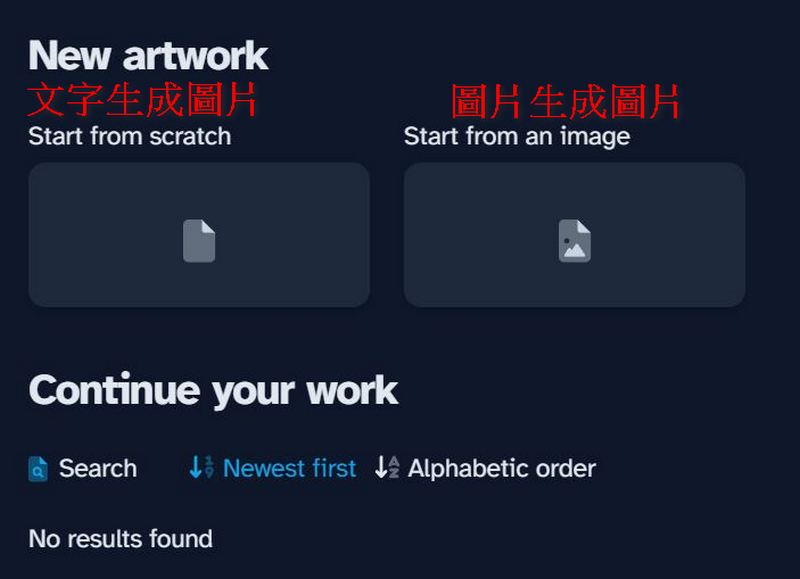
After registration, you can start generating images. You can choose to use text or images to generate AI images—just pick the method you prefer.
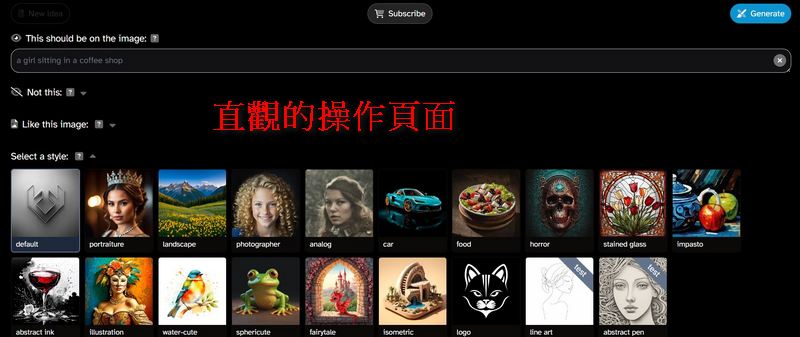
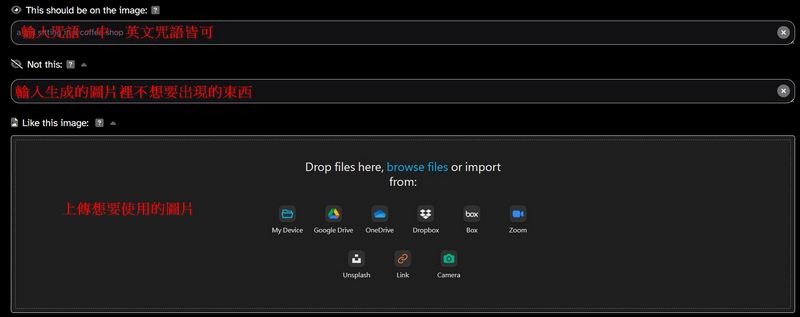
Then it will jump to the page for entering prompts. Type your prompt in the box labeled “This should be on the image.” You can also enter what you don’t want to appear in the generated image in the “Not this” box. If you want to use image-to-image generation, upload the desired image in the “Like this image” box. Tengr AI is currently a developing website, so after uploading an image, it’s best to also enter a prompt related to the image content, which will help the generated image better match your requirements. Prompts can be in Chinese or English, but for now, if you use overly complex Chinese, the images generated by Tengr AI may not meet your expectations.
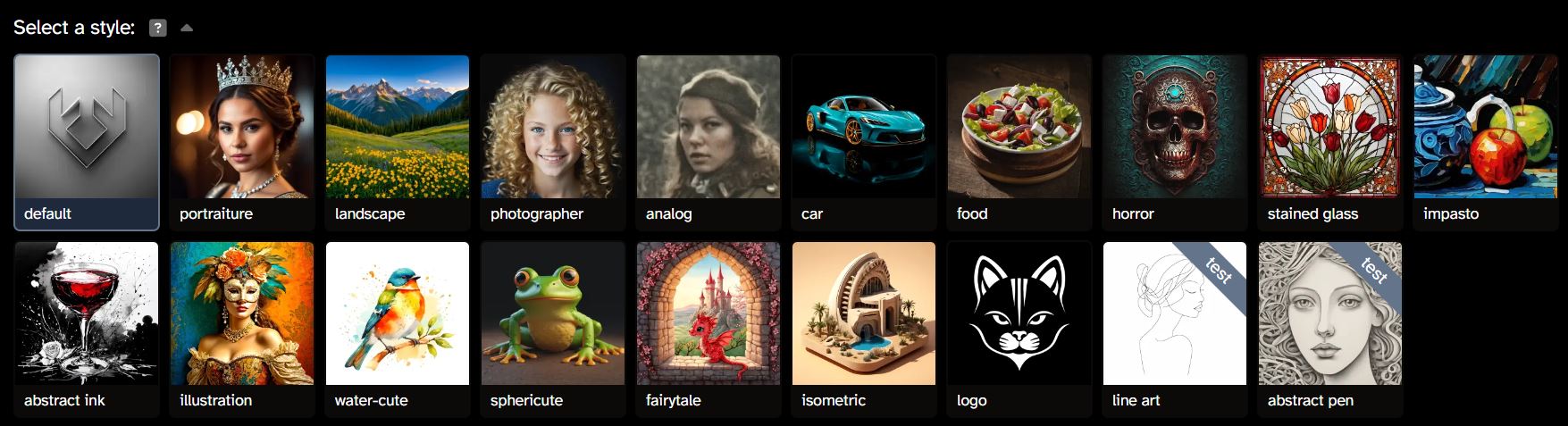
Once you’ve entered the prompt, you can choose your desired style. Tengr AI currently offers 19 styles to pick from, such as portraiture, photographer, stained glass, fairytale, and more. There are also two styles—line art and abstract pen—currently in testing. If you use these two styles to generate images, it will take longer to process.
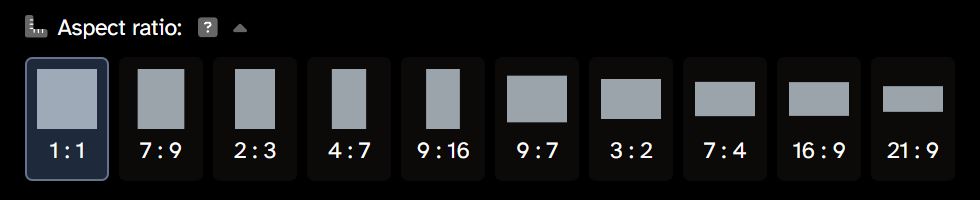
After selecting the style, choose the number of images to generate, Creativity, Details, image aspect ratio, and other requirements. One prompt can generate up to 6 images for free at a time; going beyond that to 7, 8, 9, or 10 images requires upgrading to a paid plan. It’s recommended not to set Creativity to the highest level, as it may easily produce results that don’t match expectations. For image aspect ratio, there are options like 1:1, 7:9, 2:3, and more.

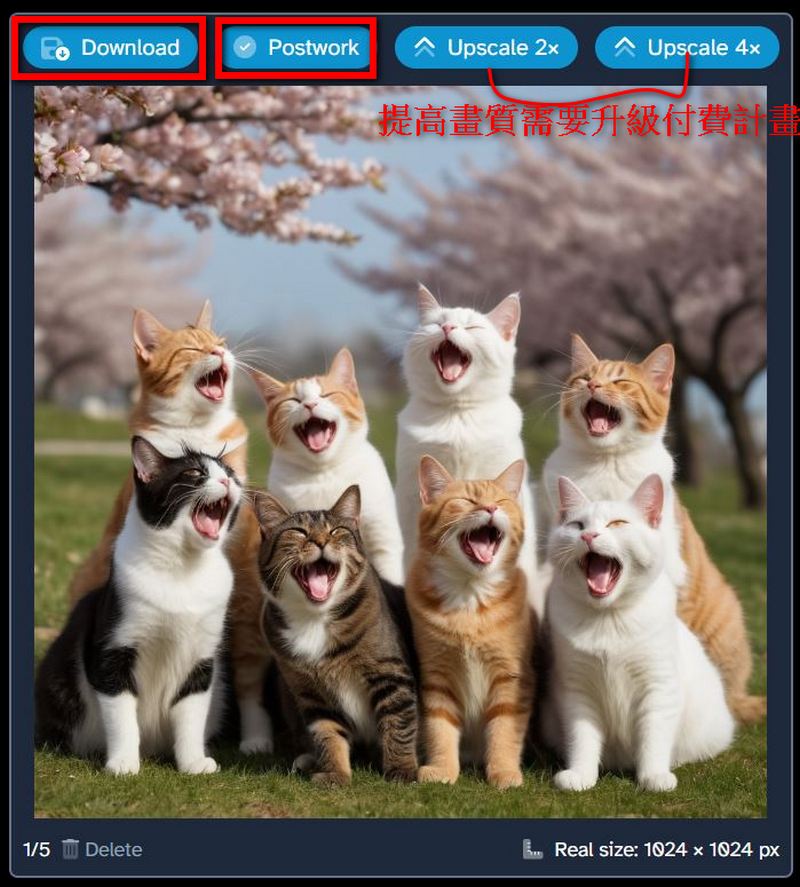
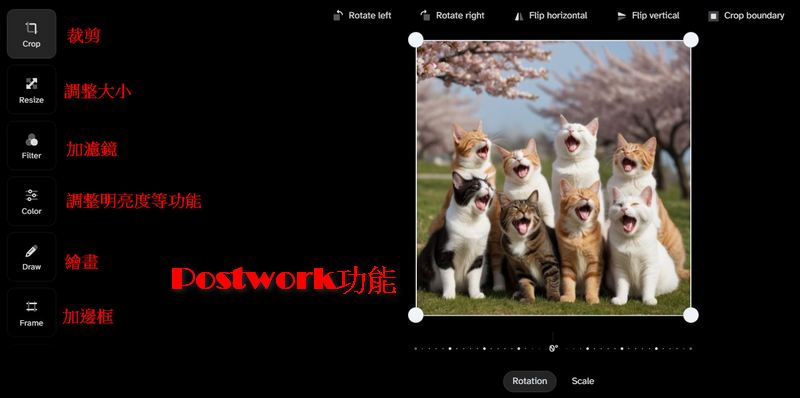
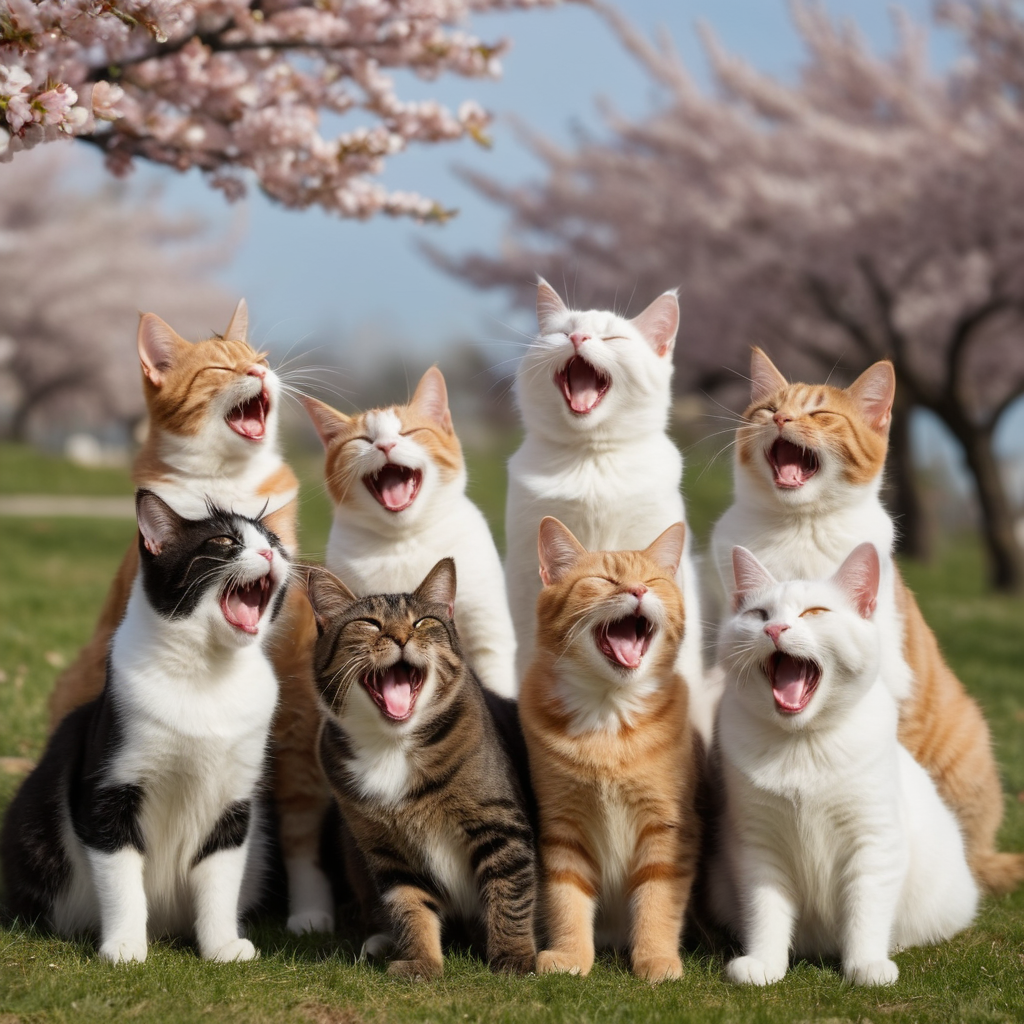
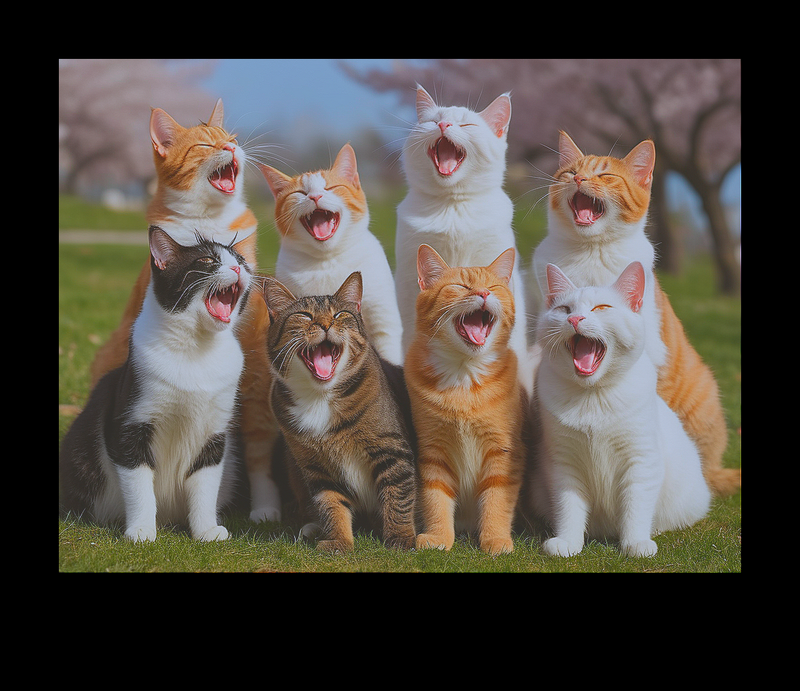
The options “Download”, “Postwork”, “Upscale 2x”, and “Upscale 4x” will appear above the generated image. If you are satisfied with the generated image, you can click “Download” directly to save it. If you want to adjust the color tone or size of the image, click “Postwork” to edit it. Whether you need to resize the image, add filters, adjust brightness or contrast, draw, or perform other actions, all can be done in the Postwork section. You can also add a border to your generated image; Tengr AI offers 9 border styles to choose from. Here is an example image edited using Postwork. Note: Both the Upscale 2x and Upscale 4x features require upgrading to a paid plan to use.
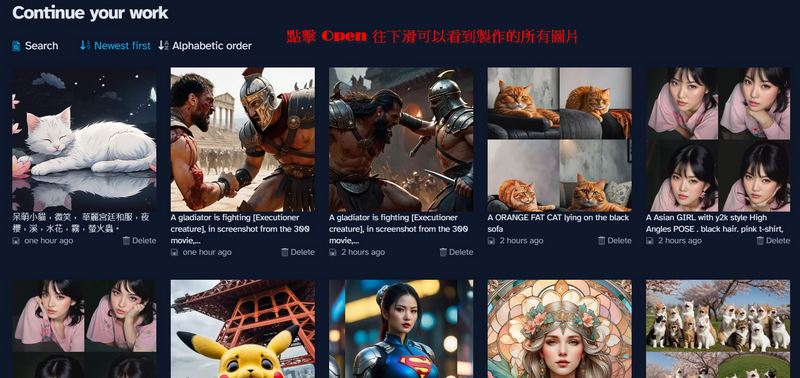
If you want to create your next piece, click “Open” at the top of the page or the “New idea” button on the “Idea” page to generate the next set of images. Clicking “Open” also lets you view all the images you’ve created.


Generate an image for display.
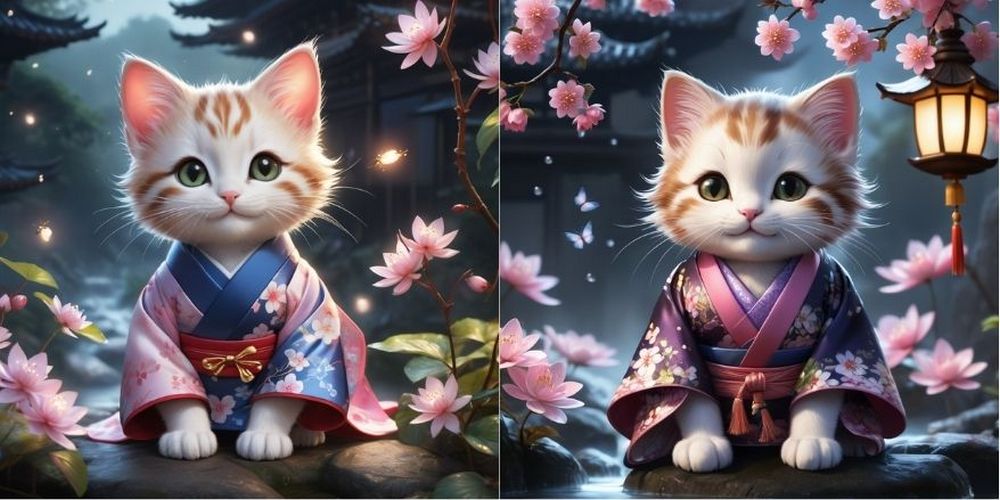
After explaining how to use it, here’s a look at the images generated by Tengr AI. The prompt was “macro, photorealistic, adorable kitten, smiling, ornate court kimono, night cherry blossoms, stream, water splashes, mist, fireflies.” Style: fairytale, with Creativity and Details both set to 3, and aspect ratio 1:1. The generated images are shown below:
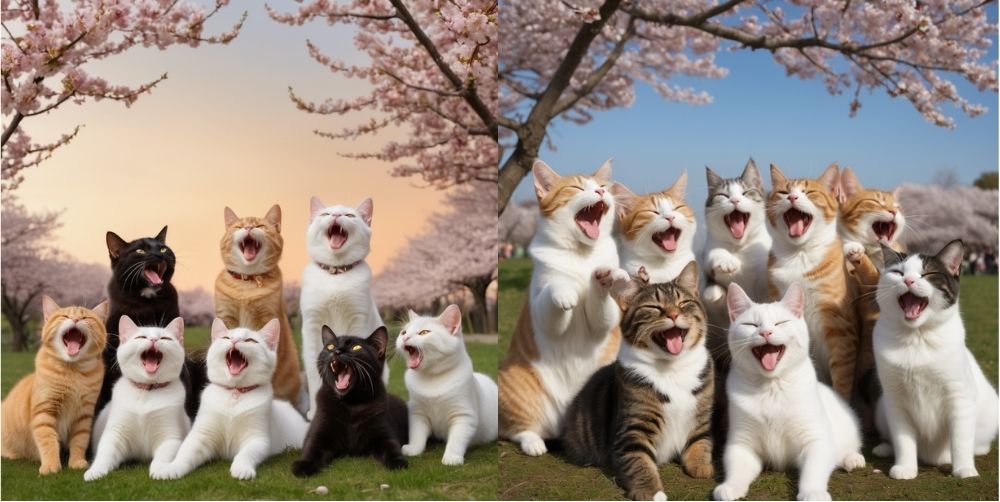
The spell says “six cats, different colors, some smiling, some yawning, some scratching their ears, big and small, forming a circle looking down at the ground, background is cherry blossoms, view from the ground looking up at the sky, realistic photo style”, style: photographer, Creativity and Details both set to 4, size 7:9. The generated photo is shown below. The spell mentions that the six cats should have different actions, but the photo generated by Tengr AI shows all the cats yawning uniformly.
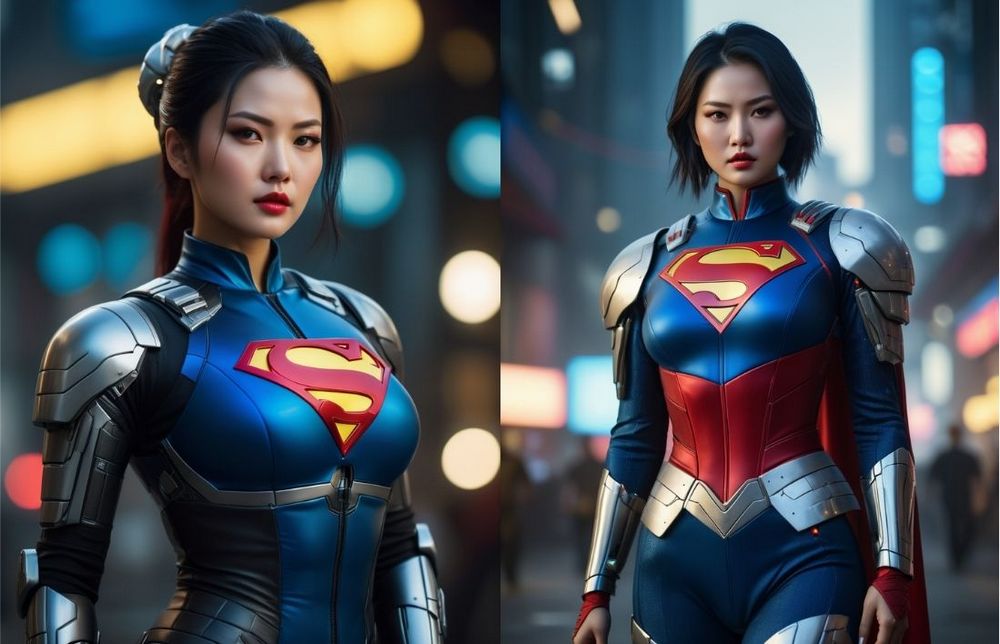
SpellCyberpunk 2077, Female Human Cyborg, beautiful Asian woman with super delicate face,plump figure , Wearing Superman costume, Composition, Avant – garde fashion by Zhang Jingna, Cinematic Composition, Full Body Portrait“, style: portraiture, Creativity and Details both set to 3, size 7:9. The generated photo is shown below:
The prompt “Pikachu in the worst selfie ever taken, face shot from way too low angle and below chin. in front of Tokyo tower. Pikachu looks down, angle makes looks like doublechin.”, style: impasto, with Creativity and Details both set to 4, and aspect ratio 1:1. The generated photo is shown below. Possibly because Creativity was set to 4, the result this time was underwhelming, with issues such as Pikachu replacing a person’s head or Pikachu having an extra ear on its head.
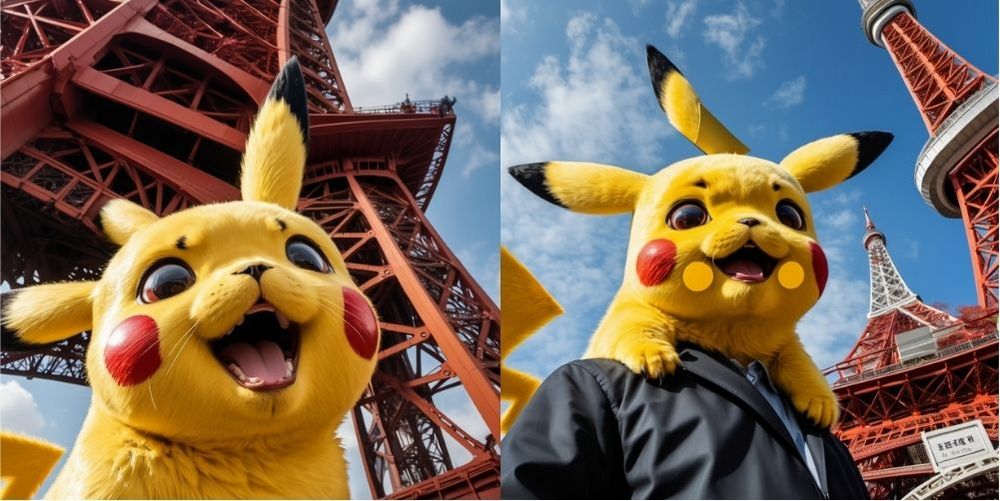
Image generation from image.
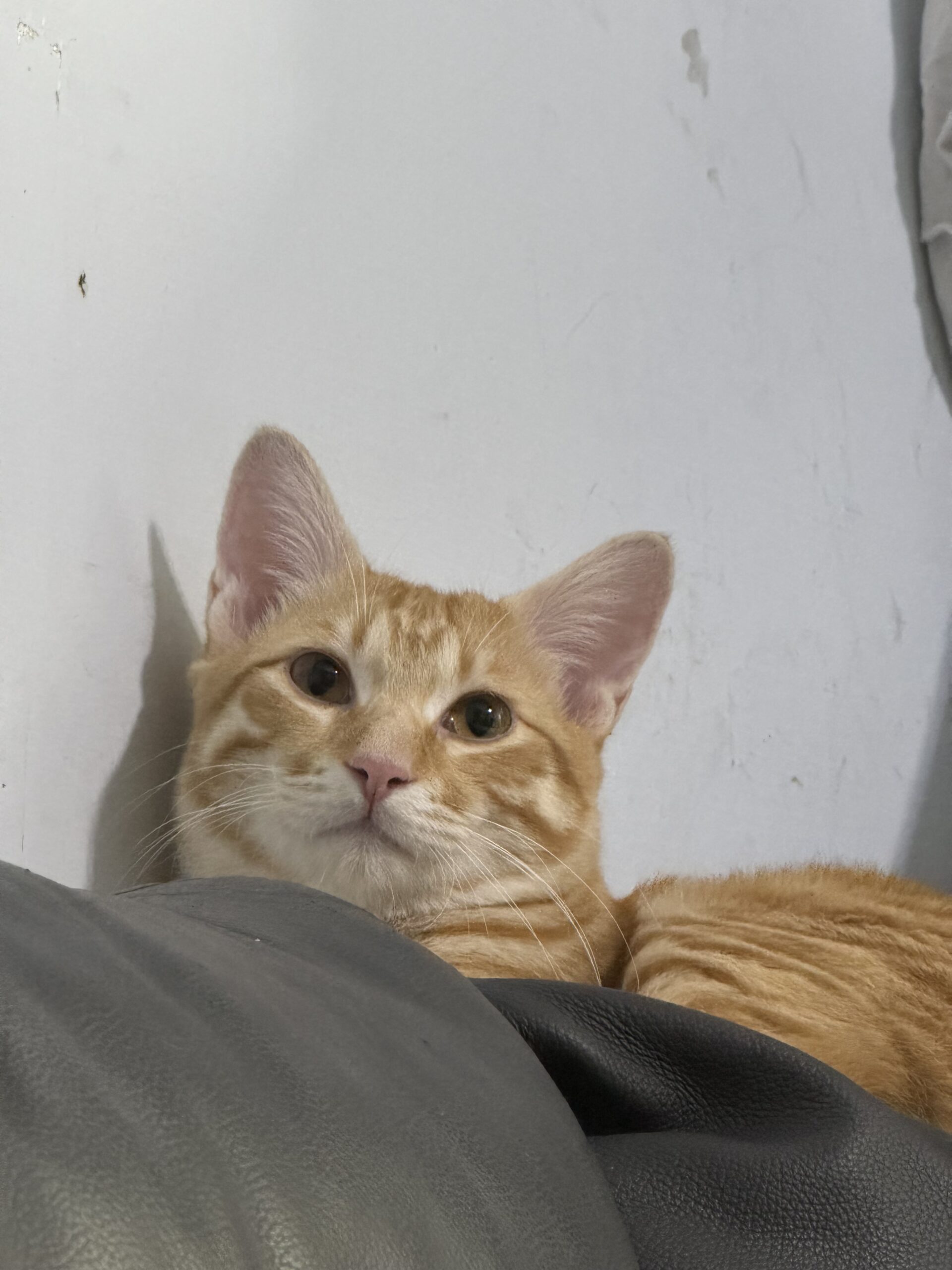
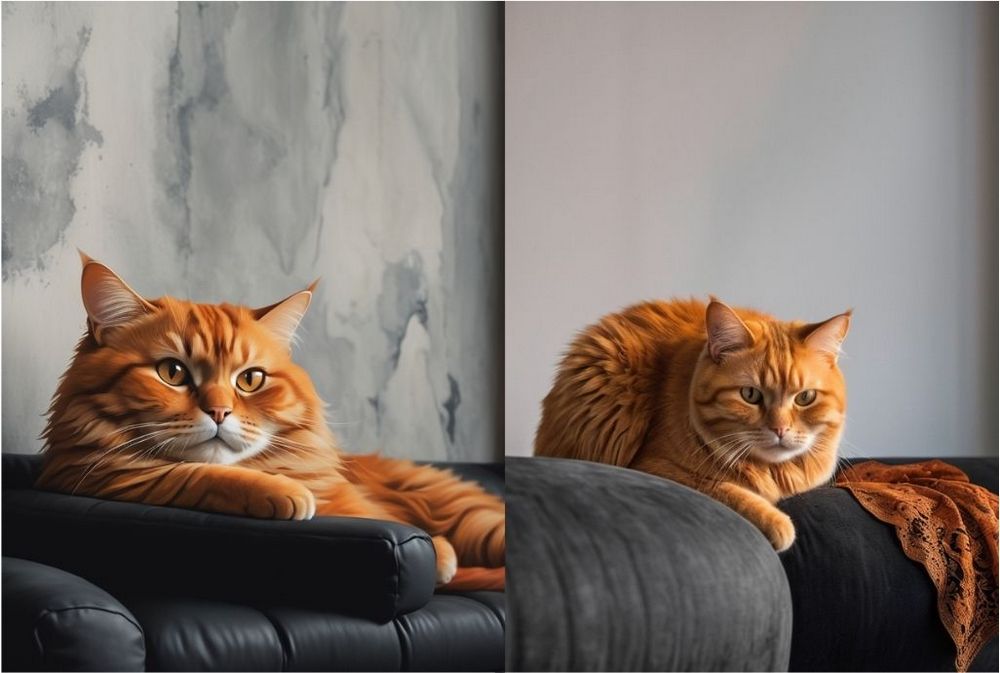
The editor used a photo of our chubby orange cat lying on the sofa, paired with the prompt “A ORANGE FAT CAT lying on the black sofa,” style: fairytale, with Creativity and Details both set to 3, and the aspect ratio matching the provided image (not adjustable). The prompt was simple, but Tengr AI still generated an image that matched the concept of the provided photo.
Click here to experience “Tengr AI”
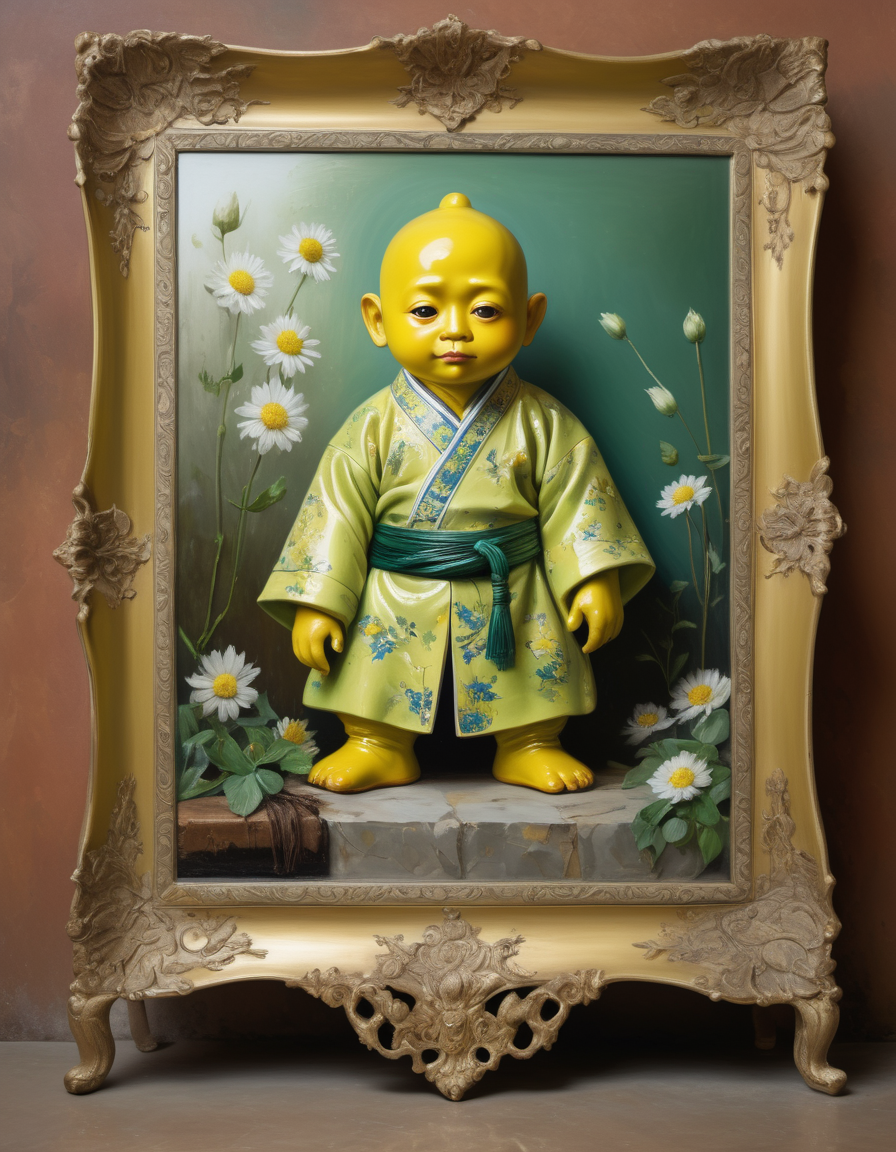
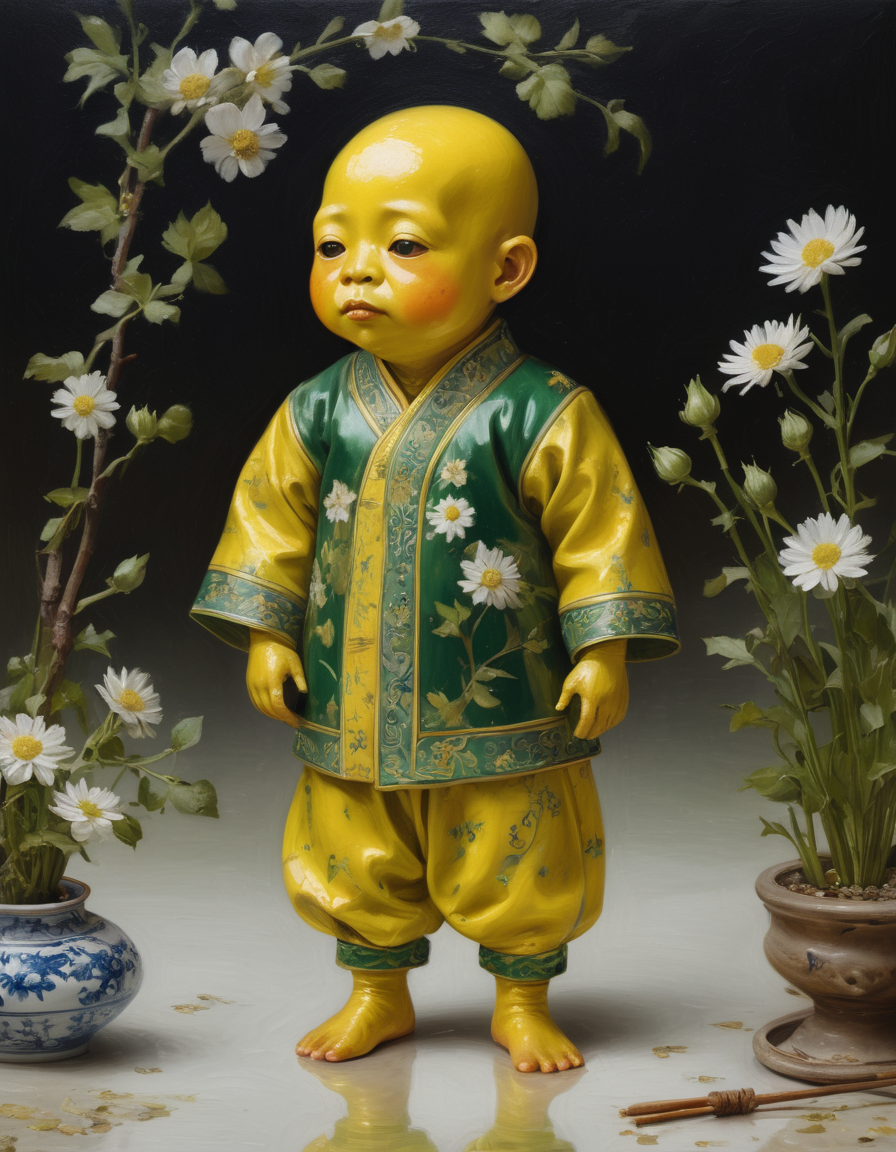
The Tengr AI webpage is very simple. If there’s any English you don’t understand, you can also click Google Translate in the Google search bar to translate the entire Tengr AI page. After testing, unless the Chinese prompt is very difficult, the image quality generated by Tengr AI is still quite good. Even without the paid plans for “Upscale 2x” or “Upscale 4x,” the images generated by Tengr AI are still very clear. Finally, here’s an image generated by Tengr AI from the prompt “Full-body shot of a blue-and-white porcelain Minion wearing Eastern attire, with blue patterns painted on the porcelain and gold trim, glossy porcelain texture, realistic photography, high detail, 8k, depth of field, commercial photography, theatrical lighting” to bring everyone some joy.
Source: KOCPC Chinese