


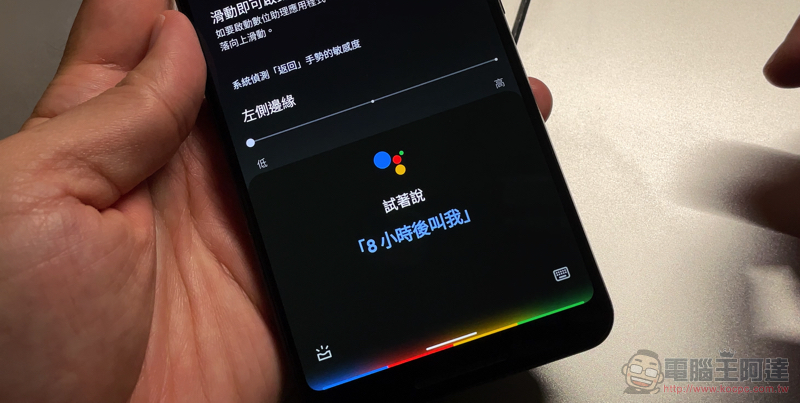
This Android 12 Beta 3 update has many surprises, includingSmarter automatic screen rotation function, adding new gesture teachingNew machine setting interface, even the problem of accidentally operating the Google Voice Assistant function can be solved with new options that can be set more conveniently. Interestingly, in addition to the built-in screen recording function introduced previously, this time Google also chose to build the long screenshot function provided by many third-party mobile phone brands or applications into the Android 12 system test version. The point is, it seems to have more thoughtful features than the general long screenshot function. Continue reading: How to use Android 12’s built-in long screenshots, this article will teach you!
How to use Android 12’s built-in long screenshot, which is so easy to use, this article will teach you!
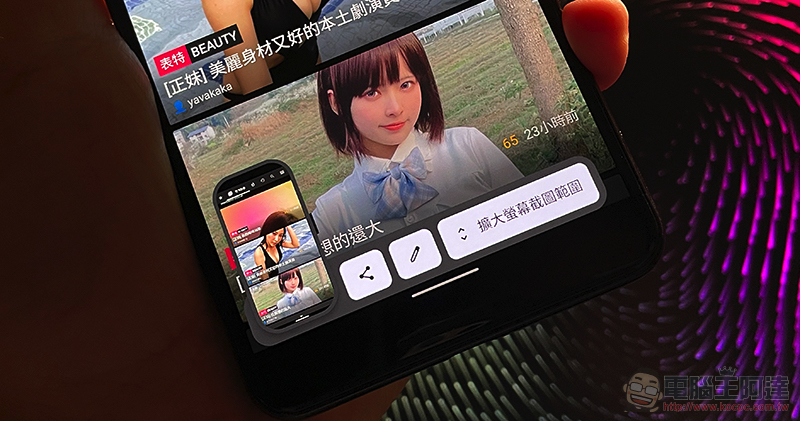
This time, with Android 12 Beta 3, a long screenshot function built into the system is added, which is very simple to use. However, it seems that it is not yet possible to start by taking a screenshot of the multitasking page (it should be possible in the future). The new “Expand Screenshot Range” option button can only be seen by pressing the button to start the screenshot – taking the Pixel 3 XL as an example, pressing and holding the “Power Button” + “Volume Down” button at the same time will start taking screenshots. If the application supports long screenshots, this new button will pop up in the lower right corner.
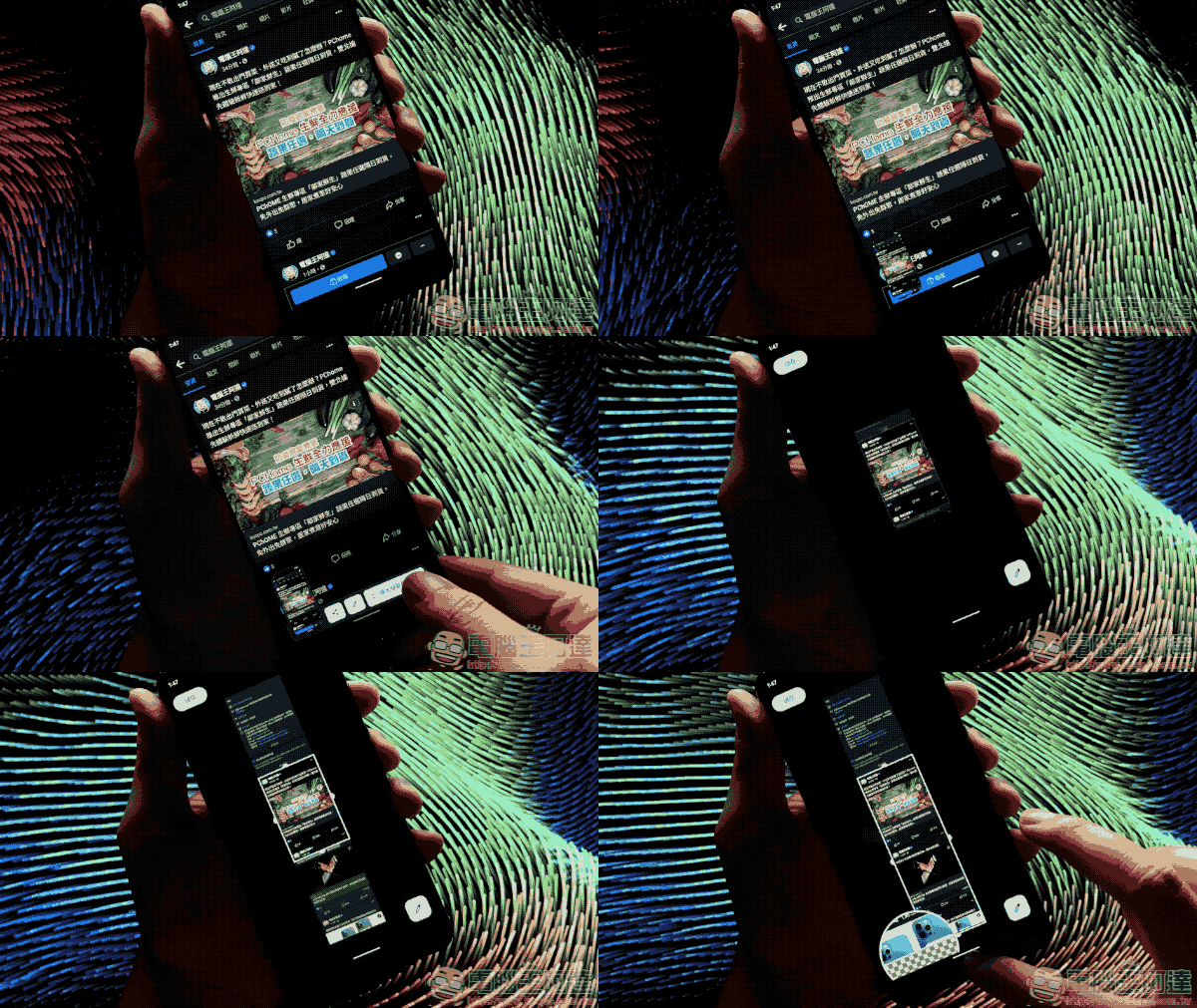
After clicking the option, you can launch a new long screenshot page. Compared with the general scrolling screenshot, this function will directly load the page range of a certain height, and then directly let you choose the cropping range of the screenshot – moving the edge will also bring up a magnifying glass, allowing you to confirm the range, which is very considerate; the disadvantage is that there seems to be no option to continue scrolling down, so the maximum range is somewhat limited compared to a long scrolling screenshot.
That is to say, since it is still a feature under testing, and here’s the key point: it “does not support” web page screenshots (but I have no problem using JPTT and Facebook). So basically this function should have many supporting improvements before the official version. With such convenient built-in functions, I believe everyone can take advantage of it after updating to the official version in the future.
Further reading:
Source: KOCPC Chinese