


For PC users, the computer must have a set of data system backup software. If you don’t have it yet, then I highly recommend getting it as soon as possible during this time limit. AOMEI Backupper Professional is a set of professional backup software that I have been using for a long time. Not only can it back up the system regularly and synchronize specified data, but when I changed the system disk previously, I also used this built-in cloning (copying) function to achieve this without having to refill anything. AOMEI Backupper Professional originally cost around NT$1,300, but now you can get it for free.
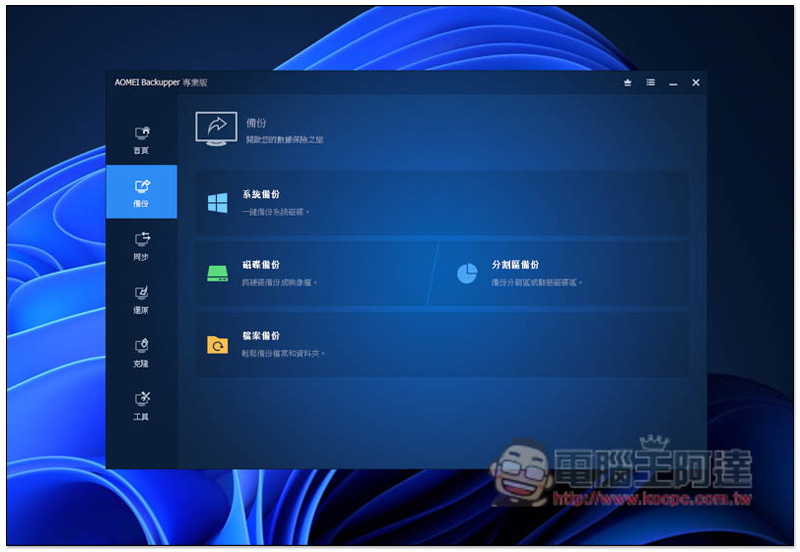
AOMEI Backupper Professional limited free promotion
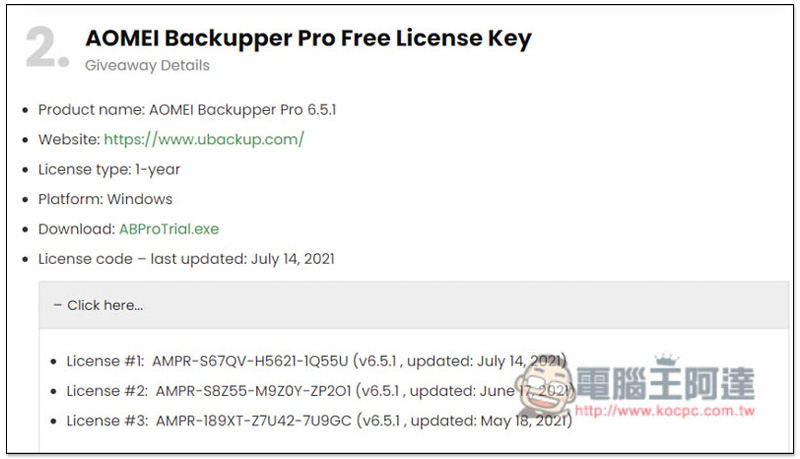
The website that launched the limited-free AOMEI Backupper Professional event this time is foreign WinningPC. They also directly printed the limited-free serial number, which can be obtained without registering any information. However, it is not clear when the limited-free period will expire. It seems that the serial number will automatically expire.
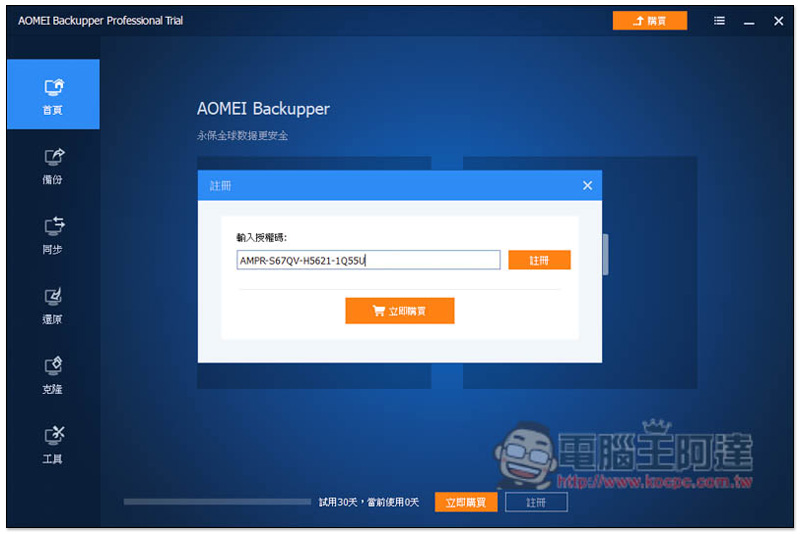
- This is the limited exemption serial number just released earlier: AMPR-S67QV-H5621-1Q55U (v6.5.1, updated: July 14, 2021)
WinningPC The AOMEI Backupper Professional serial number is updated from time to time. If you find it has expired, you can check this page occasionally to see if a new limited-time free serial number has been released:
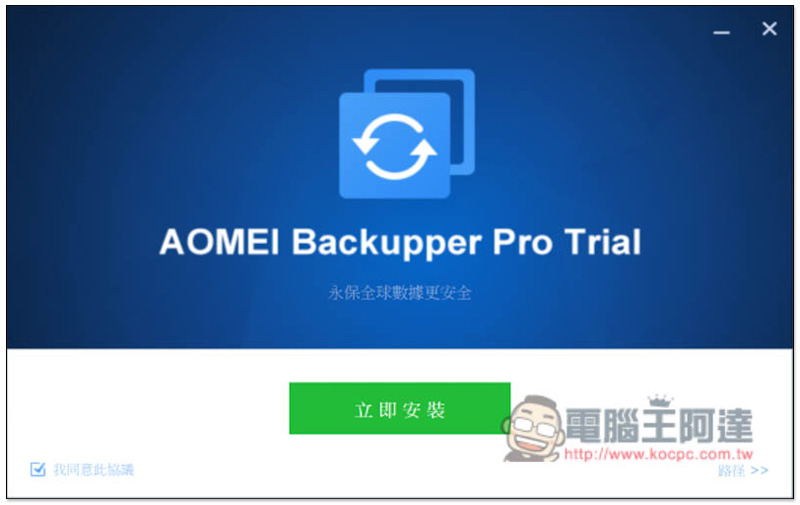
This set is in Traditional Chinese, so you don’t have to worry about not being able to understand it.Click here to download the installation file, if there are no special requirements, just keep pressing next step during the installation process:
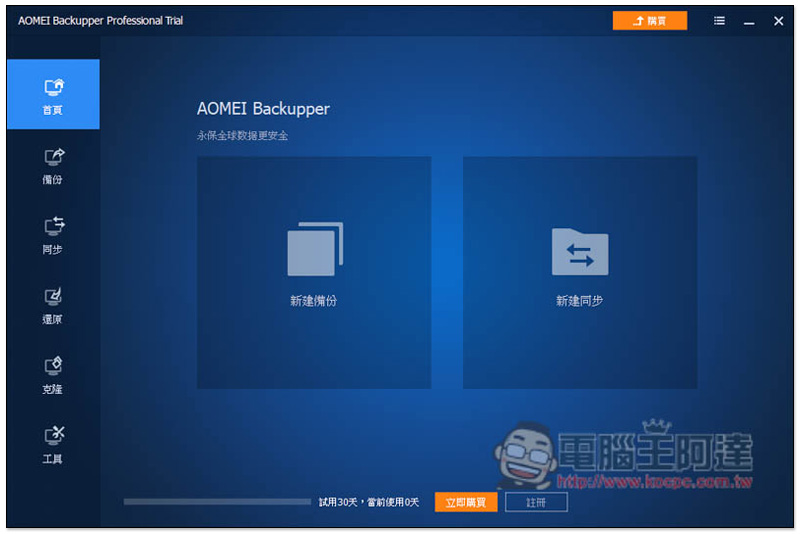
After activation, there will be the word “Trial” behind the software name. Click “Register” below:
Enter the serial number above and press register:
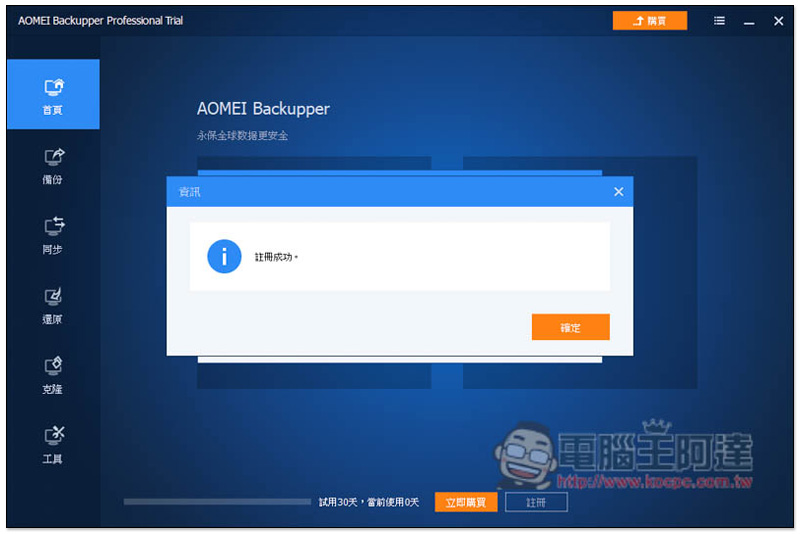
This will succeed:
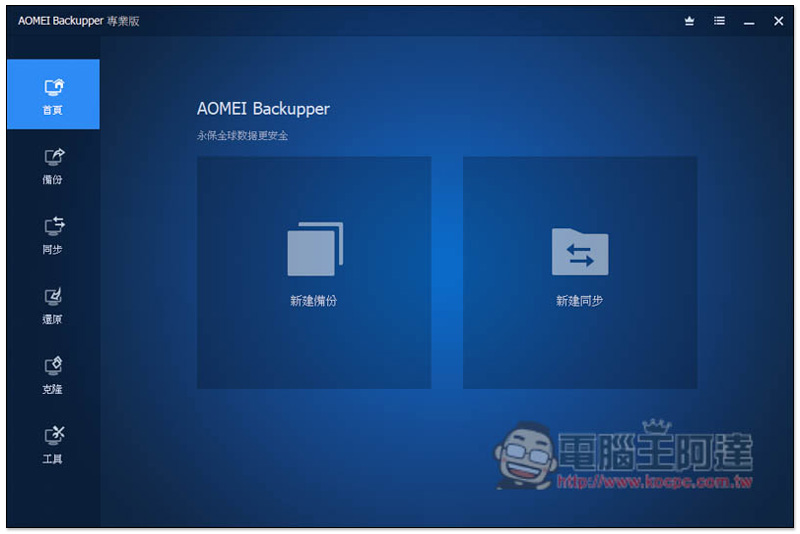
The “Trail” in the software name also disappeared and turned into the word “Professional Edition”:
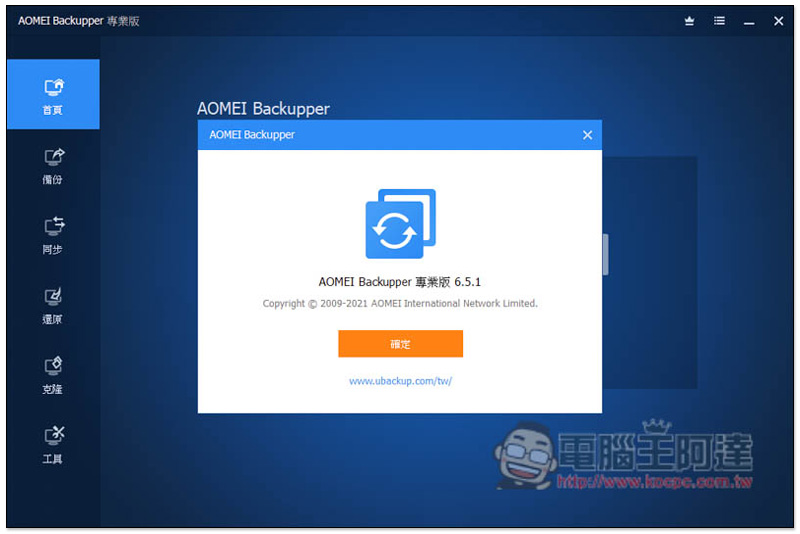
In addition, I am not sure how long this serial number can be used. Although Winning is written for one year, my impression is that the paid version of AOMEI Backupper Professional is a one-time purchase. There is no subscription system, and the about page in the software does not explain:
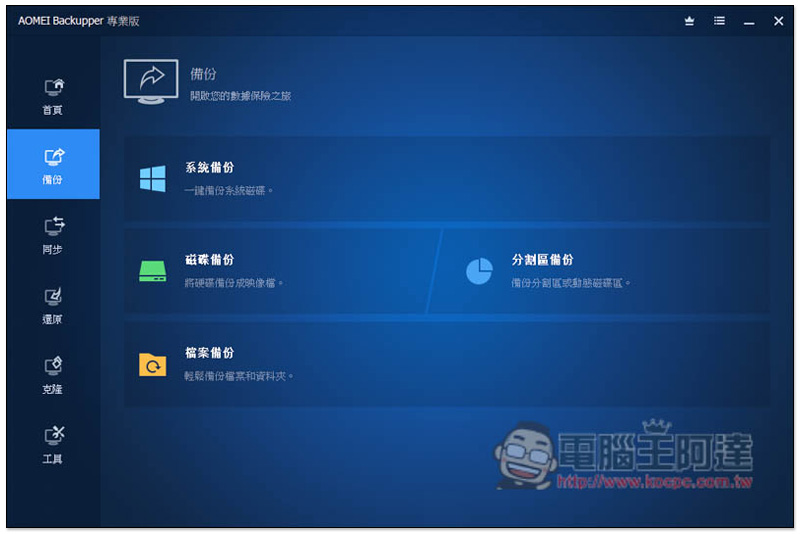
The menu is mainly on the left side. There are four functions in the backup menu. It is recommended to perform “system backup” regularly so that you can quickly restore it when there is a sudden situation, poisoning or hard disk failure:
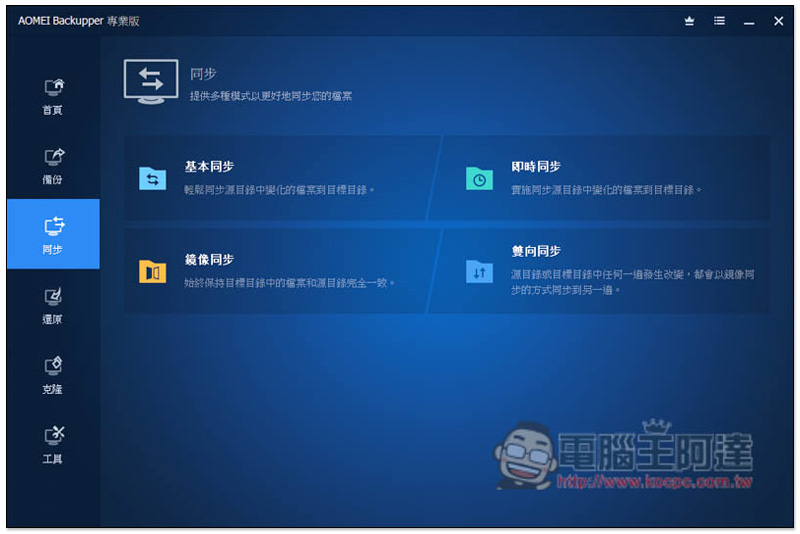
For those who need data synchronization, the synchronization menu also provides four functions, basic, real-time, mirroring and two-way, depending on which form of synchronization you want:
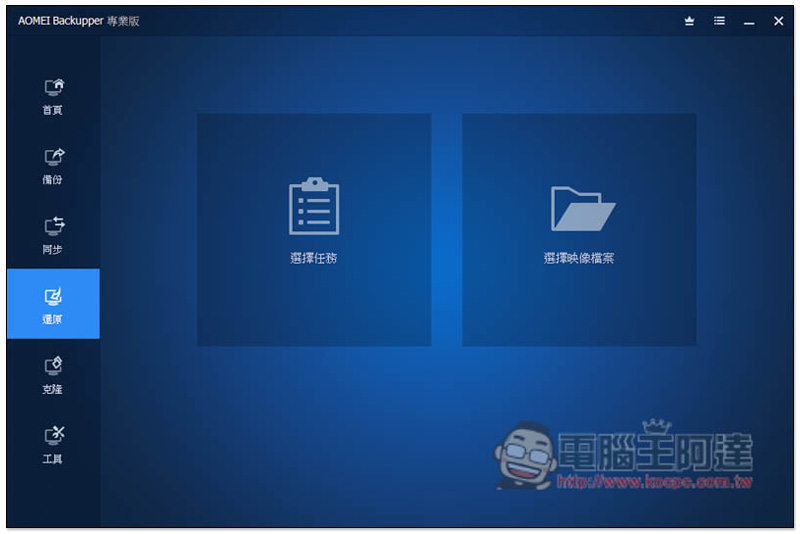
The restore menu is of course used to restore the previously backed up system:
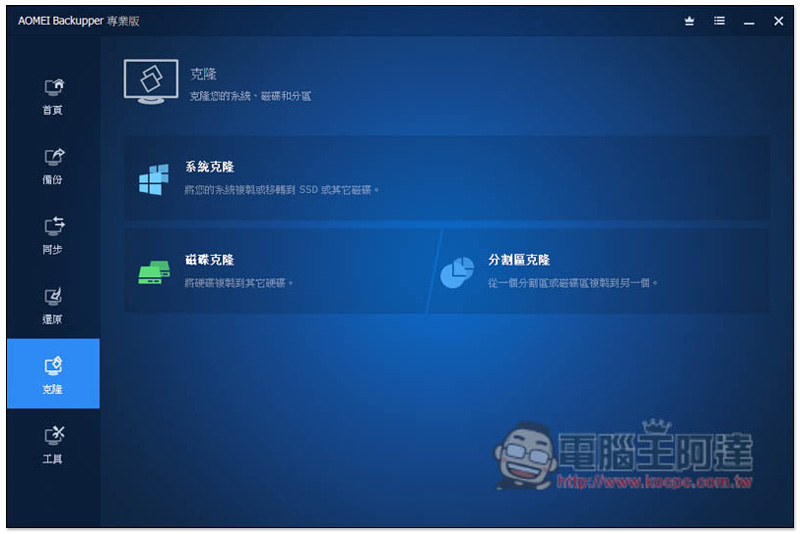
When you need to change the system disk, you can use the cloning function to copy your current system hard disk to the new hard disk with one click. This way, the new hard disk can be used directly after being installed on the computer without reinstalling the system, drivers and other software:
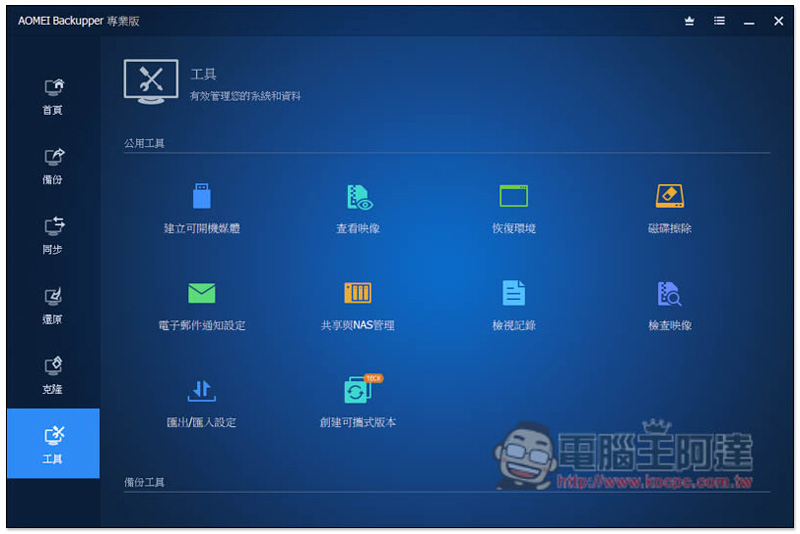
There are many more functions in the tool menu. This part is for readers to play around with.
Source: KOCPC Chinese