


Allavsoft for Windows can be said to be the best paid online video and music download software I have ever used. Not only does it support more than 1,000 websites (even Spotify), it also has built-in video conversion and merging functions. It can convert many formats, and it also directly lists devices, such as iPhone and iPad. Even if you don’t know what format to convert, you can easily find the right option.
This lifetime-use version was originally priced at US$99.99, but currently foreign websites are offering a limited-time free promotion, and there is no need to fill in any personal information. It is highly recommended that you get it. You are not sure when it will end, so just be quick.
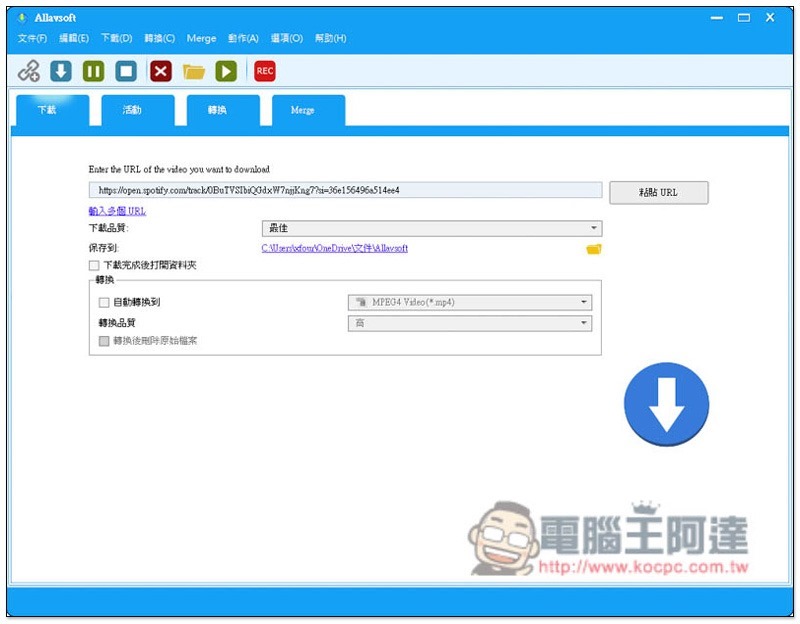
Allavsoft for Windows Limited Free Promotion
The foreign website that launched the Allavsoft for Windows limited free event this time is Tickcoupon Giveaway, the serial numbers are also listed directly on the website, the registration serial numbers are as follows:
License name: Tickcoupon Giveaway
License code: DC33-72E1-8370-9333-7A67-A6AE-F9E6-68B3
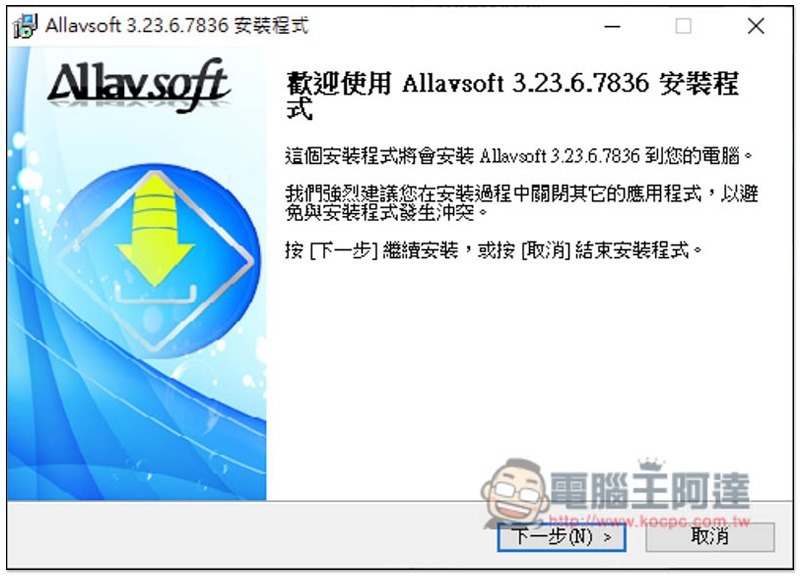
If there are no special requirements, just click Next during the installation process:
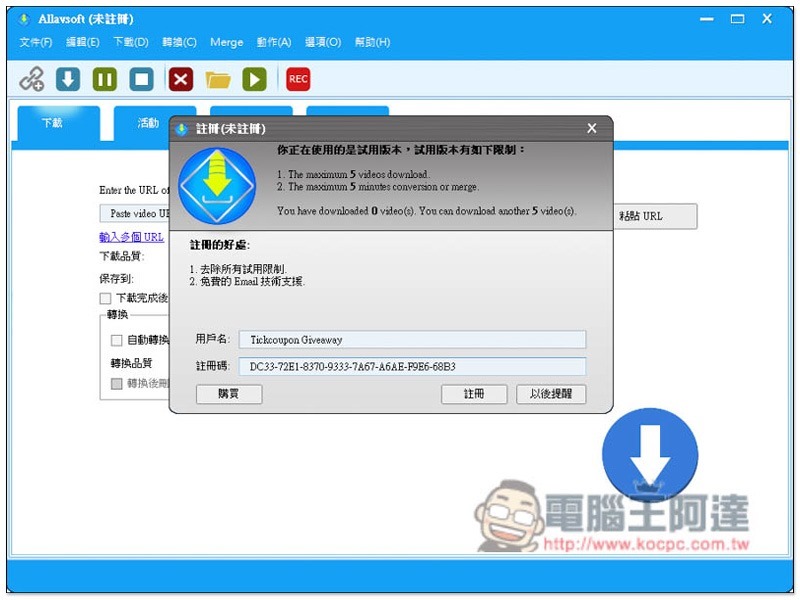
After opening the software, fill in the user name and registration code above, and then press register:
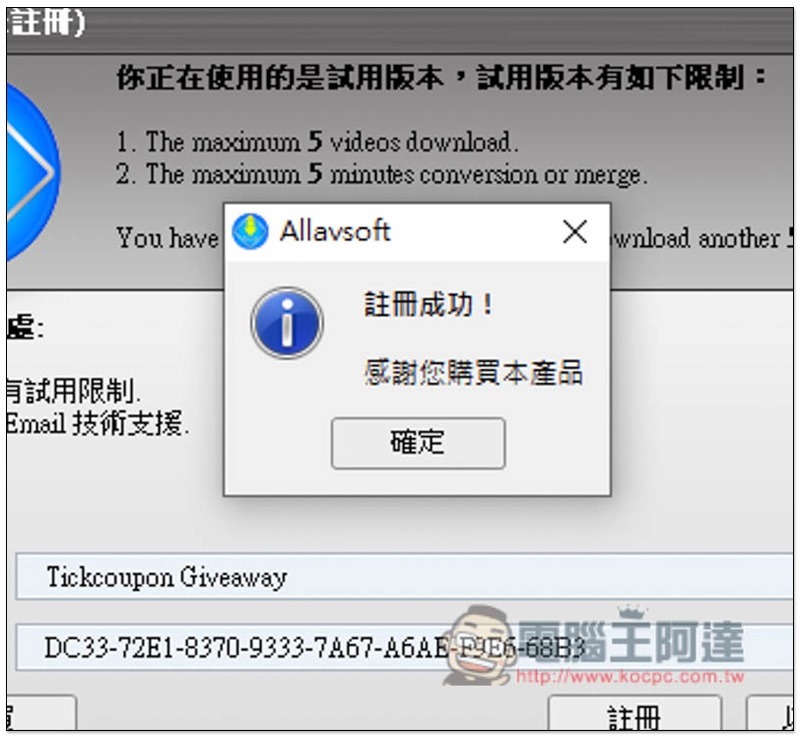
The registration is successful:
The word “Unregistered” originally written in the title of the software has also disappeared. This serial number is free for life. As long as you do not reinstall the computer or change the computer, you can continue to use it. But remember, when Allavsoft releases a new version in the future, do not update. Only the current version is free:
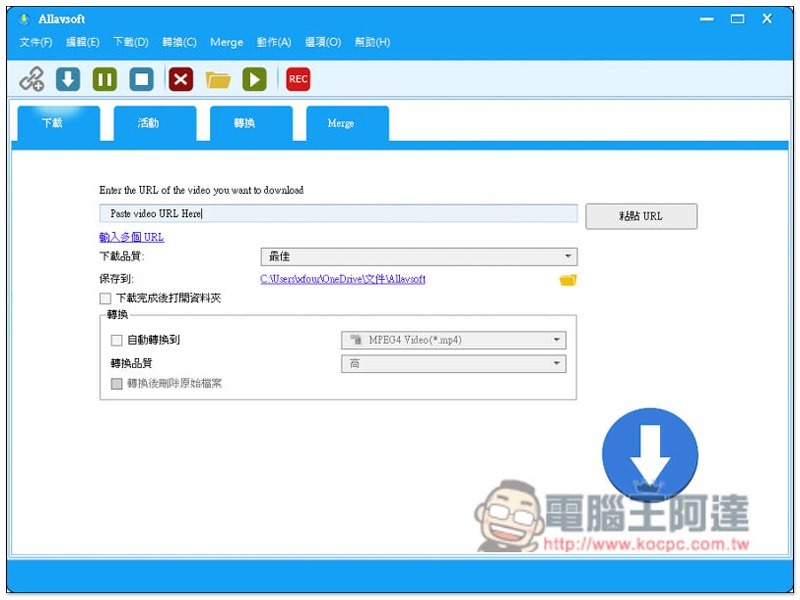
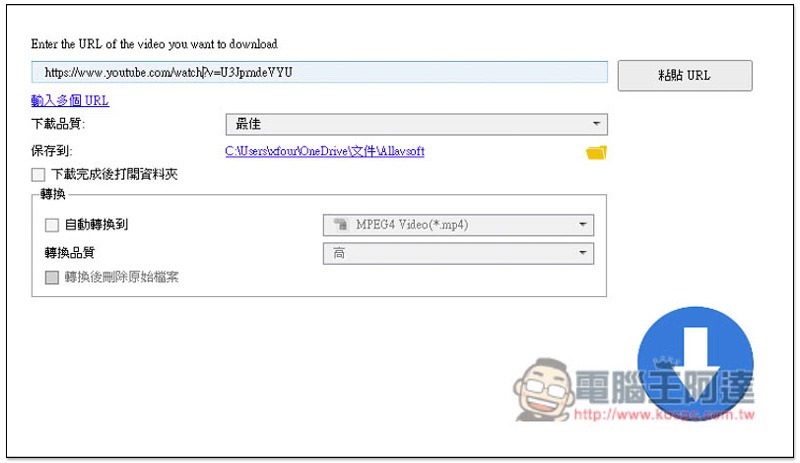
The method of use is also very simple. Take a YouTube video as an example. After copying the video URL, the software will automatically detect it and paste it in the URL field. If it does not exist, just click on the right to paste the URL. The download quality is defaulted to the best, and the highest quality only supports 1080p, which is a pity. YouTube videos will be MP4 files after downloading. If you don’t need to convert, just click the download icon at the bottom right:
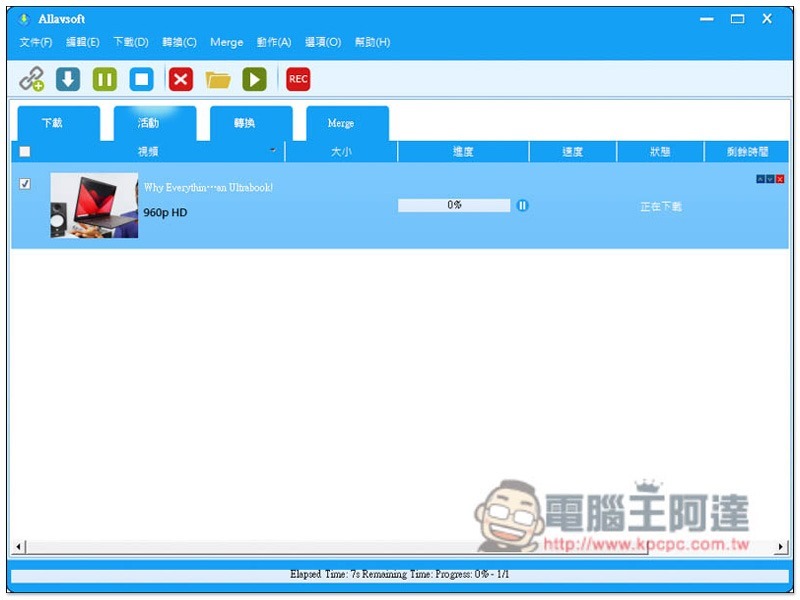
The download will start, and the speed is quite fast:
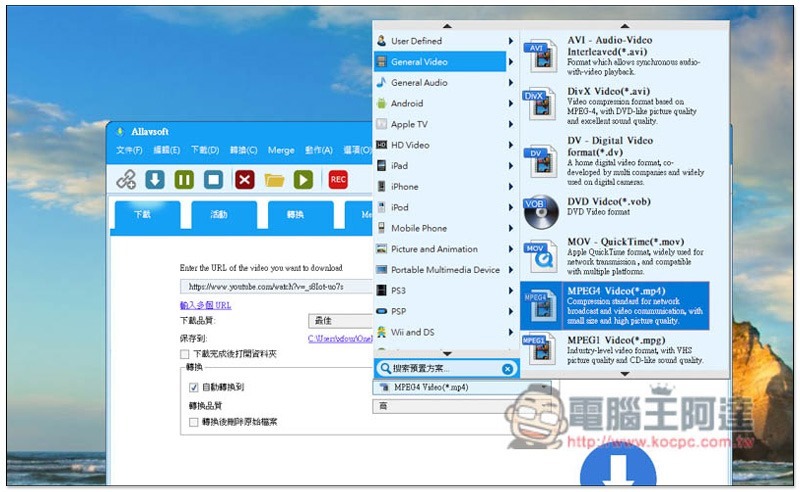
There are many supported conversion formats, and suitable devices will be listed directly on the left, such as: Android, Apple TV, iPad, iPhone, iPod, etc.:
For those who want to download YouTube music, the operation method is similar. First, copy the video URL, click Automatically convert the check box below before downloading, and then select the format as .mp3:
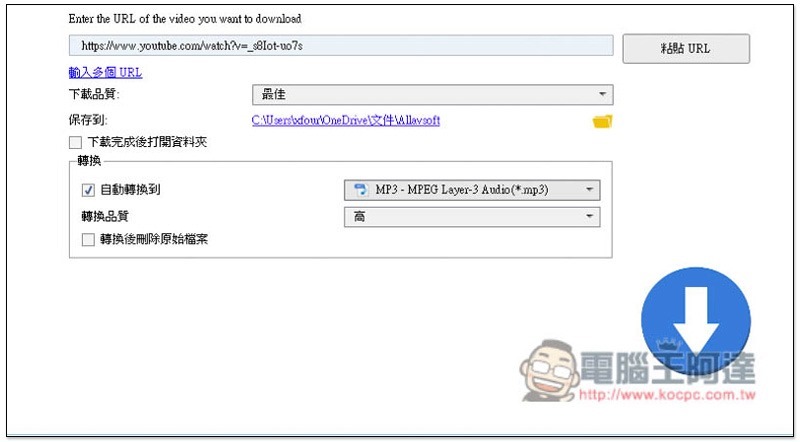
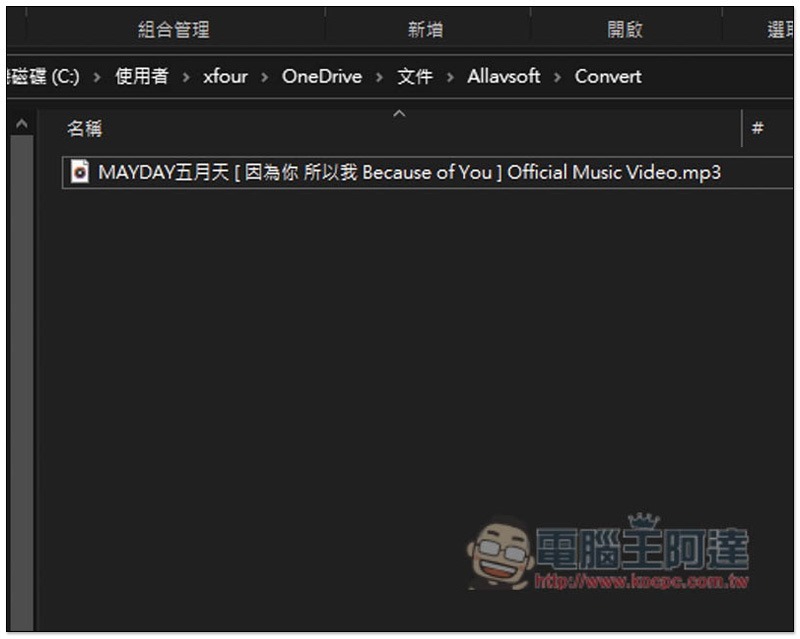
After downloading, it will be automatically converted into MP3 files and stored in the Convert folder. MP4 video files will also be retained and need to be deleted manually:
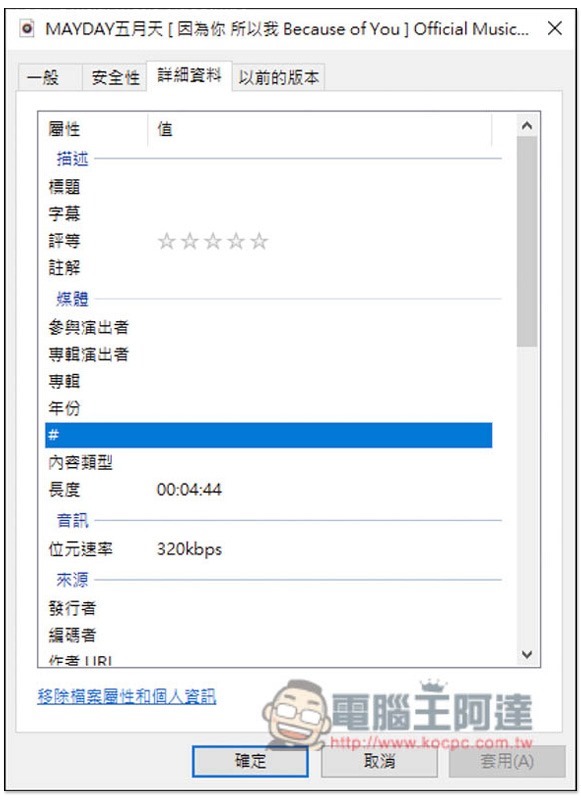
Supports up to 320kbps audio quality:
For Spotify music, first copy the link of the song, open… Options -> Share, and you will see the function of copying the song link:

Paste the link and click download:
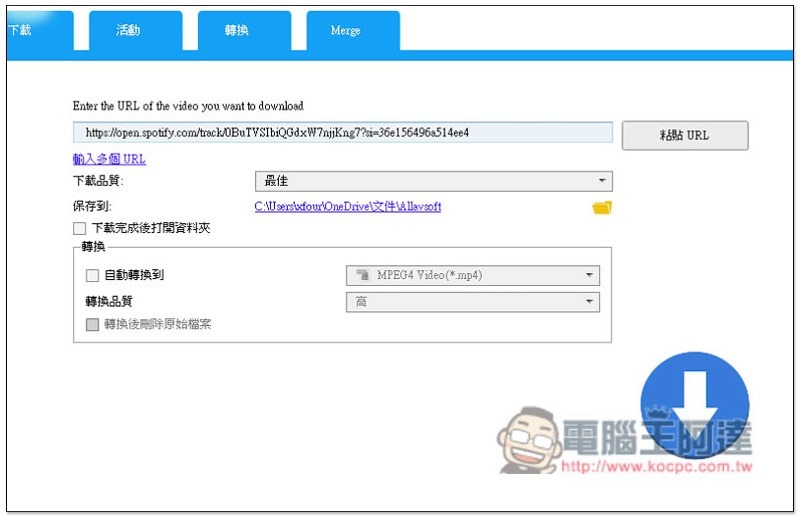
You need to log in to your Spotify account, and those who are worried can sign up for another free account:
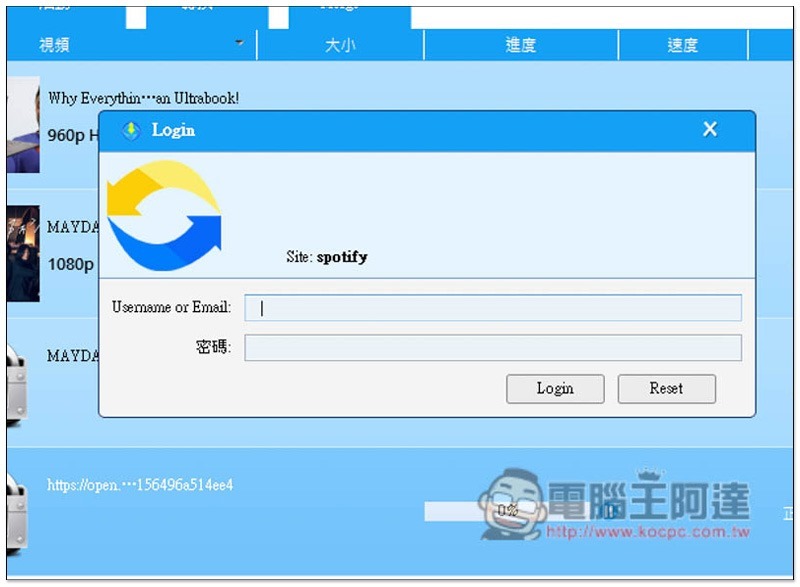
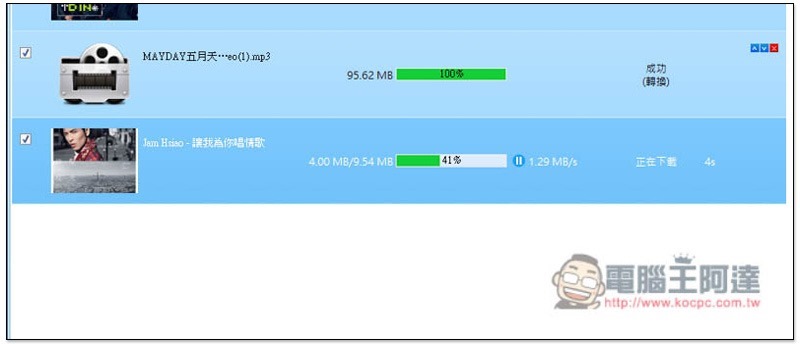
This will start the download:
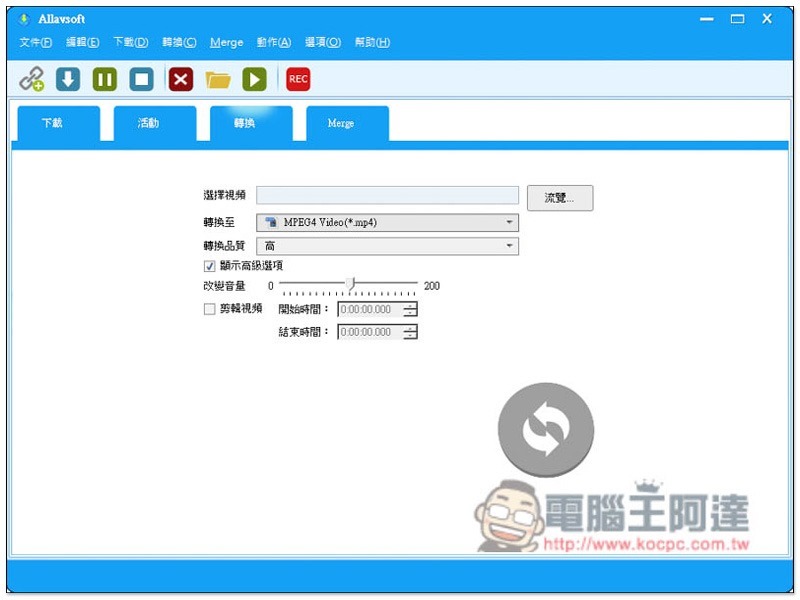
This software can also be used as a conversion software. Click the conversion menu to select the video, format and quality you want to convert. It also supports the functions of changing the factor size and editing video length:
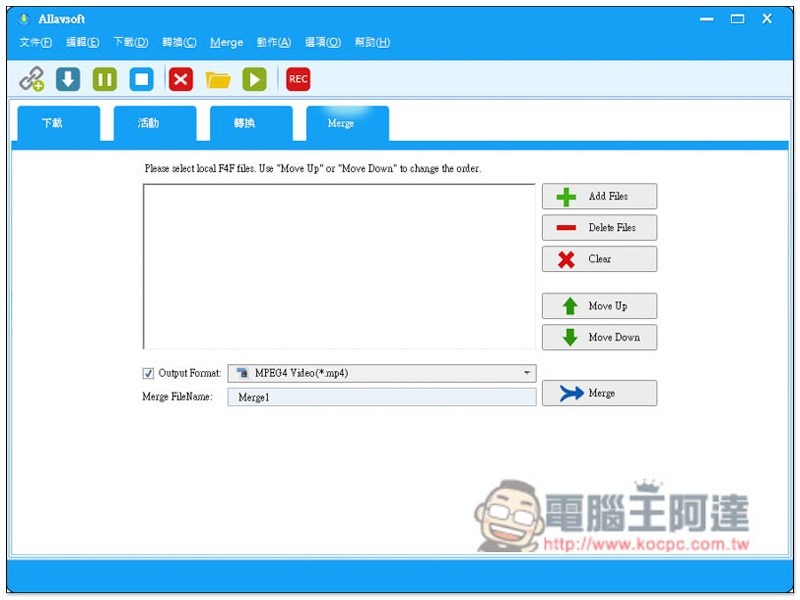
Merge is the video merging function:
Source: KOCPC Chinese