


Most cloud file sharing free spaces have capacity limits, and some even only have a maximum capacity of 500MB for a single file. However, the firestorage service from Japan not only has no capacity limit without registering as a member, but also has a maximum capacity of 2GB for a single file. This is very good for sharing files. It also supports advanced functions such as password settings. For readers who often need to share files with others, it is worth collecting.
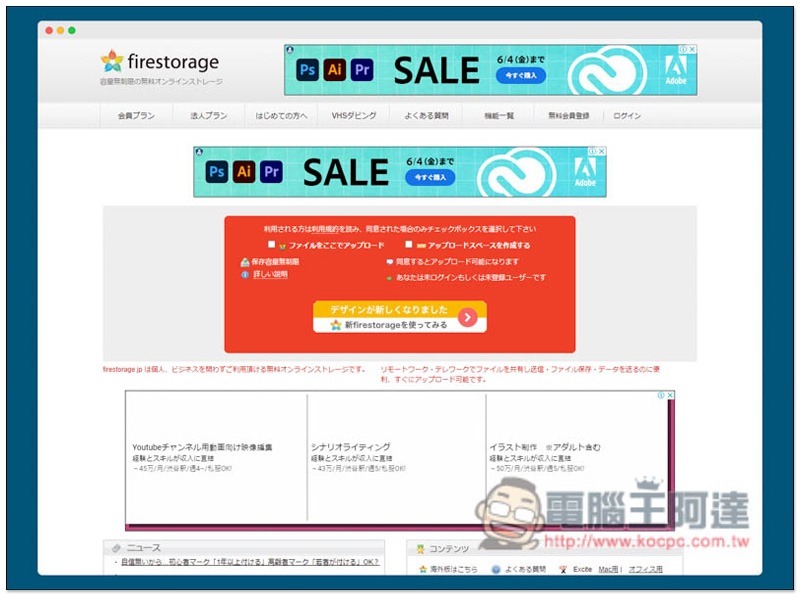
Firestorage cloud file sharing free space introduction
Firestorage has a Japanese interface, so don’t worry if you don’t understand it. You can use the browser’s full-page translation function to convert it into Chinese, so there shouldn’t be any operational issues. In addition, this website also provides an overseas version (English), but the overseas version requires registered membership:
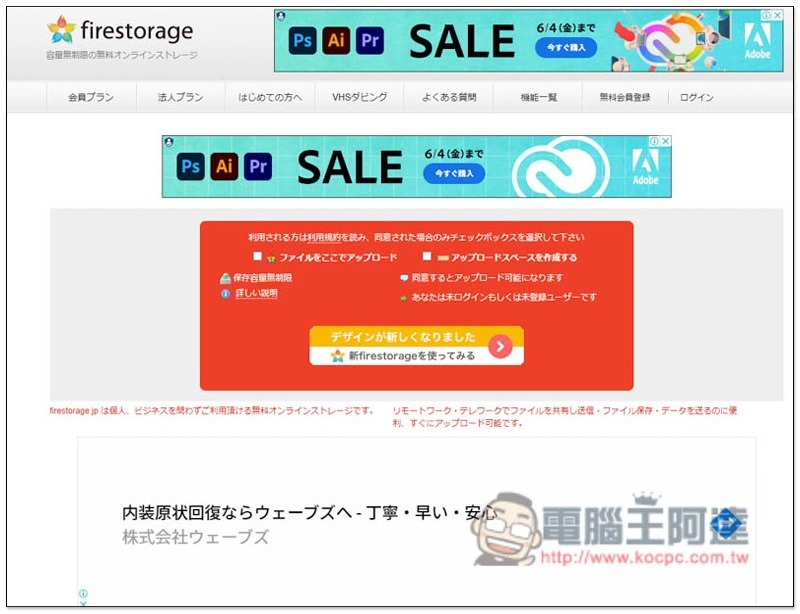
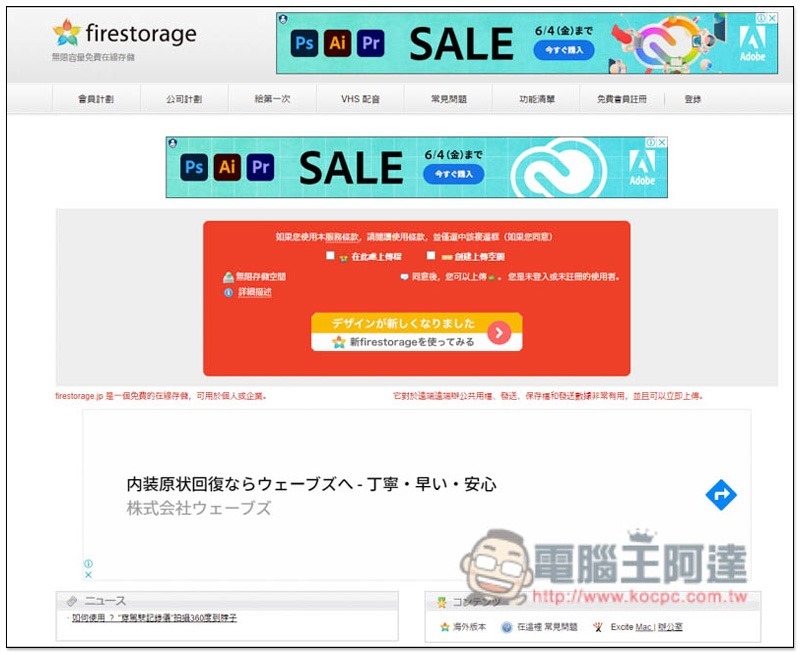
The picture below shows the quality after using the full-page translation function. Generally speaking, everyone can understand it. Before uploading, there are two options: “Upload file here” and “Create upload space”. The former is to upload directly, and the latter is to register as a free member. I will use direct upload as an example:
Then you can drag in the file you want to upload, and you can set the retention period and password on the left:
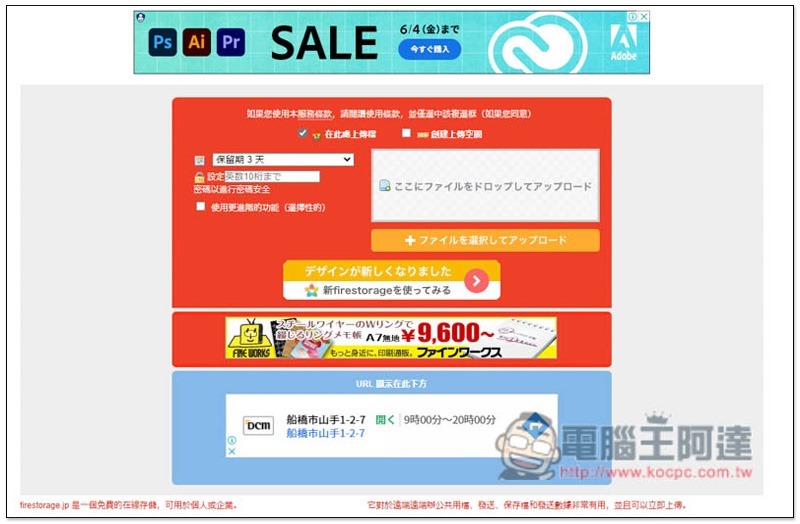
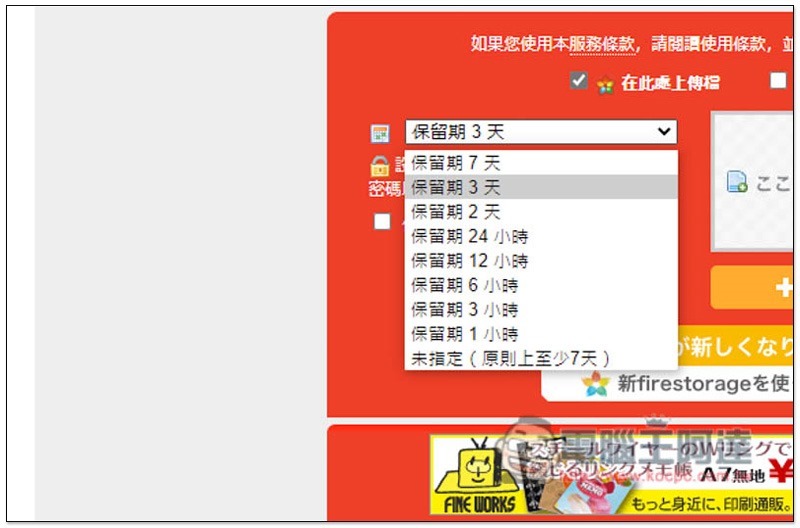
The storage period can be up to 7 days, and the shortest is 1 hour. It depends on your needs. It will be automatically deleted when the time is up:
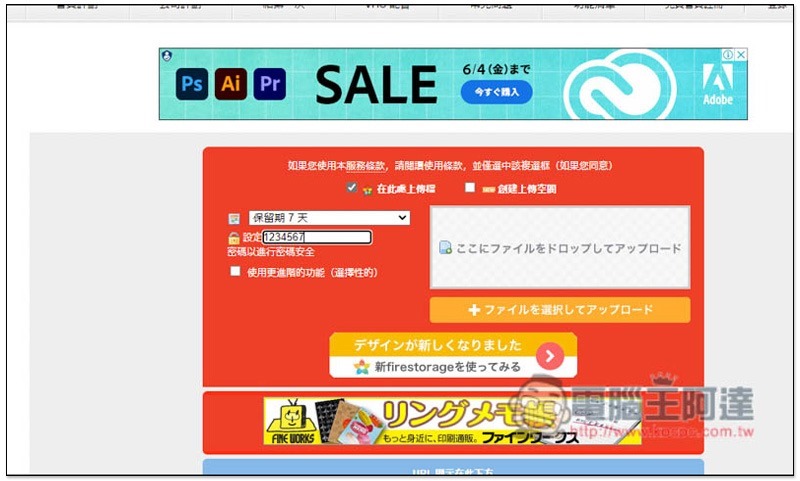
People who need it can also set a password. There is also a “Use more advanced functions” below:
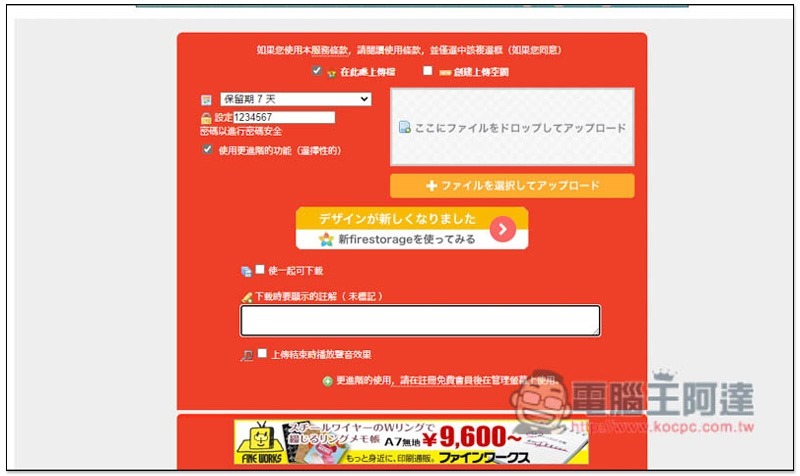
After clicking, three options will pop up, “Make them downloadable together”, “Annotations” and “Play sound effects at the end of uploading”. If you are uploading multiple files at one time, it is recommended to check the first one so that you can get a download link. Otherwise, each will have an independent download link:
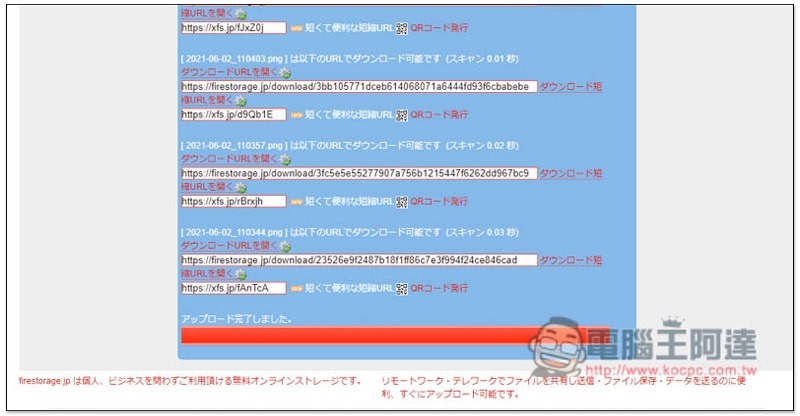
As shown in the picture below, this is the unchecked state. Each file has long and short links:
If checked, you will get a single link, making it easier to share:
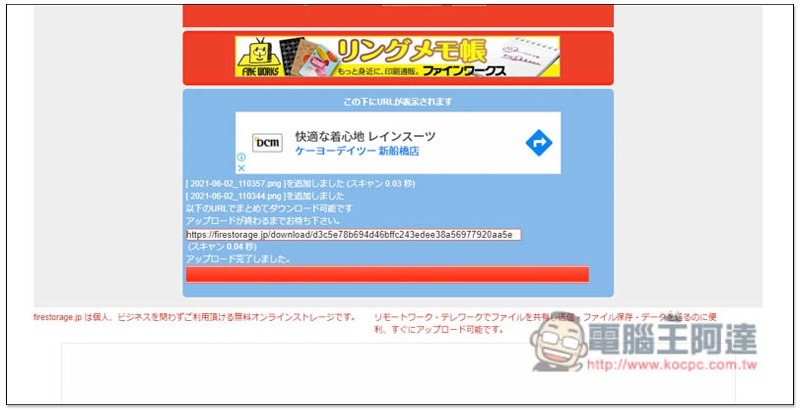
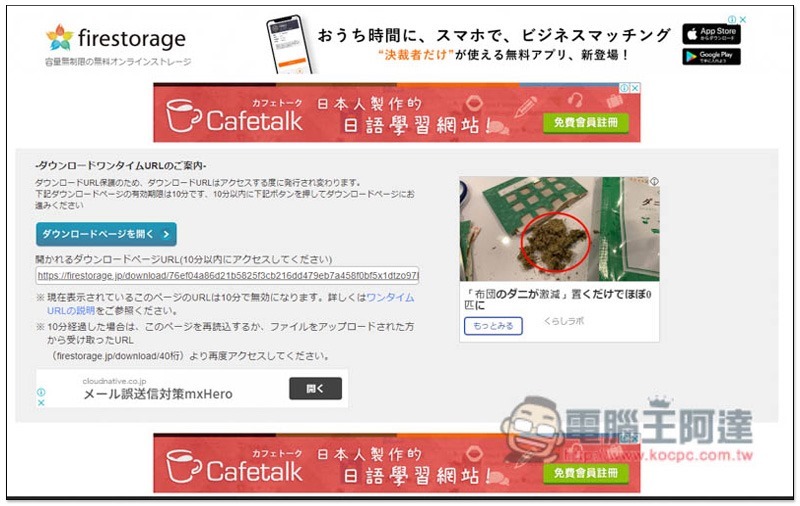
After sharing the link with others, they will see this screen when they open it. Click the blue button on the page:
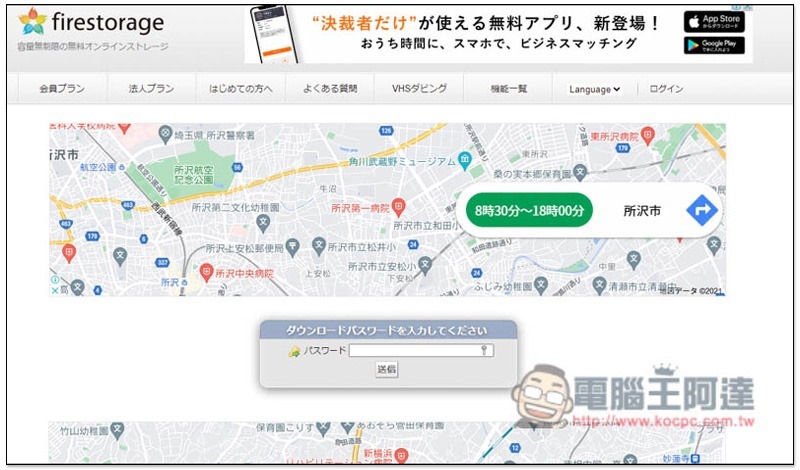
If there is a password, you need to enter it:
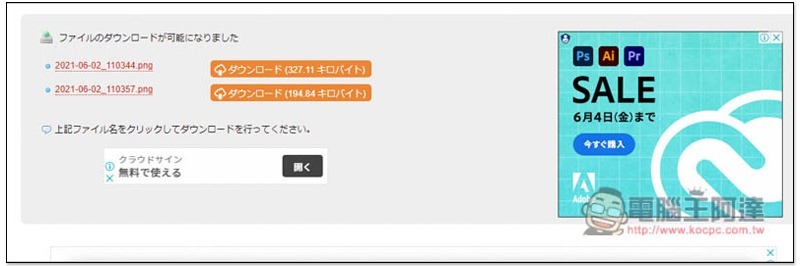
Then you will get loading points:
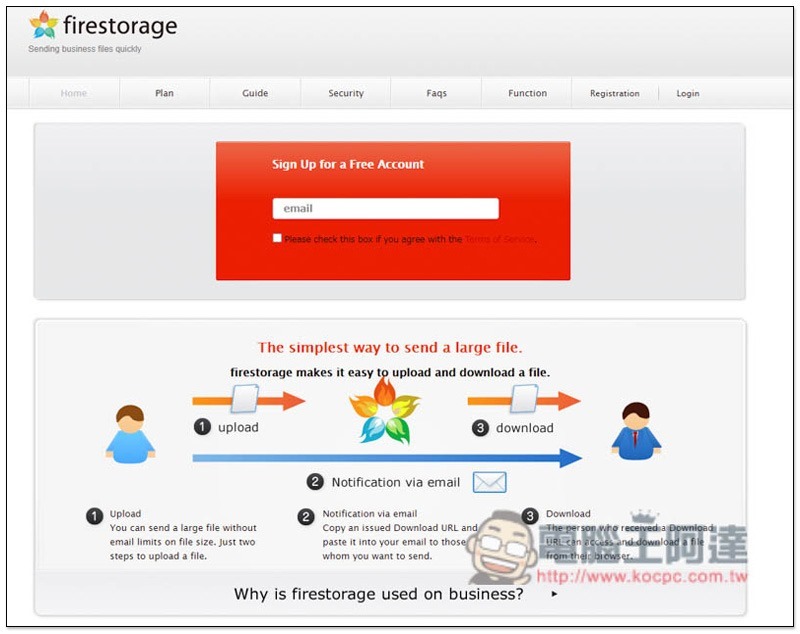
The picture below is the interface of the overseas version. It is in English and has no ads. It is much cleaner, but registration is required. Registering as a member also has the advantage that you can manually delete shared files (without membership, you can only wait for automatic deletion), and you will also get 2GB of cloud storage space, which can be used to back up your photos or other private files:
Source: KOCPC Chinese