


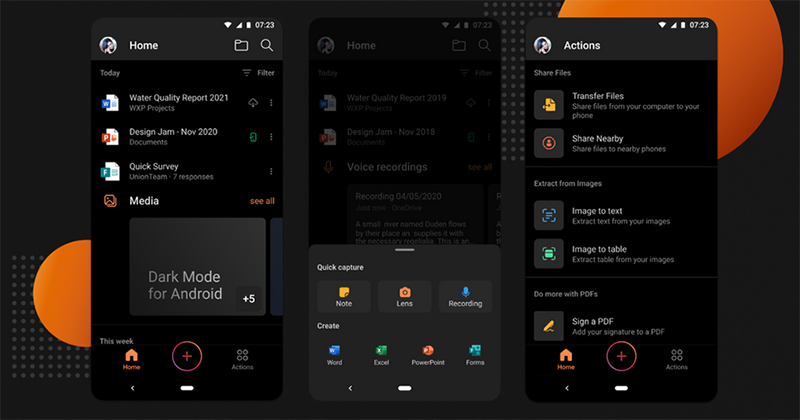
Hearing the calls of users, Microsoft Office announced that it will officially support dark mode in the Android version. Compared to the past, which was divided into many applications, “Microsoft Office: Word, Excel, PowerPoint, and more” brings together many productivity applications – wait? That’s right, it’s really called that. If you don’t believe it, go ahead and upload it. Google Play Look (XD) – It will also start to support the dark theme mode introduced in Android 10. Continue reading Office finally supports dark mode on Android! Report text.
▲Image source: Microsoft
Office finally supports dark mode on Android!
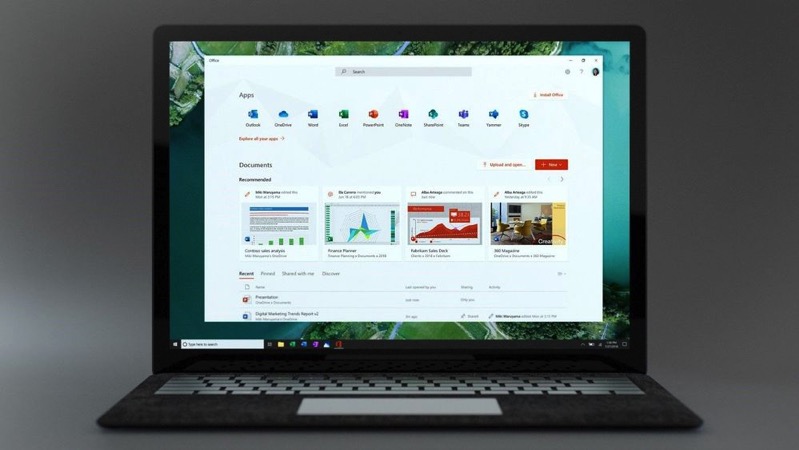
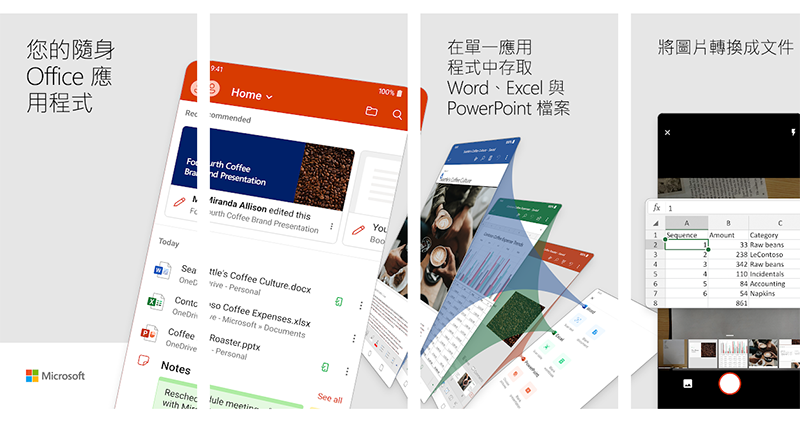
The “Microsoft Office: Word, Excel, PowerPoint, and More” app has officially integrated Word, Excel, and PowerPoint, Microsoft’s common productivity tools, into a single application. It not only supports editing documents, spreadsheets, and presentations, but can also use mobile devices to take photos to convert them into Word files, use touch to sign PDF files, and other advanced applications.
This time, Microsoft will announce in 2019 that the dark theme feature, which can be relatively eye-friendly when used in dark environments, will be added to the Android version.
▲Image source: Microsoft
If you have set a system theme, the Office app will automatically switch to the selected theme color. If you want to switch manually, you can click the login icon in the upper left corner of Office to specify this dark theme in the settings, or let the settings change with the system defaults.
If you haven’t seen the dark theme this time around, don’t worry! Because the editor is the same (eh). According to the Microsoft 365 Blog, although this feature will be rolled out starting today, there seems to be a time lag, so please wait patiently.
Download Microsoft Office for Android (portal)
Pictures/sources cited in this article
Further reading:
0-60mph in just 1.1 seconds! Tesla Roadster SpaceX kit powerful specifications revealed

Source: KOCPC Chinese