


Maybe some loyal readers still remember,A few years ago we shared a tip for downloading YouTube video covers (click me to review). Although this method is actually not too difficult. You only need to change the fixed image URL to obtain a large image download of YouTube cover images. However, for those who often need to download YouTube video cover image files, it is still a bit troublesome to often need to copy and change the URL.
Today, I will introduce to you 4 websites that can easily download YouTube video cover images. They are applicable to mobile devices such as computers, mobile phones, and tablets. Just paste the video link to generate video cover images of various sizes!
4 Recommended Websites for Downloading YouTube Video Cover Pictures (Teaching)
Knowing how to select images and design YouTube video cover images that attract viewers to click is one of the basic skills for video creators to run a YouTube channel. A good cover video will always make viewers unable to resist clicking into the video to watch. Many video creators will also add attractive word cards to the video cover to increase the number of views of the video. However, whether you are a new video creator or a fan who wants to follow your favorite YouTube channel, you will always see some YouTube cover video images that you want to download and collect.
In addition to the YouTube video cover downloading techniques we introduced two years ago, today we also share with you four useful YouTube video cover image downloading websites. The functions of the four are similar, so you can choose the one you are used to.
Download Youtube Thumbnail
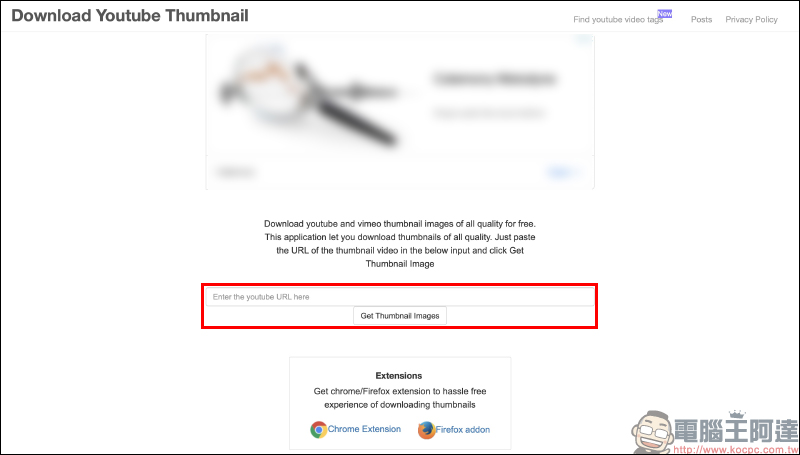
The first one is “Download Youtube Thumbnail”. Like some free video download websites, users only need to paste the link in the text input field, and then click “Get Thumbnail Images” below to get the video cover image.
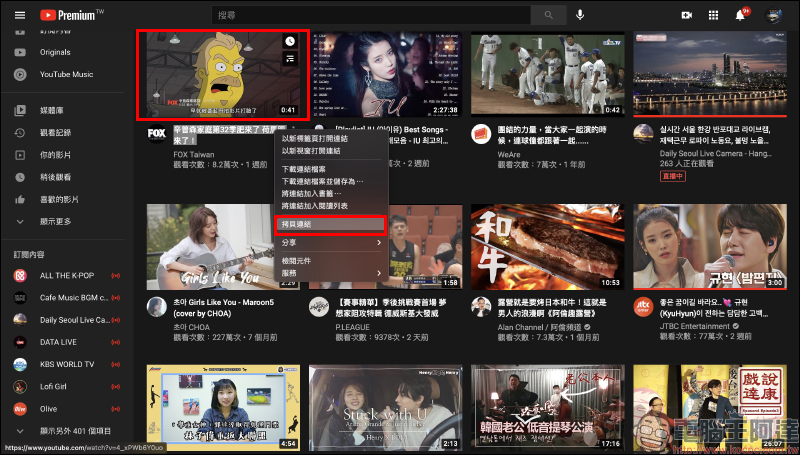
All you need to do is copy the video link on YouTube (either long or short URL):
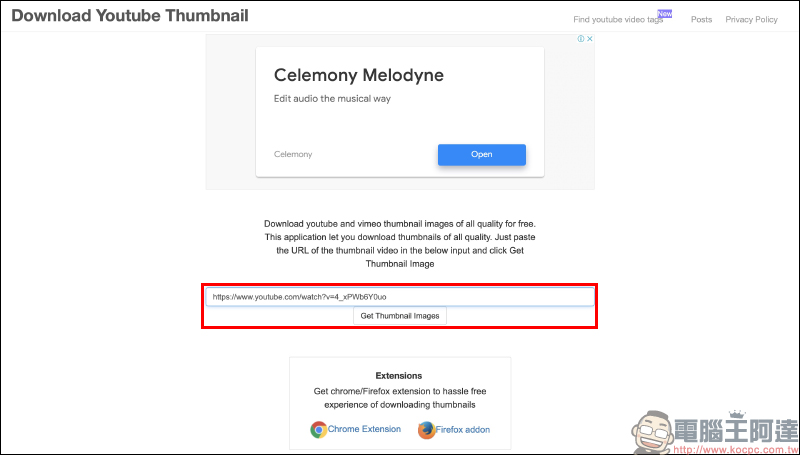
Then go back to the website, paste the video link, and click the “Get Thumbnail Images” button:
Wait a few seconds and the system will generate YouTube video cover images of various resolutions for download!

Currently, the resolution of the large video cover image that can be downloaded from YouTube is still 720p (1280 × 720):

In addition to computers, more people must watch YouTube videos through smartphones, right? This type of video cover image downloading website only needs to paste a link to directly generate a video cover thumbnail on the website, so users can also download it through the same steps on their mobile phones. First, copy the link of the YouTube video where you want to download the cover image:

Then paste the video link on the website and click the “Get Thumbnail Images” button, and then you can also see multiple YouTube video cover images of different resolutions!
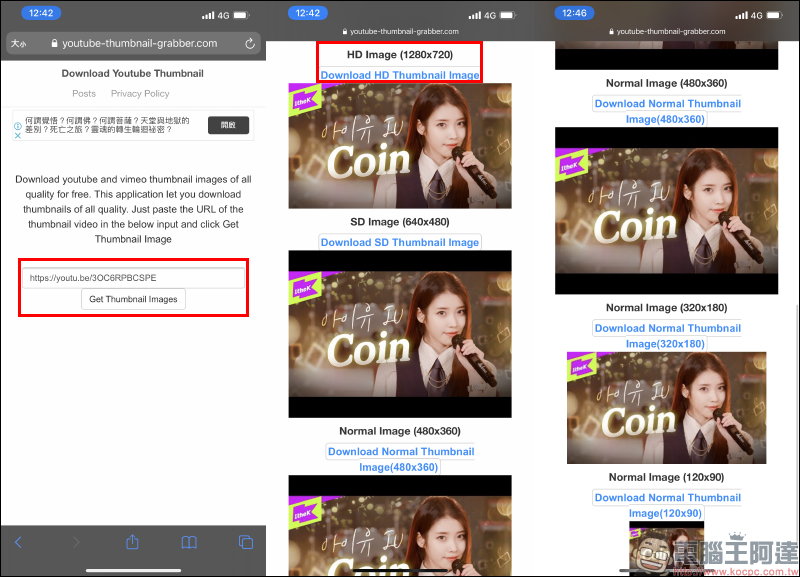
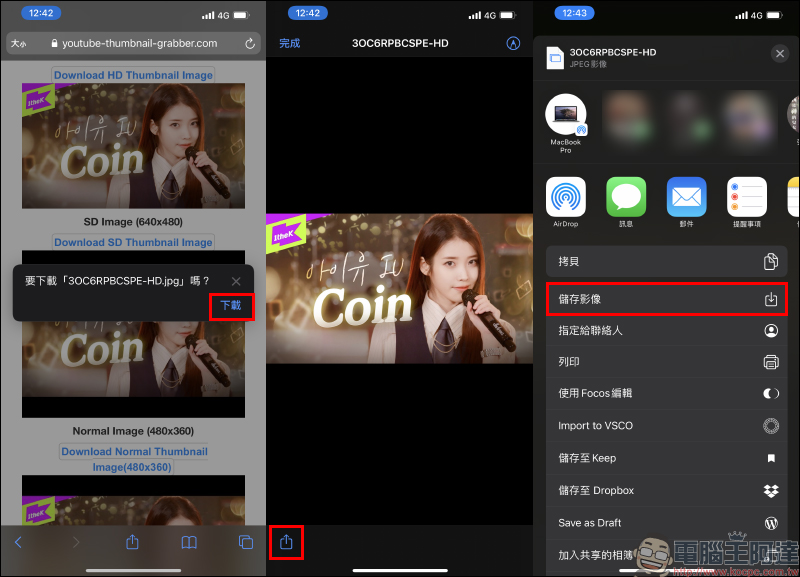
Here, the author uses iOS (iPhone) to demonstrate how to download HD quality cover images. Users can choose to click the “Download HD Thumbnail Image” link below the video resolution description. Then the image will be downloaded to the iOS “File” App. The user can open the function menu on the preview screen and select “Save Image” to transfer the image to the album:
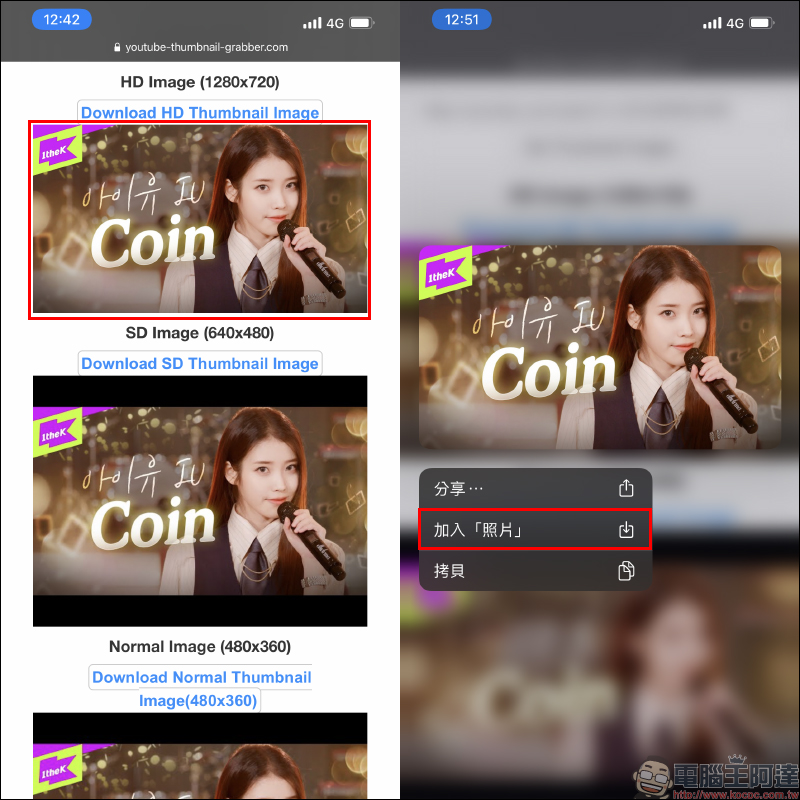
Another simpler method is to long-press the preview image of the cover, and then select “Photo” to add:
The downloaded image file reference is as follows:

Download Youtube Thumbnail:Click here to go
Youtube Thumbnail image
The second type of “Youtube Thumbnail image” also has a text input field on the main screen that allows users to paste video links. Just paste the video link and click “Search” to generate a YouTube video cover image:
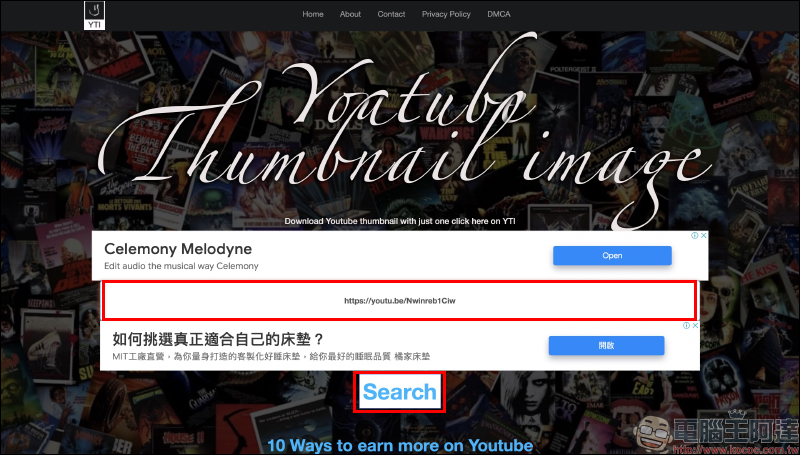
Users can select the desired YouTube video cover image file according to their needs and click “Download” to download it. However, sometimes “HD 1920×1080” is found in the options on this website, but the actual downloaded image is still 1280×720 resolution:
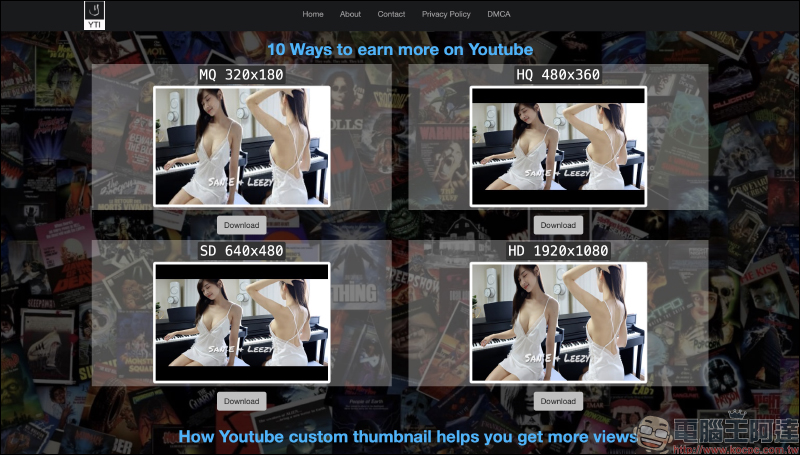
The downloaded image file reference is as follows:

Youtube Thumbnail image:Click here to go
YouTube Thumbnail Downloader
The third type of “YouTube Thumbnail Downloader” is different from the first two, which require you to click the conversion/search button after pasting the video link. It will automatically convert as long as you paste the link:
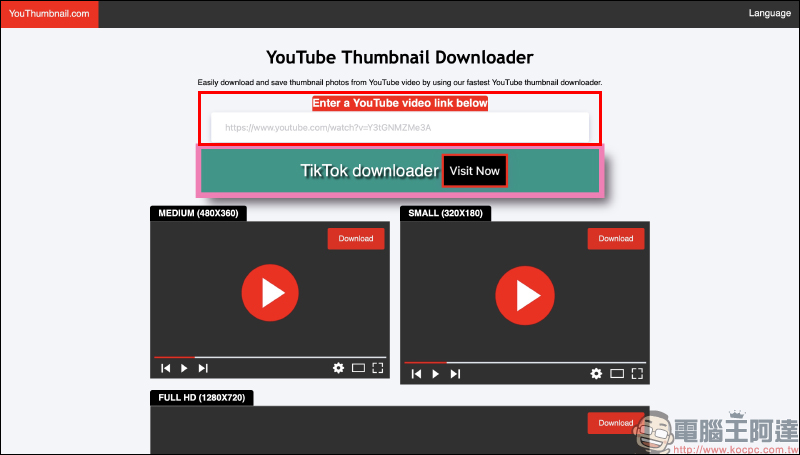
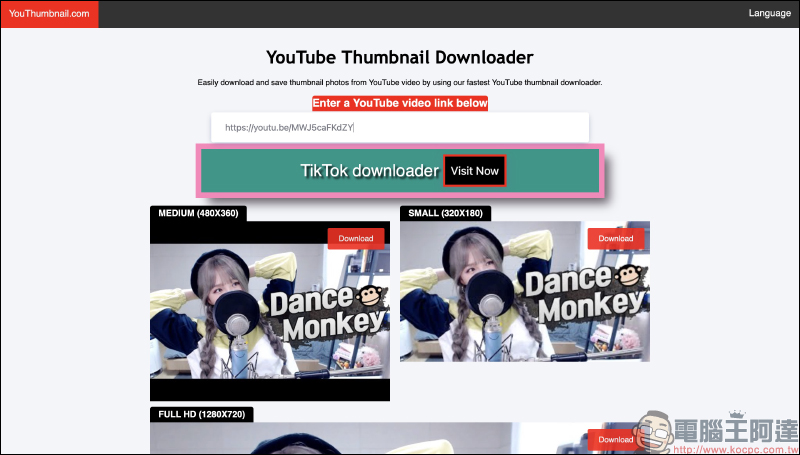
After the user pastes the video link, the cover image of the video will be directly displayed in the preview below according to each resolution and available for download:
However, like the second one, the FULL HD written here can actually only download image files with 720p HD resolution (1280 × 720):
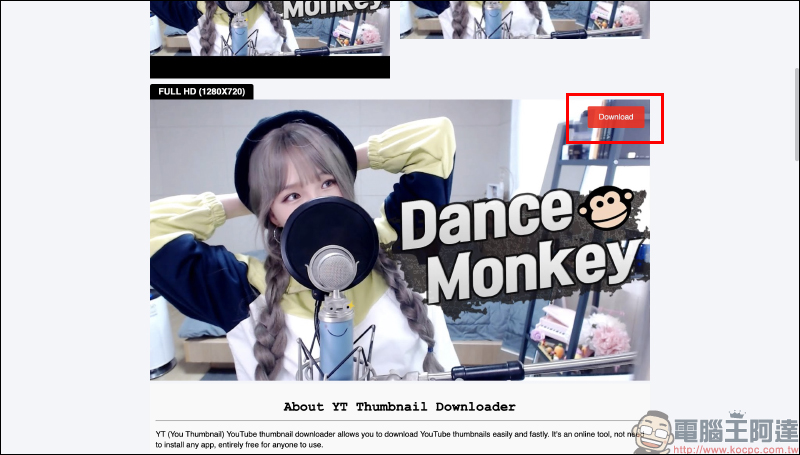
The downloaded image file reference is as follows:

YouTube Thumbnail Downloader:Click here to go
YouTube Thumbnail Downloader
The last fourth type of “YouTube Thumbnail Downloader”, like the previous website, does not require you to click the conversion button after pasting the video link. Just as long as you paste the link, it will automatically convert and generate a YouTube video cover image file:
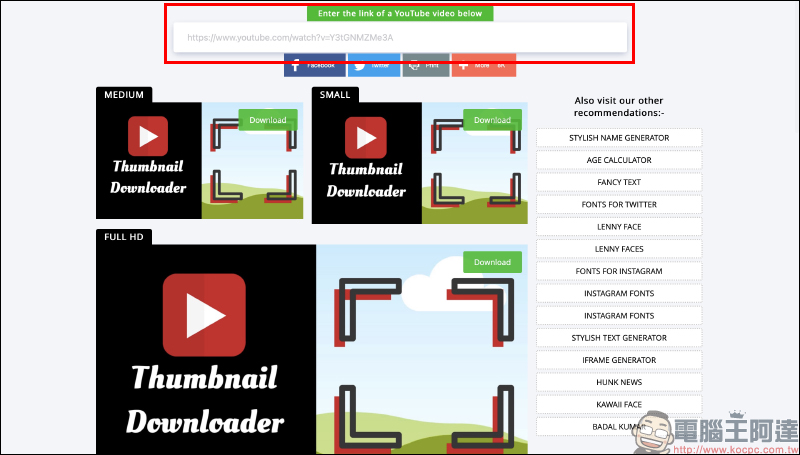
After pasting the video link, you can see the video cover image in three different resolutions: small, medium and large. The FULL HD written here is actually only 720p HD resolution (1280 × 720):
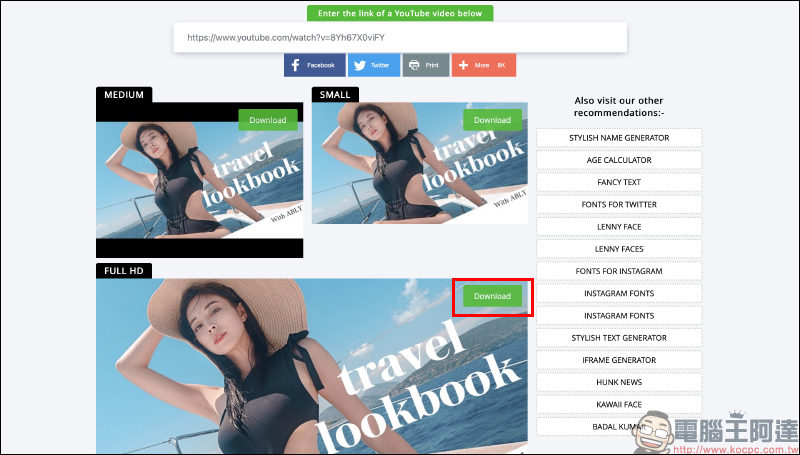
The downloaded image file reference is as follows:

YouTube Thumbnail Downloader:Click here to go
Further reading:
Xiaomi Smart Display Model 55 passed NCC certification and is expected to be launched in Taiwan in the future!

Japan’s THANKO launches “secret base for marginalized people” multi-functional modular tent

Source: KOCPC Chinese