


When browsing YouTube, Facebook or Instagram, you will definitely see some content that you want to download and collect. Although we have introduced many useful software before, such as:MiniTool uTube Downloader、VDownloader、3D YouTube Downloader etc., but you probably don’t want to install anything, so this article recommends two very good oDownloader and By Click Downloader This type of online download tool can not only download YouTube videos and MP3 music, Facebook videos, IG videos and pictures, but it is also very comfortable to use.
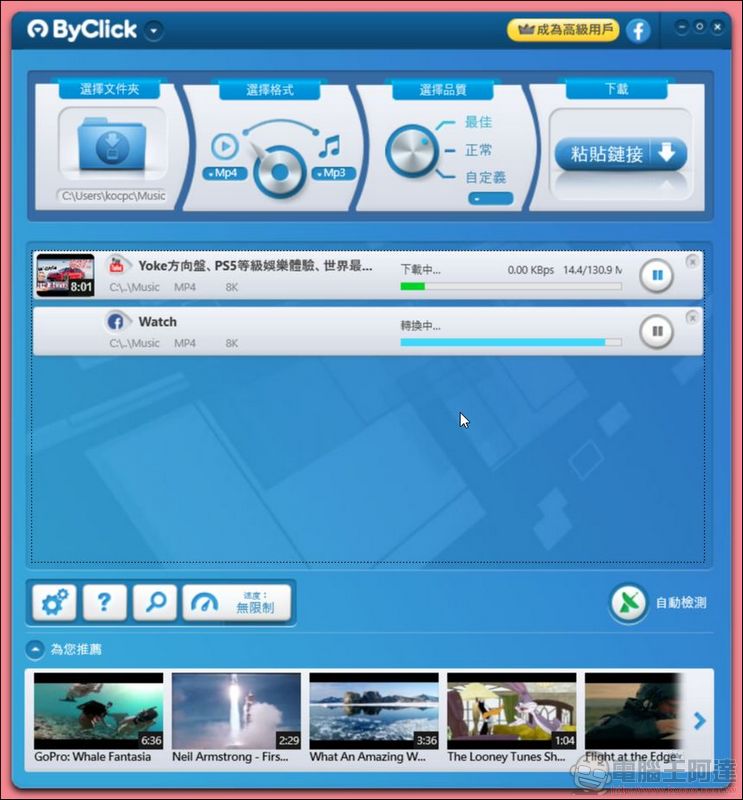
By Click Downloader
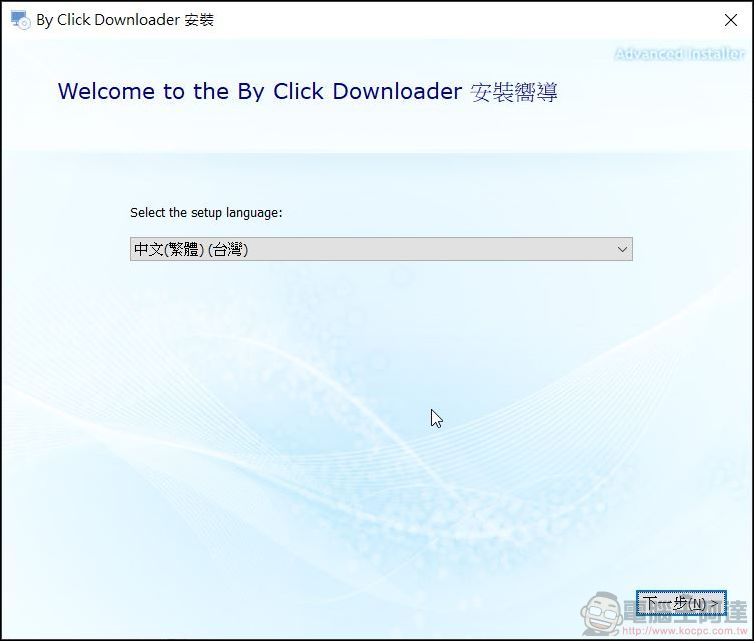
Enter By Click Downloader Download and install their software from the official website. You can easily download videos from YouTube, FB, Vimeo and other audio and video websites. You can also download videos from China’s Tudou, Youku and other websites:
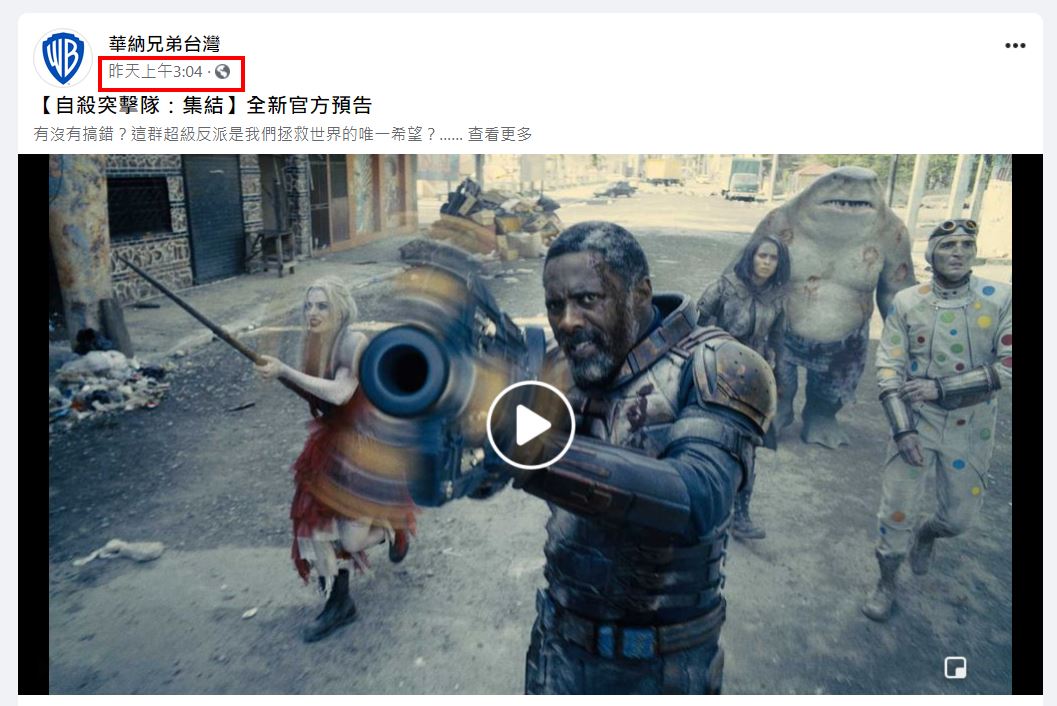
It is also very simple to use. Just copy the URL of the video you want to download (for FB, right-click on the post time to copy the link), and the software will automatically start to detect and download the video:
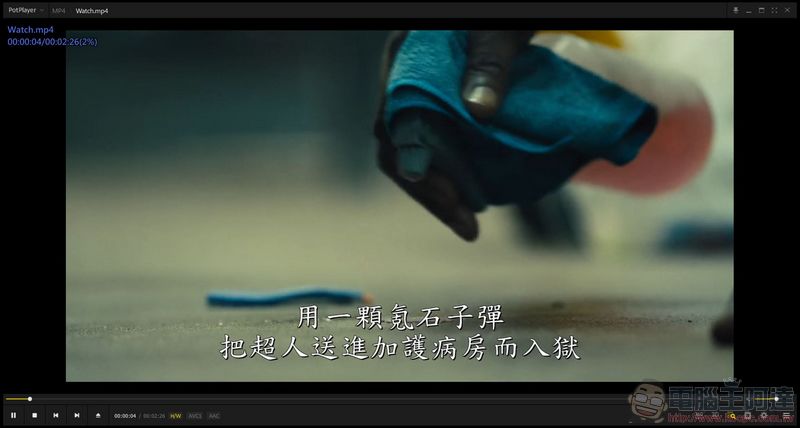
By Click Downloader is useful because it can download multiple video websites at the same time. If you become an advanced user, you can also download private videos, download the entire playlist or convert it to other formats:
By Click Downloader can also transfer MVs to MP3 and other music formats. It is quite simple to use, powerful and comprehensive. However, the free trial is only for one day. You can try it first before deciding whether to pay. I recommend it to everyone!
Click here to downloadBy Click Downloader
oDownloader free online download tool operation tutorial
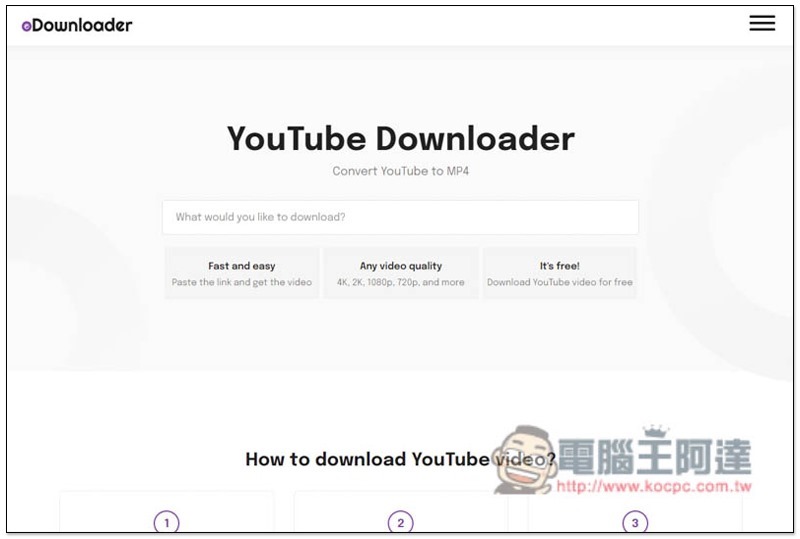
After entering the oDownloader website, the default is YouTube video downloader (MP4 format). If you want to download YouTube videos, you can directly paste the YouTube URL. To download YouTube MP3 music, Facebook or Instagram content, click the menu in the upper right corner:
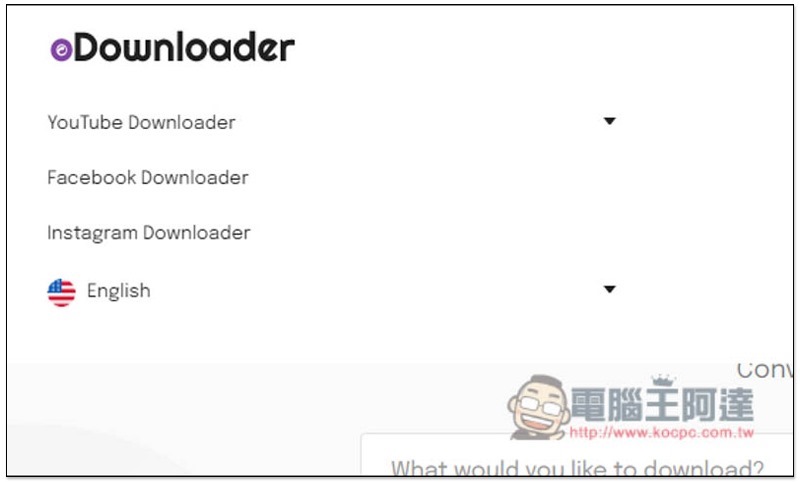
You can find Facebook and Instagram downloaders, YouTube MP3 is hidden in the YouTube Downloader menu, please click the inverted triangle on the right. In addition, this tool also supports Traditional Chinese interface, you can click English below to switch:
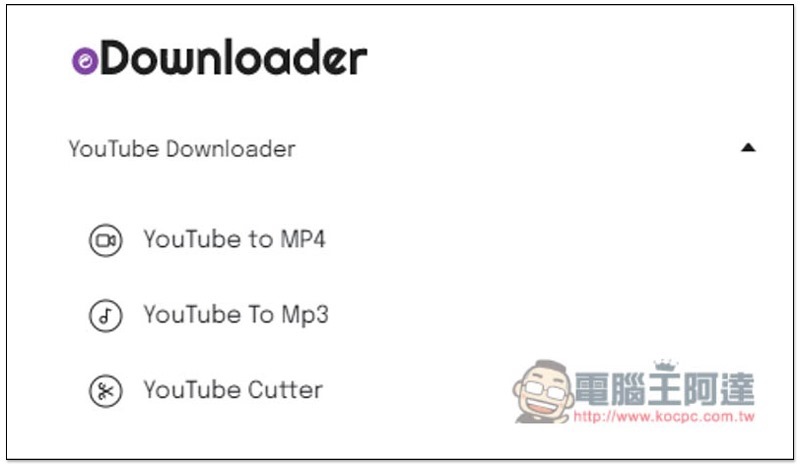
As shown below, you can find the YouTube To Mp3 downloader. YouTube Cutter is a cutting tool. If you only want to download a certain YouTube video clip, you can use this tool to cut and then download it:
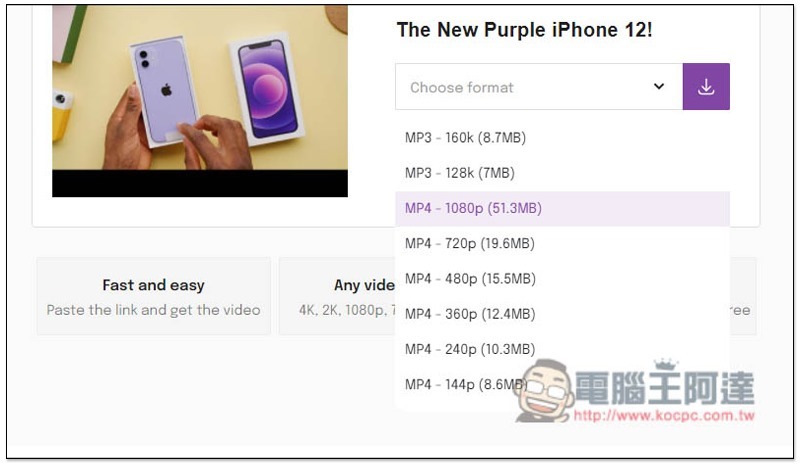
In the YouTube video section, after pasting the URL, parsing and converting will begin. After completion, click Choose format on the screen to select the format:
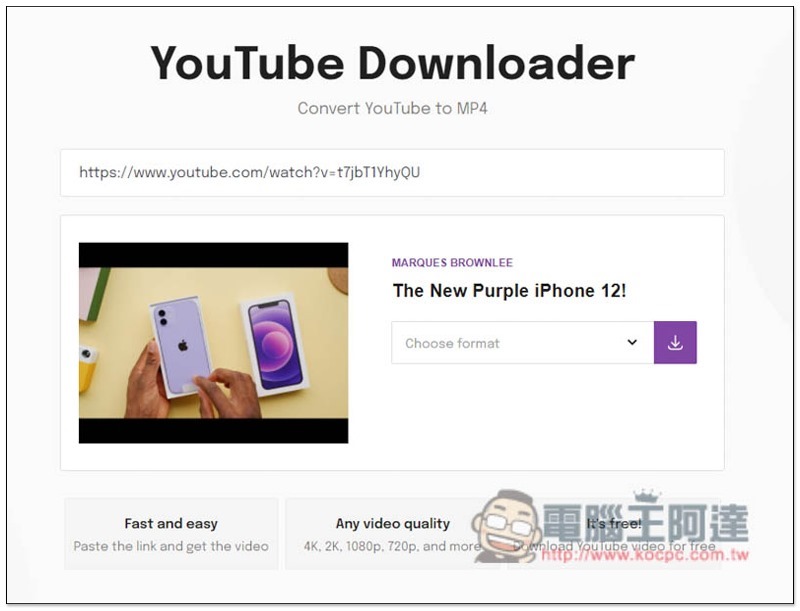
Although the website advertises support up to 4K and 2K, several videos I tested were only up to 1080p:
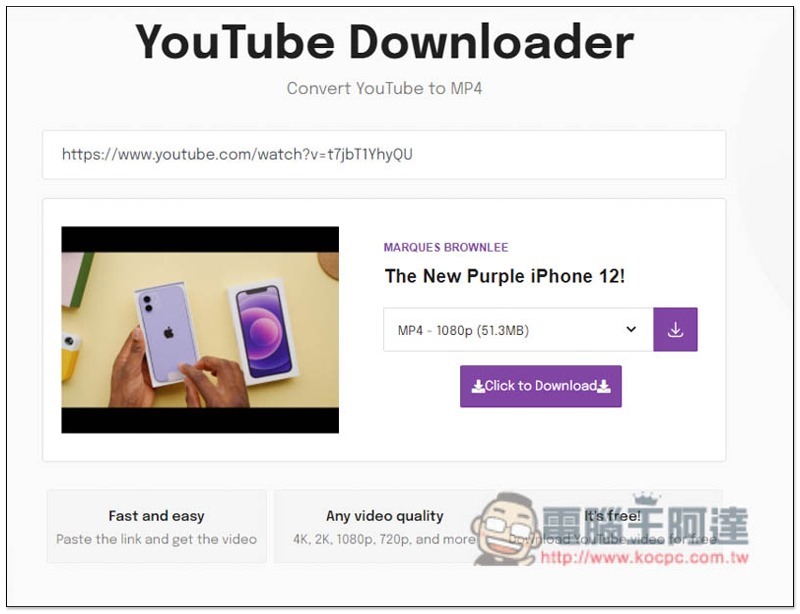
After selecting, the download point will appear below:
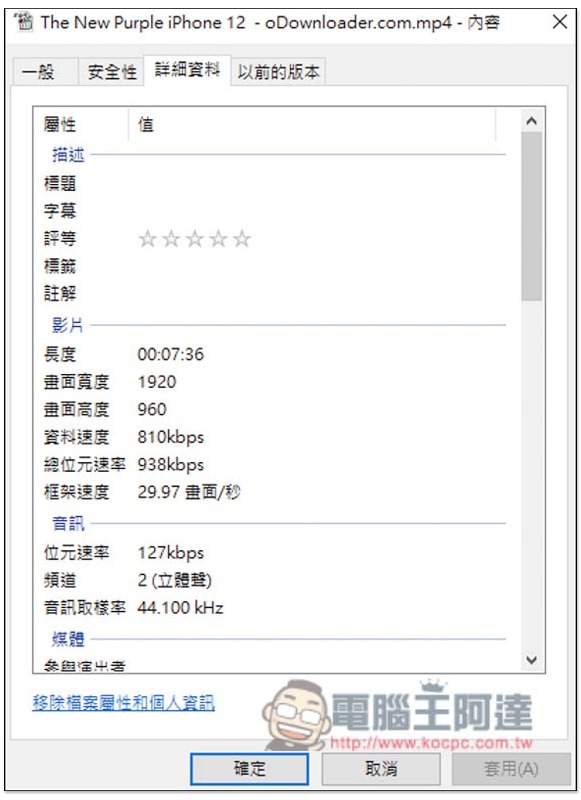
Check the details to make sure the resolution is 1080p and yes:
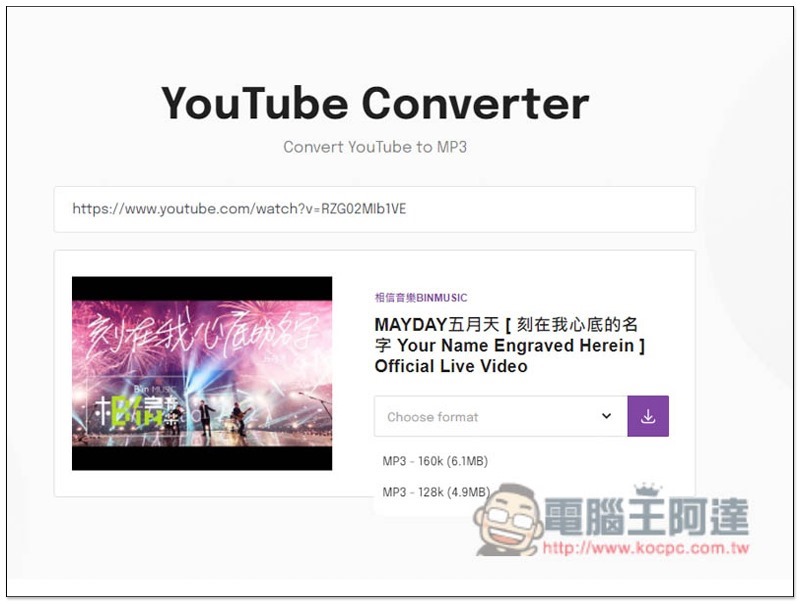
The method of downloading YouTube MP3 music is similar. After pasting the URL, it will start parsing, and then click Choose format to select the format. The highest sound quality is only 160k:
YouTube PIP&Downloader 捷徑腳本,支援 YouTube 影片、音樂下載與縮小視窗的 PIP 背景播放
Source: KOCPC Chinese