


Although there have been many software that can download Spotify music for free in the past, they are all limited-use, that is, they can only be used for half a year or even a year, and after that, you have to pay. This time, Abelssoft Recordify 2021, which is launching a limited-time free event, not only allows you to download more streaming music, such as Spotify, Google Play Music, Amazon Music, etc., it is also free for life, which means you no longer have to worry about expiration issues. Don’t miss this rare opportunity.
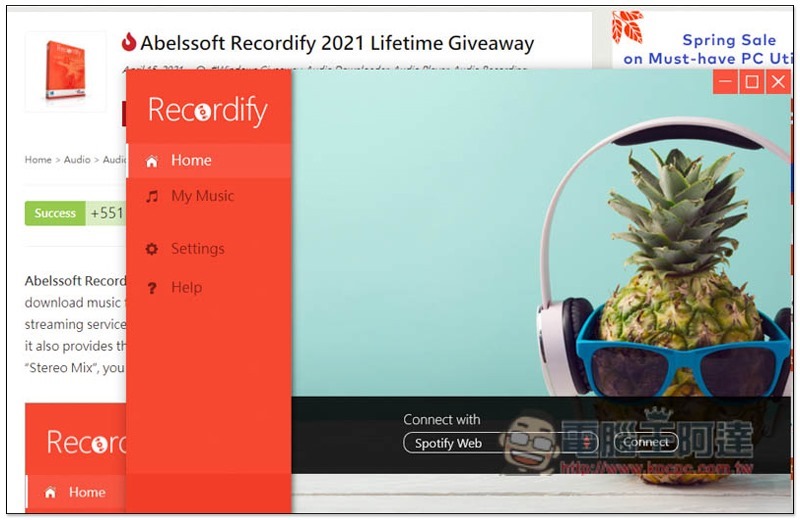
Abelssoft Recordify 2021 Limited Free Event
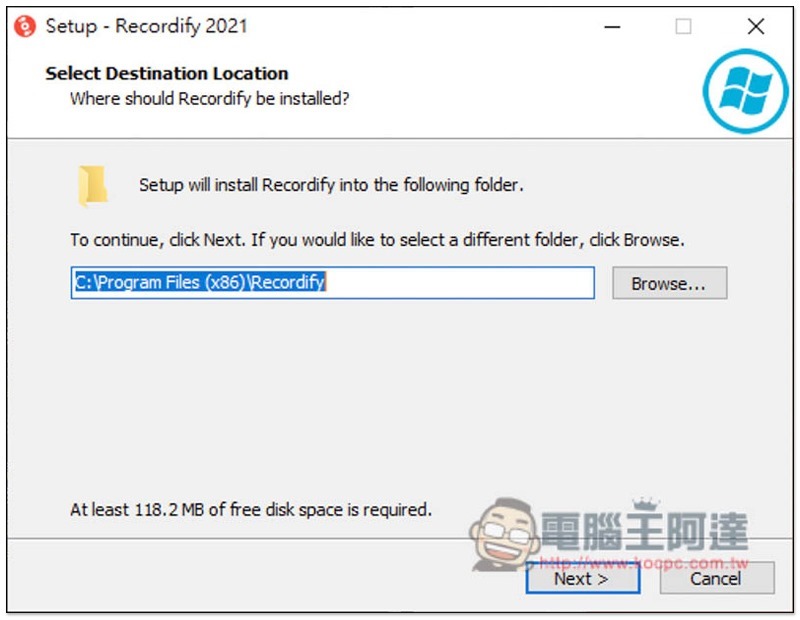
This time, the limited free time of Abelssoft Recordify 2021 is not sure how long it will be available. It is recommended that those who have time log in and register as soon as possible. After clicking the link above, the software installation file will be downloaded. Basically, just click Next during the process:
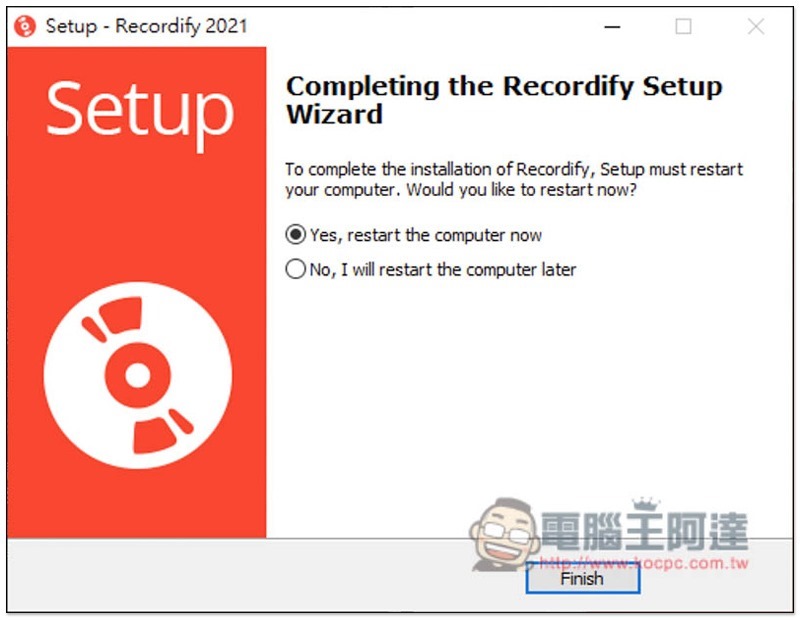
After installation, you will need to reboot:
After restarting, open this software and a free registration screen will pop up. Just fill in your name and email:
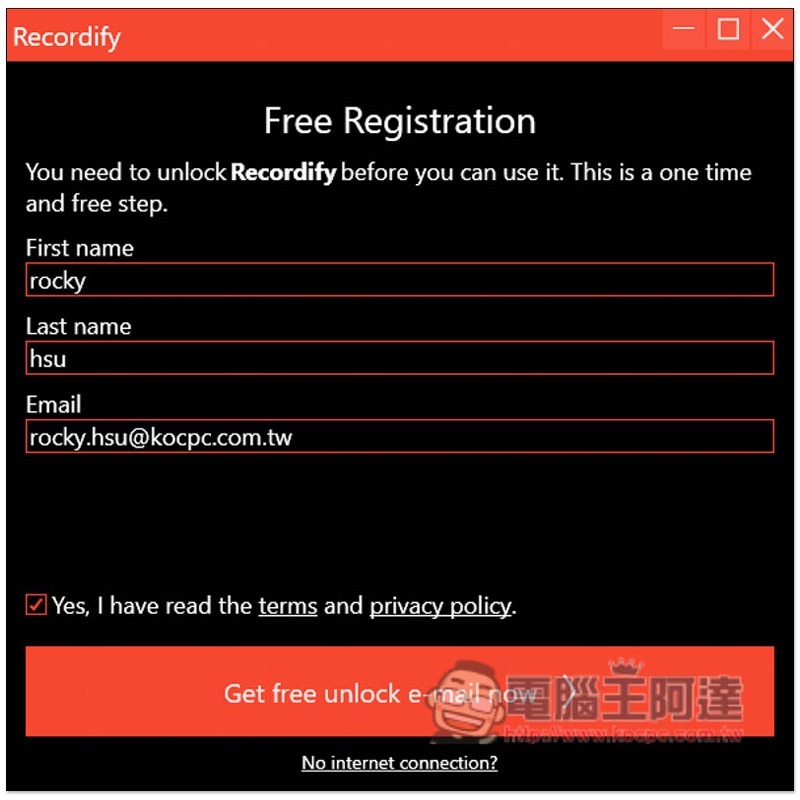
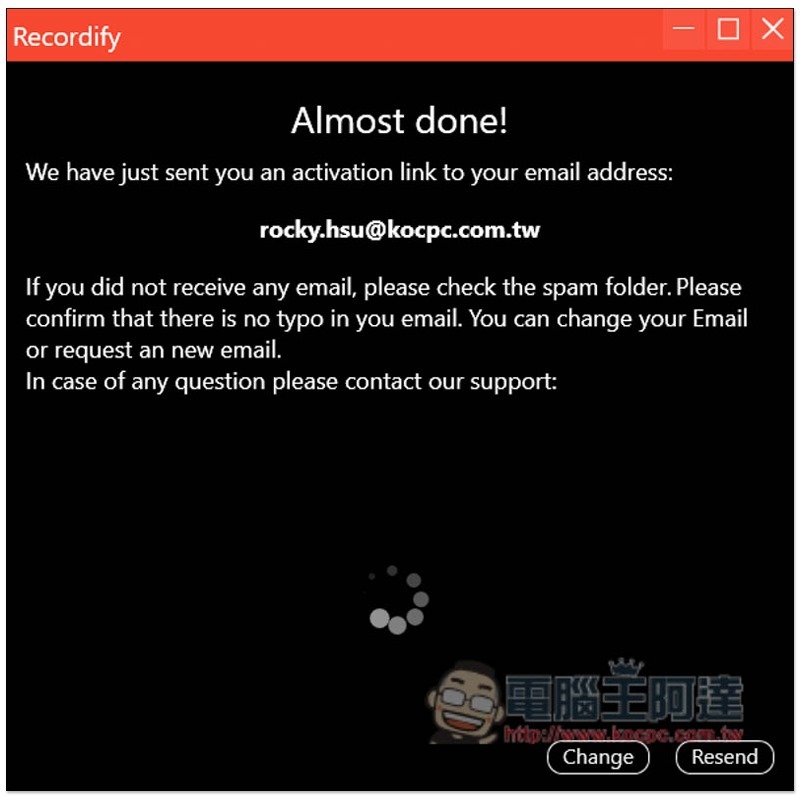
After this screen is displayed, a confirmation letter will be sent to the email address you filled in. You need to click on the specified link:
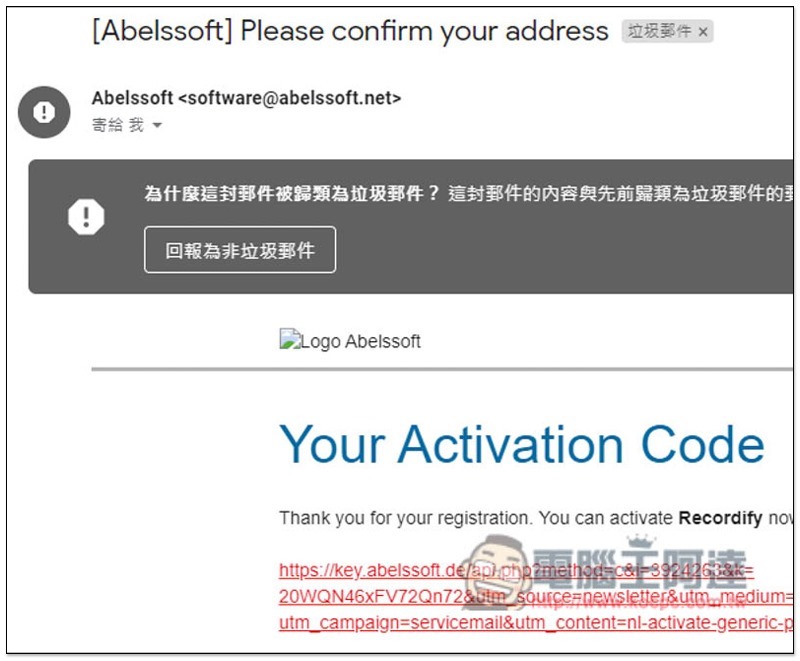
Please click on the link in the letter as shown below. If you don’t see it, you can look for spam. Mine was classified as spam:
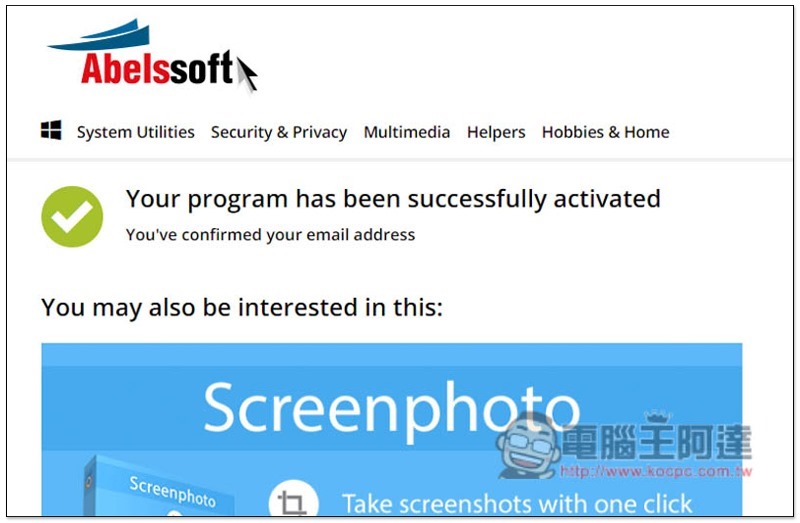
Displaying this screen means the activation is successful! Then you can get started:
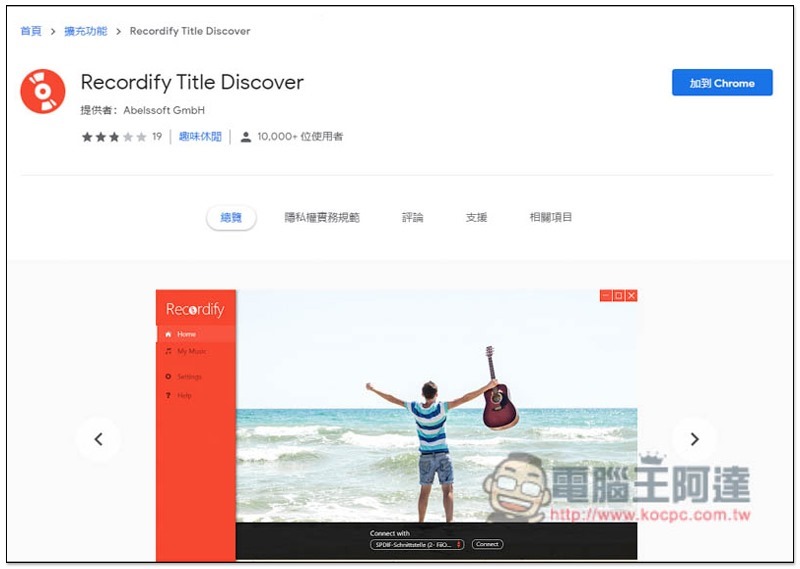
The usage of this set is a bit special. It needs to be paired with a browser extension. Currently it only supports Chrome and Firefox. I will use Chrome as an example:
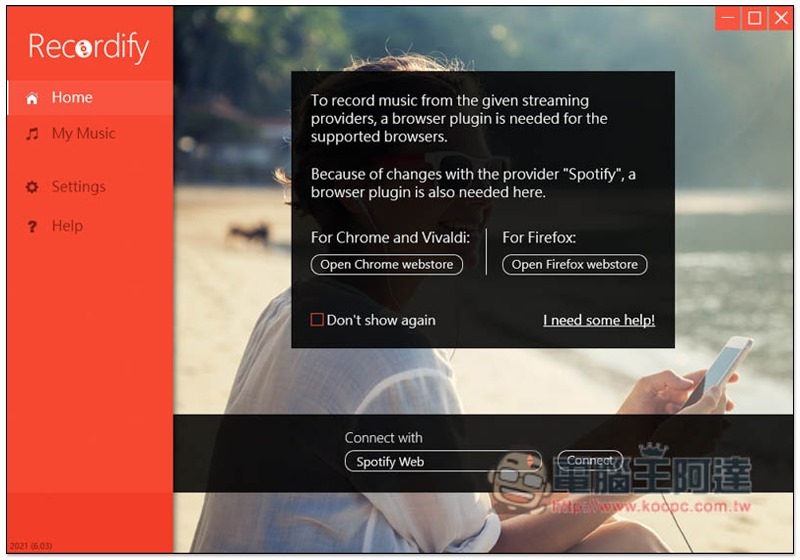
After clicking Open Chrome webstone, the browser will open the extension plug-in page. Click “Add to Chrome” in the upper right corner:
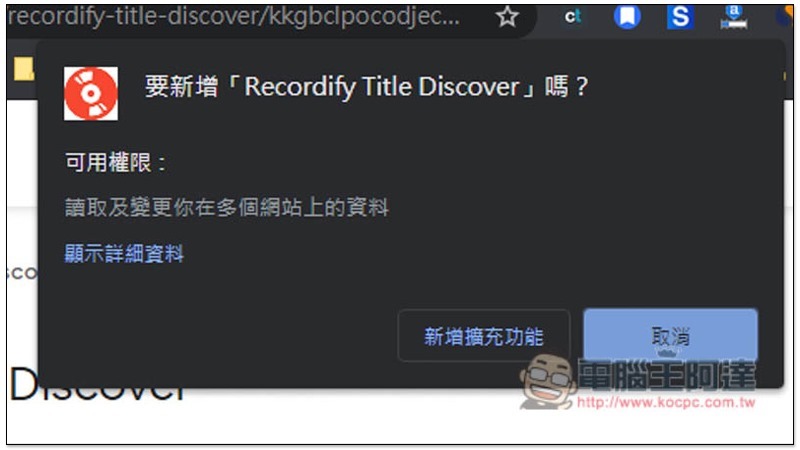
Then click Add extension:
Now that the preparations are complete, you can start downloading the music you want to collect.
The menu at the bottom of the software can switch the streaming music service to be downloaded. Currently, it supports Spotify Web, Deezer, Google Play, Amazon Music, and Stereomix:
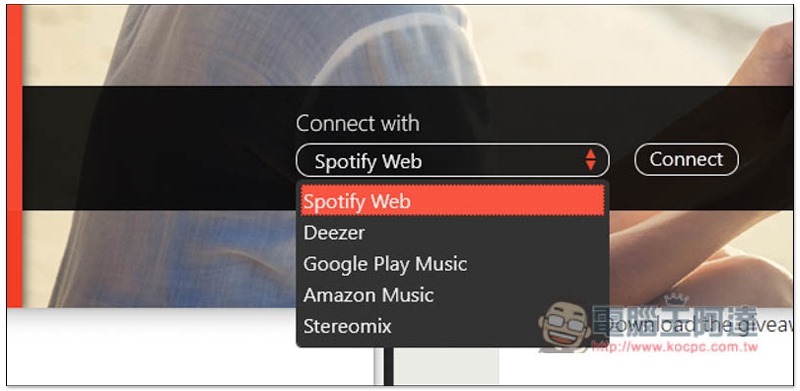
I choose Spotify Web, and then it will ask you what type of music you want to download, playlist, album, or single:
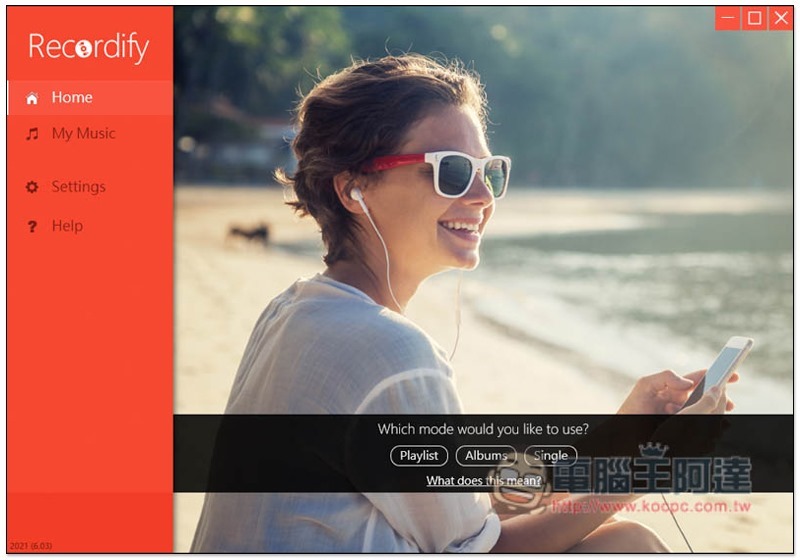
After selecting, you need to open the Spotify web version. Those who have not yet opened it can click Open Spotify Web:
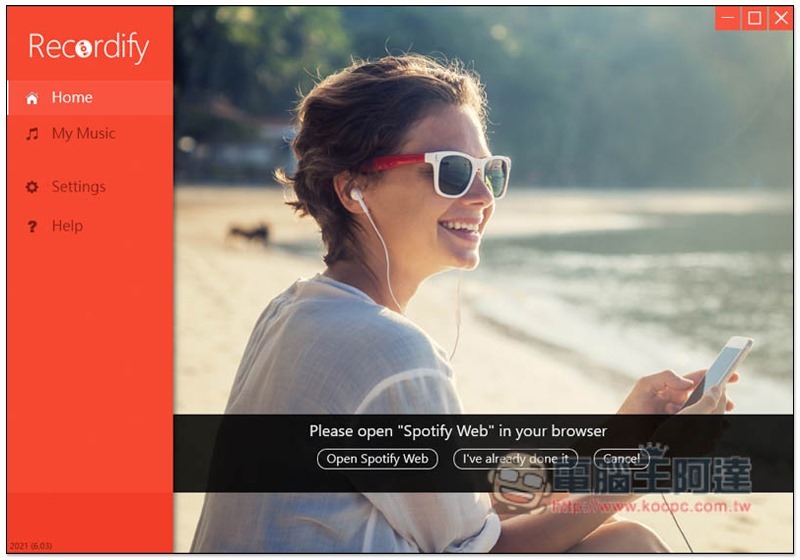
Spotify Find and play the music, album or playlist you want to download:

Return to the Abelssoft Recordify 2021 software page, and the music will be displayed on the screen:
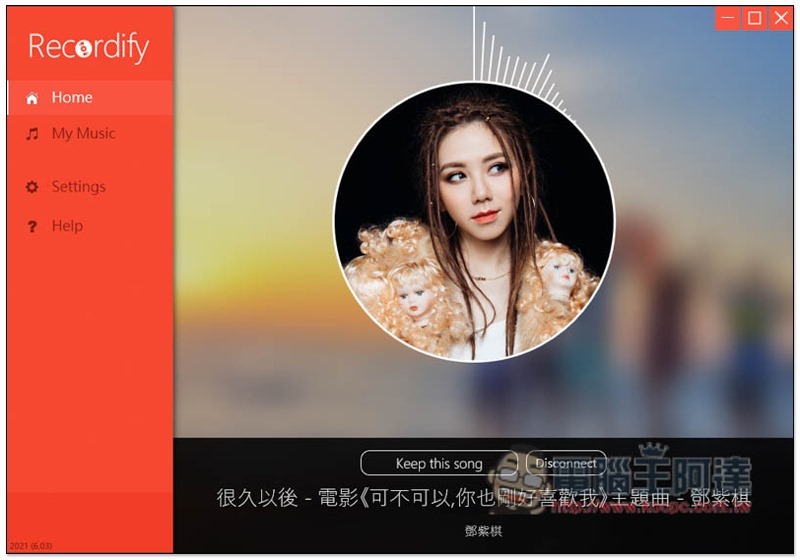
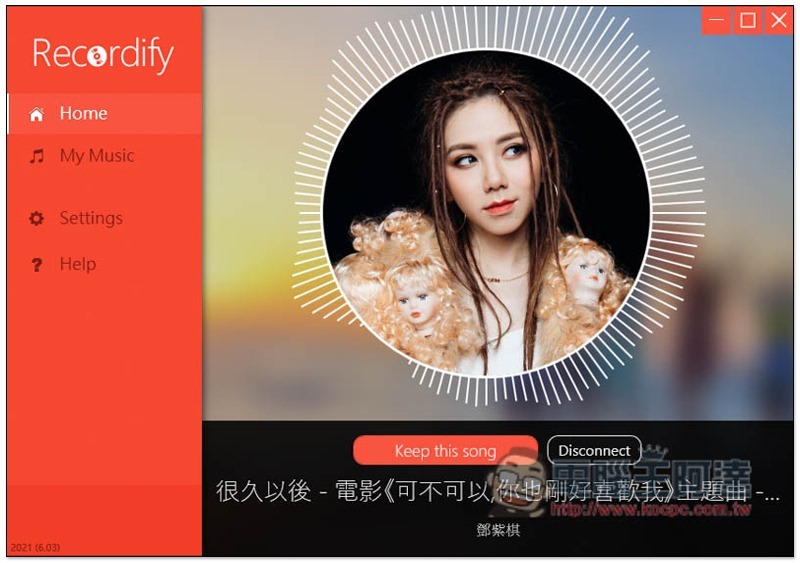
Then click Keep this song below and the download will start. Although it is said to be a download, it actually feels more like a recording. You must wait until the song has finished playing before pressing Disconnect, otherwise the entire song will be incompletely recorded:
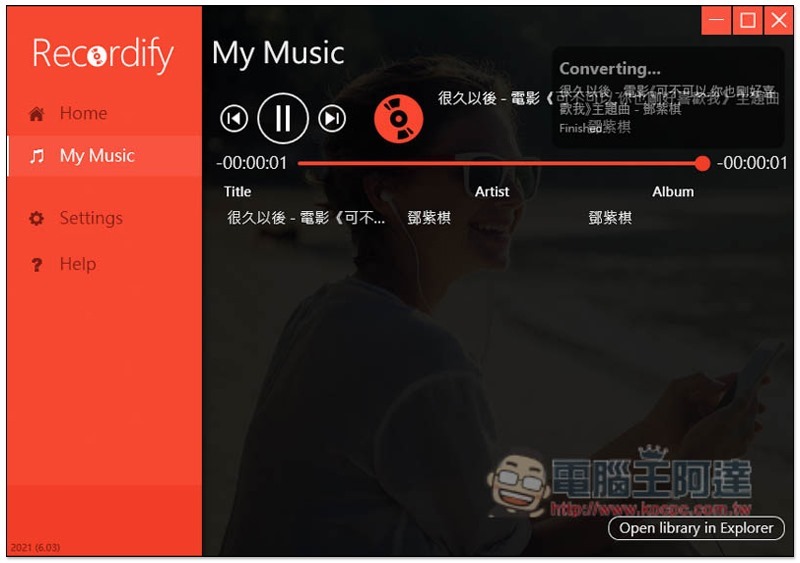
After recording, open My Music to find the music you downloaded:
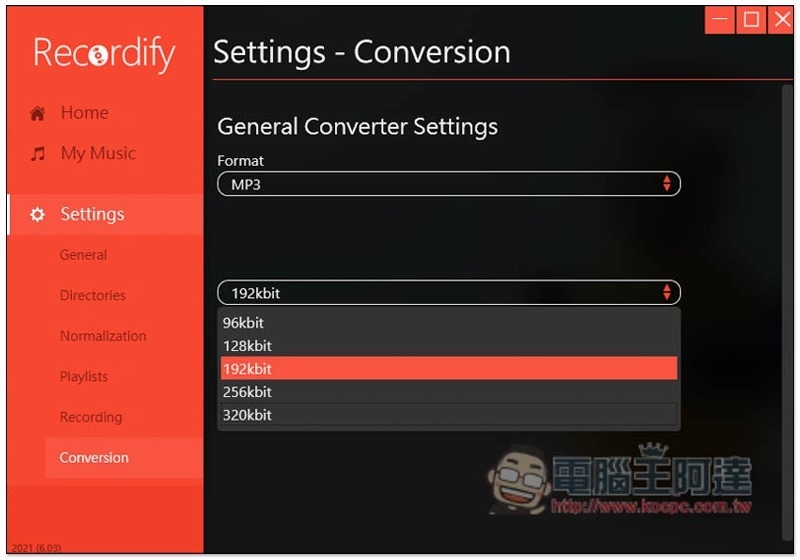
In the settings, you can adjust the sound quality of the music to be recorded, up to 320kbit, and the default is 129kbit:
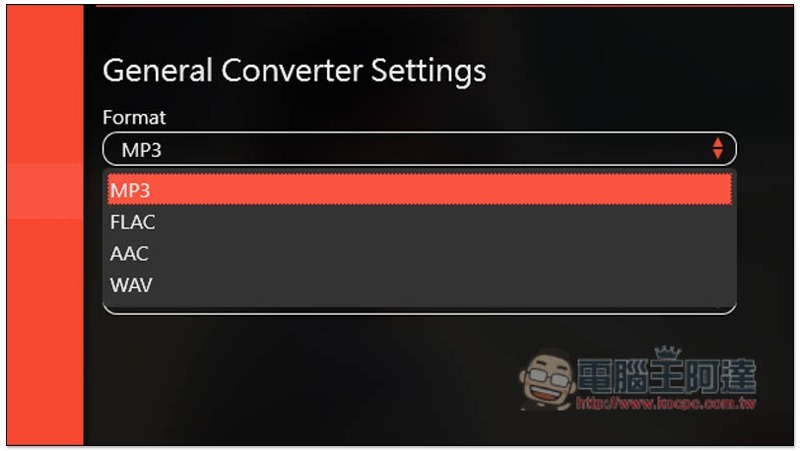
The format supports MP3, FLAC, AAC and WAV:
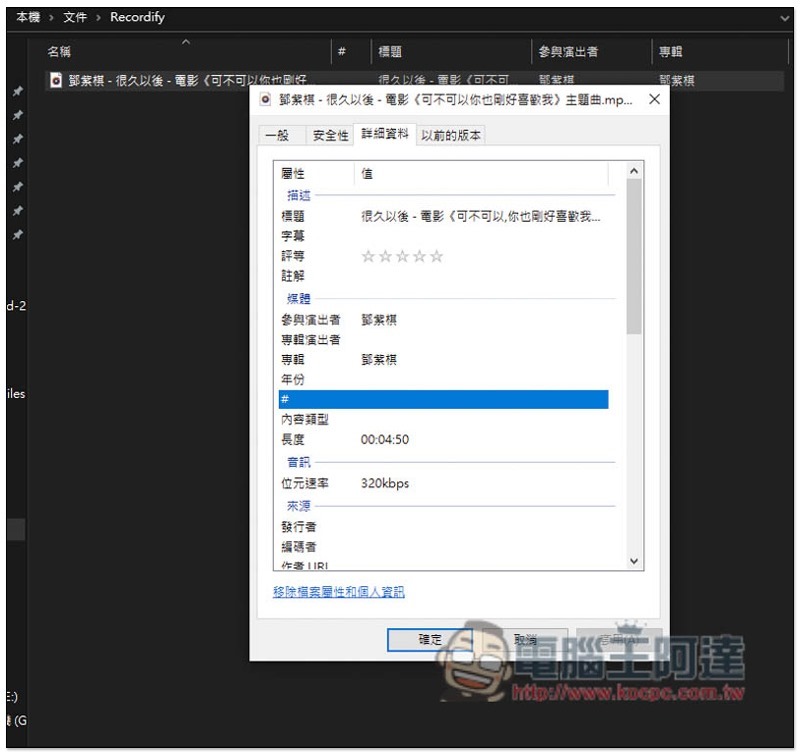
I tested 320kbit, and sure enough the sound quality was this after recording:
Just looking at Spotify music downloads, this set is not very easy to use, but it can be used for free forever. This is quite different. I still recommend everyone to try it.
Limited discount information source: Tickcoupon
Source: KOCPC Chinese