


People who make presentations, teaching documents, or run blogs must often use graphic descriptions. If there is too much unimportant information in the picture, the reader may not be able to figure out what the focus is. Drawing arrows is one way, but the aesthetics are not very good. At this time, it is highly recommended to use ProductShot, a free online tool. With just one click, you can add a magnifying glass effect to the focus of the screenshot, while also blurring other areas. No matter who looks at it, they will know where the focus of the picture is, and the texture is quite good.
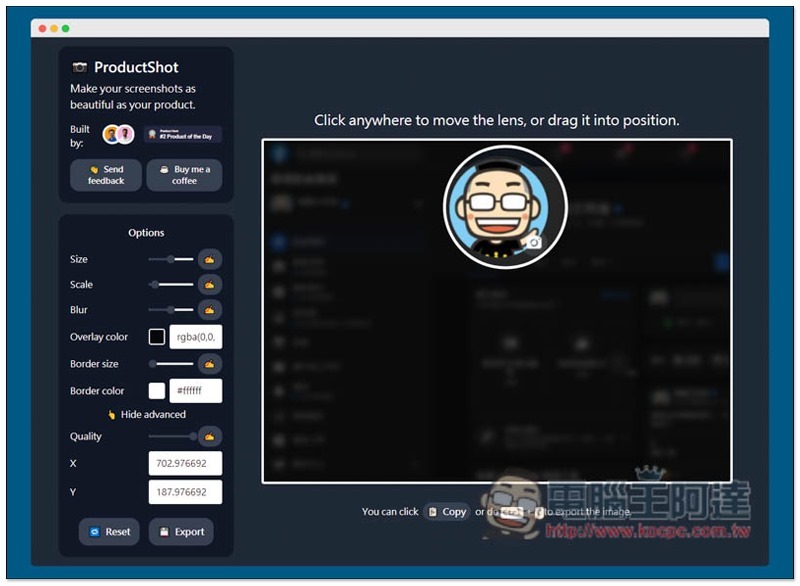
ProductShot is a free online tool that adds a magnifying glass effect to screenshots.
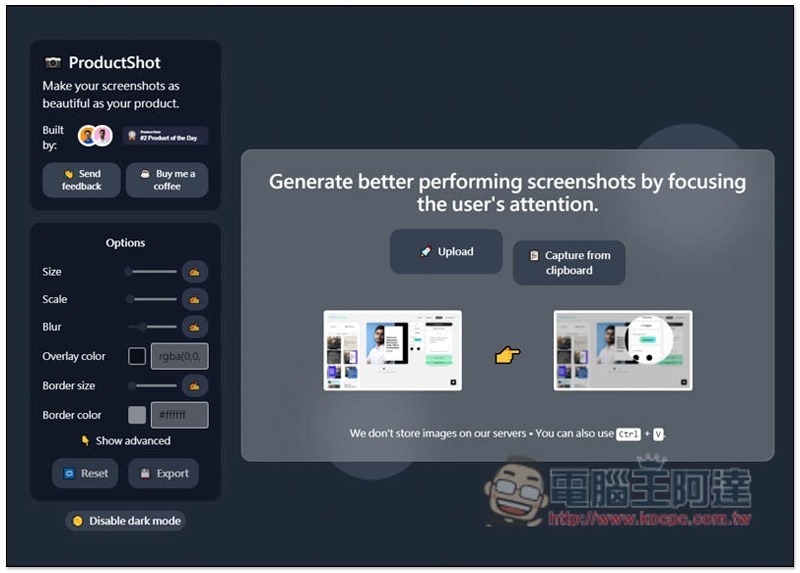
Although ProductShot only has an English interface, it is very simple to use.After clicking me to enter the website, press Upload to upload the picture you want to add a magnifying glass effect to:
You will then be asked to click anywhere on the screen, or the area you want to enlarge:
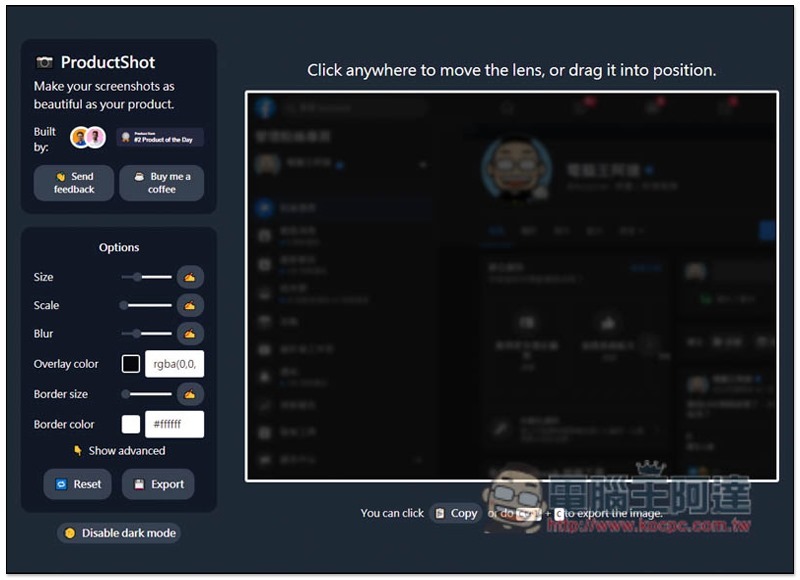
A magnifying glass will appear, and the rest of the area will immediately become blurry:
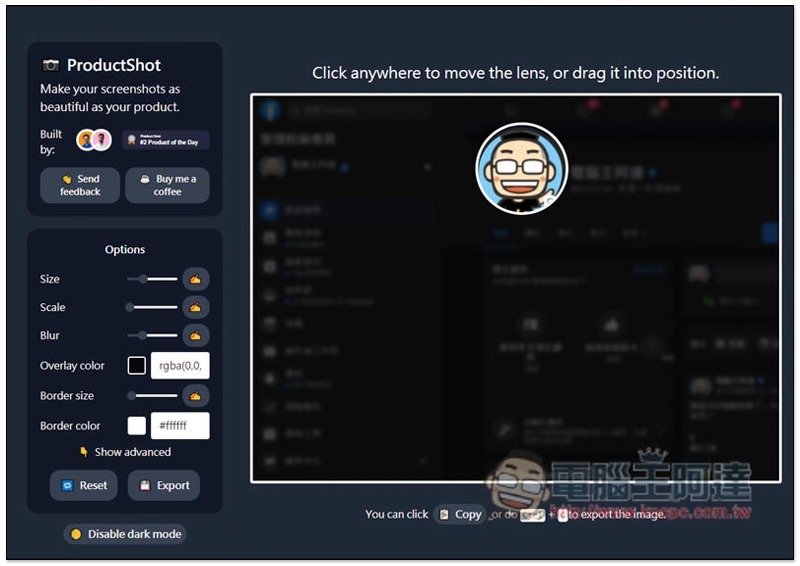
The position of the magnifying glass can also be moved at any time, so you can place it wherever you want:
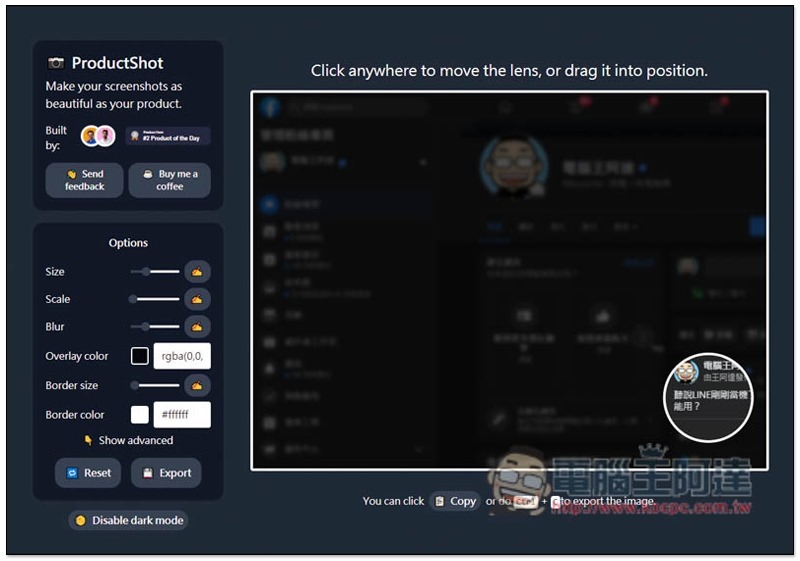
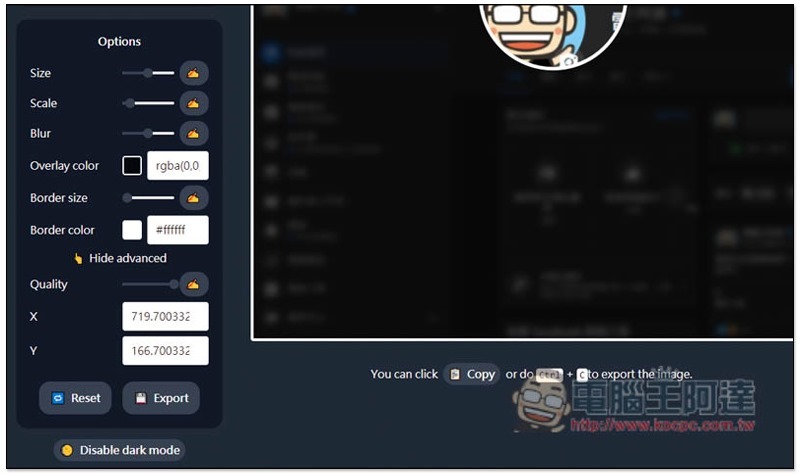
There are also some parameter values on the left. If you want to increase or decrease the magnification area, adjust the Size:
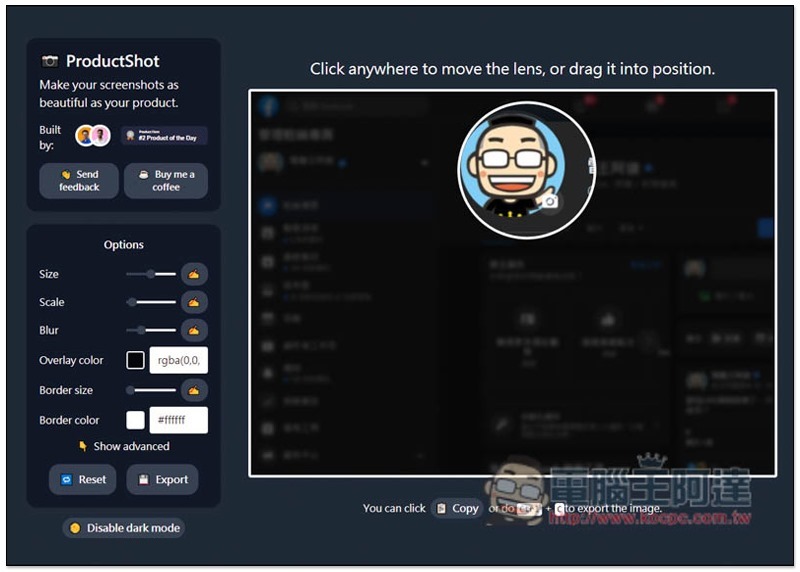
The magnification inside can also be increased or decreased. Please adjust Scale. Adjusting it to the far left means no magnification:
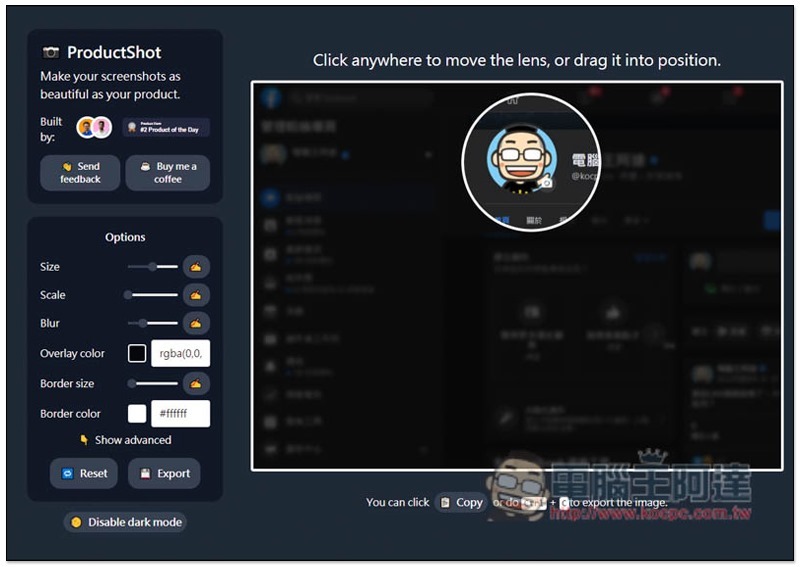
The same goes for the blur level of the background. Moving the Blur value to the right increases the blur, while moving it to the left decreases it:
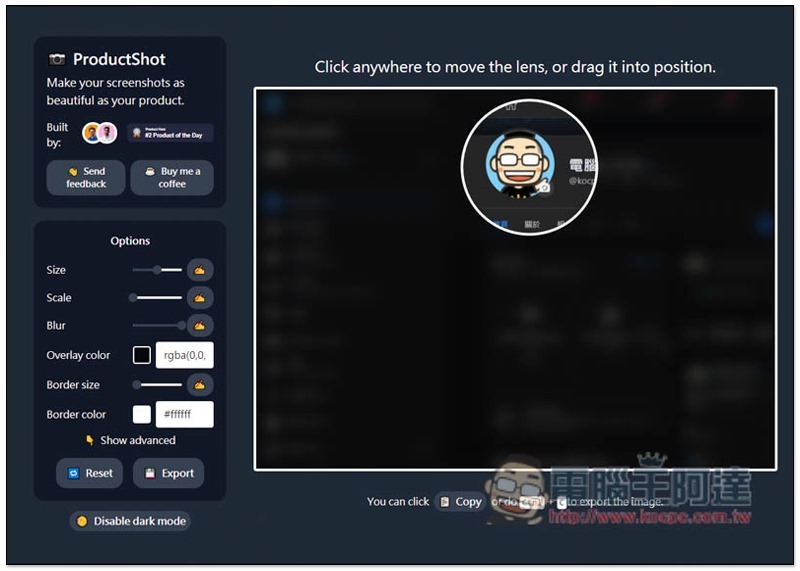
Clicking Show advanced can also open advanced settings, where you can adjust Quality and X and Y axis values. After everything is set, press Export to download, and Reset to reset:
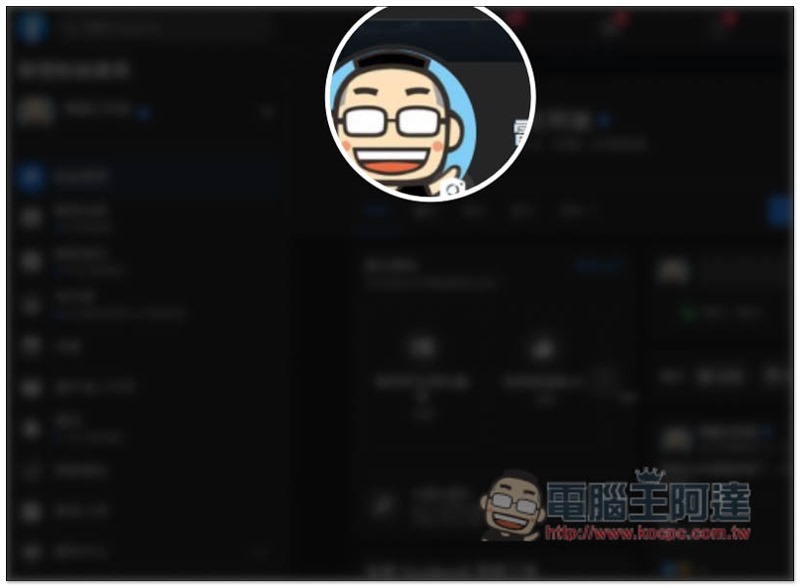
The picture below is the effect of this demonstration screenshot. The original file has no watermark, which I added later:
Personally, I think it’s a pity that it would be even better and more convenient if this tool could add more screenshot editing functions! For example: you can add image shadows, borders, and even text and arrows, so that when you have these needs, you don’t have to use other software to implement them later.
Supplementary information
- ProductShot URL:Click here to go
Source: KOCPC Chinese