


Most Windows Update updates will contain fixes for some security vulnerabilities, so it is best to be updated. However, Windows updates are often out of the package. Like the printer incident a while ago, many people have long lost confidence in it. If this is the case for you, you are not too worried about security issues, and you think your operating habits are good, you might as well turn it off, and the Wu10Man free tool recommended in this article can help you do it.
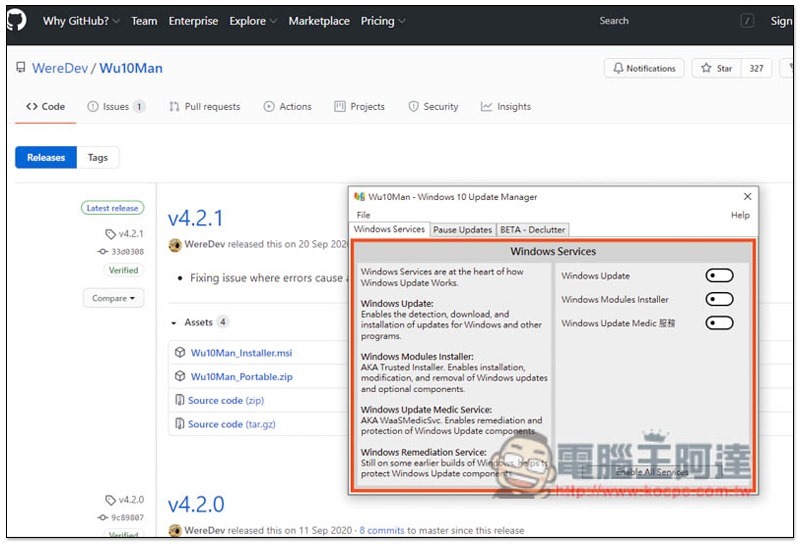
Introduction to Wu10Man
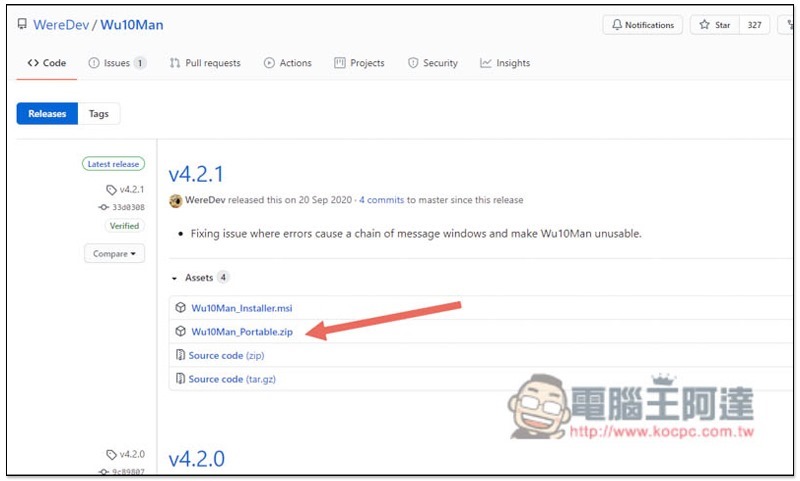
Wu10Man is a free open source tool available on GitHub.Click me to go to the download page, download the Portable.zip installation-free compressed file (the latest version currently is v4.2.1):
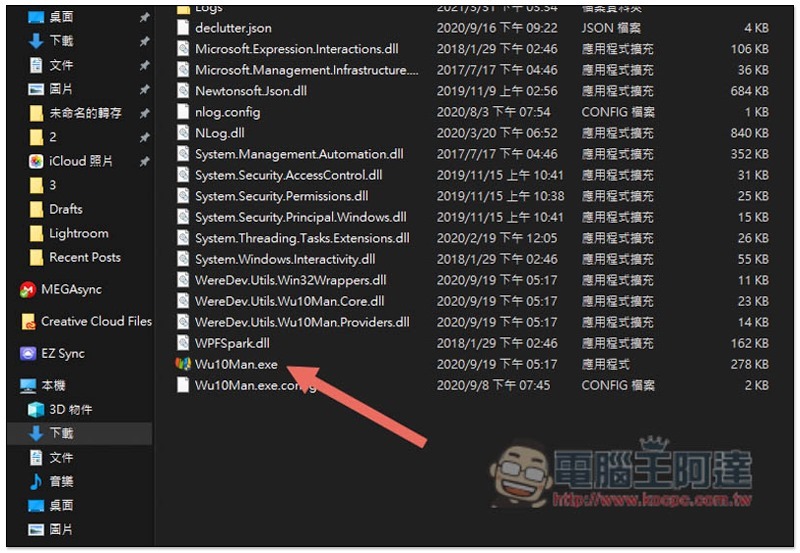
After decompressing, double-click Wu10Man.exe:
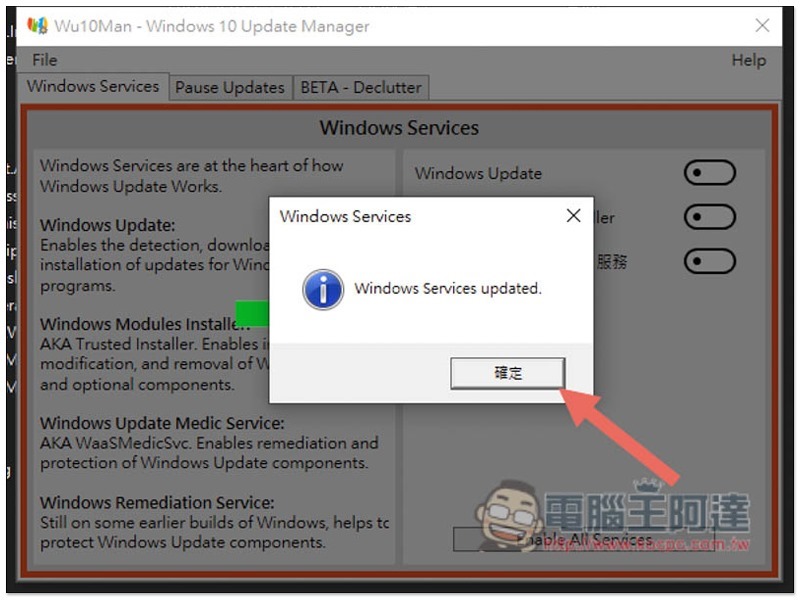
Then you can see the shutdown function of Windows Update. There are three options: “Windows Update”, “Windows Modules Installer” and “Windows Update Medic Service”. The left side explains what each option is used for, but it doesn’t matter if you don’t understand it. Just click Disable All Services below:
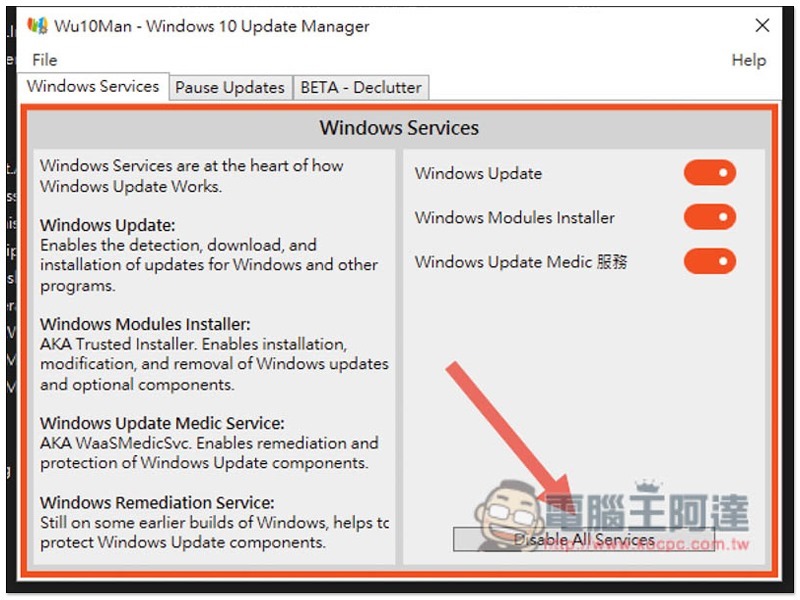
This will successfully turn off all Windows Update services:
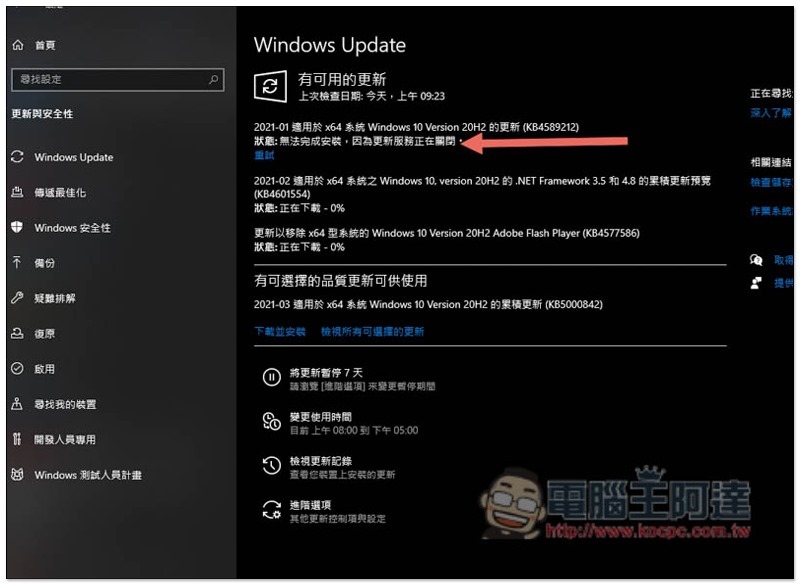
At this time, open the Windows Update update settings and you will see “Update service is closing”:
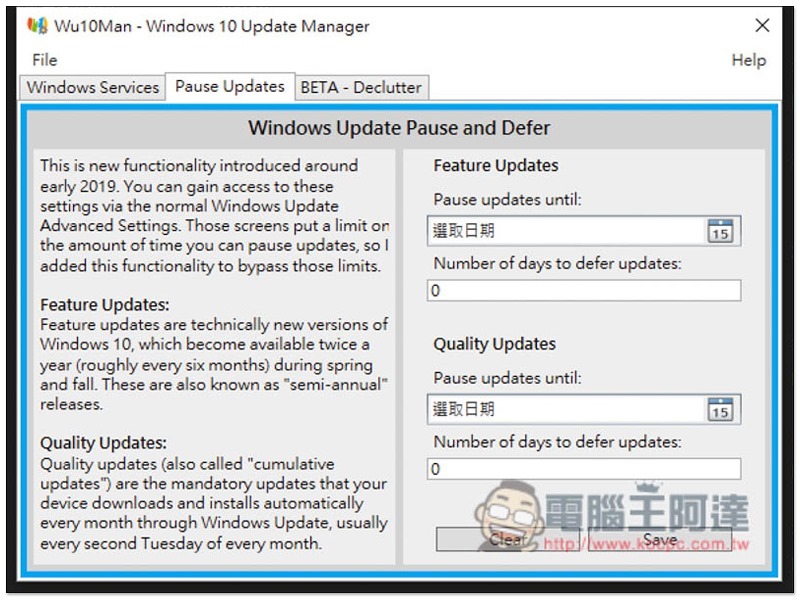
For those who don’t want to turn off Windows updates entirely, this set also provides a scheduling function. You can pause it to a certain date, and you can also specify whether to pause Windows major updates (Feature Updates) or regular updates (Quality Updates), which is quite good:
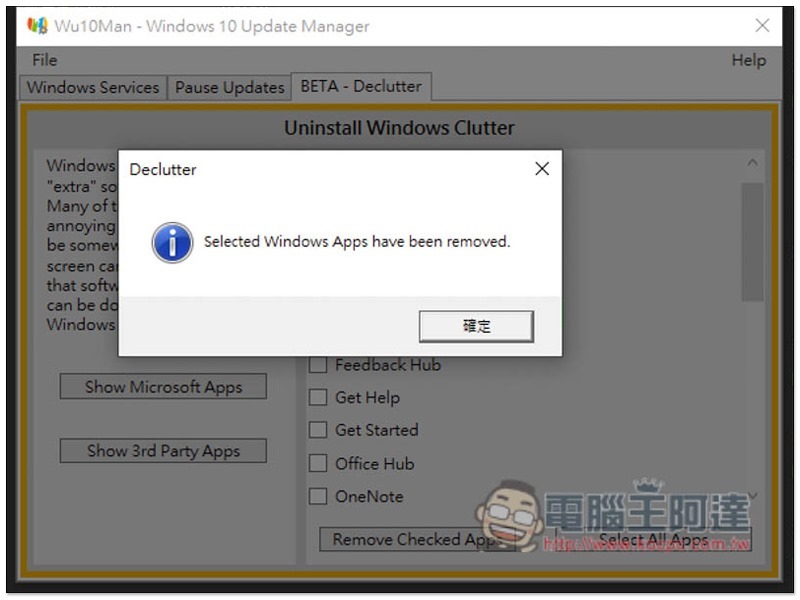
There is also a beta version of the removal tool, which can remove some useless built-in applications in Windows, such as alarm clocks, weather, advertisements, maps, etc.:
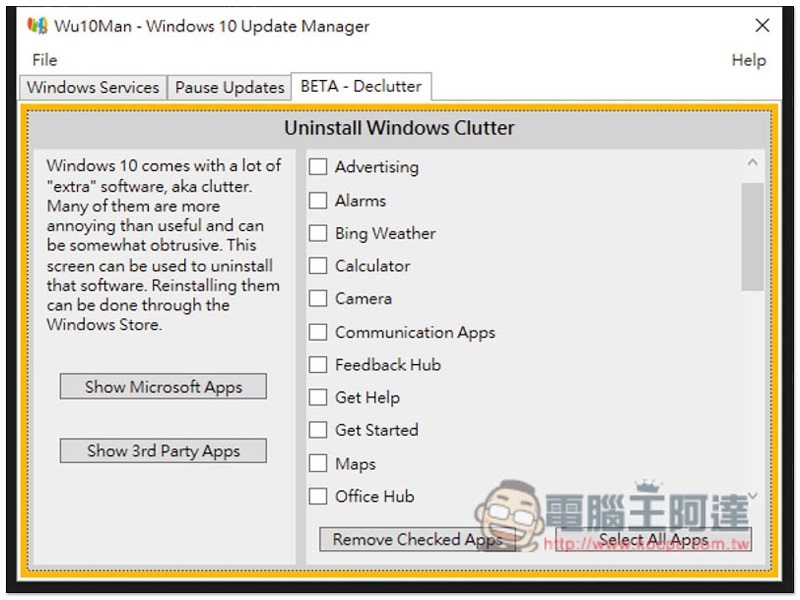
Select the app you want to remove, and then click Remove Checked Apps to remove it successfully. However, this feature is still in the testing stage and there may be some problems. If you are worried, it is recommended to skip:
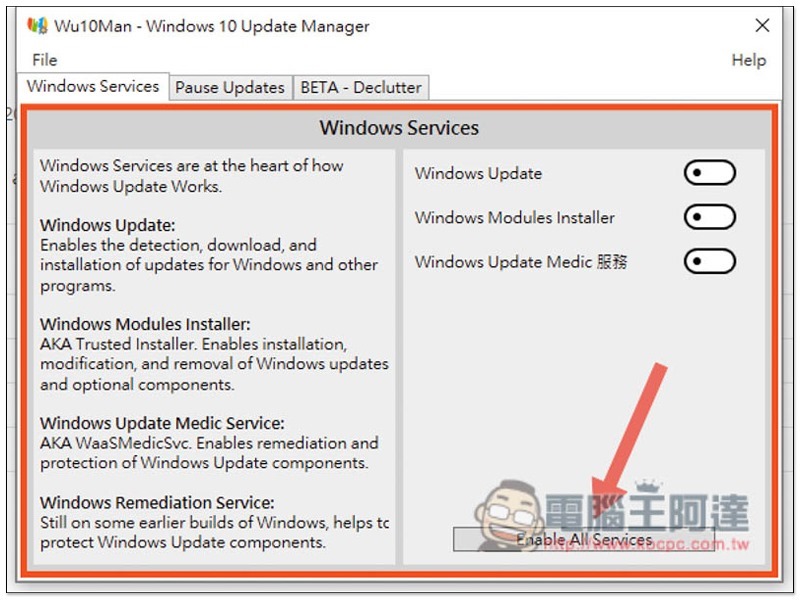
If you want to restore the Windows Update update service in the future, just click Enable All Services:
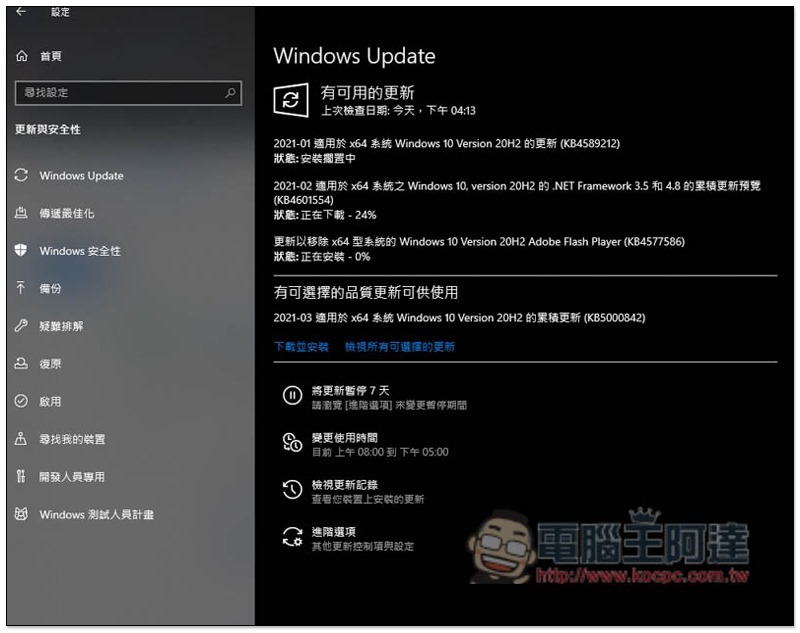
After restoring, go to Windows Update settings and you will see that available updates are being downloaded:
Supplementary information
- Wu10Man download page:Click here to go
Source: KOCPC Chinese