


Nowadays, more and more websites use the WebP format for images, which is very inconvenient for collecting online images. Although it can be solved by adding plug-ins or free conversion software, not everyone wants to install a tool just for this format. If you are using a Mac, the good news is that the built-in preview program of Mac can realize this function and help you convert WebP to JPG, PNG, even PDF, etc. I will teach you how to use it below.

Mac’s built-in preview program can convert WebP to PNG, JPG and other image formats
Nowadays, when I see pictures I like on the Internet and want to download them, I often encounter this situation. The only format I can choose is WebP, and there is no way to change it to PNG or JPG:
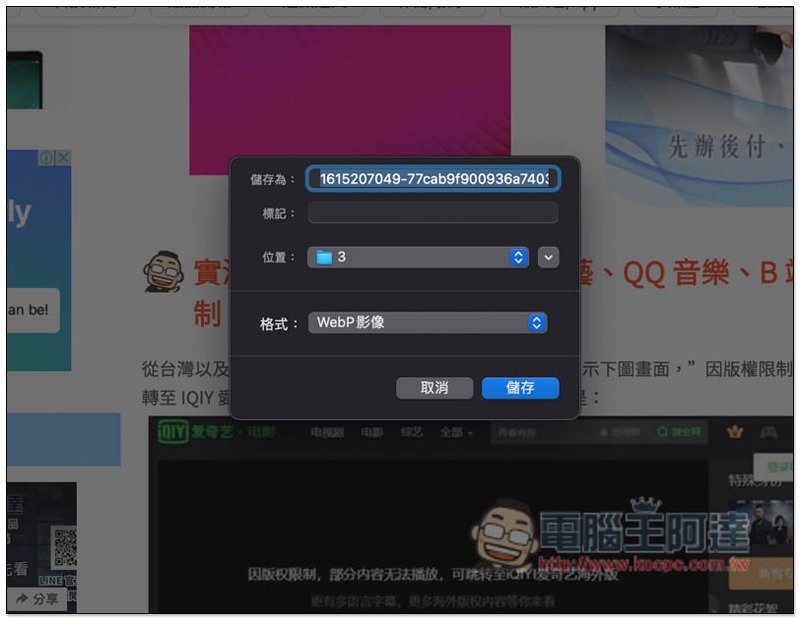
Mac users can download it directly and open it with the built-in preview program:

Then open the file options in the upper left corner and find the “Save” function, or directly press the Command (⌘) + S shortcut key:

At this time, a message will pop up saying that editing is not supported and needs to be converted to a format that supports editing. Please click “Copy to TIFF”:

The preview program will copy another identical image. You can notice that the title bar below says “Locked”. This is the original WebP format. “Edited” in the front is the newly copied image:

In the newly copied image, use the save function again, and you will jump to this screen, where you can save it in the format you want. It supports HEIC, JPEG, JPEG-2000, OpenEXR, PDF, PNG or TIFF:
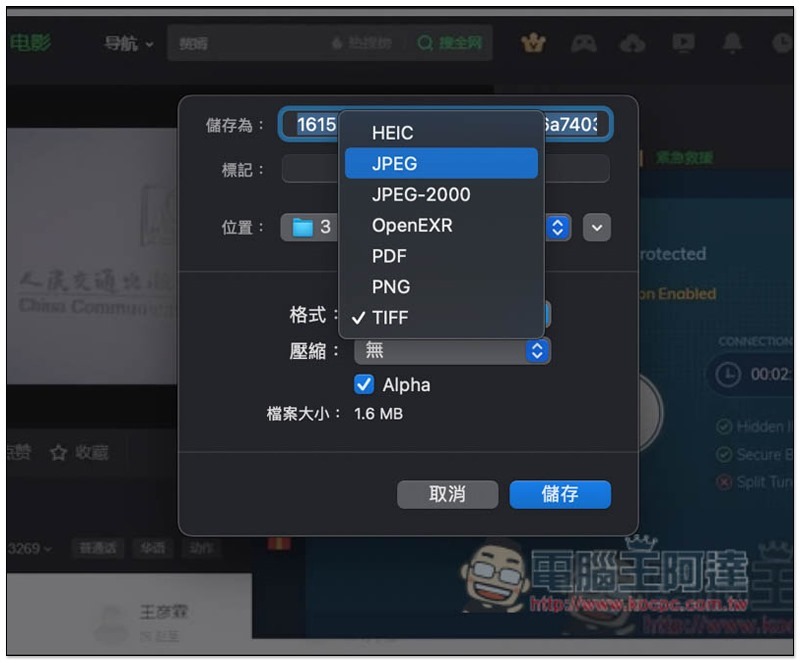
Like this, convert WebP to JPG directly through Mac’s built-in preview program:
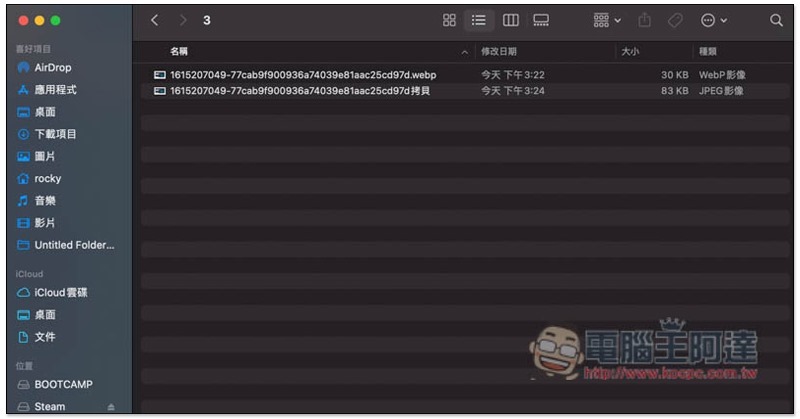
However, this method is limited to a small number of images. If you want to convert a large number of WebP formats, it is recommended to use a conversion software which is faster. You may be overwhelmed by using the built-in preview program.
If you don’t mind installing a Chrome extension plug-in, we have previously introduced Save Image As Type, which is quite easy to use. Those who are interested canRead this introductory article, and online image conversion websites can refer to webp2jp。
Source: KOCPC Chinese