


With the popularity of digital information and the increasing bandwidth, video and audio sharing is commonplace. In addition, there are many customized formats for Android and iOS mobile devices. The various formats are really annoying. Vidmore Video Converter is a multi-functional video conversion tool with an intuitive operating interface. It supports the conversion of currently popular video formats, and also supports basic cutting and editing such as splitting and merging. Of course, batch conversion is not a problem. You can get a free serial number for a limited time, so download it now and save it!

Use Telegram to subscribe to the latest articles of [Kicked Passerby]:https://t.me/itwshare
Go to the event webpage to see that the $29.95 Vidmore Video Converter is free for a limited time for one year (the event webpage URL is at the end of the article).

Scroll down to see Step 1. There is a click here link page, click to enter.

Fill in your name and email address, check the privacy clause of “I Agree to Privacy Policy” below, and then click [Get Free License] to obtain the activation serial number.

See the “Email Sent Successfully” picture below.

Go to the entered email box and find a letter written by Vidmore. Open it and you will see the one-year activation serial number. Please copy and write it down.

Return to the sliding web page and scroll down to Step 3. Click the link in the red box to download the Vidmore Video Converter program.

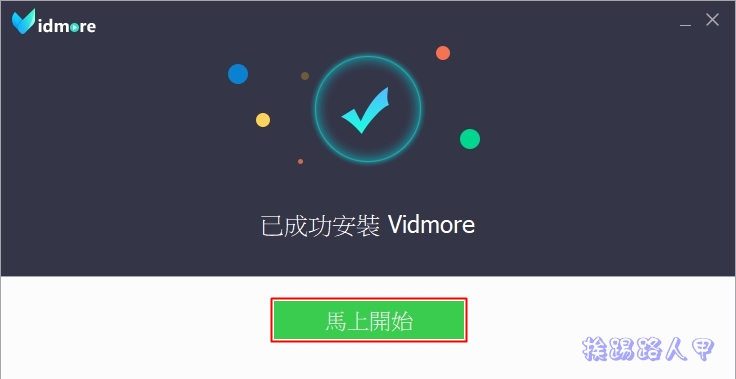
After downloading, execute it to install. The interface is in Chinese, just click [Install].

Start directly after completion.
Before entering the main screen of the program, enter the serial number to start it and click [Register] to enter.

Enter the email account and serial number you just wrote down in the email and press [Activate].

Check after activation. The period of free use is one year.

After successful startup, you will see the main screen window as shown below. There is no Chinese interface, but the operation is very simple and easy to use. Click the big “+” to load the video file you want to convert.

Vidmore Video Converter supports batch conversion. I directly loaded two video files, selected different formats for conversion, and finally pressed [Convert All] to start the conversion.

After the conversion, the successful transfer location will appear for your convenience.

Not just conversion, Vidmore Video Converter also provides basic cropping functions.

There are many functions in the setting window. It is impossible to describe them all. You can understand them by trying them a few times.

【Event website】: https://bit.ly/3ci59A2
Further reading:
Source: KOCPC Chinese