


Recently, a [product] suddenly appeared online that’s like… Manus Similar to AnyGen autonomous AI agentThe tool can compete with it in terms of performance across all aspects, which has sparked considerable discussion on social media platforms. I also tested asking it to extract multiple YouTube The video’s key points, organizing them into notes, and creating web pages are all completed perfectly in one go without any errors—truly impressive. What’s even better is that since AnyGen has just launched, registering gives you a substantial amount of credits, and there are beginner tasks you can complete to earn even more credits. I highly recommend giving it a try.
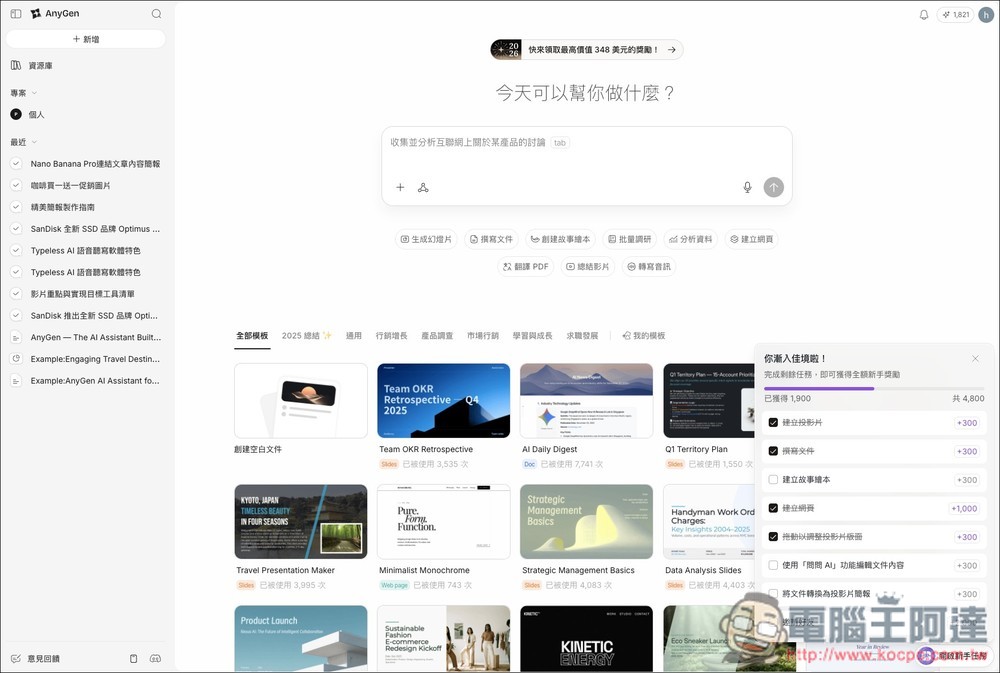
AnyGen, a self-operating AI agent tool that can rival Manus, is currently giving away a large number of free credits
If you’ve never used Manus, you might not be familiar with what “autonomous AI agent tools” are, or how they differ from products like ChatGPT and Gemini. Simply put, the AI automatically breaks down the task you give it into multiple steps and plans which tools to call upon to complete the requested task, delivering the most polished results. It can be summed up like this: “You just give the instructions, and the AI handles the entire workflow.”
Although Manus can be used for free, the daily credits are actually quite limited and can be used up quickly. Plus, many features are only available to paid users, so free users might find it a bit restrictive. This is where AnyGen comes in as a great new alternative, currently offering plenty of free credits for you to use.
AnyGen appeared on the internet around the end of last year, and there aren’t many introductions about this tool yet. I looked into the company behind it and could only find that it’s listed as POLIGON PTE. LTD., a company registered in Singapore. Either way, this tool really works great—it can basically do everything Manus can do. For example, you can use it to:
- Create web pages and websites
- Create a presentation
- Call NanoBanana Pro to generate images
- Analyze data
- Summarize video
- Create story picture books, etc.
Go to AnyGen
Click the link above to go to AnyGen, then click “Sign In” in the upper right corner to register. You can also see many free templates below that you can use, ranging from 2025 wrap-ups, marketing, product research, market marketing, learning and growth, to career development—it’s fine even if you don’t have any ideas:
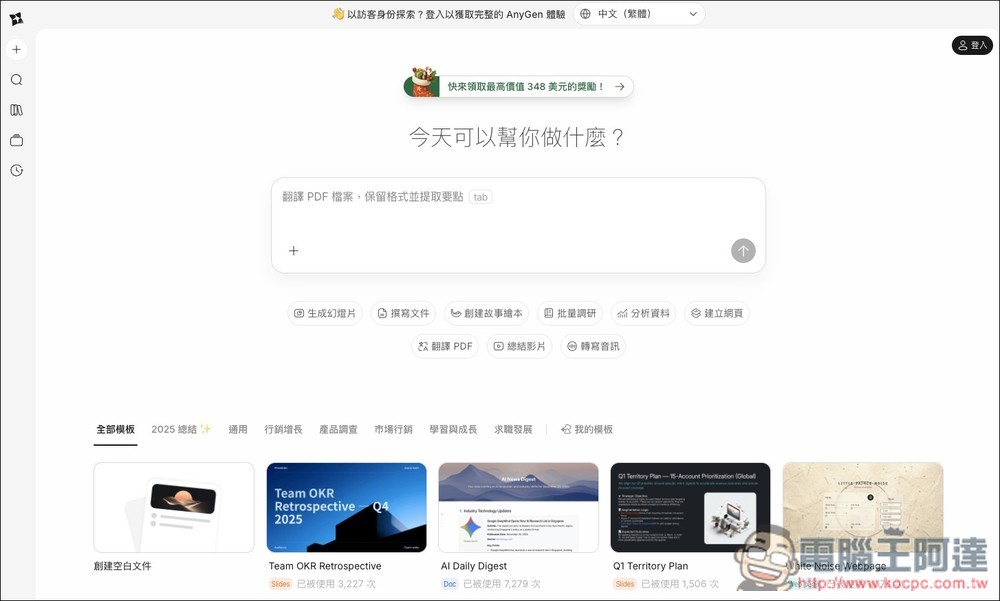
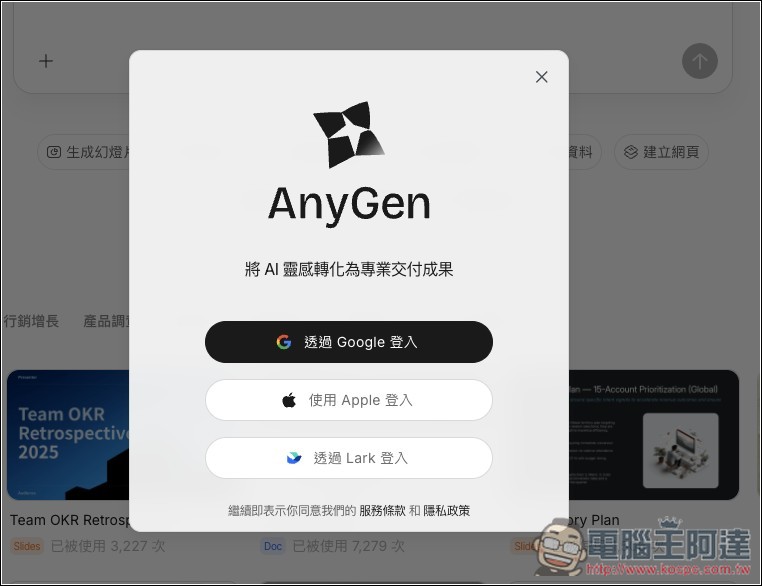
Supports quick login with Google, Apple ID, and Lark. Email registration is not currently available.
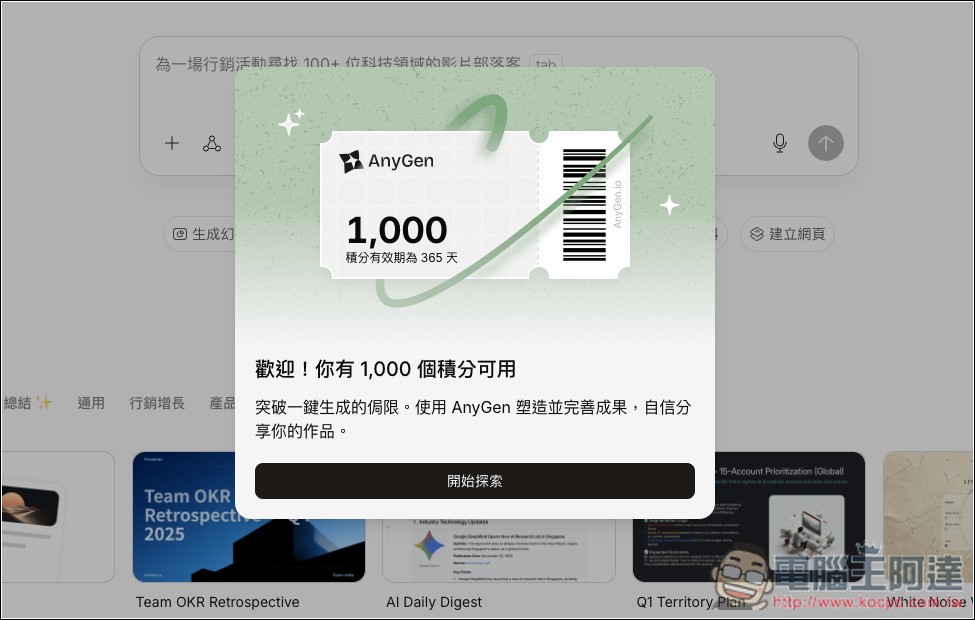
After registering, you’ll receive 1,000 free credits, plus 200 credits reset daily for free use—so that’s 1,200 credits right after you sign up.
The top right corner will always show you how many points you have remaining:
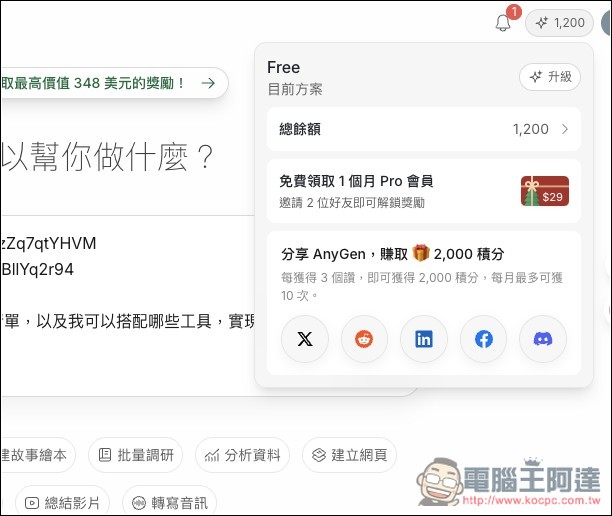
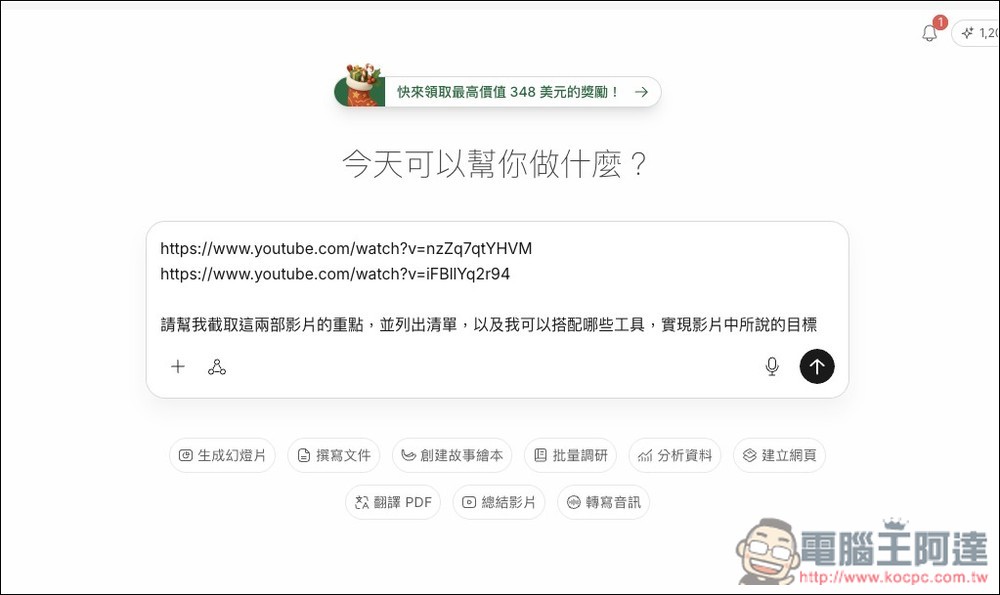
The usage is pretty much the same as Manus—just enter your request in the middle input box. First, I’ll test having AnyGen extract the key points from two YouTube videos (I accidentally made a typo here, but the AI can still understand), then list them out, and finally search for what tools can be paired with them to achieve the goals mentioned in the videos (both videos are about how to achieve your goals in 2026):
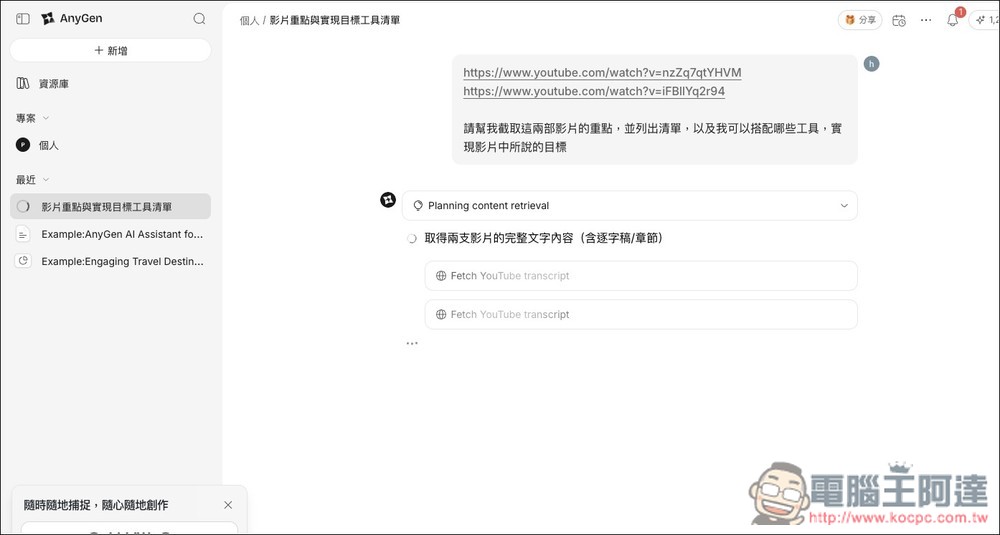
Then AnyGen will start planning the appropriate steps and executing them based on my task:
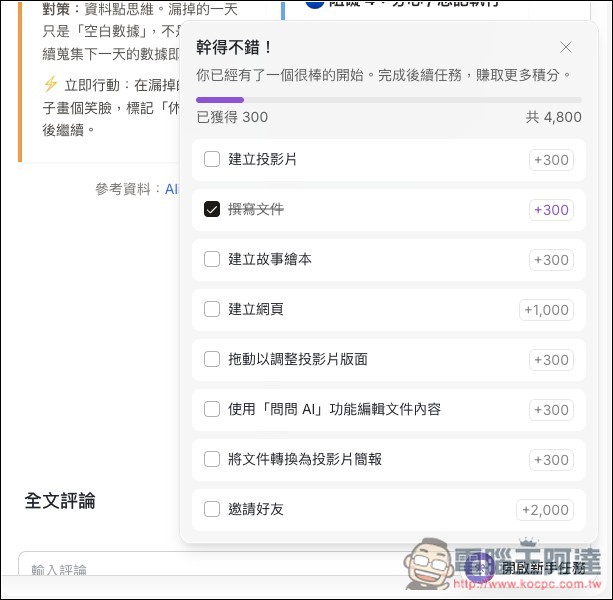
Additionally, you may notice a “Access New User Tasks” feature in the bottom right corner. Once you click on it, you’ll see all the tasks that can earn you free points, totaling 4,800 points, which is quite a lot:
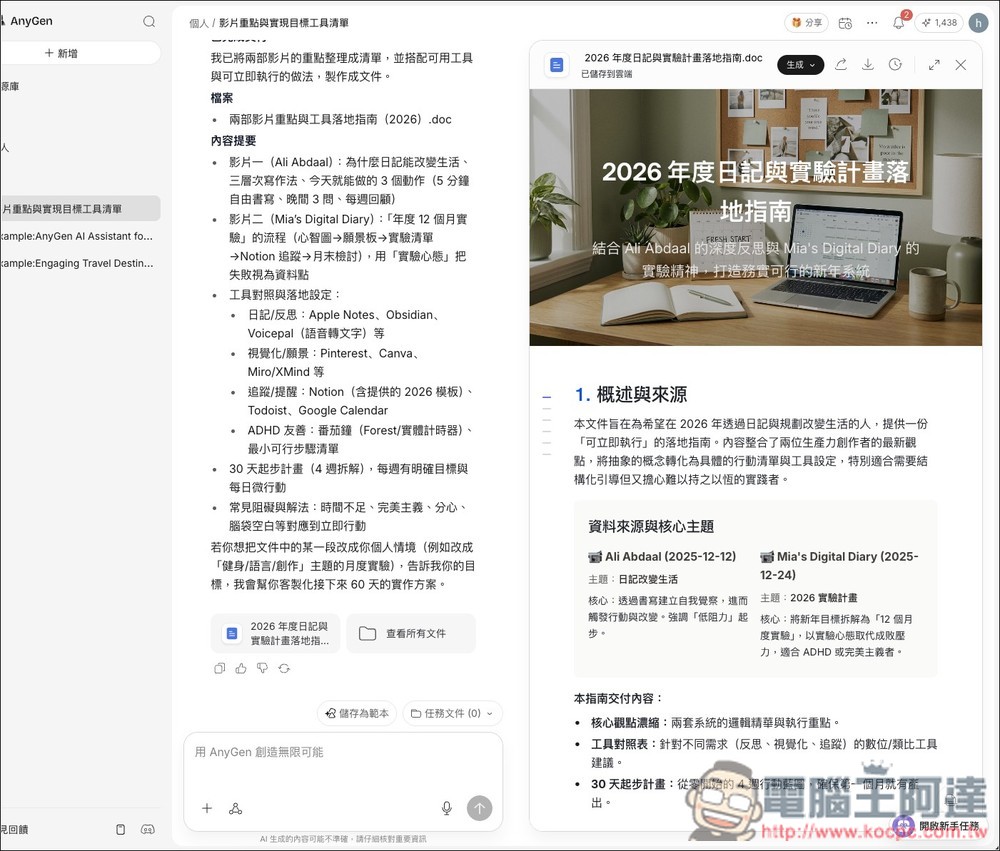
After waiting for some time, AnyGen indeed perfectly completed the content I requested. More importantly, it didn’t just reply with plain text, but generated a complete report for me, including titles, images, and themed content notes.
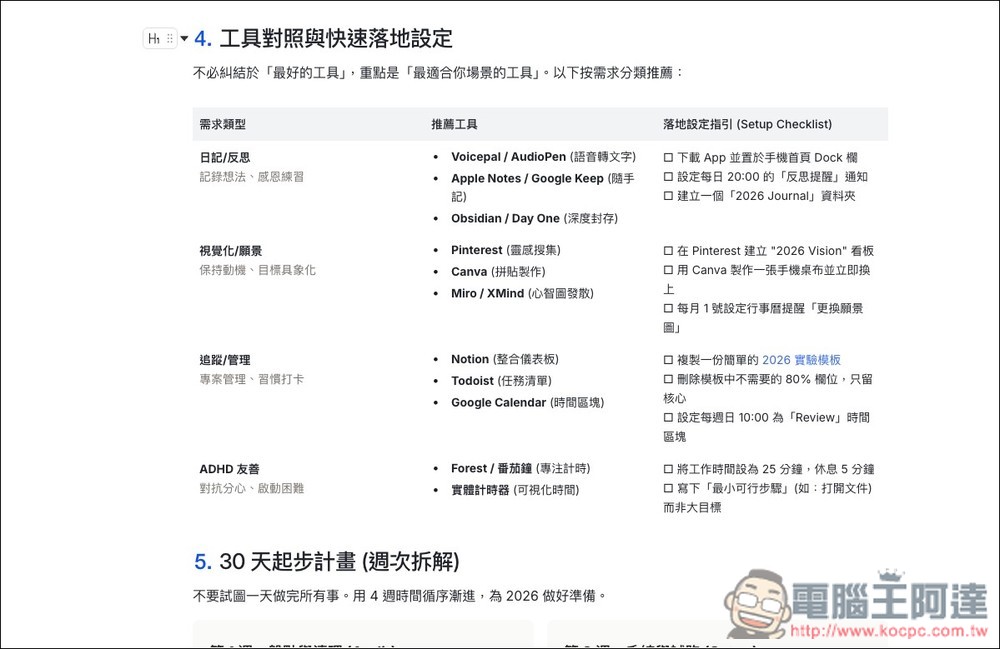
They have indeed also compiled recommended tools based on my requirements for achieving these goals.
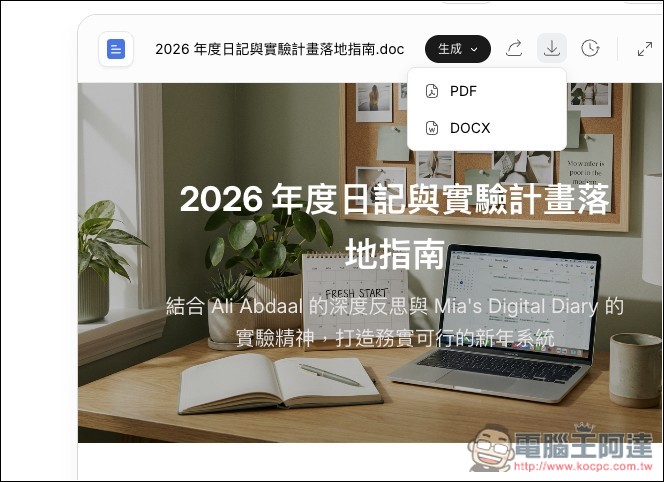
If you think this report looks perfect, click the generate button above to download it as a PDF or Word file.
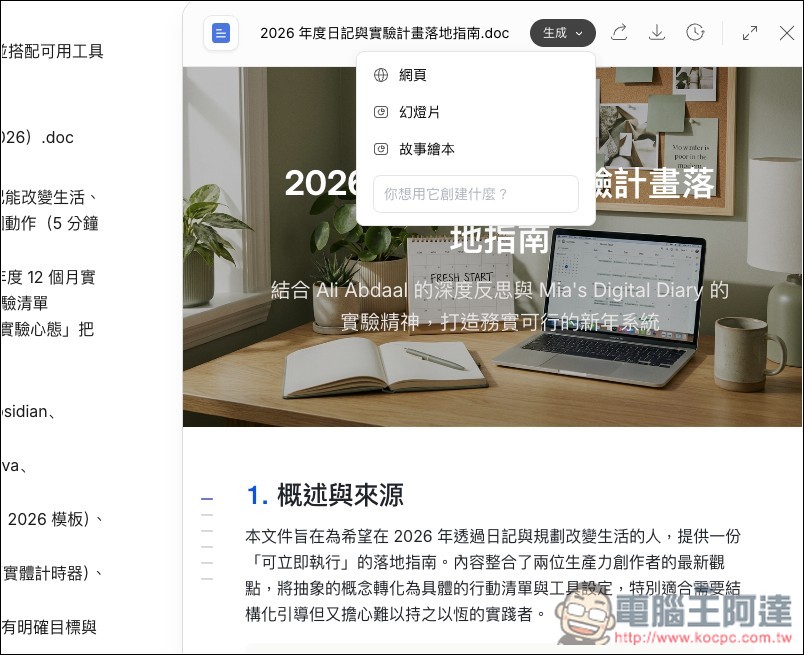
You can even further request the generation of content into web pages, slides, illustrated storybooks, and other formats:
You can also keep chatting with it and ask it to modify or create more content. For example, I had AnyGen embed both videos in the content, add timestamps for the noteworthy moments in each video, and finally turn it into an interactive webpage.
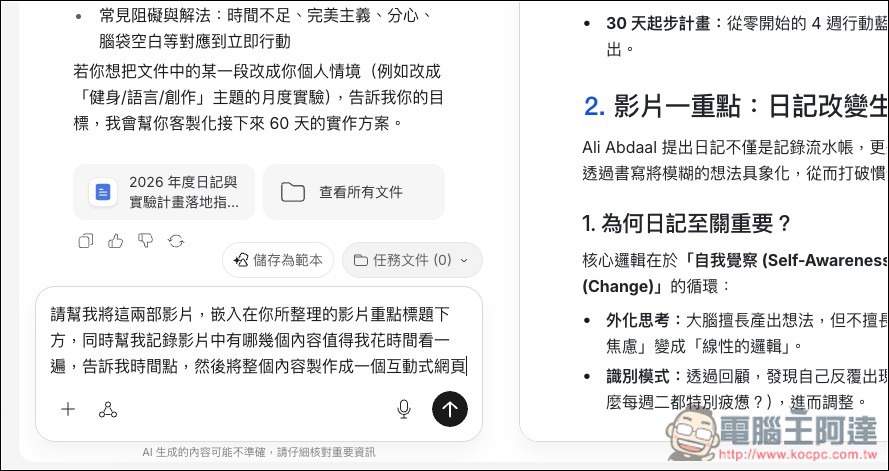
Like before, AnyGen will first plan out the steps for this task. More importantly, this time I require it to be built as an interactive web page, so it will run its own tests before delivering the final result to me. If any bugs come up, it will fix them first, until it considers everything to be working properly:
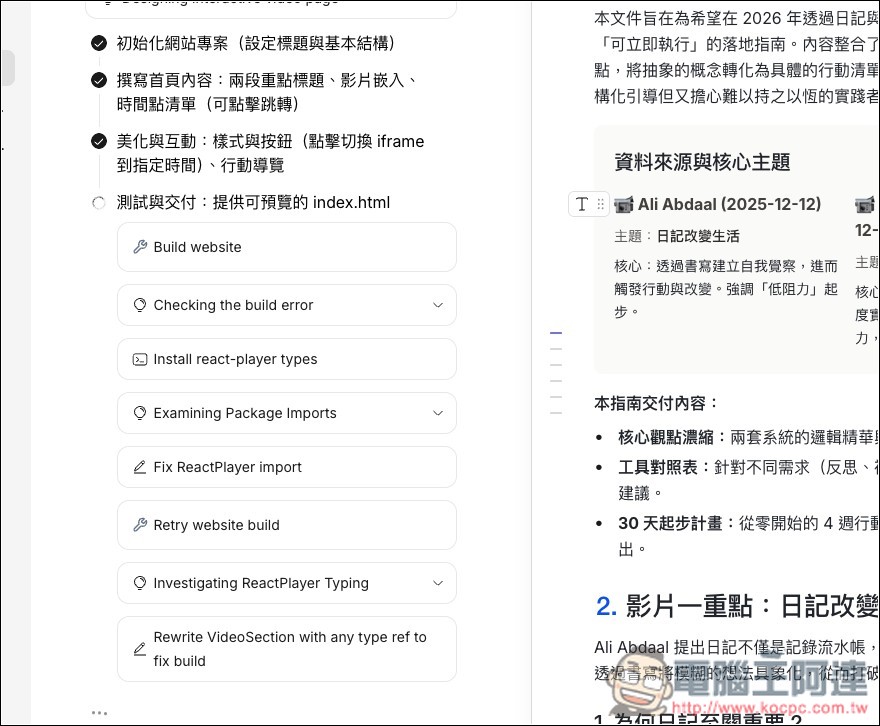
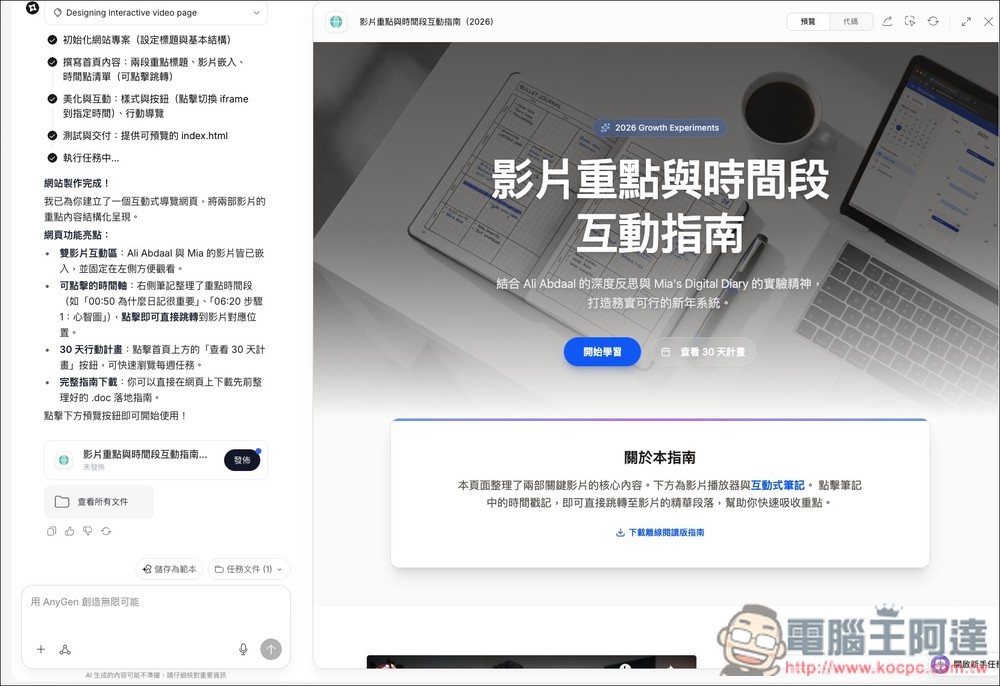
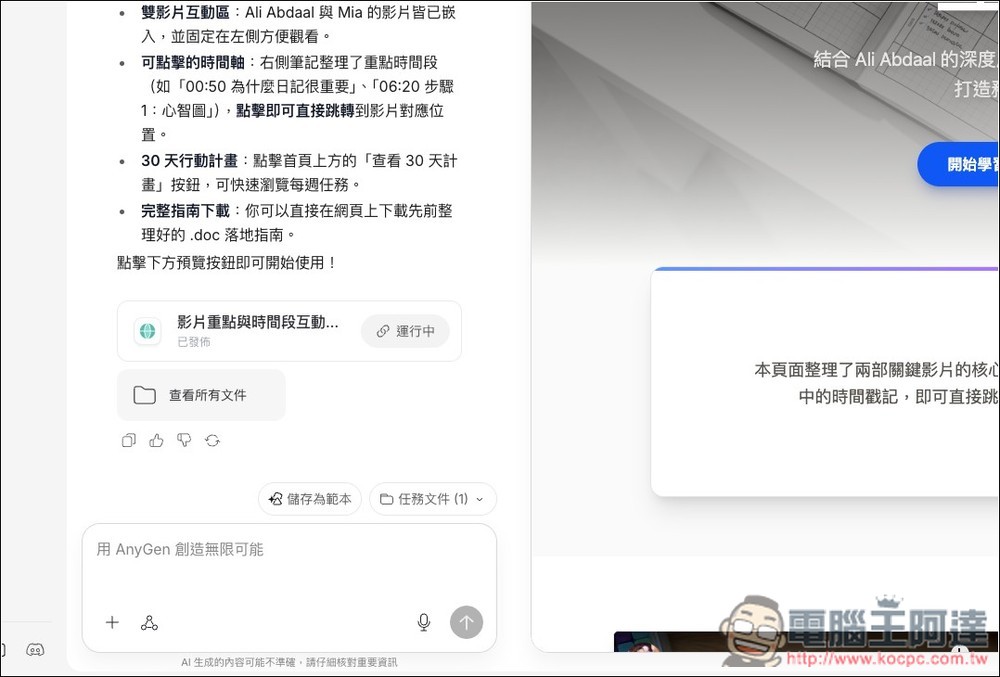
And this time I also got nearly perfect results. It even created an offline reading guide so I could download the content. But why did I say “nearly perfect” earlier? Because there’s a small bug that it didn’t catch.
So I shared my findings with it, asked it to make modifications, and also requested it to add the previously generated report to this webpage:
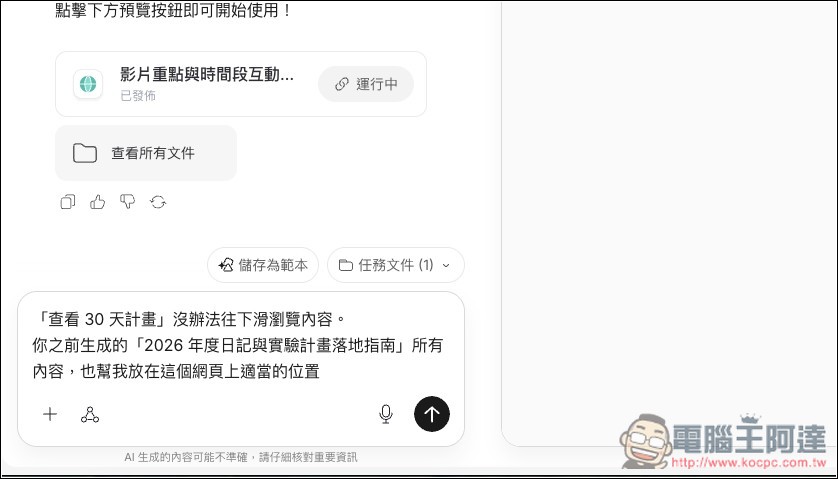
This time it’s really perfect—no more bugs.

The YouTube video is indeed embedded in this webpage, and there are also timestamps worth watching on the right side—if I click on one, it will automatically jump to that timestamp and start playing:
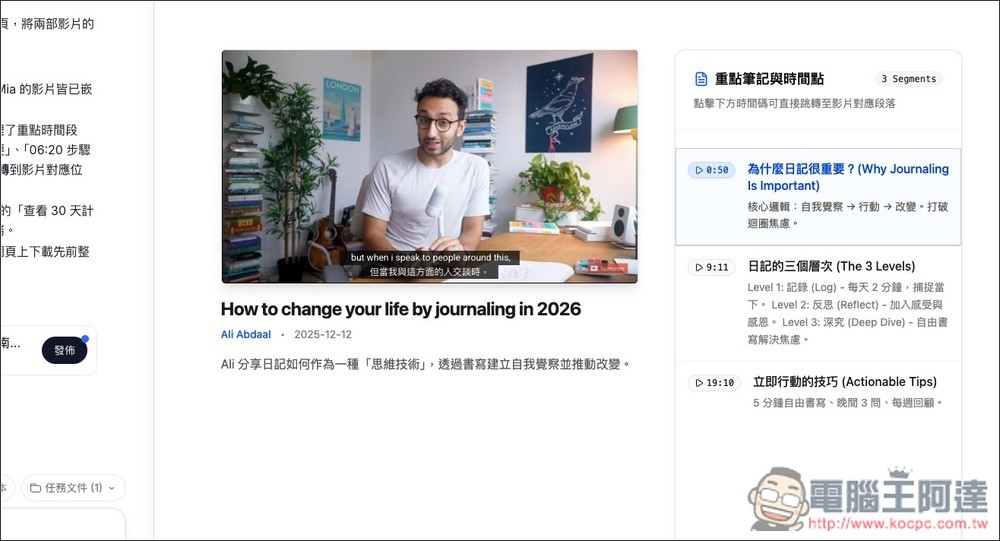
AnyGen allows you to publish the created web pages directly online, and this is what I demonstrated above.Interactive webpageThe production process takes less than 10 minutes. If you’re interested, feel free to take a look.
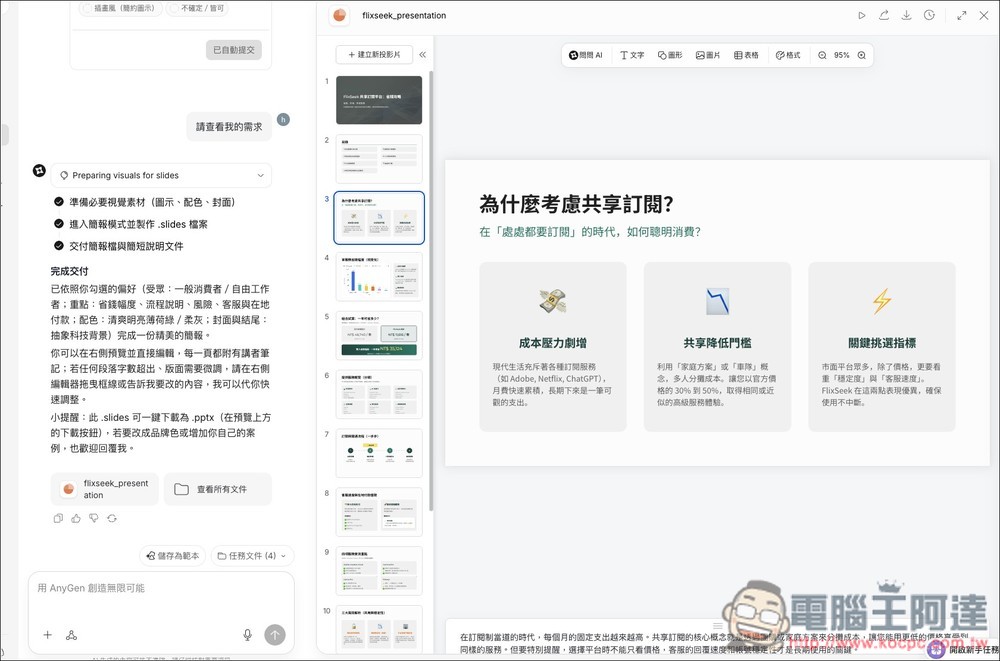
The presentations generated by AnyGen are also quite good with excellent quality, and both the images and text can be edited. The only downside is that it doesn’t currently support generating presentations with Nano Banana Pro. I tested it, and although Nano Banana Pro was mentioned during the planning steps, the final output was just a regular presentation without actually using Nano Banana Pro.
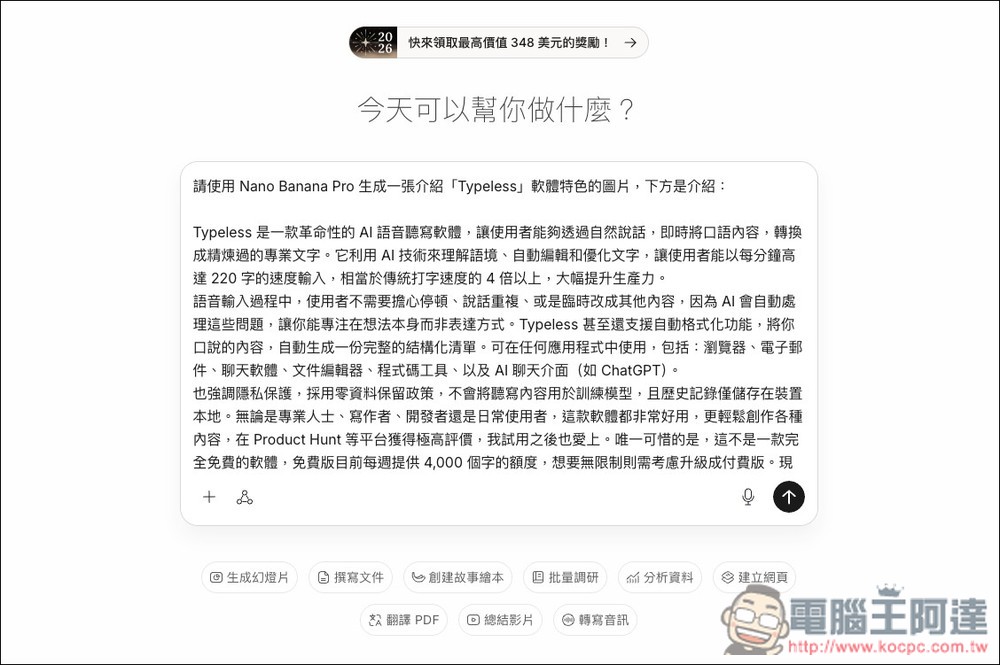
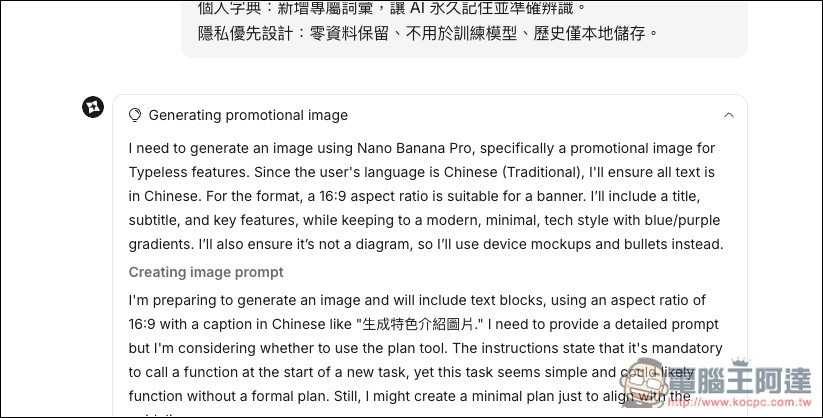
Anygen also supports calling Nano Banana Pro to generate images. Remember to specifically mention using Nano Banana Pro in your prompt:
You can see from the entire planning process that Nano Banana Pro will be used to generate this image.
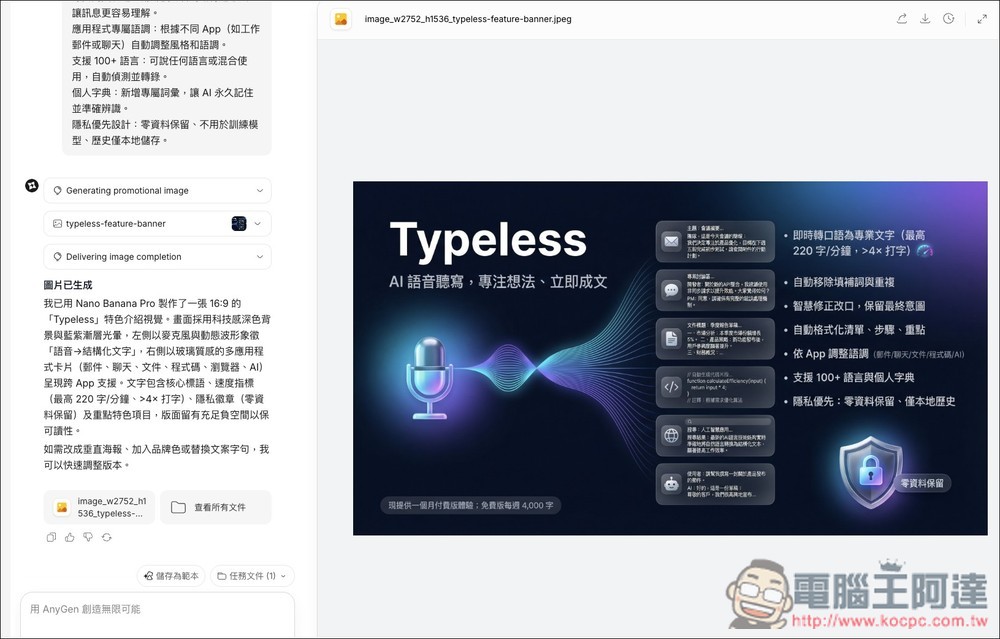
After completion, the results will appear on the right. Also, here’s a small note: when I tested generating images, it adds its own ideas, so it might result in the final generated image not looking as good as expected:
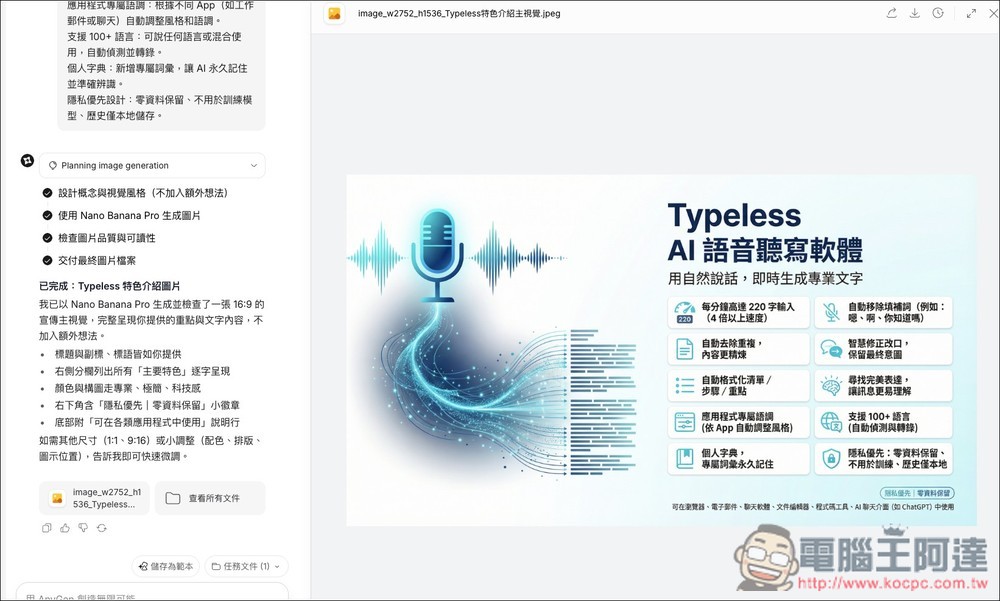
You can add to the prompt instructing it not to add its own ideas. The image below is what was generated after I instructed it not to add its own ideas, using the same prompt as above.
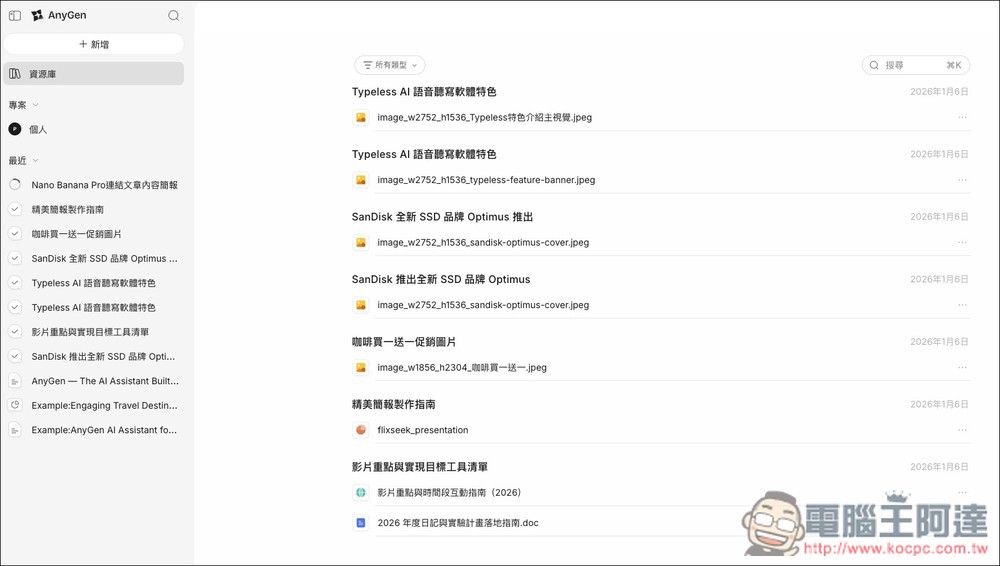
All files previously generated by AnyGen can be found in the repository:
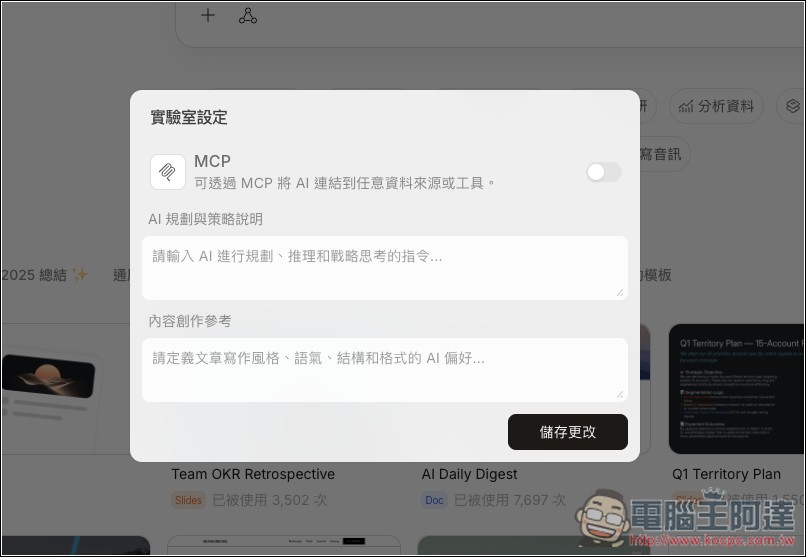
Also supports MCP; if needed, you can enable it in the Labs settings in the upper right corner.
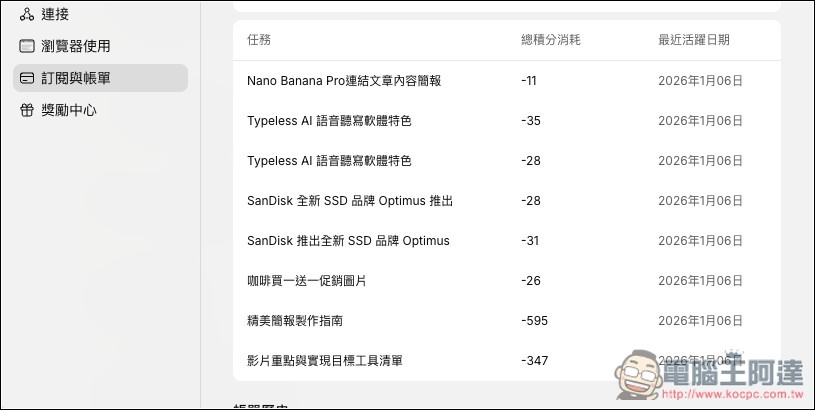
If you’re interested in how many credits each task consumes, you can find this information under the “Subscription & Billing” option in Settings. As you can also see from the image below, the credits consumed each time an image is generated through Nano Banana Pro vary.
Go to AnyGen
Source: KOCPC Chinese