


We have shared a trick with you before “Tips for independently adjusting the alarm volume in iOS 14”, so that everyone’s alarm clock does not need to be synchronized with the system volume, and you no longer have to worry about missing the alarm clock ringtone. However, I believe that more people are still accustomed to manually setting their own alarm times. However, after using it for a long time, the alarm clock list will often have a whole row of alarm clocks with different time points. If all alarm clocks are turned on at once, it may cause a lot of trouble. Therefore, today I will share with you some application tips on how to delete all alarms on iPhone instantly!
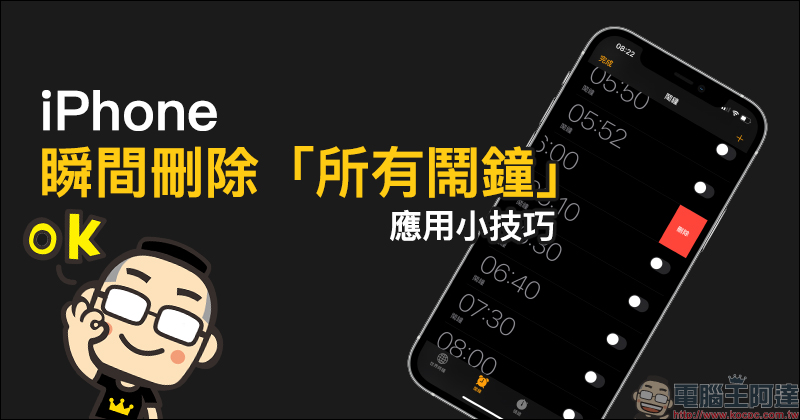
Tips for instantly deleting “All Alarms” app on iPhone
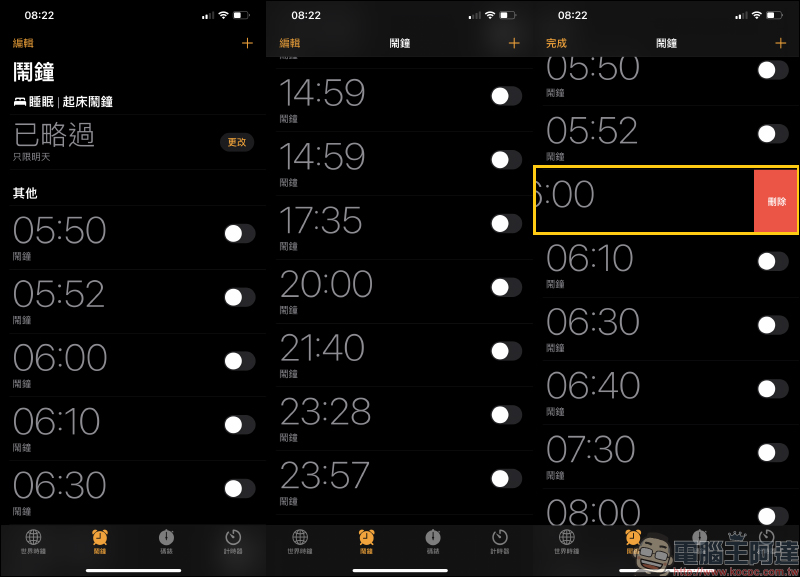
For iPhone users, they must be quite accustomed to using their iPhone as an alarm clock to remind themselves to wake up. However, in order to avoid oversleeping, many people are used to setting multiple alarm clocks at once to ensure that they can wake up to the alarm clock. However, if this method is used for a long time, the alarm clock list may accumulate a whole row of alarm clock times. At this time, if you delete the redundant alarm clocks one by one, you may delete them until they crash. However, there is actually a way to quickly delete all alarm clocks “in an instant”.
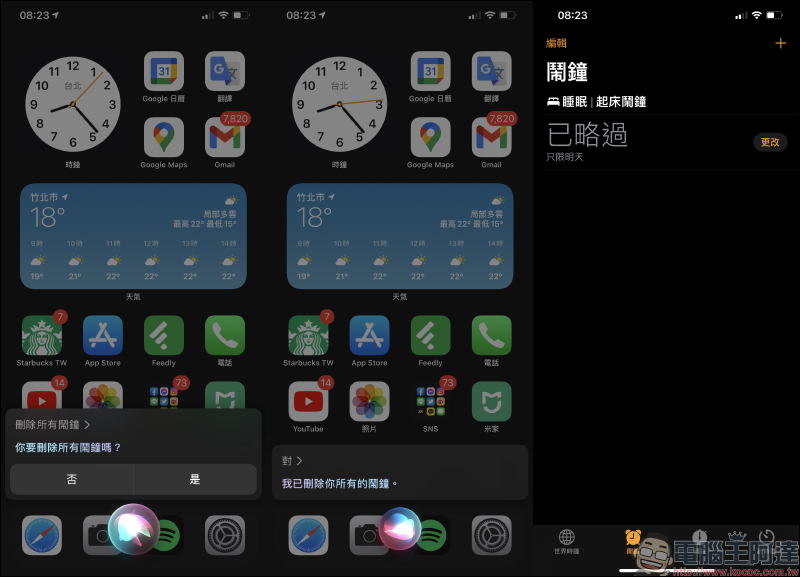
That’s right, it’s the Siri assistant built into iOS. In addition to setting alarm clocks and turning on all alarm clocks at once through Siri, users can also use this method to delete existing alarm clock records. The user only needs to wake up Siri and directly say “Delete all alarms”. At this time, Siri will ask the user “Do you want to delete all alarms?”. As long as the answer is “Yes (right)”, Siri will delete all alarm records stored in the original alarm list at once!
Check the alarm clock function in the Clock App again. You can see that all the original alarm clocks have been deleted. The only ones that have been retained are those introduced to you before.Wake up alarm clock for sleep app. If the user wants to adjust the wake-up alarm time, they can click the “Change” button to quickly go to the wake-up alarm setting page for adjustment.
However, although the alarm clock can be set for quite a few times, it is still recommended that you do not set too many alarm clocks with different times at once when setting the alarm clock. This can prevent you from thinking that there are other alarm clocks when you hear the alarm clock, and therefore get up later and miss the time for work and class.
Further reading:
Xiaomi Mi 10S coming soon? It will be equipped with Qualcomm S870 processor, Harman Kardon stereo speakers, and “familiar” appearance design

NASA 2026 spaceship tickets are open for free booking, free application for landing on Mars

Source: KOCPC Chinese