


The navigation function of electric vehicles, whether Apple or is Google In fact, they are all being provided. However, when it comes to third-party applications that respond to the needs of various electric vehicles, the first thing that many people think of is PlugShare This integration includesWeb versionWith the mobile version (iOS|Android) electric vehicle charging artifact. And it has recently been updated and confirmed to be on the Apple CarPlay in-vehicle system platform that is installed in many car models. Continue reading PlugShare supports Apple CarPlay! Text of the report on the new antidote to electric vehicle range anxiety.
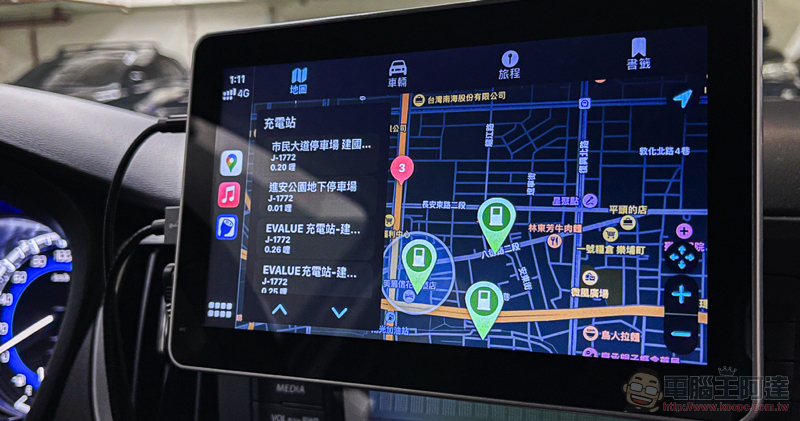
PlugShare supports Apple CarPlay! New antidote to electric vehicle range anxiety
Compared to putting a mobile phone with a small screen on the car. If you can use Apple’s CarPlay car system to check charging stations and navigate directly, I believe it will alleviate the range anxiety of electric car owners!
The PlugShare service, which can display charging station site information and communicate with other electric car owners through comments and reviews, has recently officially introduced support for CarPlay through an update to the iOS version. Friends who have downloaded it can already find PlugShare with the blue charging head symbol in the CarPlay App list!
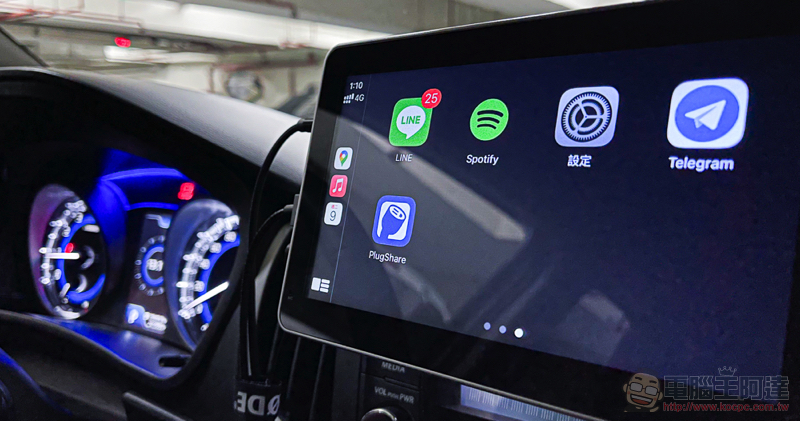
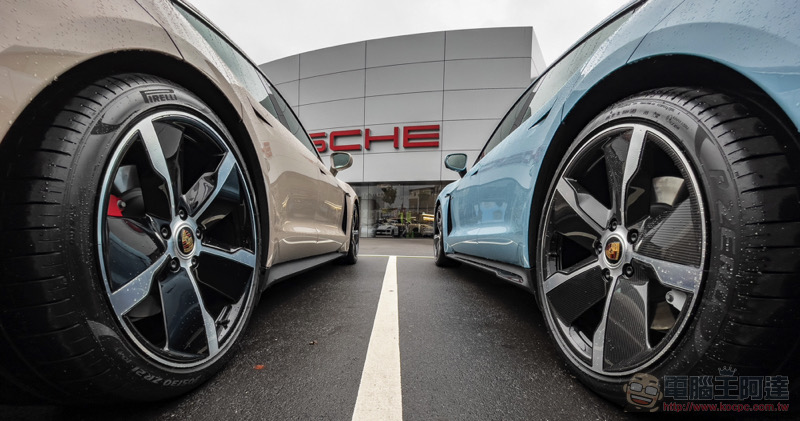
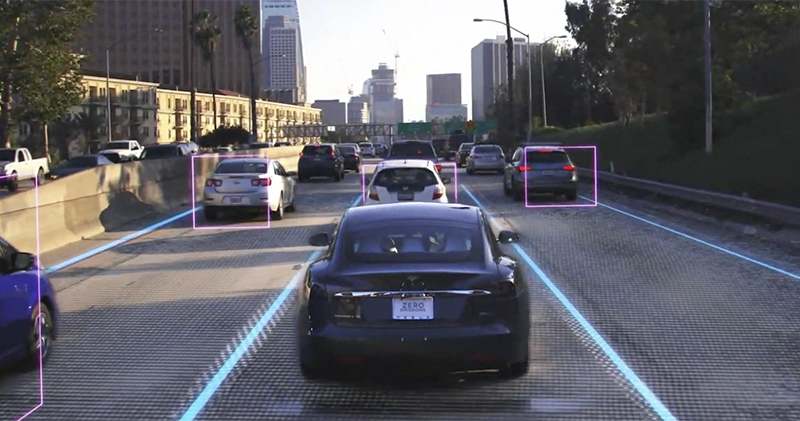
▲Picture: The editor is not driving an electric car, it’s just a schematic diagram, don’t mind it.
I briefly tried out the car app version of PlugShare. Basically, the vehicle files set in the mobile phone can be directly selected, and you can also access “bookmarks” and “trips” planned in advance, all of which can be used on the CarPlay interface. Of course, the most important thing about this application is that you can view relevant information about charging stations. Of course, it is impossible to miss it.
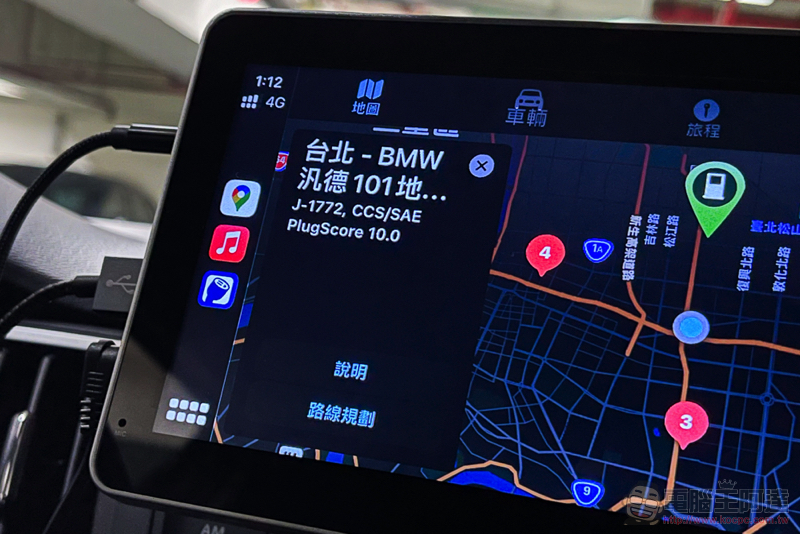
Basically, when viewing the charging station information on the map page, you can already see the site name, distance and supported charging specifications. After clicking, you can see the detailed address and PlugShare score. However, for some reason, the “route planning” button that can theoretically be used for direct navigation seems to be unable to be enabled during the short hands-on play. Perhaps it needs official corrections before it can function properly. (In fact, you can also ask Siri to read the address navigation XD)
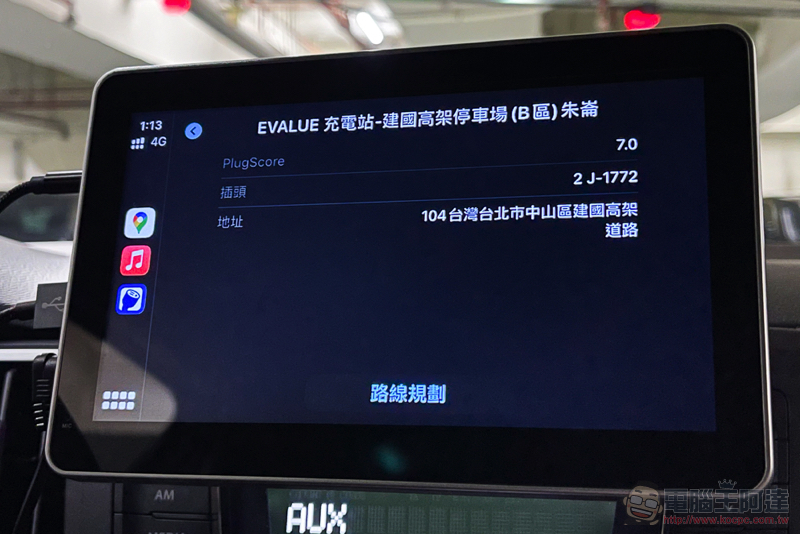
Seriously, just being able to quickly query on the CarPlay interface is really a good feature. If the electric car you drive supports CarPlay (or like the editor, use an external plug-in to support it), you can really consider installing the PlugShare service application, which is known as the most popular electric car charging station map and community. It should be used to allow car owners to refer to the official navigation for charging station information.
PlugShare web version|iOS(App Store)|Android(Play Store)
Further reading:
Porsche Taycan 4S life test drive experience: It doesn’t have Crazy Mode, you do
Source: KOCPC Chinese