


YouTube has new videos on various topics every day, so it is a very good learning channel for people who are learning English. However, if you don’t have enough listening skills and vocabulary, it will still be difficult to read the whole video. In this article, I recommend a very useful auxiliary tool “you-tldr”, which can capture YouTube video subtitles with one click. Not only can you watch the video while reading the subtitles, but when you find a word you don’t understand, you can quickly copy it for notes or look up Chinese explanations.
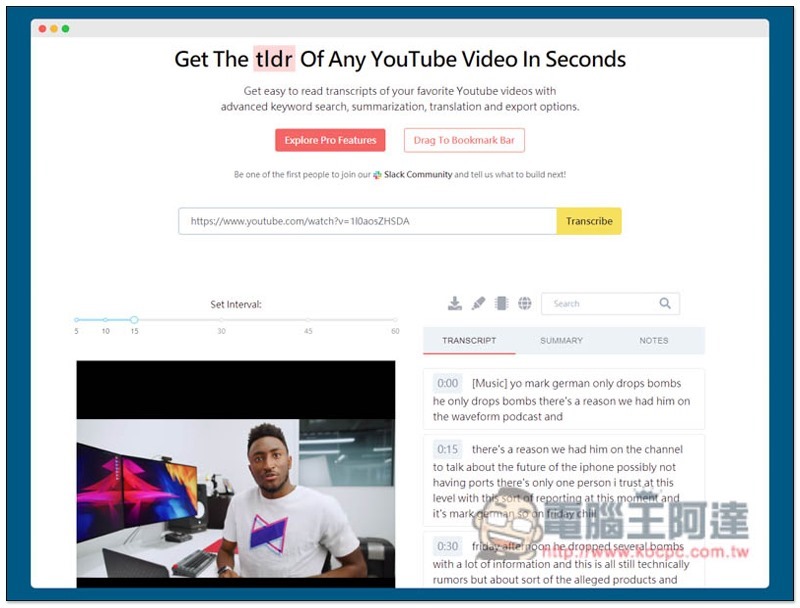
you-tldr Introduction
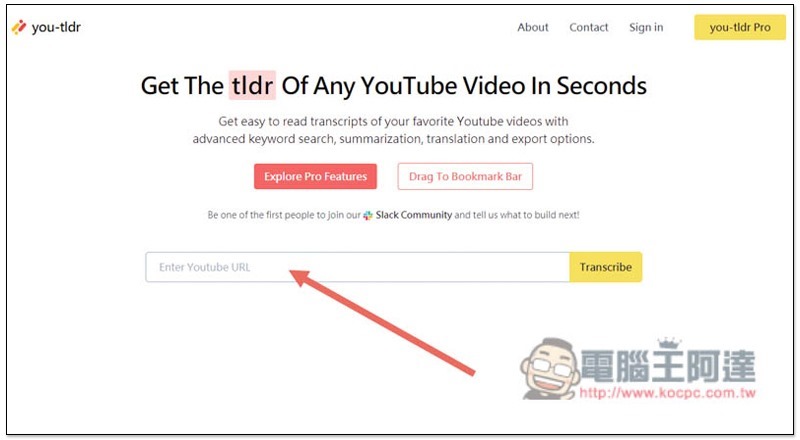
You-tldr is very simple to use.After entering the website, paste the YouTube URL you want to capture subtitles with one click, and then click Transcribe on the right:
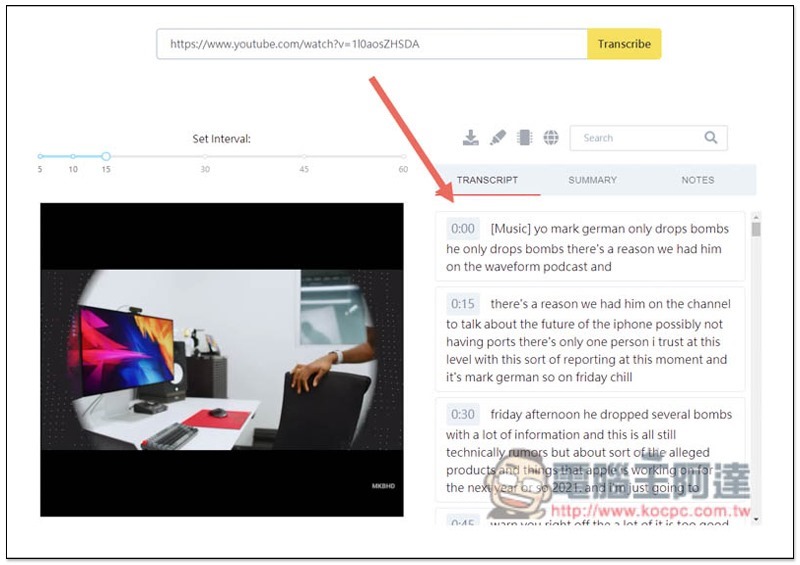
After waiting for a few seconds, the bottom will be divided into two blocks. The video will be displayed on the left and the subtitles will be displayed on the right. There will also be a timeline in front of each section to facilitate you to find where you are currently:
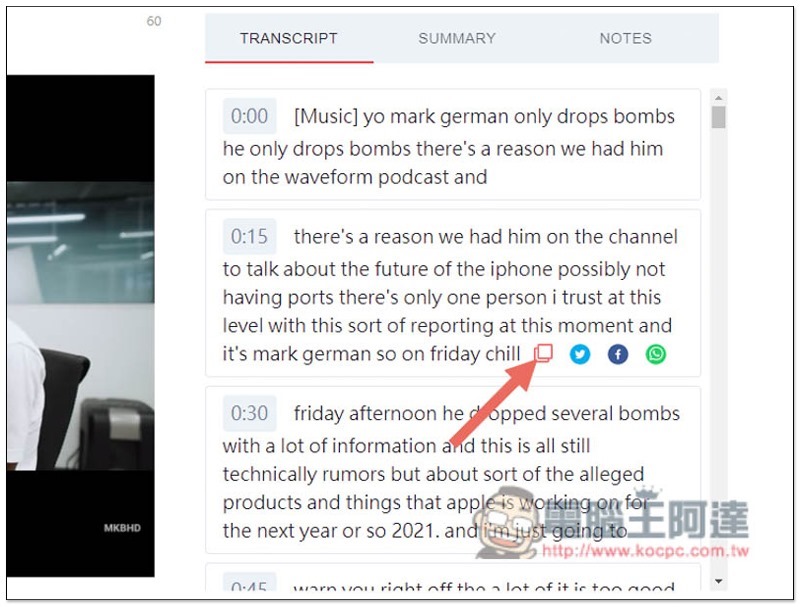
Like this, when you see a word you don’t understand, you can copy it in reverse, then look up the Chinese meaning in the dictionary, or even add it to the list:
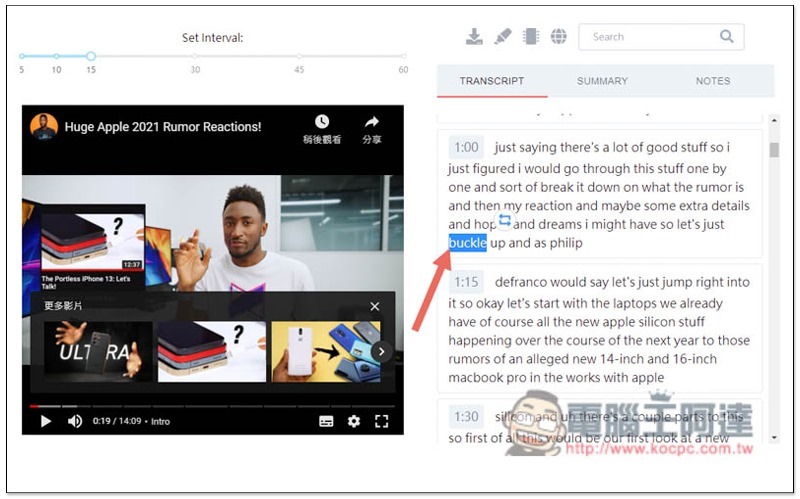
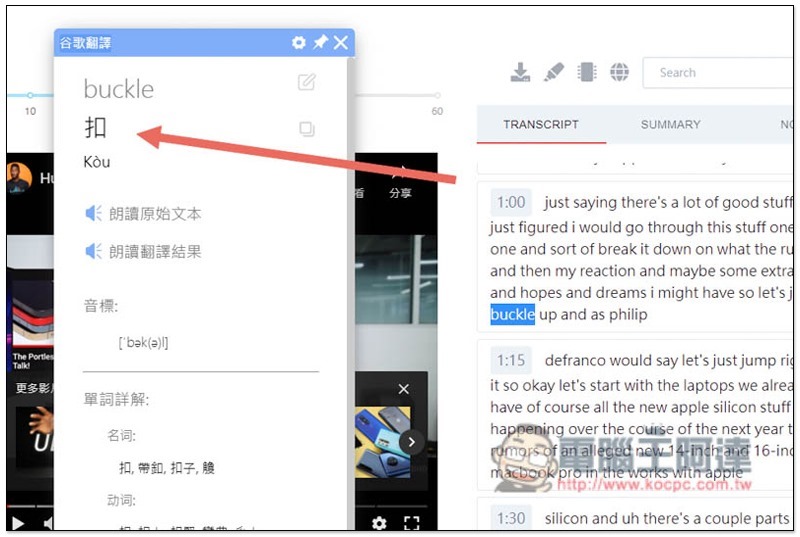
If you have installed a translation extension plug-in like me, you can query the Chinese explanation with one click without leaving this window:
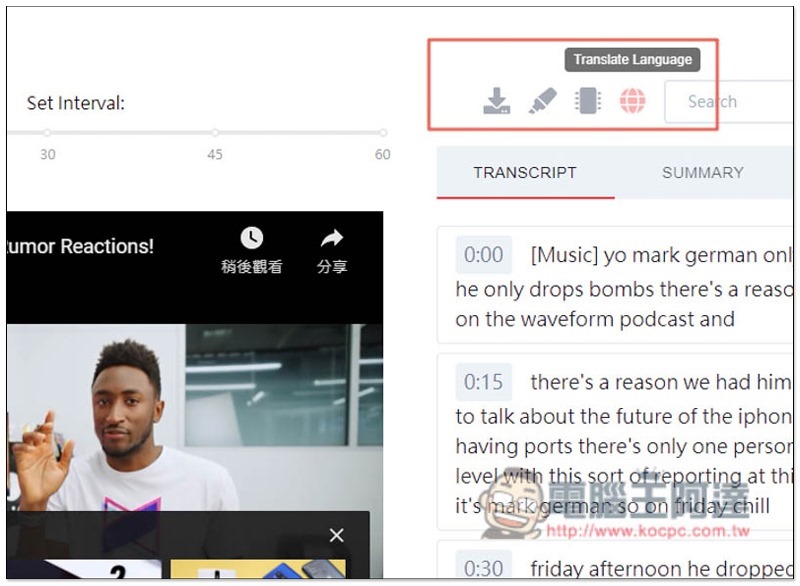
There are some functions above, from left to right they are “Download subtitles, Hightlight, Summary and Translation Language”, but this is only available to paid users:
Although you cannot download subtitles with one click, you can actually copy and paste each paragraph through the copy function. The effect is the same. Moreover, the one-click copy function is also thoughtfully provided in the lower right corner of each paragraph. You can use it in the free version, and you can also share it to Facebook, Twitter or WhatsApp:
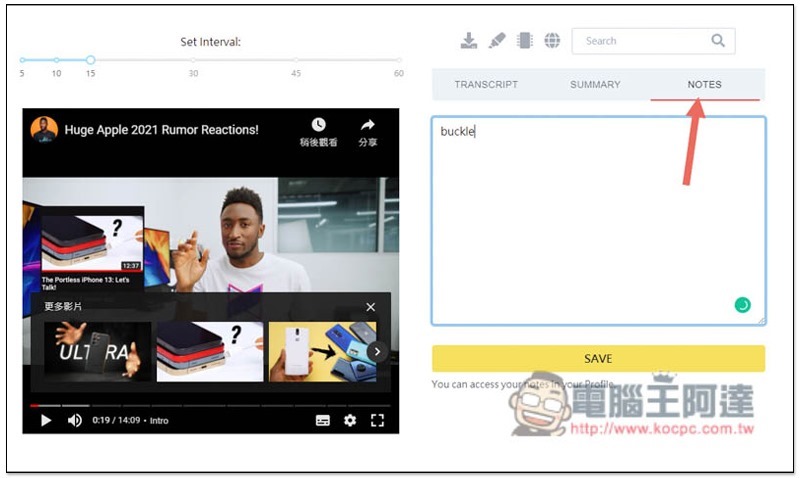
NOTES note-taking functions are also only available in the paid version:
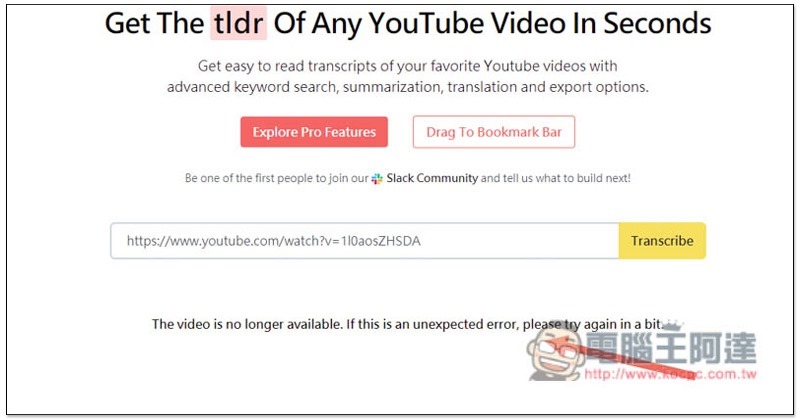
In addition, if Transcribe later displays The video is no longer available, you should be able to find it after trying a few times. This tool may be a bit new at the moment, and sometimes it cannot be found:
Supplementary information
- you-tldr website:Click here to go
Source: KOCPC Chinese