


compared to Gemini and ChatGPTrecently Copilot It seems to have declined a bit, butMicrosoftI haven’t ignored it — I’ve been continuously optimizing it lately. Windows 11 the experience. Other than what we previously introducedShare with CopilotApart from this new feature, according to foreign media reports, Microsoft is now planning to integrate Copilot into File Explorer. In the future, when you want to ask about any file content, you won’t need to open the Copilot app separately—you can chat directly with Copilot in the File Explorer sidebar.
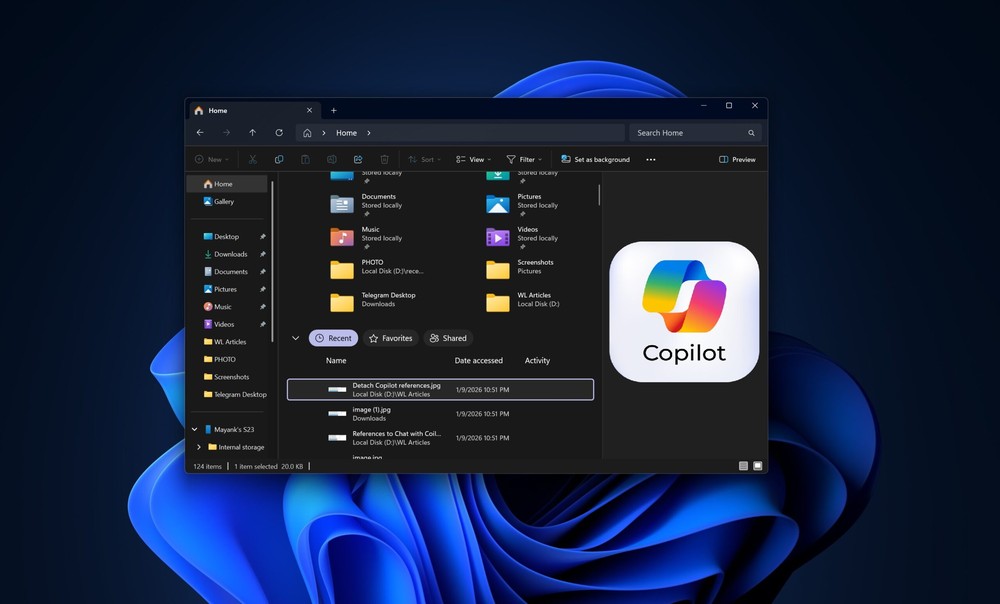
Image source: Windows Latest
In the future, Windows 11 will let you chat with Copilot directly in File Explorer, without needing to open a separate app.
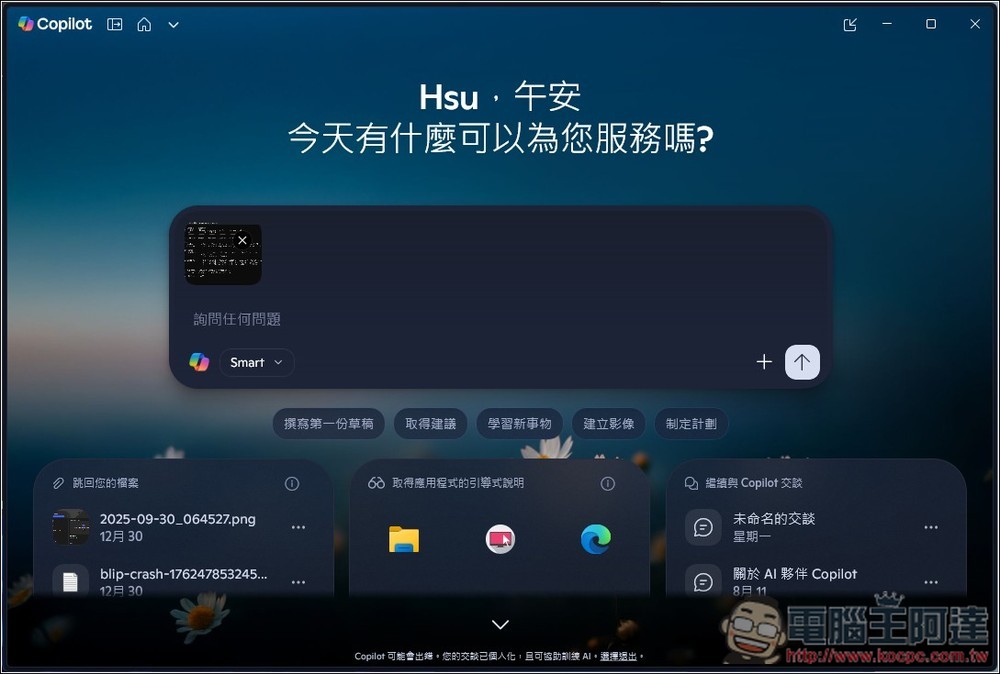
Windows 11 Copilot can already query file contents. In File Explorer, right-click the file you want to ask about, and you’ll see the “Ask Copilot” option. However, this is currently just a shortcut—clicking it sends the file or image to the Copilot app, which means you still need to switch back to the Copilot app to continue the conversation.
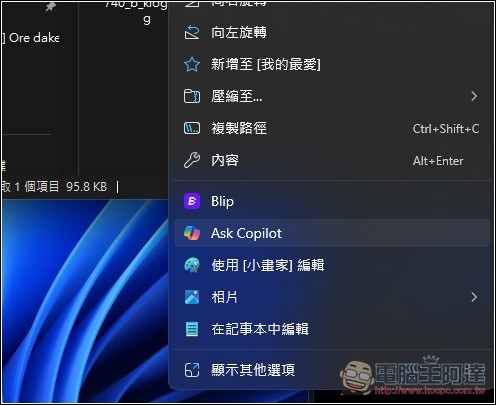
This creates some operational inconvenience—for example, you might just want to confirm which file you currently need, but have to constantly switch back and forth between Copilot and File Explorer.
According to Windows Latest, Microsoft has added a hidden button next to the Details pane in File Explorer in Windows 11 Build 26220.7523, and this button appears to be used to launch Copilot:
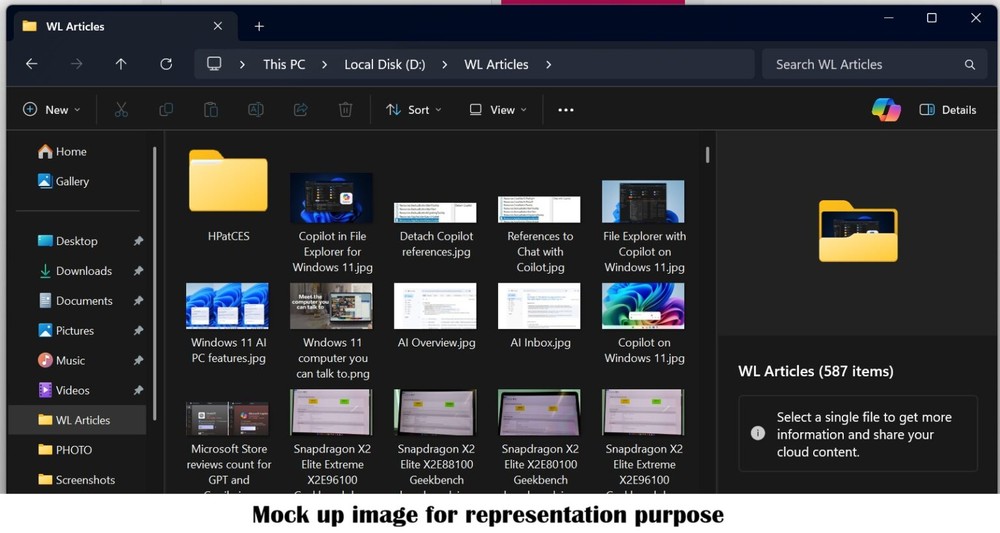
Image source: Windows Latest
This hidden button isn’t a randomly placed placeholder element – it corresponds to an internal name “AppAssistantLaunch”, and there’s also a matching string resource in FileExplorerExtensions.
One is “Chat with Copilot”, which clearly means you can open Copilot’s chat feature within File Explorer:
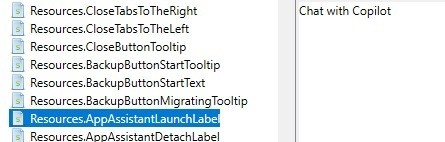
Image source: Windows Latest
Another one is “Detach Copilot” – Detach means separation in Chinese. Windows Latest speculates that Copilot will likely be docked in File Explorer’s sidebar, with the option to detach it into an independent window:

Image source: Windows Latest
Given Microsoft’s goal of making Windows 11 an AI-first operating system, this approach is the right one. If every time you need to ask about files, you have to switch to the Copilot app, the user experience wouldn’t be much different from other third-party AI tools like ChatGPT.
However, it’s worth noting that Microsoft hasn’t officially confirmed these reports, so there’s no telling when it might actually launch. That said, we could potentially see more news in the coming months.
And for users who don’t want this feature, it should also be possible to turn it off manually, though it’s still unclear whether this feature will be enabled by default or off.
Source: KOCPC Chinese