


Although there are many Instagram download tools on the Internet, for iPhone and iPad, the operation is still not as convenient as computers. If you happen to be troubled by this problem, this Instagram Download shortcut script is a good choice. With just a few clicks, you can download your favorite Instagram pictures, videos or limited-time updates to your photo collection.
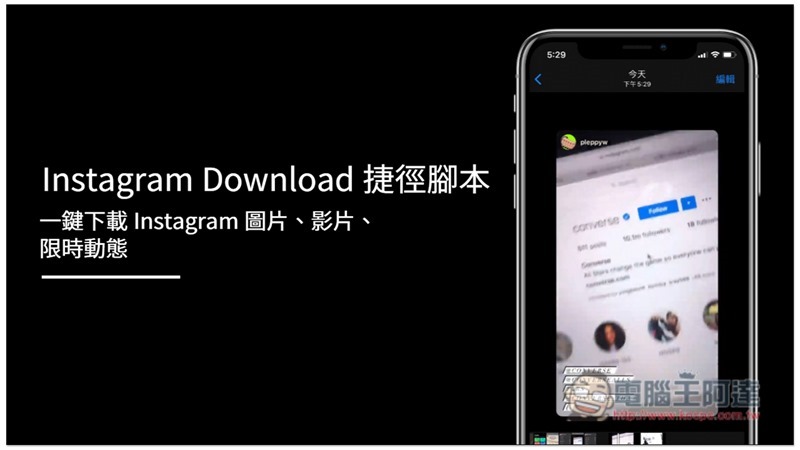
Instagram Download Shortcut Script Introduction
Before installing this script, make sure you already have the Shortcut App on your iPhone or iPad. If not, please click the link below to download it from the App Store:
- Shortcut App:Download page
- Instagram Download shortcut script:Click here to go
After clicking the shortcut script link, you will jump to this screen. Scroll down and click “Add Untrusted Shortcut”:
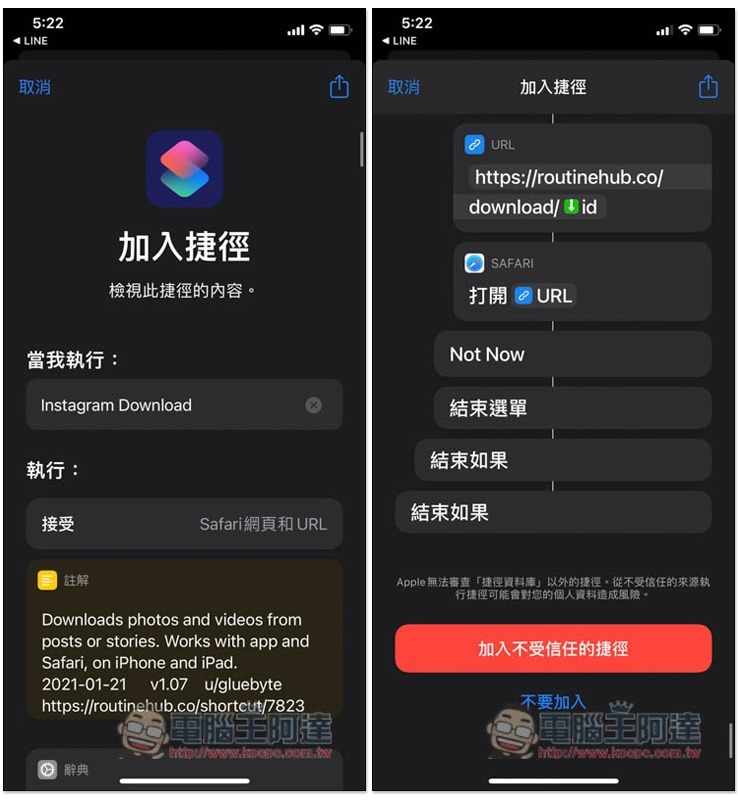
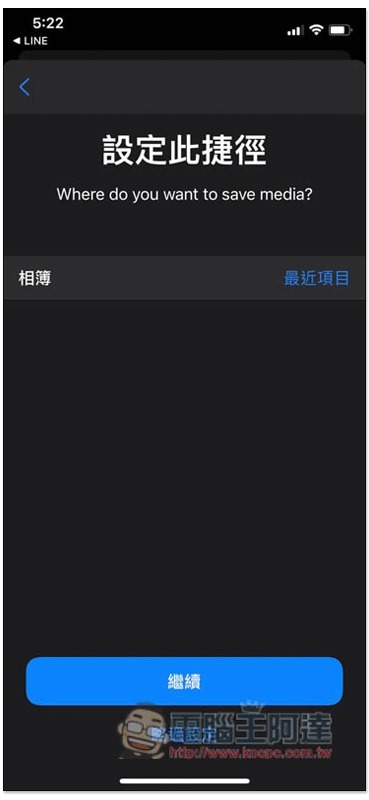
The default storage location is the most recent item in the album. If there is no problem, click below to continue:
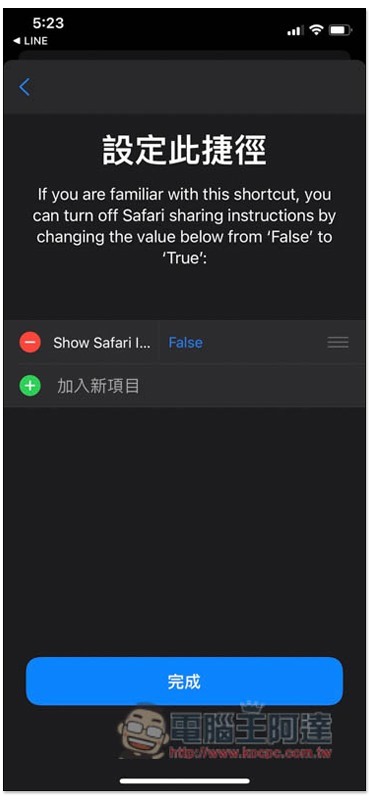
Press Done:
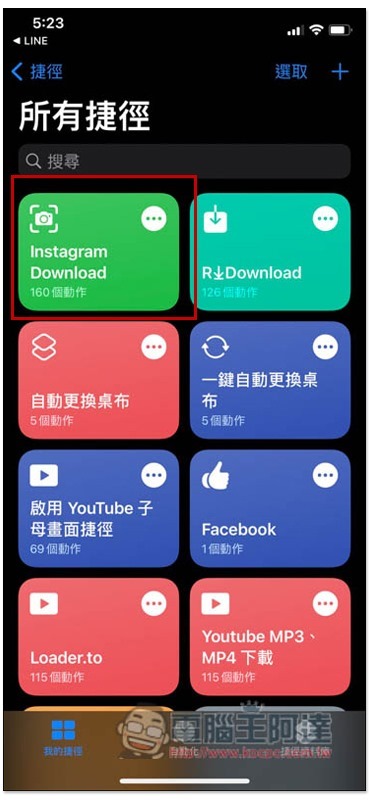
Then you will see this script in all your shortcut menus:
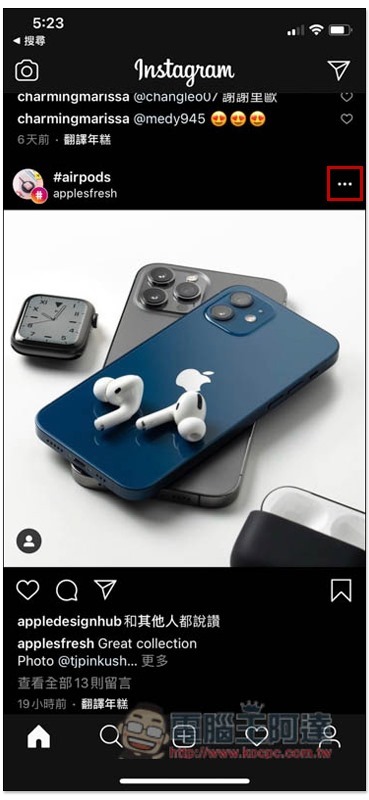
The method of use is very simple. After finding the picture or video you want to download in the Instagram App, click on the… function in the upper right corner:
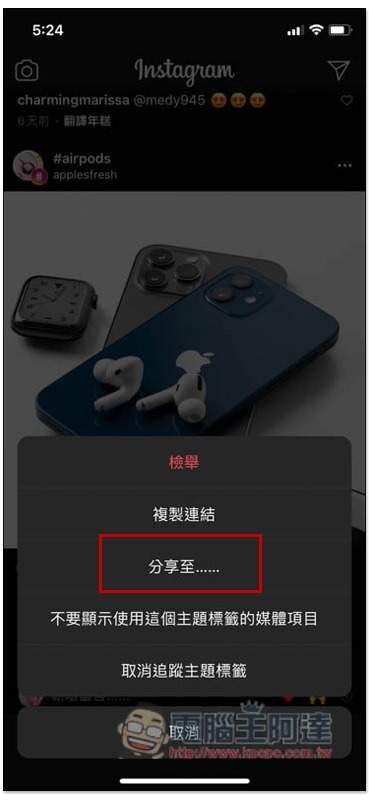
Then press “Share to…”:
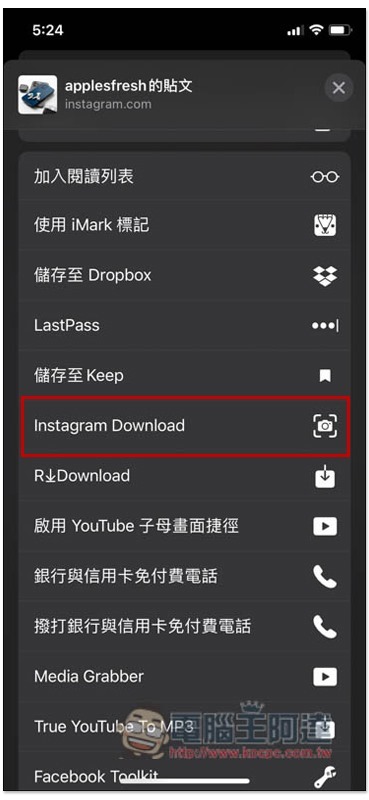
This menu will pop up and find Instagram Download:
Some messages will pop up above, just click on them. The most important thing is to send the Instagram link of this picture or video to the website for download:
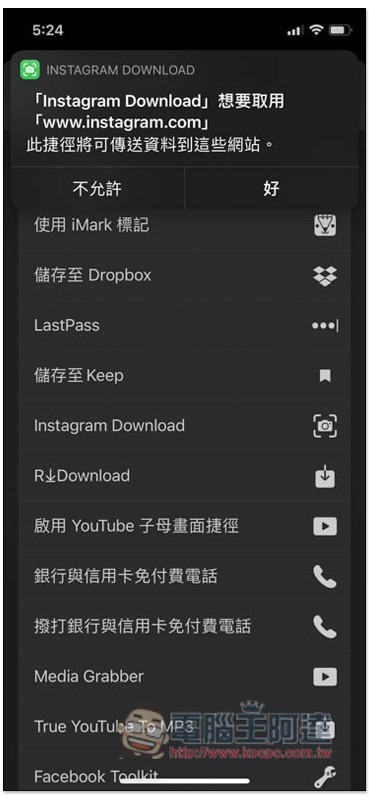
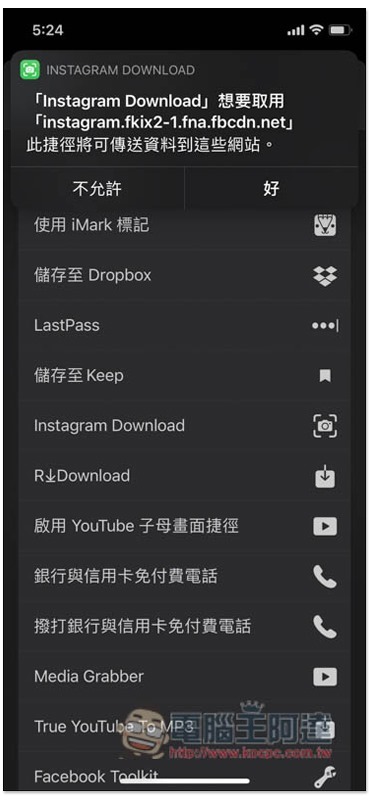
Continue to click:
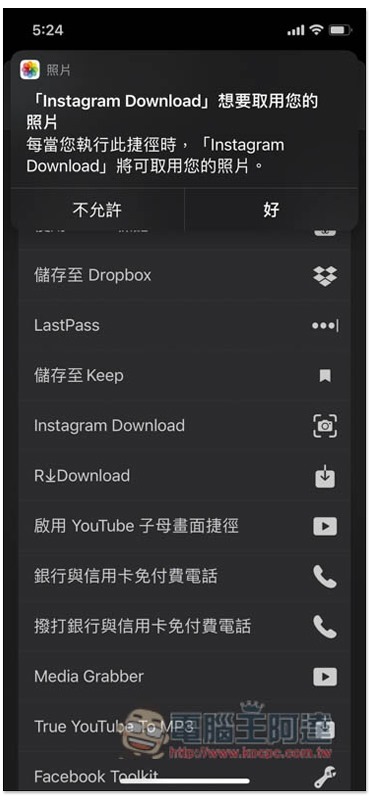
You must also click to access photos so that it can save the downloaded pictures or videos to the album:
After the download is complete, open the recent items in the album and you will find this image or video:

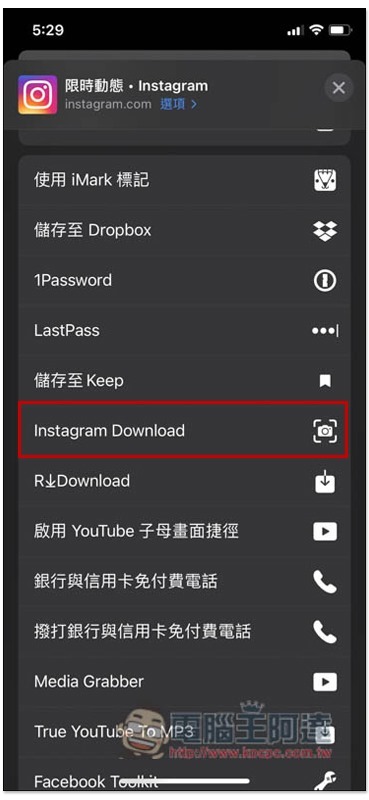
This script also supports limited-time updates, but Instagram App’s limited-time updates do not have a sharing function, so you need to use the Safari browser instead. After opening the limited-time updates you want to download, click the share icon below:
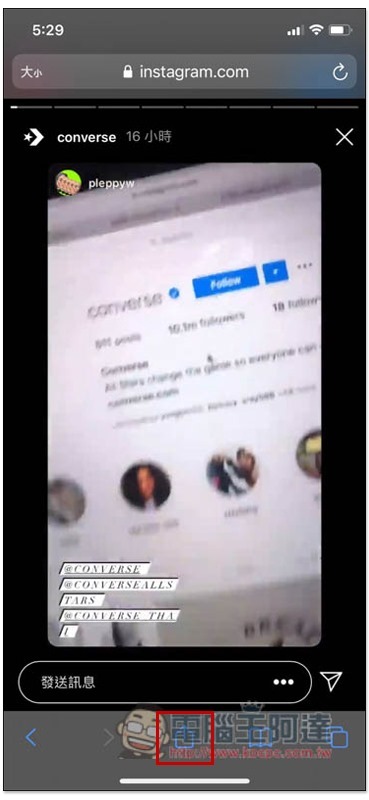
You can find Instagram Download:
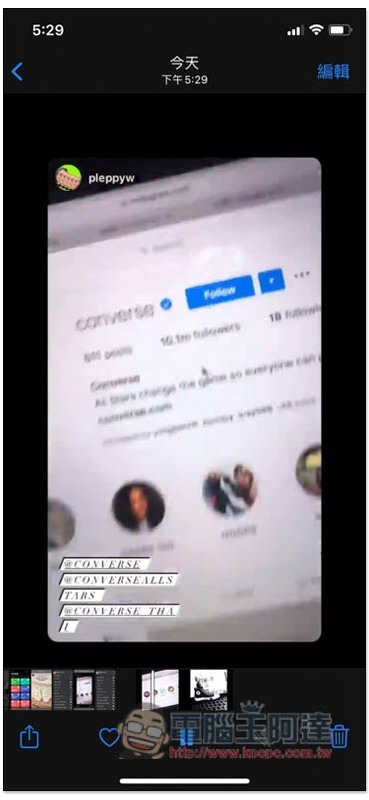
After downloading, it will be saved to your photo album:
Therefore, if you have any need to download Instagram in the future, just use this script, which is much easier to use than online tools. But one thing to remember is that after Instagram is revised, this script may become invalid. If you encounter this situation, you can wait a few days to see if the developer has launched a new version.
Supplementary information
- Instagram Download shortcut script:Click here to go
Source: KOCPC Chinese