


Many people practice foreign languages through YouTube videos. However, if your hearing is not that good, even if YouTube has subtitles, it is still difficult to understand the whole video. After all, some videos speak very fast. This article will recommend a pretty good and useful free online tool called Video to Article. It can convert YouTube videos into articles. Simply put, it means a text file, so that you can clearly know what content will be discussed next, and you can even change it to reading to understand the video.
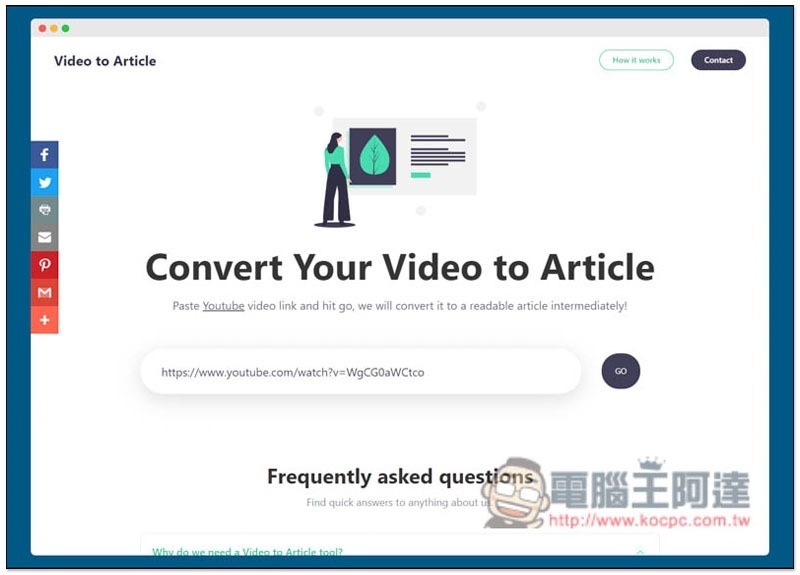
Introduction to Video to Article, an online tool that can convert YouTube videos into articles
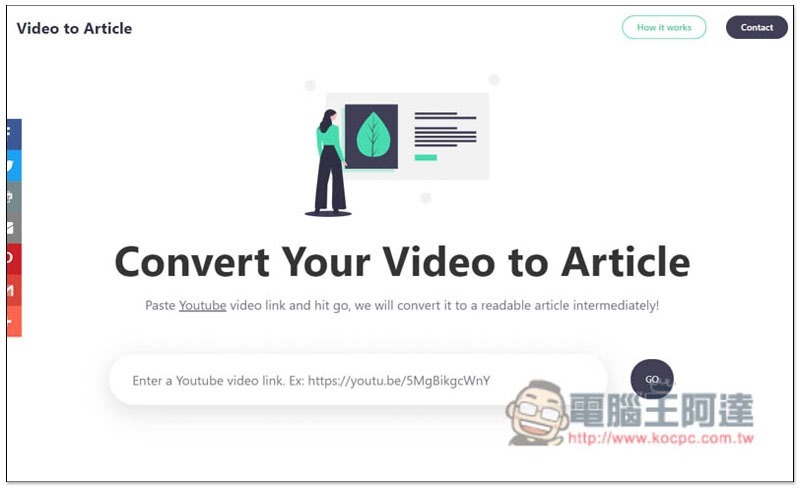
Click here to enter the Video to Article website, paste the video link you want to convert into an article into the search field, and press Go to start the conversion:
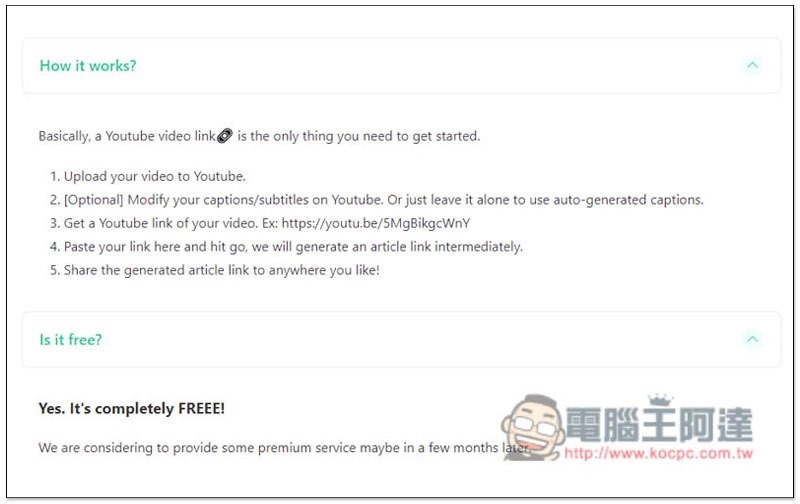
There are also operation instructions at the bottom. If the YouTube video is in English, it doesn’t matter whether it has subtitles or not. Basically, it can be converted. I tested it in Japanese, but if it is Chinese, it must have subtitles before it can be converted. Currently this tool is completely free, but there seems to be plans to launch a paid version in the future:
Taking the MKBHD video as an example, the conversion is completed in less than a few seconds. All spoken text content in the video is listed below:
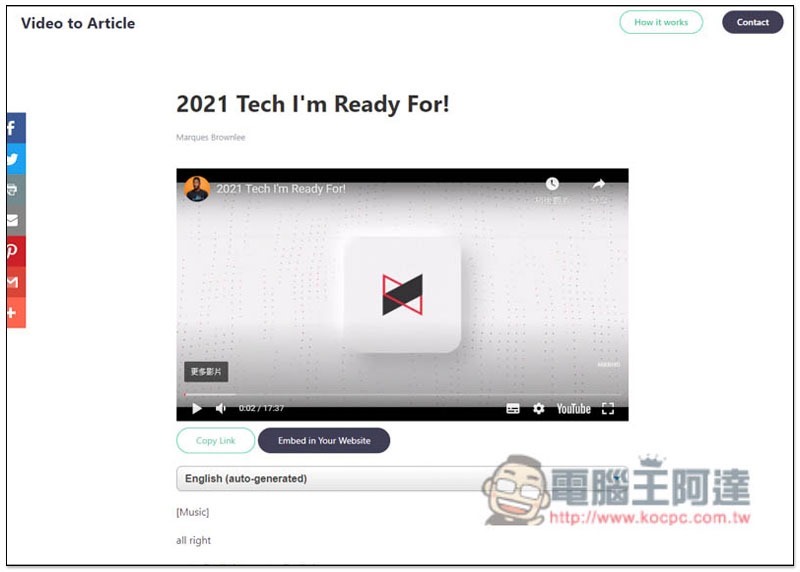
Like this, when you scroll down, the video will automatically change to a picture-in-picture screen, allowing you to read text and continue watching the video at the same time. No matter which section of the video is mentioned, the text will automatically highlight that section:
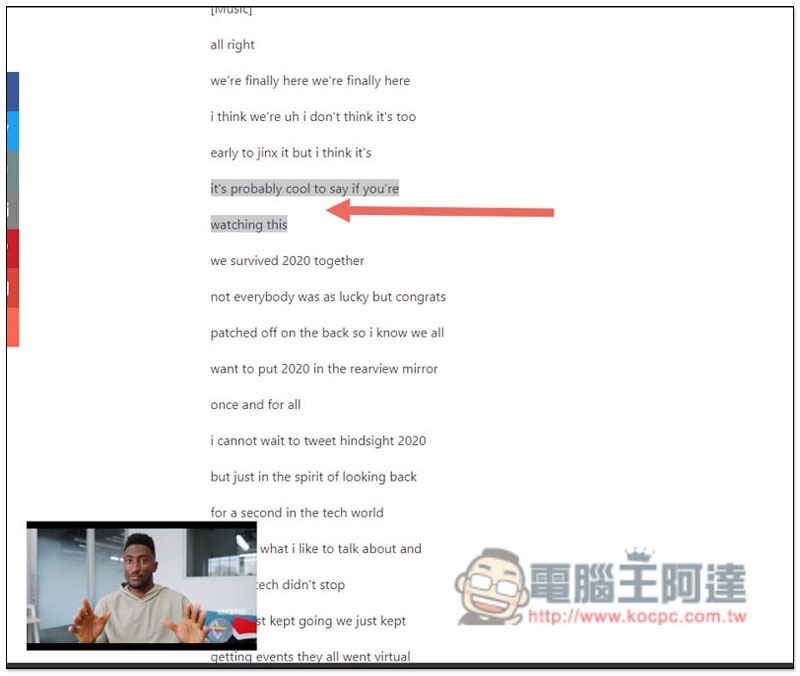
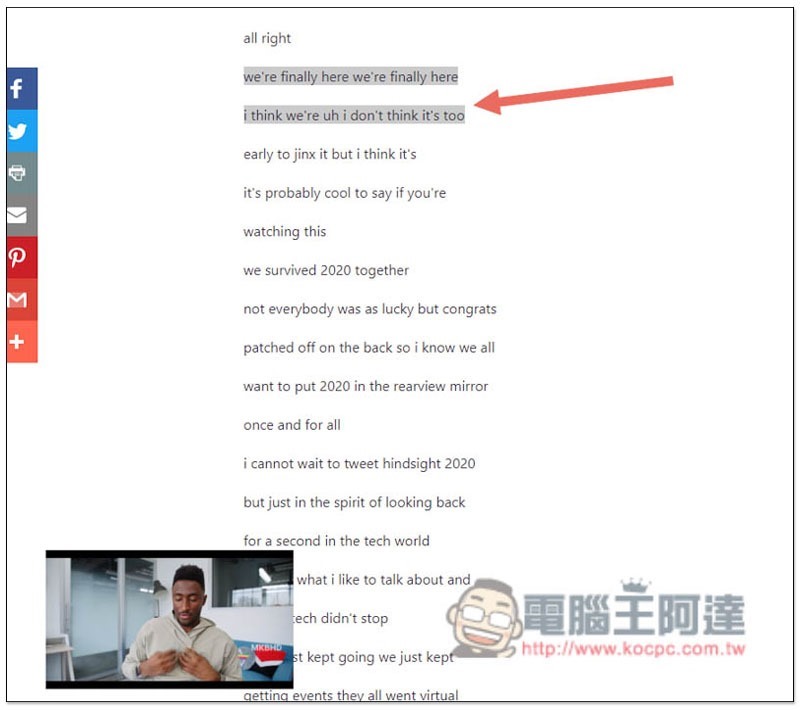
If you want to listen to a certain paragraph repeatedly, just click on the text and the video will automatically jump back to that paragraph and continue playing:
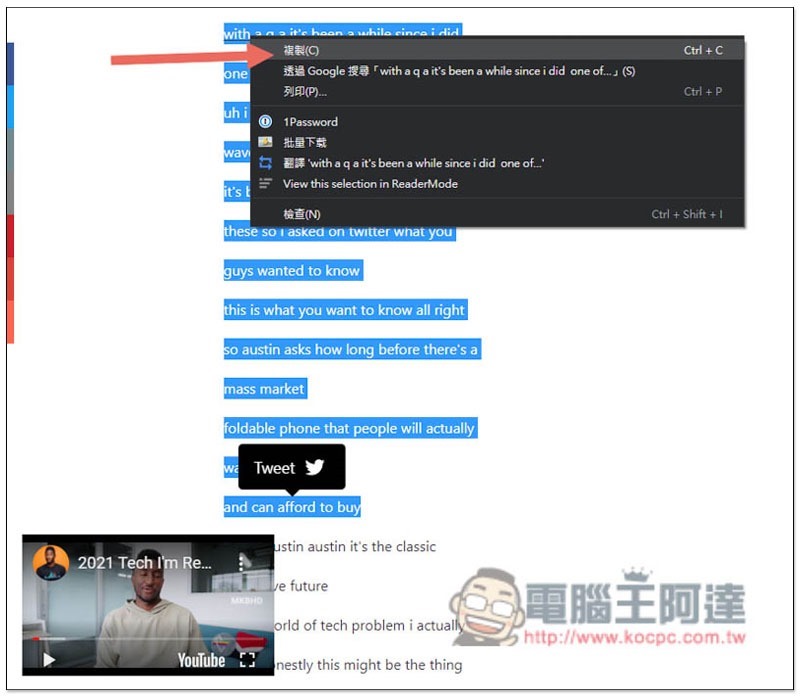
Those who need it can also select all the text and copy it:
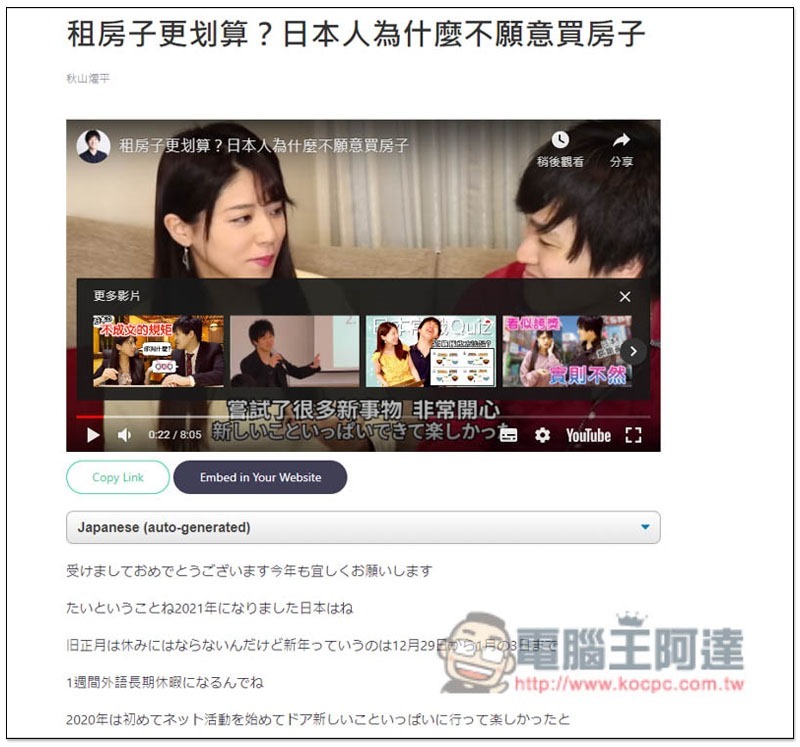
I have no problem testing Japanese. People who are practicing Japanese can also use this tool:
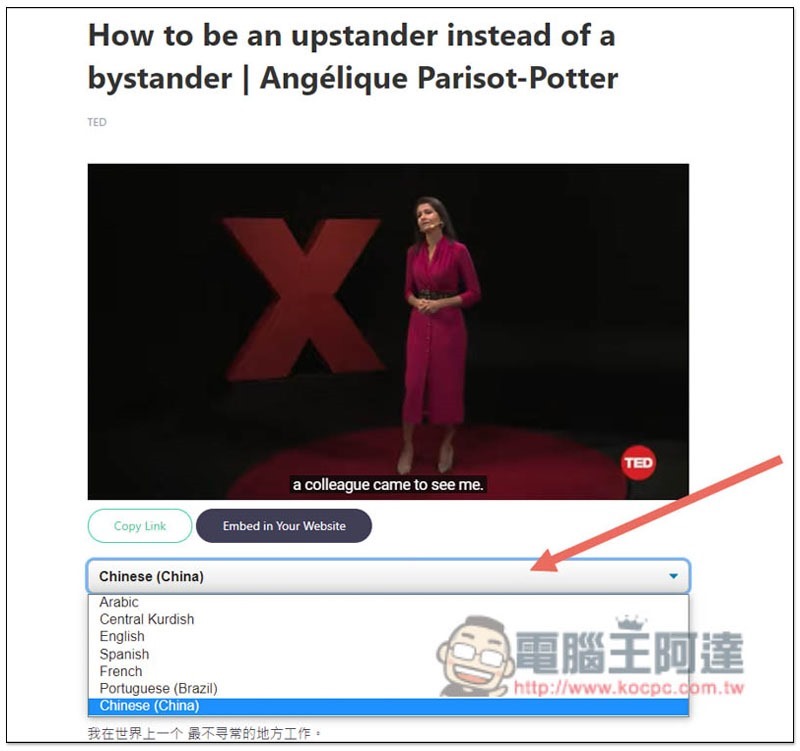
In addition, TED speech videos provide multi-language subtitles, which can be switched by clicking on the field above:
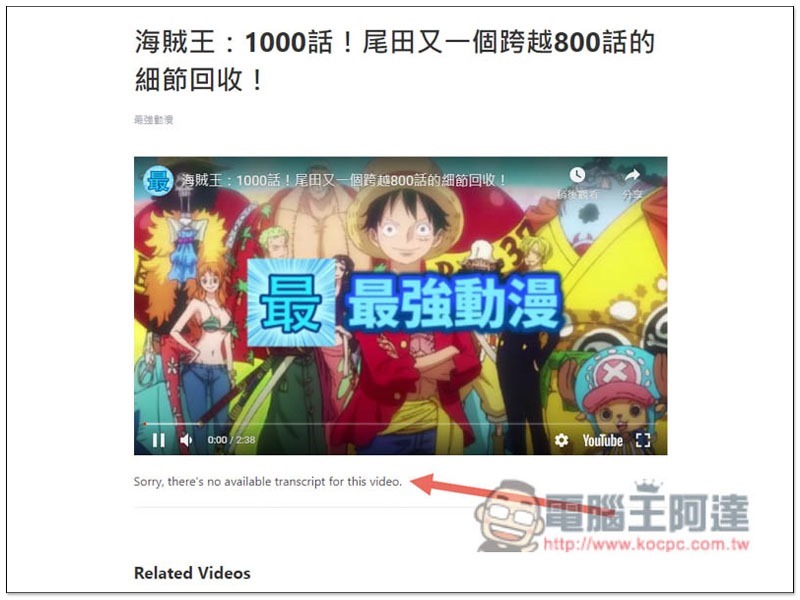
If the channel does not provide subtitles for Chinese videos, this tool cannot convert them and will display Sorry, there’s no available transcript for this video. It depends on whether Chinese support will be added in the future:
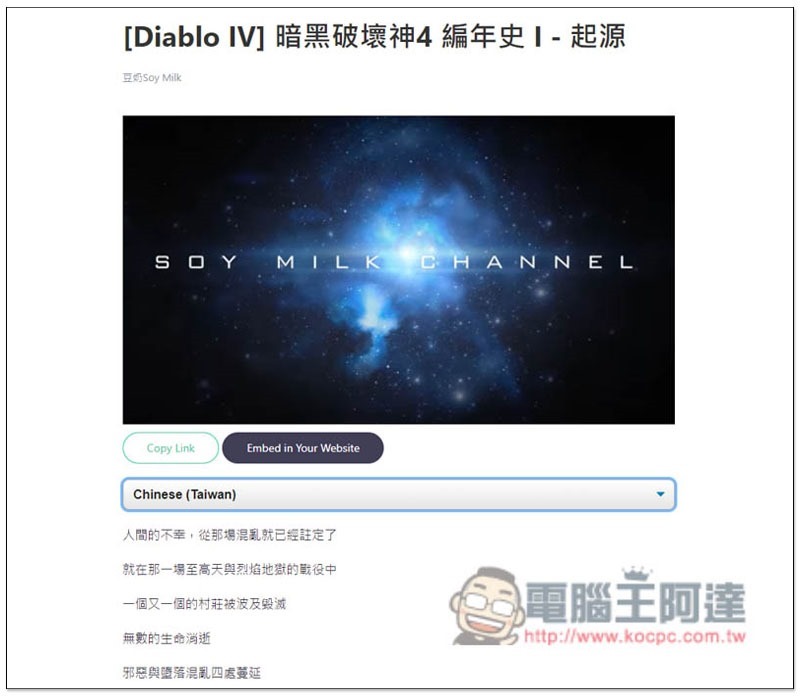
This video is provided, so it can be converted into an article normally:
Personally, I think it is a pity that it would be more perfect if it could provide a dictionary function, so that when you see a word you don’t understand, you can look it up directly without having to go through other dictionary websites. But I guess it might happen in the future, but it will only be available as a paid member.
Supplementary information
- Video to Article website:Click here to go
Source: KOCPC Chinese