


Previously, we introduced two free tools called “NotebookLM Presentation Editor” and “NBLM2PPTXalthough both can be edited NotebookLM PresentationThe text within… but the DeckEdit being recommended in this article is even more polished. It combines the features of both tools mentioned earlier—such as directly editing text within PDFs and converting presentations to editable PPTX files—and its recognition capability is exceptionally powerful. After my testing, both images and text were preserved without any loss, and the formatting stayed intact. Plus, it’s incredibly easy to use.
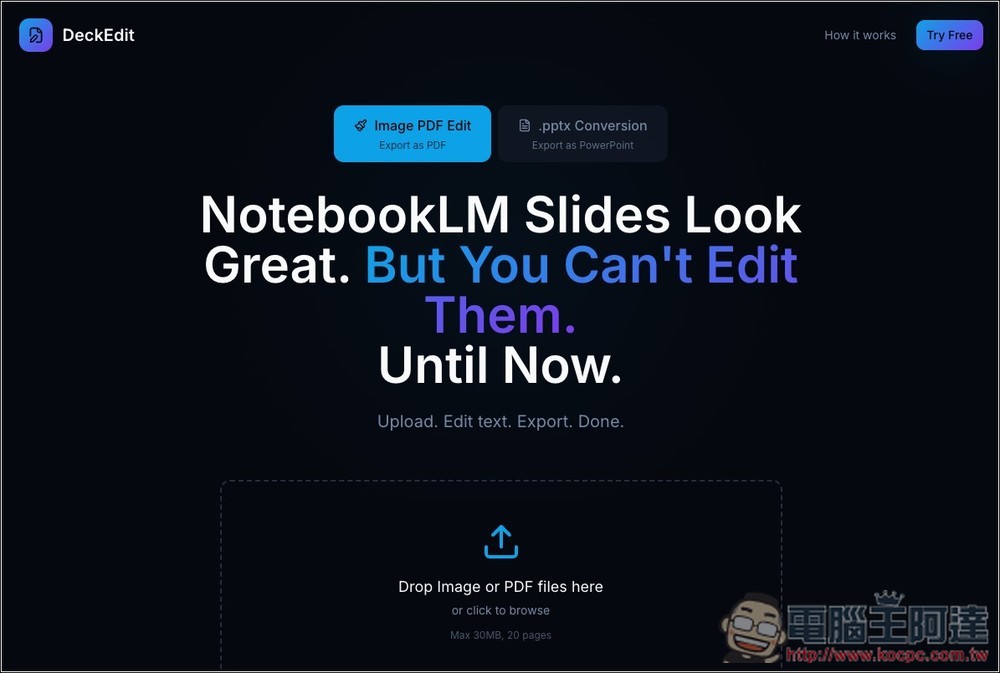
DeckEdit is currently the best free tool for converting NotebookLM presentations to editable PPTX and PDF, with near-perfect results, and it also supports Nano Banana Pro images
DeckEdit is a free online tool designed to convert non-editable NotebookLM presentations into editable content. It supports two modes: image PDF editing, and converting PDFs to editable PPTX format. The image PDF editing mode lets you directly edit PDF images online and export the edited file directly without format conversion. The PPTX conversion mode allows you to modify downloaded PPTX files in PowerPoint, Google Slides, or other PPT editing tools.
More importantly, the processing is 100% local, meaning your presentation files are never uploaded to any server, ensuring maximum security and privacy.
Main Features
- Supports images and PDF—upload and edit instantly
- Tap the text on the screen to edit it directly
- Automatically preserve the original fonts and layout style
- Can be exported as PDF or PowerPoint (.pptx)
- Free to use (up to 20 pages)
- No account registration required, easy to use
- 100% local processing, high privacy and security
After clicking the link above to access the DeckEdit website, select the mode you want to use at the top. On the left is Image PDF Edit, and on the right is .pptx Conversion. I’ll first demonstrate Image PDF Edit:
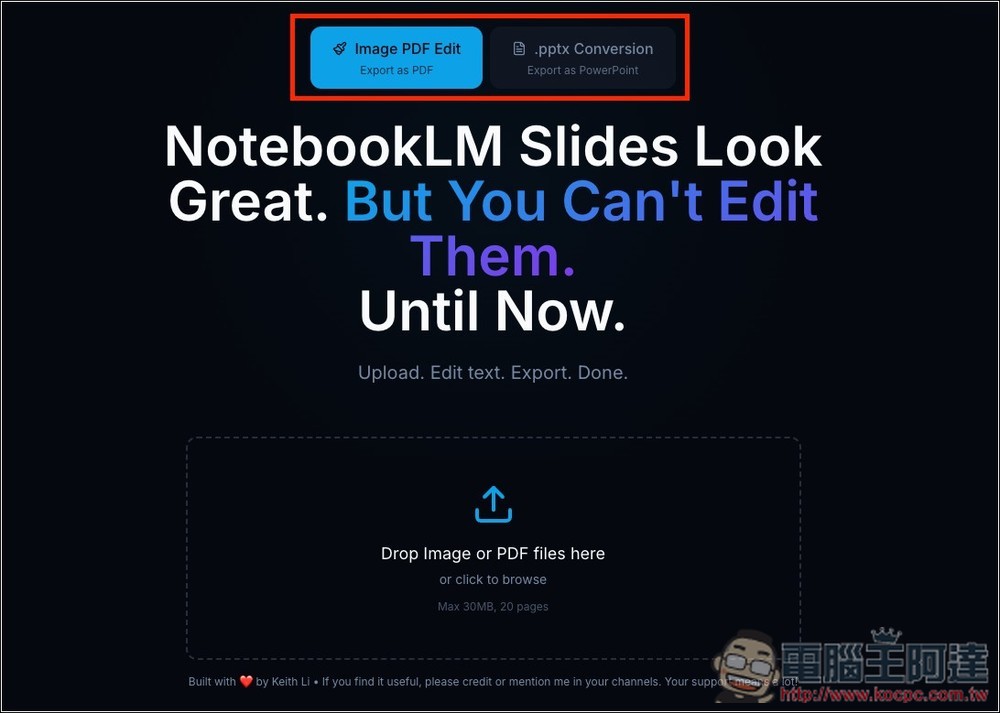
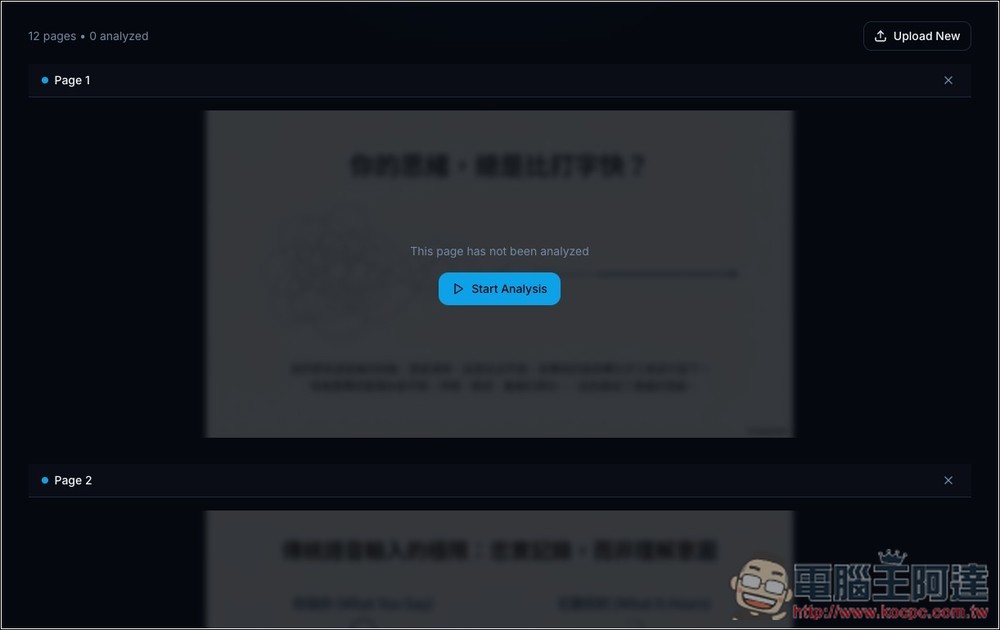
It’s simple to use—just drag your NotebookLM presentation PDF onto the webpage, and it will display each slide. Then find the one you want to modify and click “Start Analysis” on the screen.
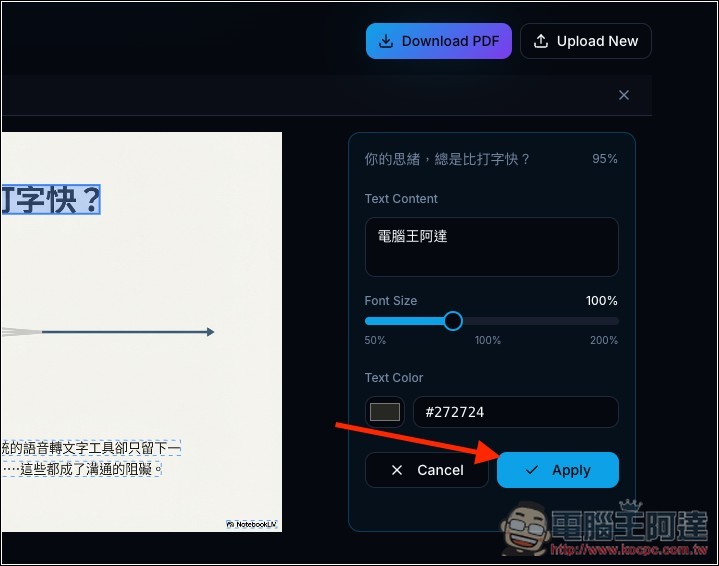
The system will use OCR technology to recognize the text on the slides. Click on the text block you want to edit, and you can make adjustments in the editor on the right.
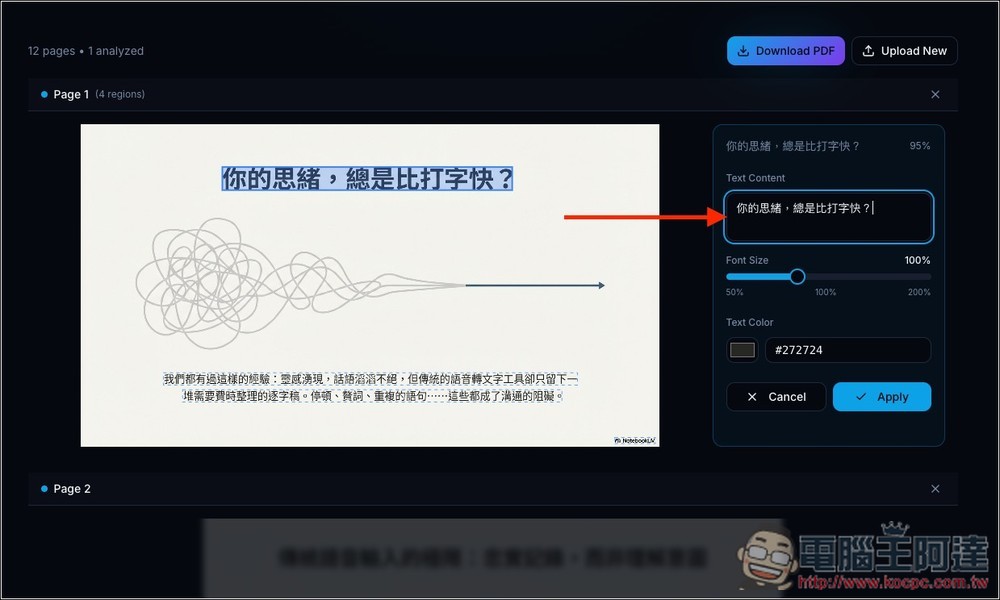
I changed “Your thoughts are always faster than typing” to “Computer King A-Da”. Below that, you can also adjust the font size and color. When everything looks good, press the Apply button.
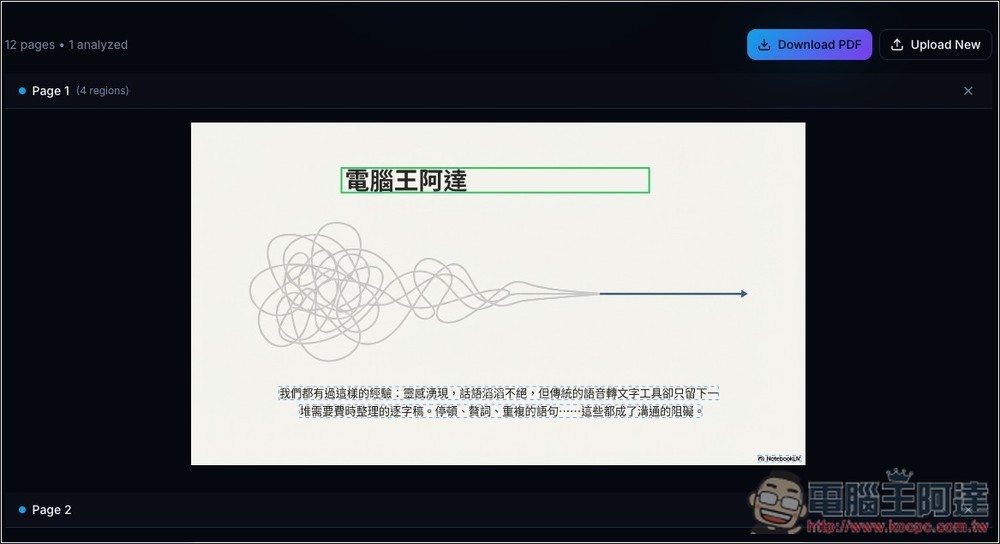
The text on the original slide will change! However, Image PDF Edit can only edit text and cannot adjust text layout positions, so I would recommend using this mode only if you need to fix typos; if you want to add or modify more text, the “Convert to PPTX format” mode would be better, since you can edit and freely move text positions in the presentation software:
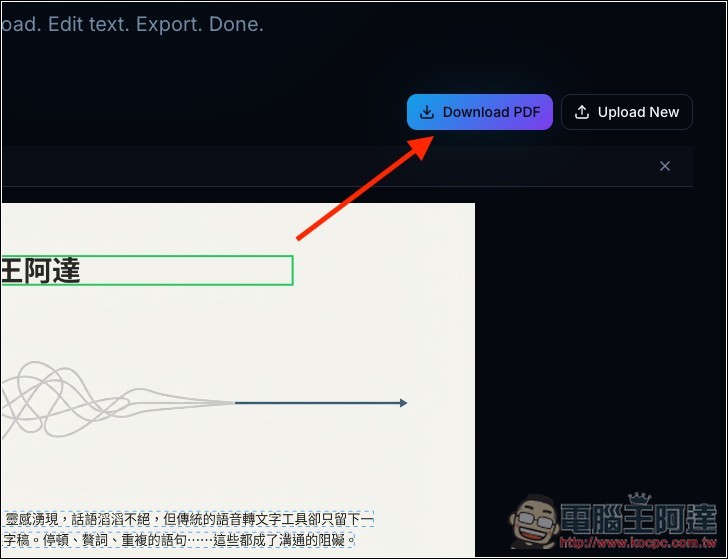
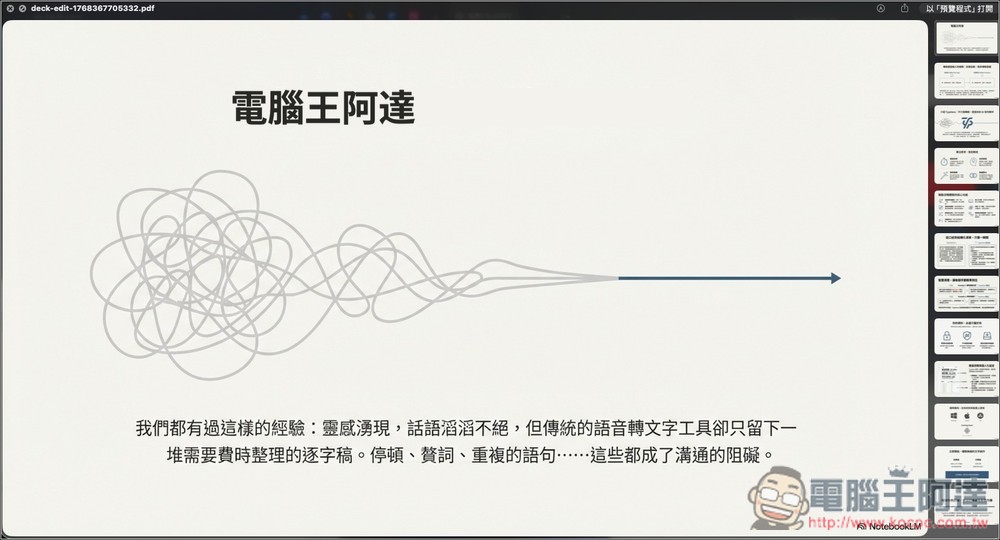
After making your edits, click “Download PDF” in the upper right corner to download the edited PDF presentation.
As shown in the figure below:
Additionally, since this mode also supports uploading images, I tested uploading the image generated by Nano Banana Pro, and sure enough, the text was correctly recognized and could be edited as well. What’s even better is that the downloaded format will be a PNG image file instead of a PDF.

Next, let’s look at the .pptx Conversion mode. After importing the PDF presentation file, click the Convert to PPTX button below:
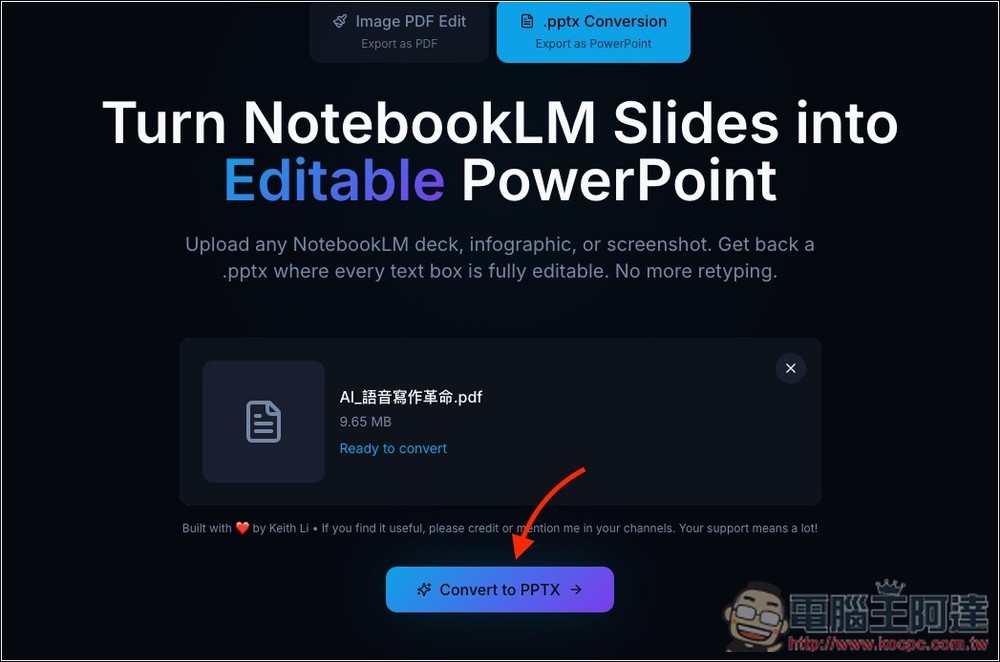
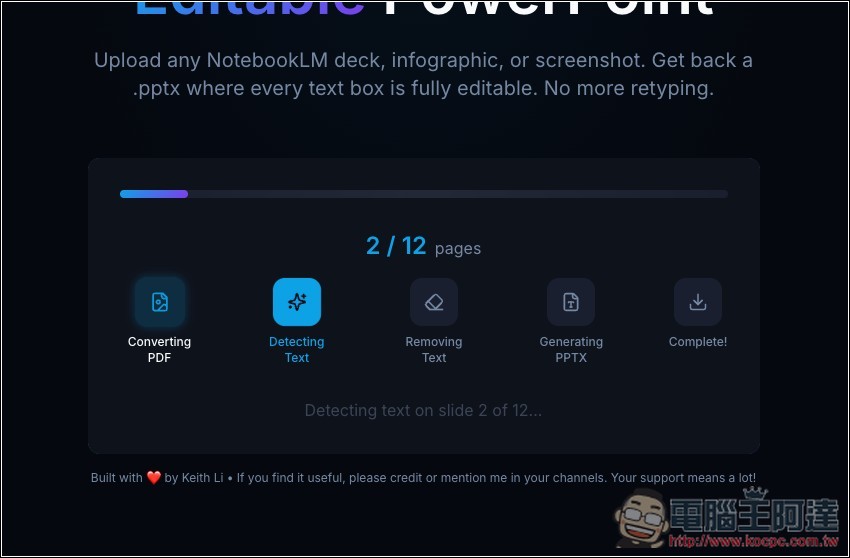
Just wait for it to analyze, recognize, and complete the conversion. The entire process is automated, so you just need to wait for it to automatically download the converted PPTX file.
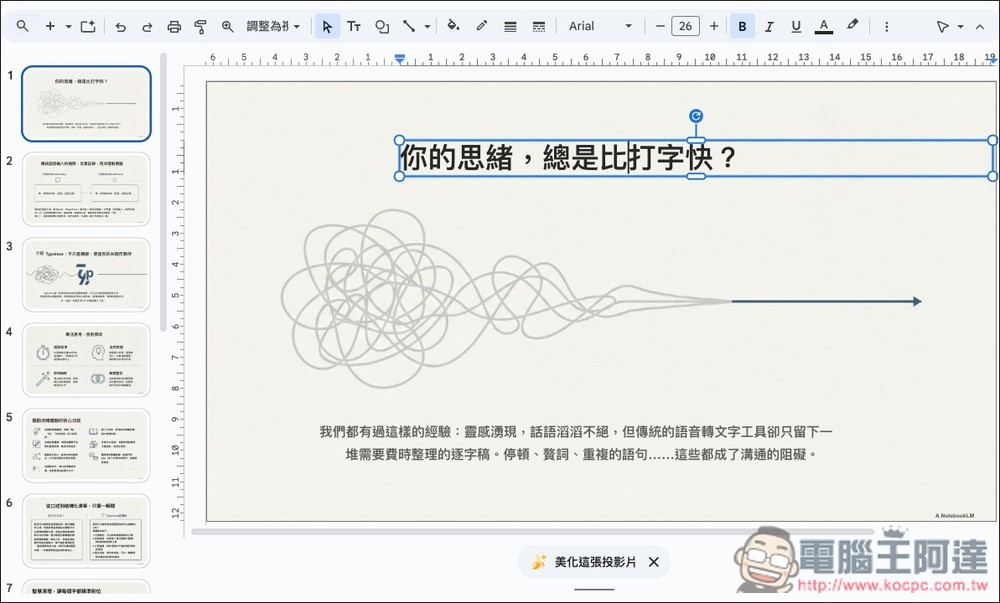
Open it with your usual presentation software and you can start editing this PPT content. Unlike NBLM2PPTX, this tool perfectly recognizes the presentation content. I tested this file with NBLM2PPTX as well, but the recognition results were significantly off—many images weren’t properly recognized, and there were gaps in the text. DeckEdit doesn’t have this problem:
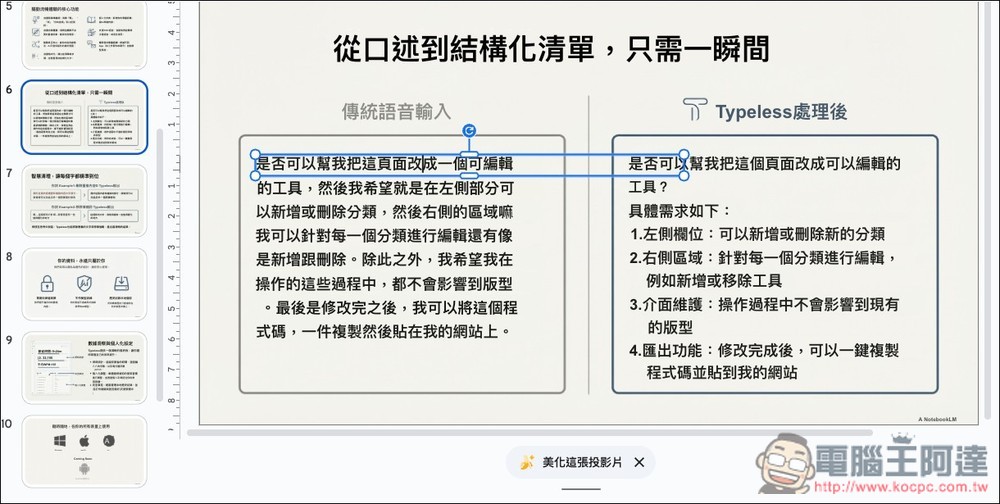
Slides with a lot of text like this are also perfectly and correctly recognized, without any errors:
Source: KOCPC Chinese