


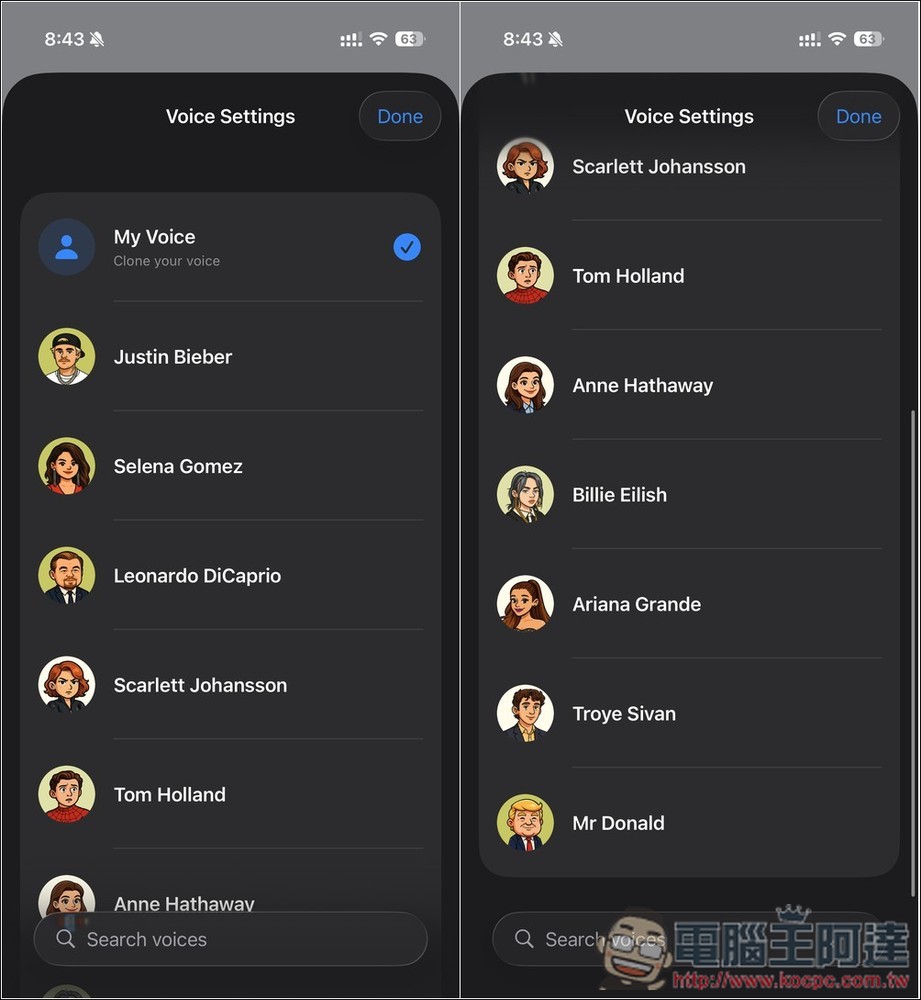
Currently, there are many on the marketVoice translation Appthe vast majority of translation voices used are AI Voice: I recently discovered this AI Translator – Voice, which is quite interesting. In addition to using AI for voice translation, the translated voice output also mimics your voice, and it even offers some celebrity voices, like Justin Bieber, Donald Trump, and so on.
Based on the developer’s post on Reddit, this app is currently offering a limited-time free download at its original price of $5.99. Feel free to grab it and give it a try.
However, I should mention that this app’s limited-time free offer isn’t an in-app purchase promotion—it’s simply that the app was paid but has been made free to download. So it can’t be called a lifetime free version, and future new features may require payment. Still, at least the current AI voice translation and voice cloning are completely free.
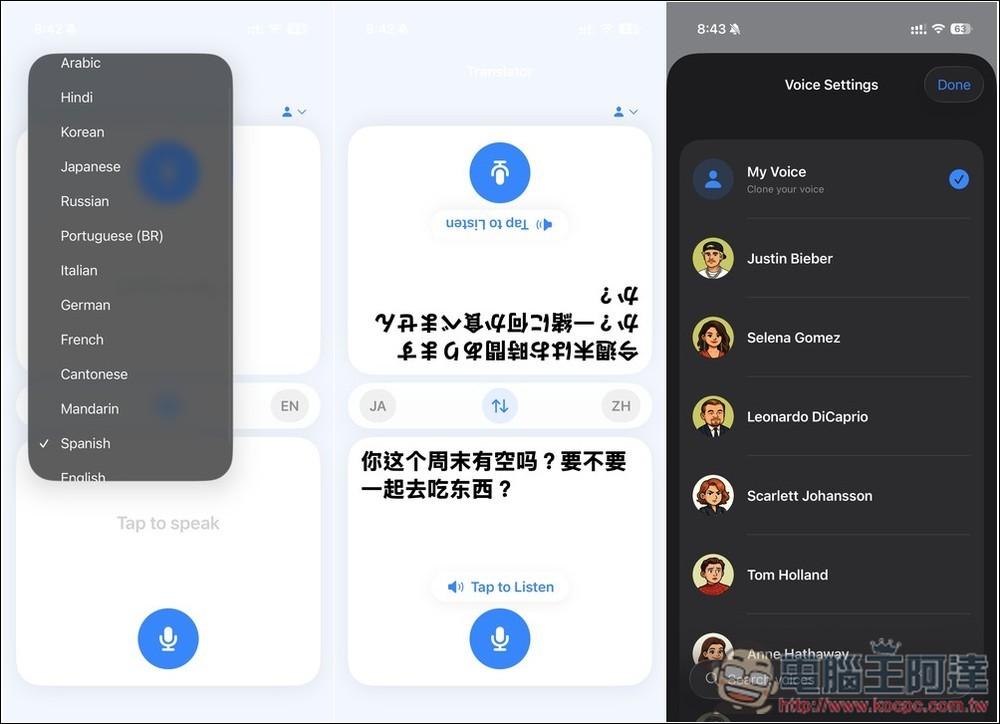
AI Translator – Voice: Real-time AI Voice Translation, Free for a Limited Time! Mimics your voice to speak the translated language
AI Translator – Voice is an AI real-time voice translation app that focuses on preserving the speaker’s original voice. Unlike typical translation tools that only output robotic voices, it emphasizes sounding “like you’re speaking a foreign language yourself.” After the user speaks, the system instantly converts the speech into another language and plays it back in a voice that closely resembles the original tone, manner, and emotion.
The app itself is relatively simple to use and requires no complex setup—just open it and you’re ready to go. One thing to note is that Chinese language support is currently limited to Simplified Chinese only. The actual AI model or voice technology details used have not been publicly disclosed.
Additionally, in the Reddit post, the developer also mentioned two upcoming features: being able to call friends overseas using your own voice, and real-time translation when calling to book restaurants while traveling abroad. My personal guess is that this could require an additional fee.
Main Features
- Real-time voice translation for seamless cross-language conversations
- Emphasize preserving the original voice characteristics and emotional expression
- Not your typical robotic voice — sounds more natural
- Simple to operate, perfect for everyday conversations
After downloading AI Translator – Voice from the link above, open it and you’ll see this clean interface. It’s a conversation translation interface with a record button on both sides. Press it and it will start recording:
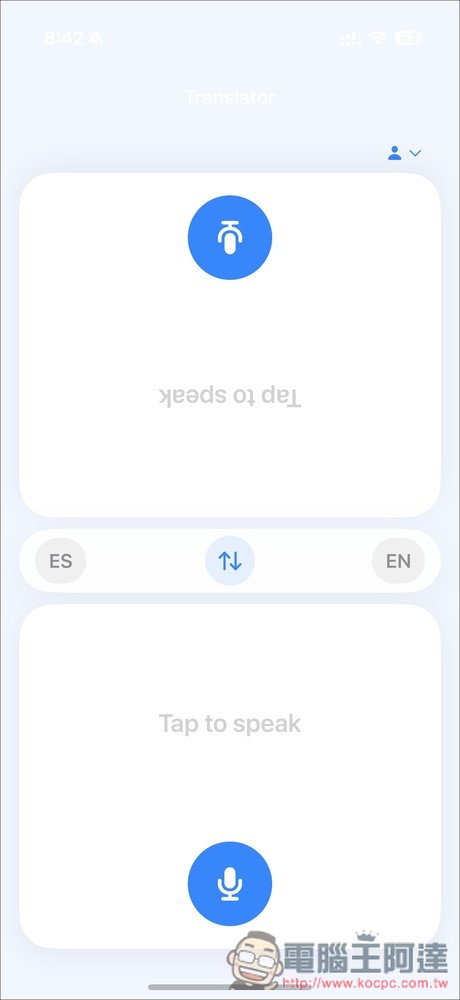
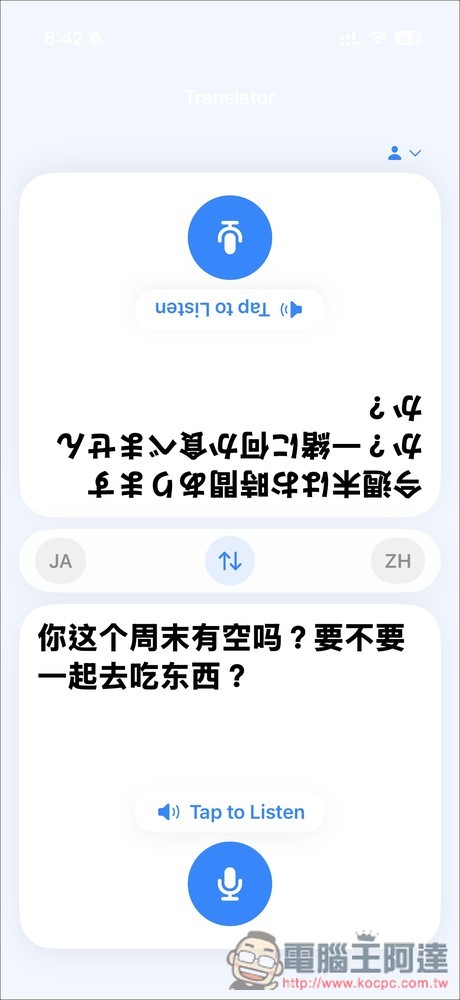
The number of supported languages isn’t huge, but all the major ones are there, such as: Japanese, English, Korean, French, German, Chinese, etc. For Chinese, it’s labeled as Mandarin, and currently only Simplified Chinese is supported. However, since it’s voice translation, there’s no manual input function, so it doesn’t matter if you don’t know how to type Simplified Chinese. The only thing is that when the other person speaks, the translation will display in Simplified Chinese.
The left list sets the other party’s language, and the right is your language.
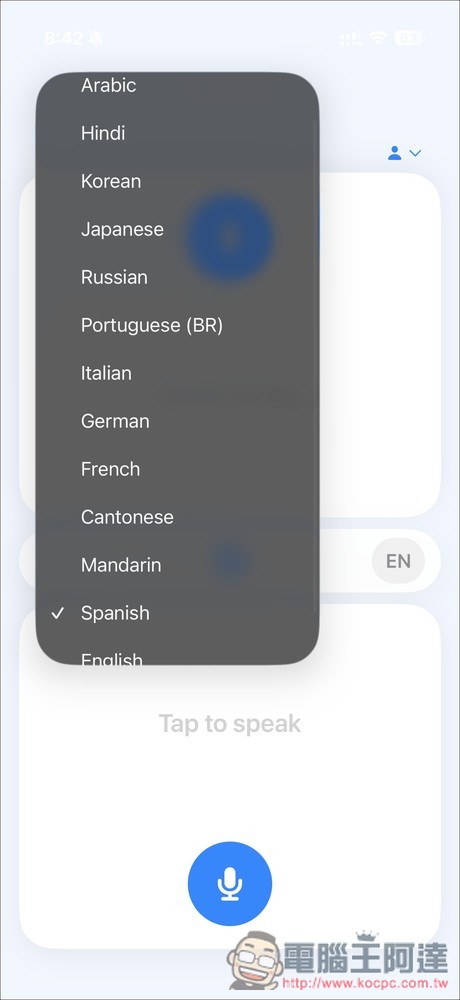
Once you’ve set it up like this, you can start AI voice translation:
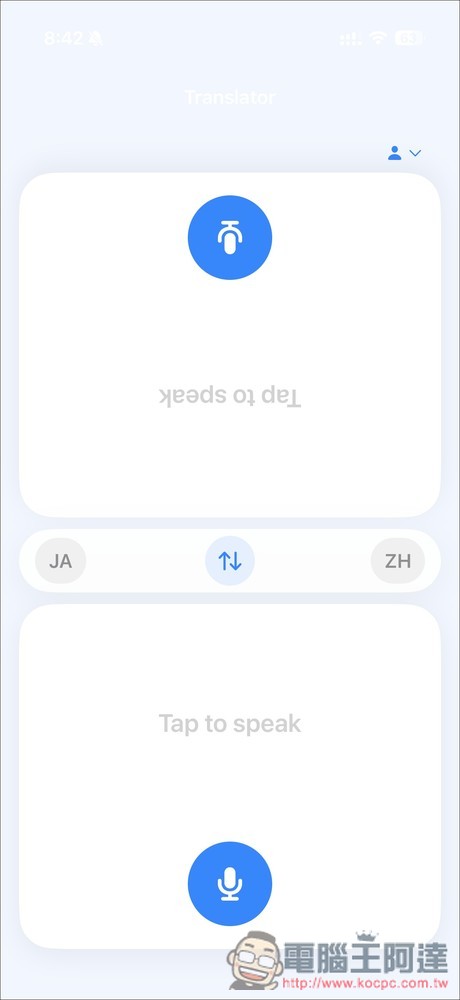
When speaking, AI will recognize your speech in real time. Once you’re done, remember to press the “Stop” button, and AI will start translating.
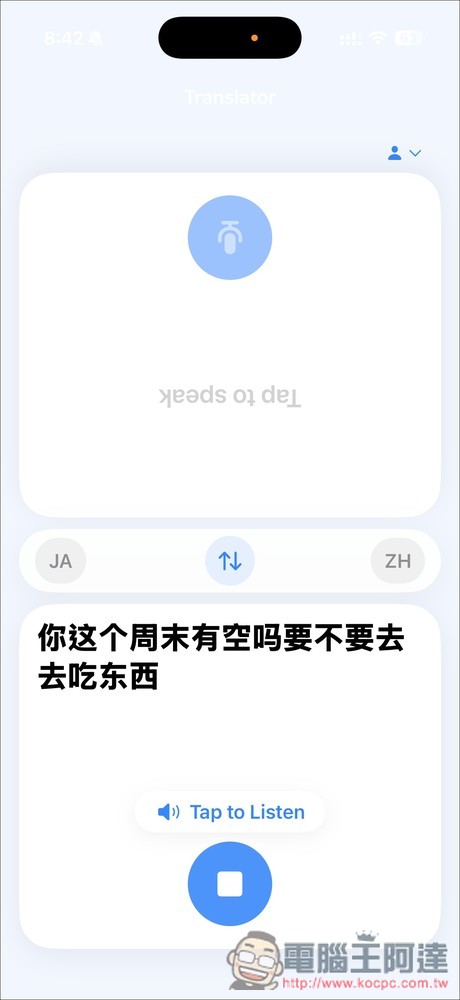
The translation speed is quite fast. Once the translation is complete, the system also plays it back in real-time with a voice that mimics yours:
Once you open the menu in the upper right corner, you can switch to different voices. It offers a wide variety of celebrity voices, including options like the previously mentioned Justin Bieber and Selena Gomez, among others.
Source: KOCPC Chinese