


Many people, like me, will pin commonly used applications to the Windows toolbar below to facilitate quick opening in the future. However, when the number increases, it becomes difficult to find them, and sometimes the wrong application will be opened accidentally. Recently, I discovered this pretty good CLaunch quick launch free gadget, which can not only customize commonly used applications, but also documents, pictures, videos, URLs, and even folders. I recommend it to everyone.
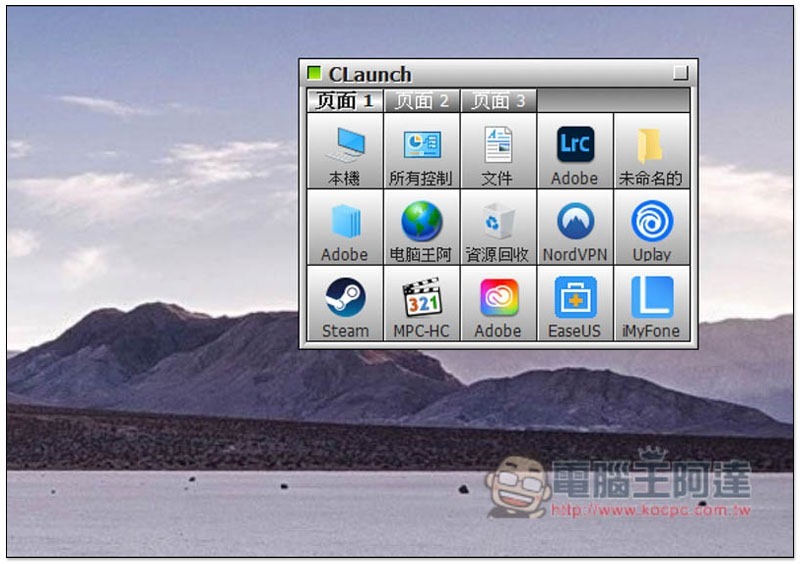
Introduction to CLaunch Quick Launch Free Gadget
This CLaunch quick launch free gadget was developed by the Japanese.After clicking me to enter the official website, download the version appropriate for your operating system’s bitrate:
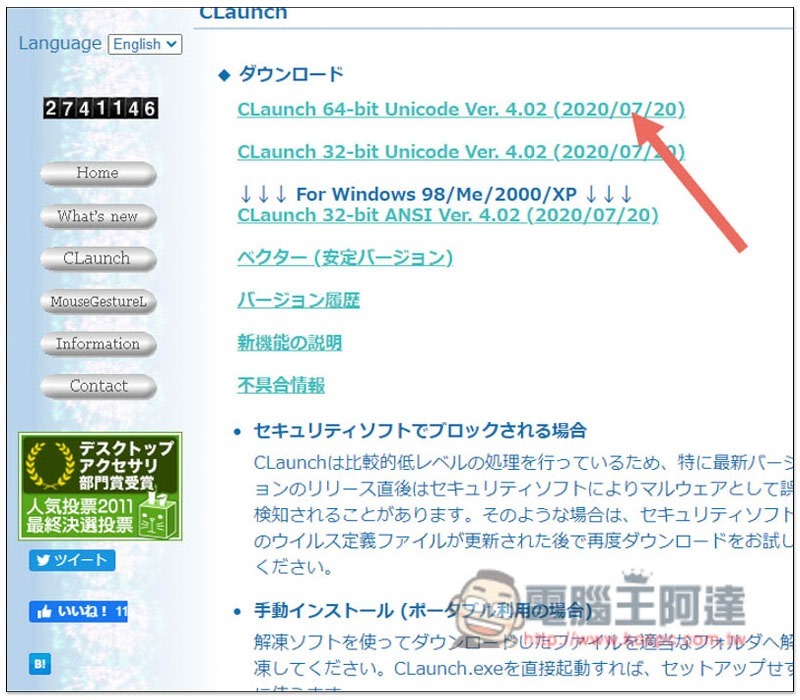
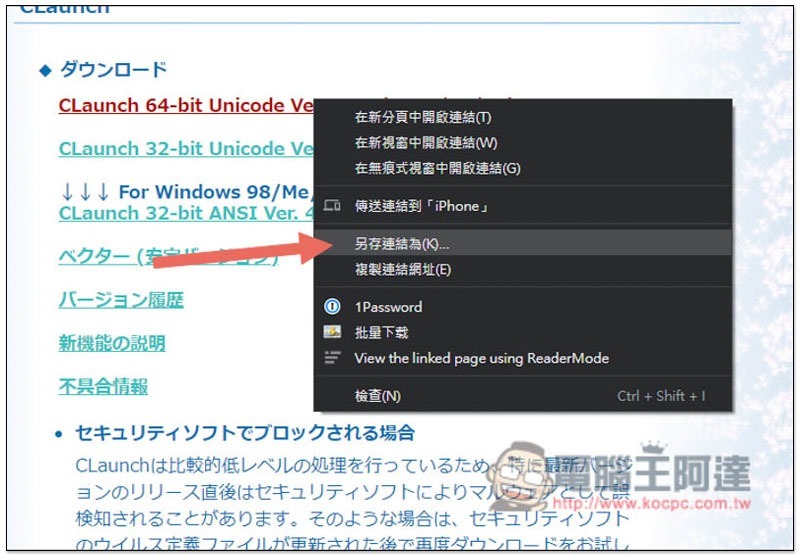
If the automatic download does not pop up, you can use “Save link as” from the right-click menu:
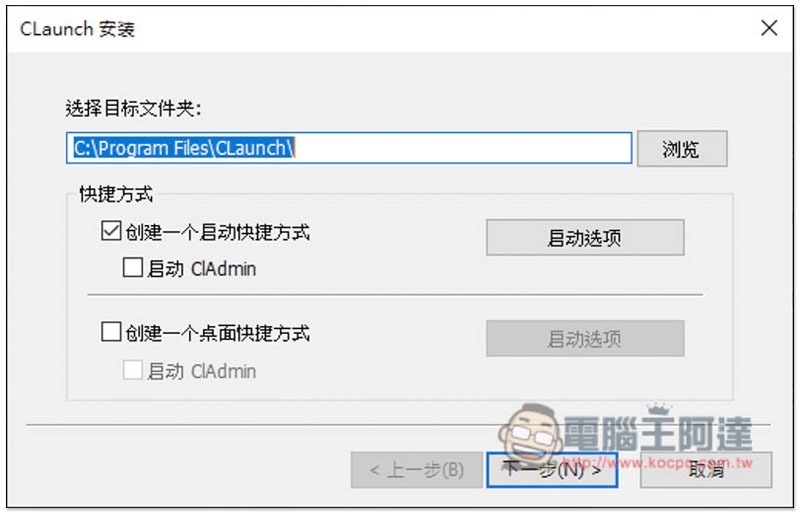
This set supports Chinese interface, so you don’t have to worry about not being able to understand it. Just click Next during the installation process, unless you want to change the target folder or have other requirements:
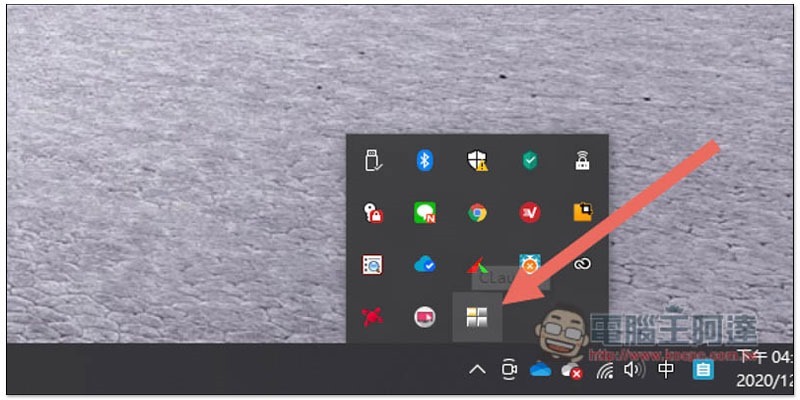
After installation, open it and it will run in the background. You can find it in the menu in the lower right corner:
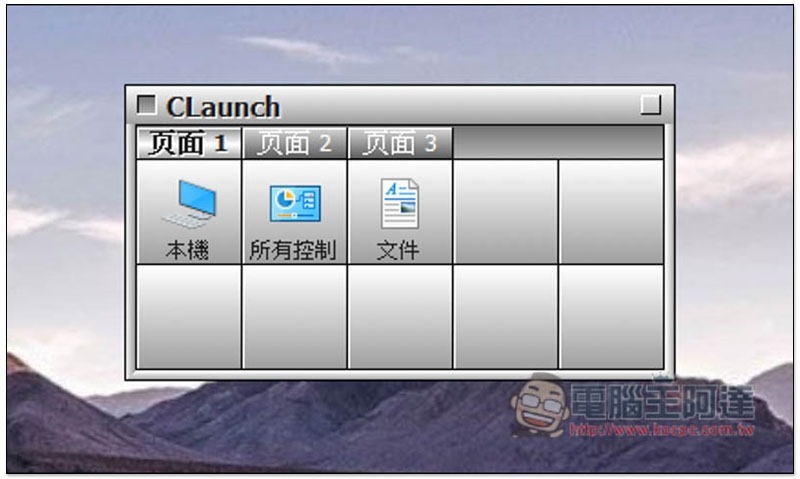
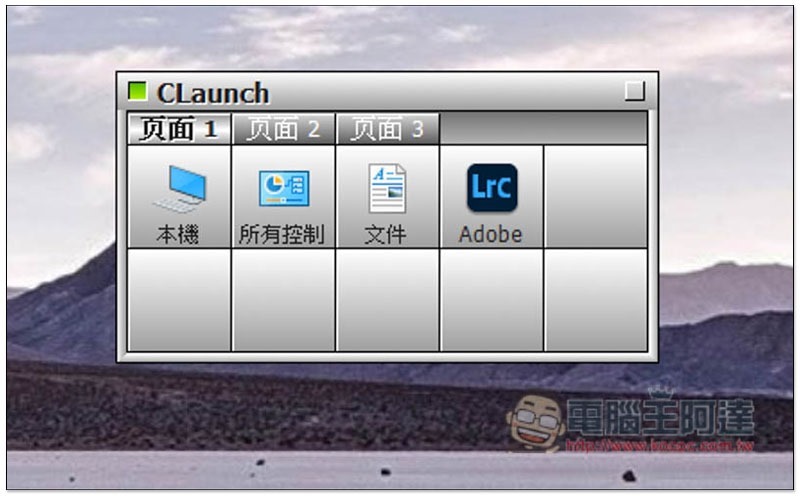
After opening, you will see this screen to preset three commonly used functions: local machine, control center and file, as well as 7 gray spaces:
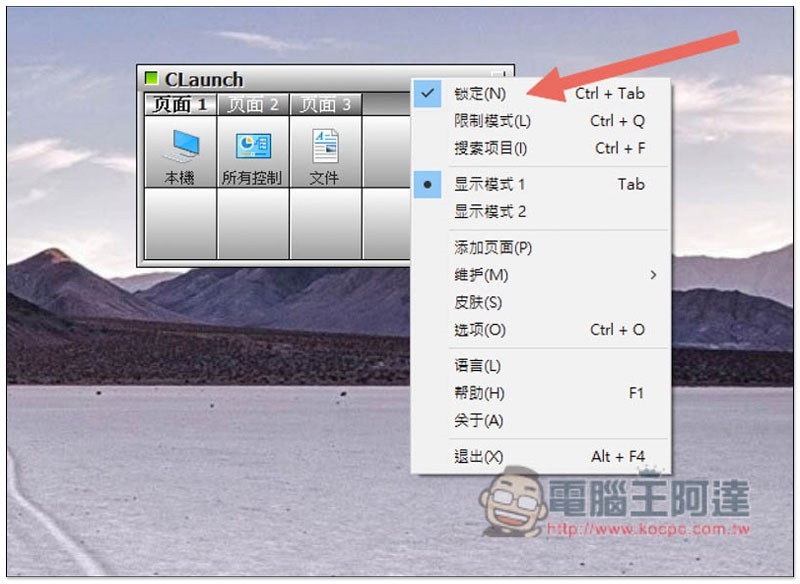
Before setting, it is recommended to open the right-click menu and turn on the lock so that it will not automatically minimize and remain on top:
Move the application you want to put into the empty gray box:
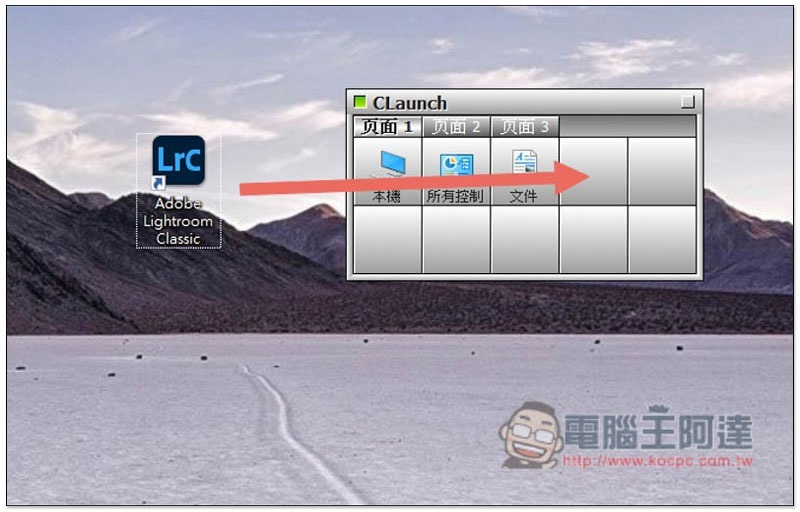
That’s it! Taking Adobe Lightroom as an example, if I click on this icon in the future, Lightroom will open:
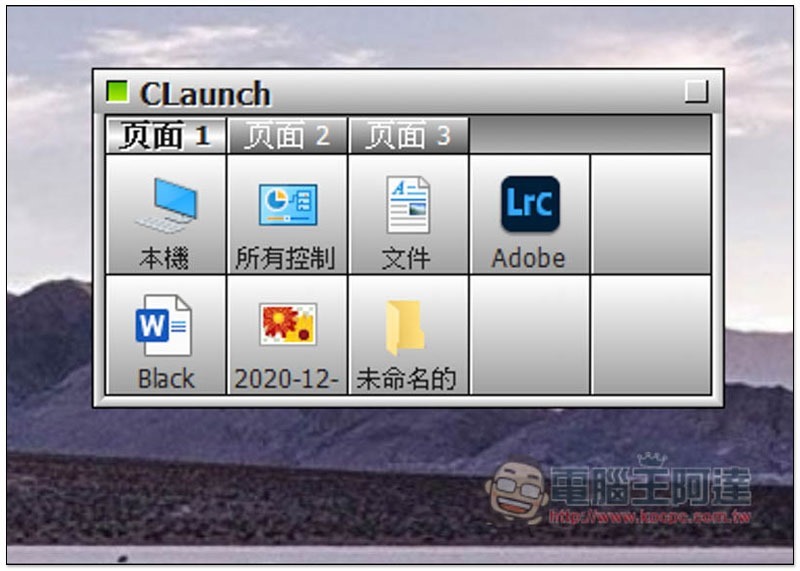
Various documents, pictures, folders, etc. are supported:
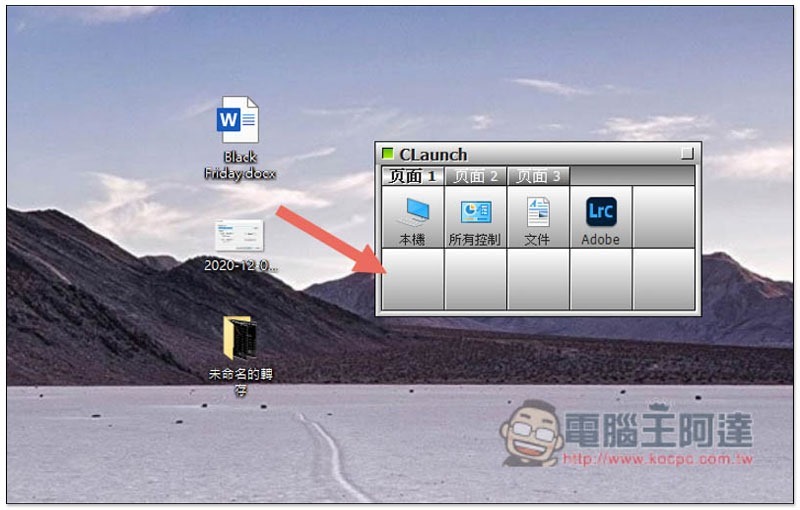
As shown below:
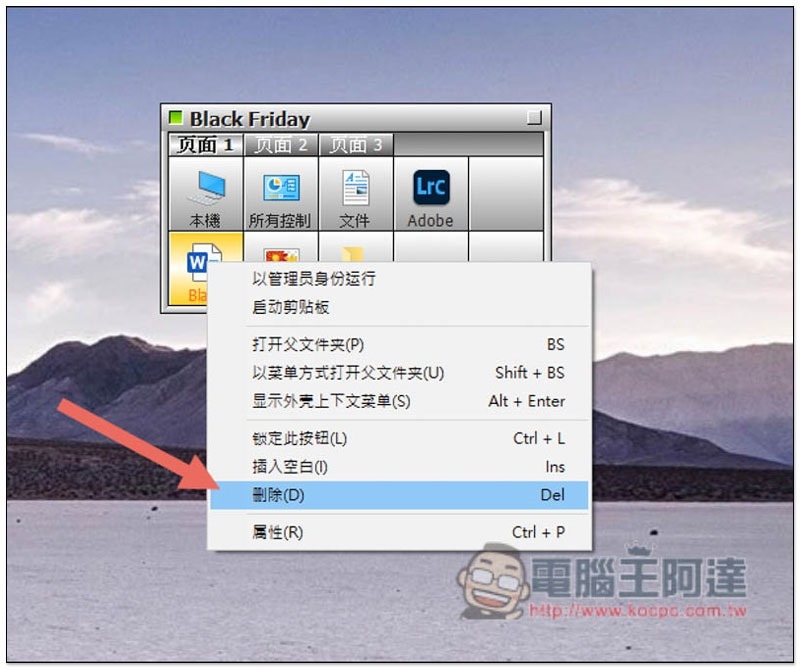
If you want to remove it, open the right-click menu and click “Delete”. This function will only remove it from the startup machine and will not delete the application:
In addition to moving applications or files, you can also use registration items in the right-click menu to specify content:
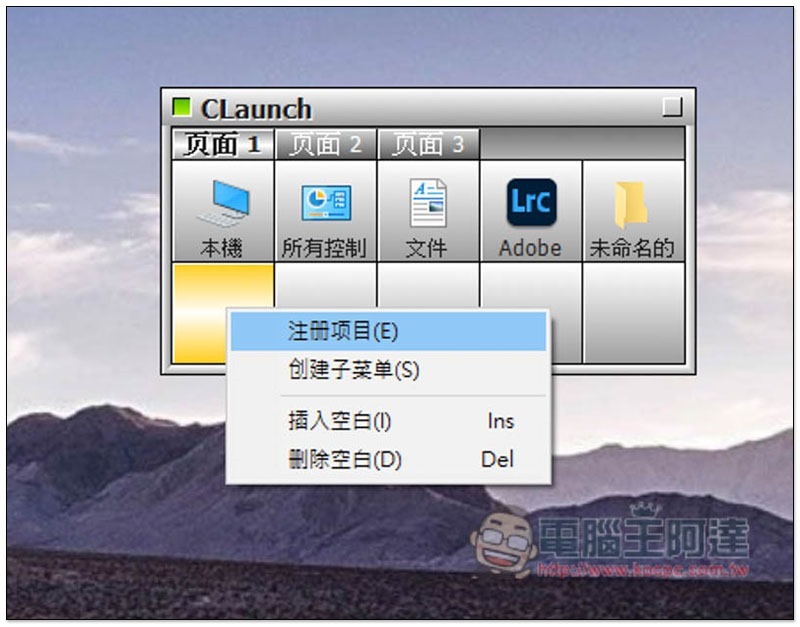
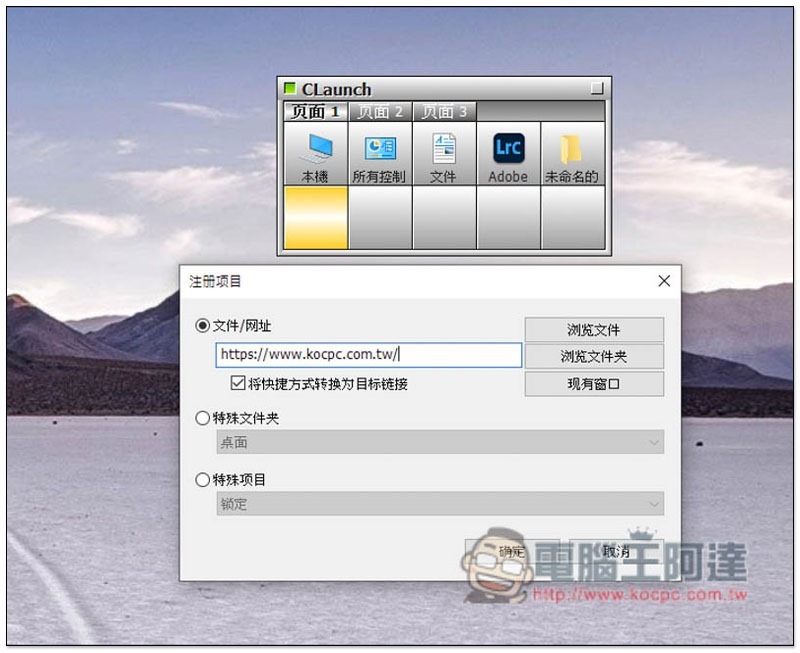
The website part can be added in this way, like I entered the website address of Computer King Ada:
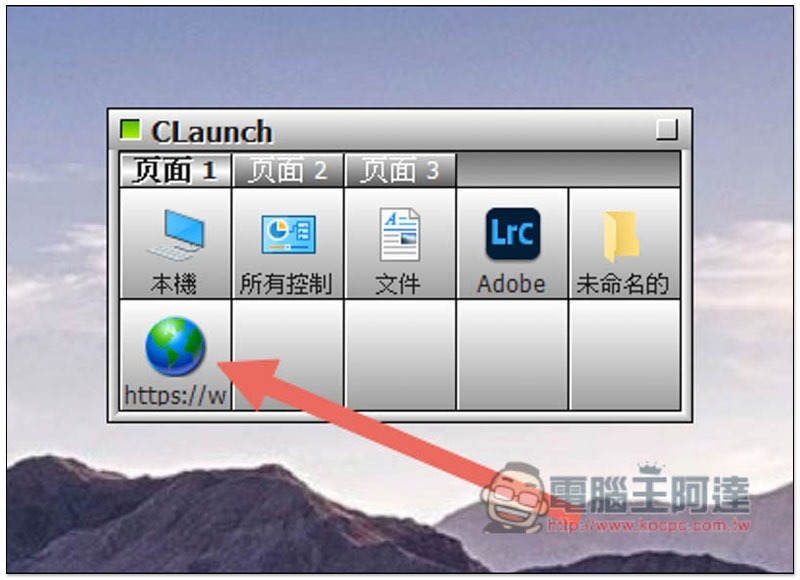
This location will open the designated website:
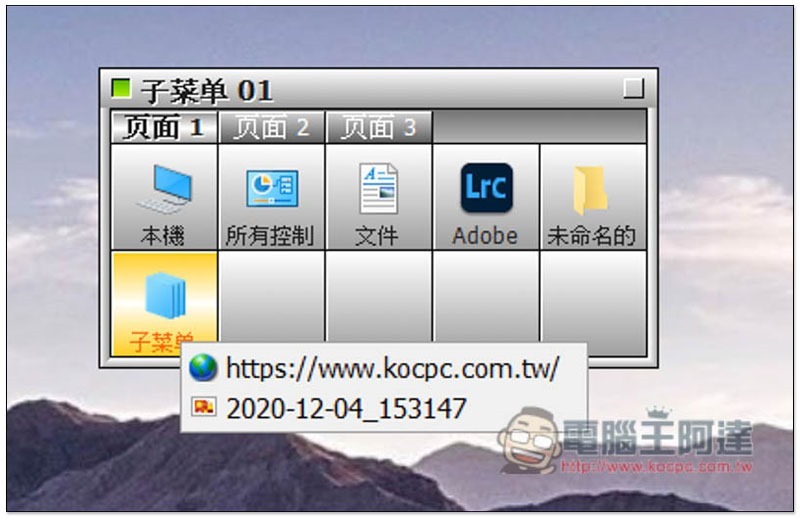
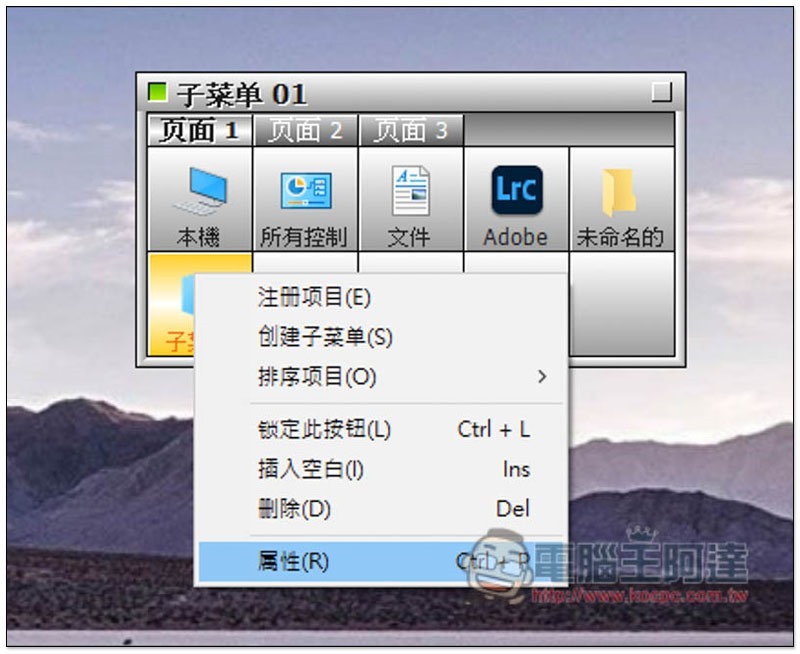
In addition, the right-click menu also has a submenu function, which can be regarded as a folder concept. If you have a certain series of applications and a lot of files, you can create a submenu first, and then move things of the same type into it one by one:
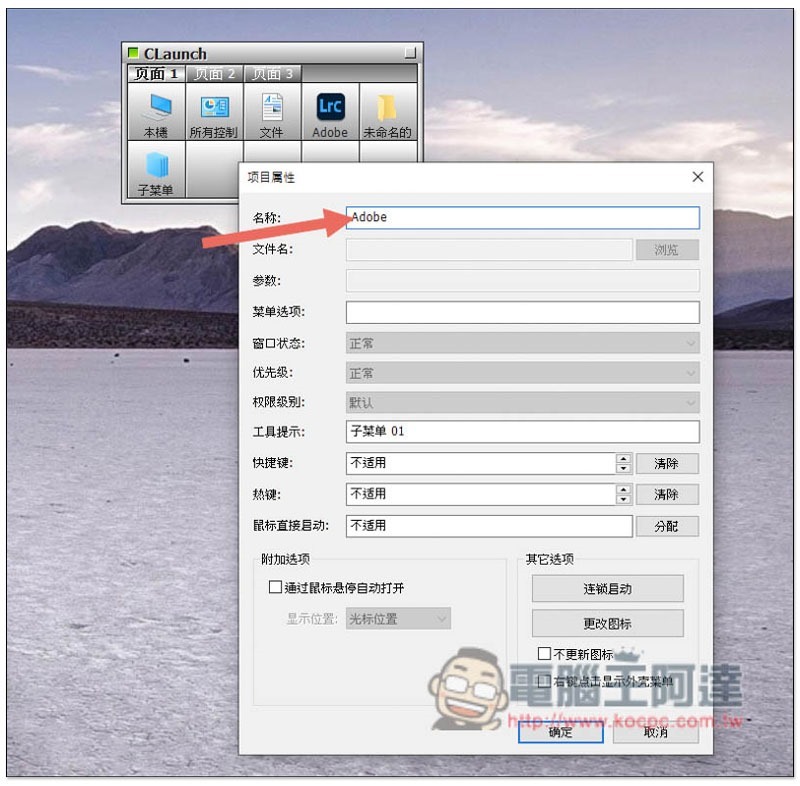
The name can also be modified by opening the “Properties” of the right-click menu:
You can find the name:
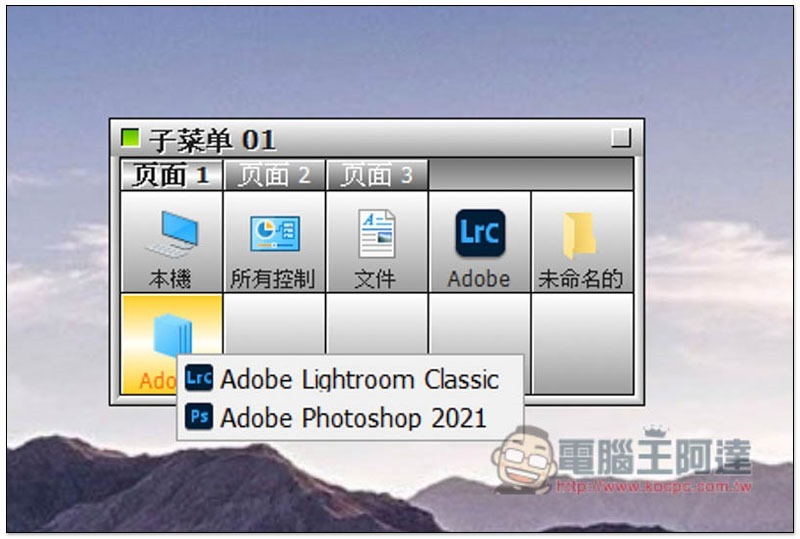
Like this, I create an Adobe submenu with Adobe applications in it:
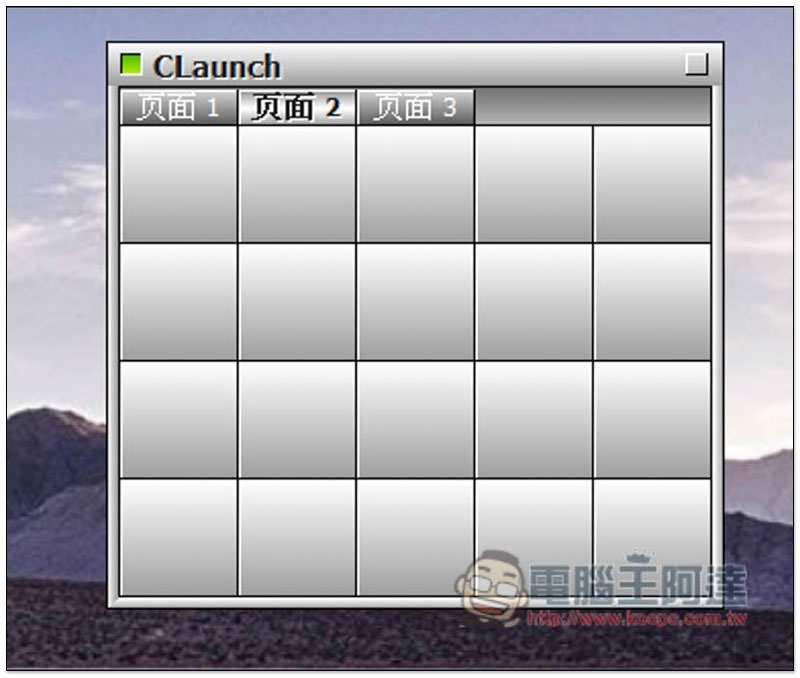
Additional blank pages are also available:
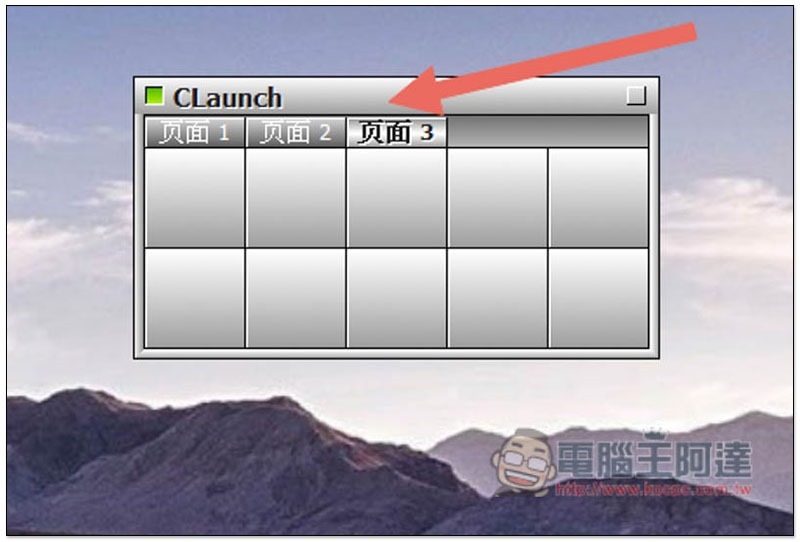
Even if you enlarge the window, a new blank gray grid will automatically appear, so it is definitely enough for you:
Supplementary information
- CLaunch quick launch free gadget official website:Click here to go
Source: KOCPC Chinese