


Many creators on YouTube will provide some links below the video description, so that viewers can learn more detailed information or subscribe to other social platforms through other links. However, if you want to open the link below the YouTube video on the mobile phone, a window will pop up asking for the steps to open the tool. This kind of process of asking once every time will inevitably make the user feel that it is unnecessary. In fact, YouTube can also turn off this function through built-in settings.
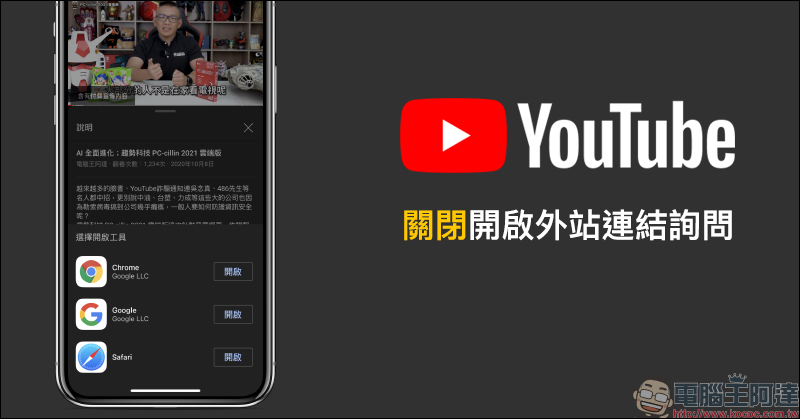
YouTube App closes and opens external site link inquiry (tutorial)
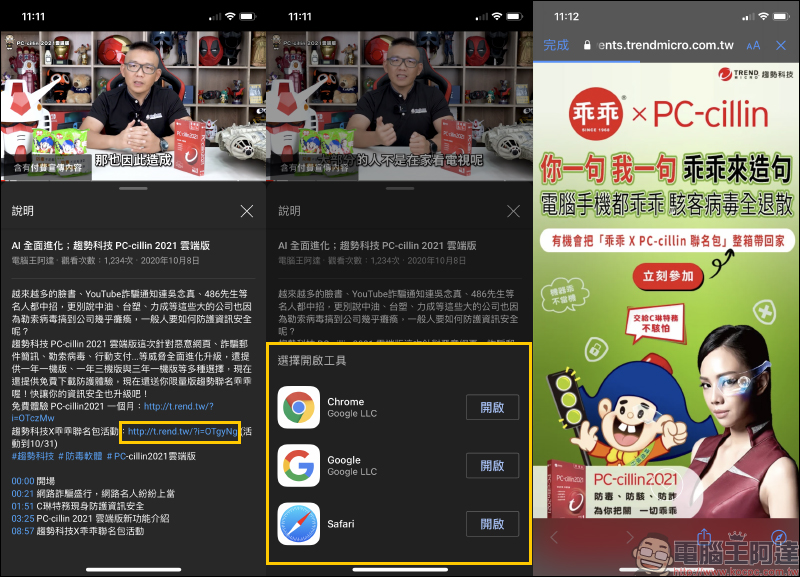
All along, when using the YouTube App on a mobile device to open a link below a video, a window will pop up asking the user which browser they want to use to open the link. For the iOS version, there are three apps: Chrome, Google and Safari. The web link will be opened after the user selects the app. However, it is quite troublesome to have to select the app to open the webpage every time you open a link. If you want to omit this step, today I will share its setting techniques.
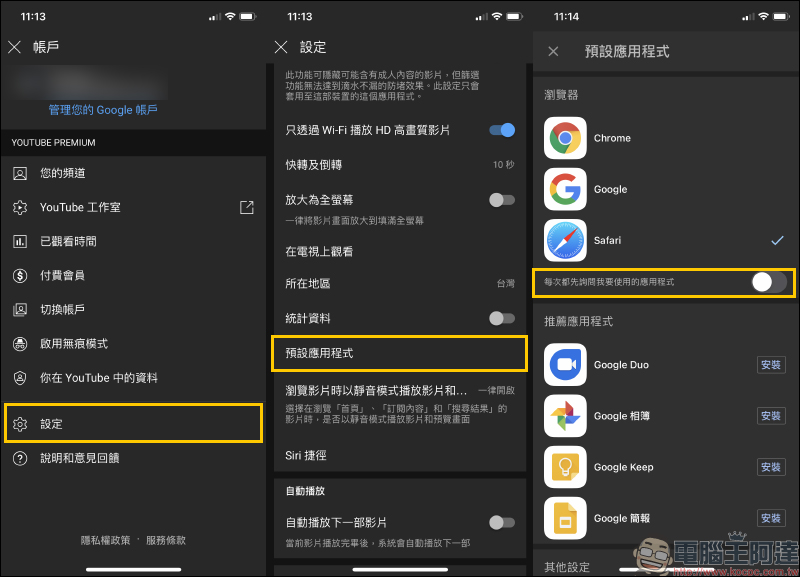
First, select “Settings” on the YouTube App personal account page, then find “Default Apps” and turn off the “Ask me first every time which app I want to use” feature. This way, when you click a link under a YouTube App video, you will no longer be asked which app to use to open the link.
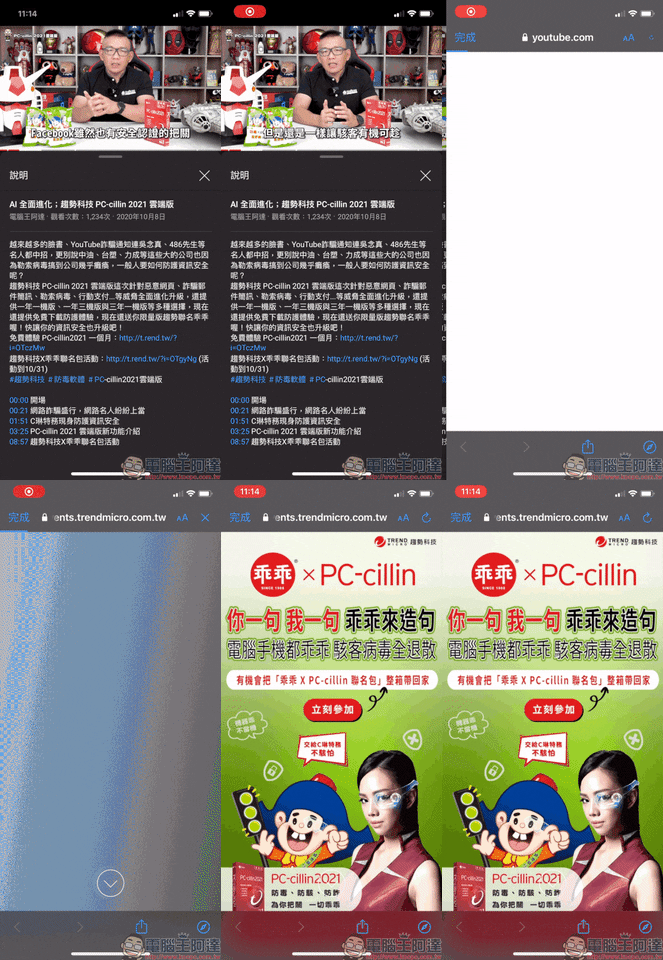
The actual test will show the effect after setting. Similarly, when you click on the link below the video, it will not be directed to the web page but will no longer pop up a window asking which app to use to open the web page!
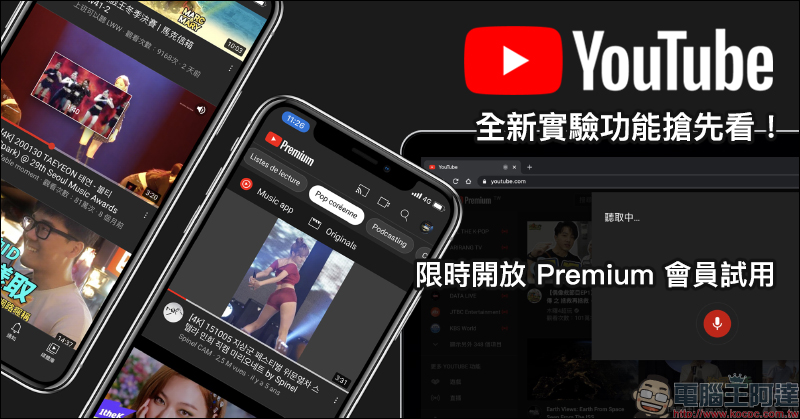
Not only that, if you want to experience other new YouTube features, as long as you are a YouTube Premium paid member, you can also use the ones we introduced before YouTube’s new experimental features, be the first to experience new limited-time trial features that YouTube has not yet officially launched.
Further reading:
Get a sneak peek at YouTube’s new experimental feature! Watch videos on the iOS “Homepage”, search for videos by voice on your computer, and filter content topics in other languages
Searching tips for watching YouTube 4K videos on iPhone (tutorial)
Source: KOCPC Chinese