


Although iOS 14 finally adds the picture-in-picture feature,YouTube did work in the beginning, but then YouTube officially restricted this function to Premium members only, and free members could not use it. After enabling it, it would keep jumping back. I believe many people think there is such a difference in treatment, and Android obviously has no restrictions. Fortunately, there is still a way to solve it. A while ago, a foreign developer created a shortcut script “Enable YouTube Picture-in-Picture”. As long as you enable this shortcut during playback, you can break this restriction. It also supports downloading to videos and music, which is quite good.
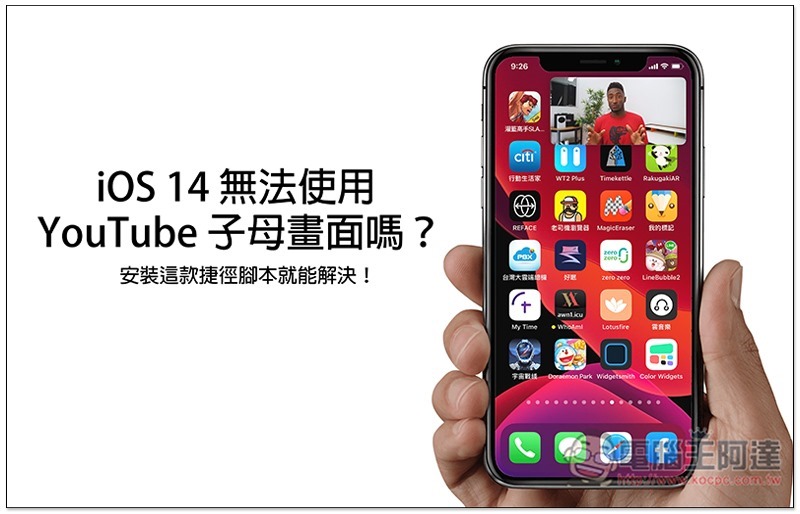
Solve the problem of unable to use YouTube picture-in-picture on iOS 14
This shortcut script needs to be paired with the iOS Shortcut App. If you haven’t installed it yet,Please click me to download from App Store first。
You must also enable the installation of “Allow untrusted shortcuts”. After opening iOS settings and entering the shortcut options, you will see this feature.
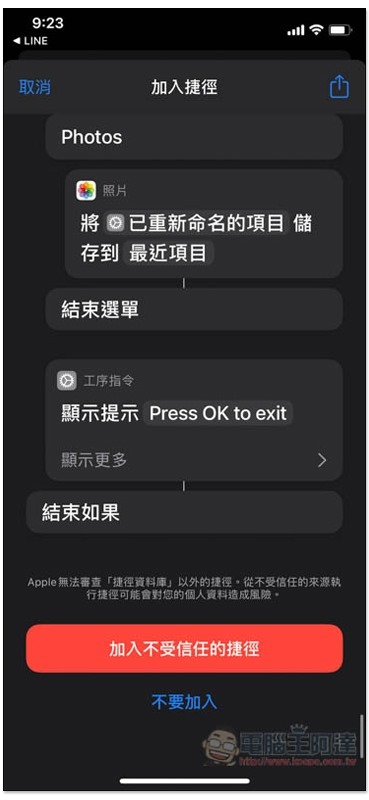
Click here to get the script for “Enable YouTube Picture-in-Picture”, scroll down and click “Add Untrusted Shortcut”:
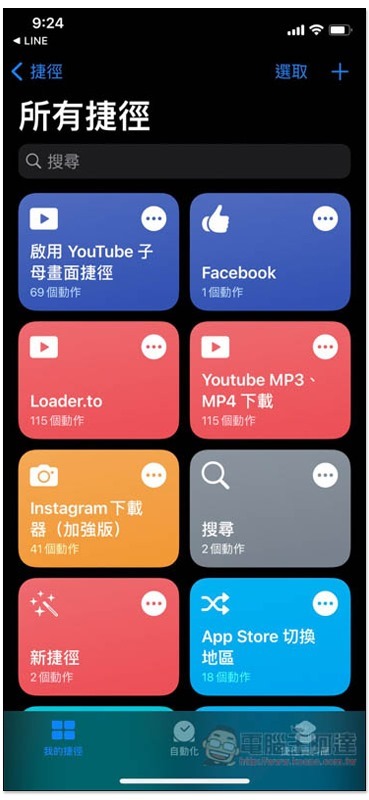
Then in your shortcut list, you will see the shortcut to enable YouTube picture-in-picture:
The activation method is as follows. Use the Safari browser to open the YouTube web page, find the YouTube video you want to watch or listen to, and then click the “Share icon” below:
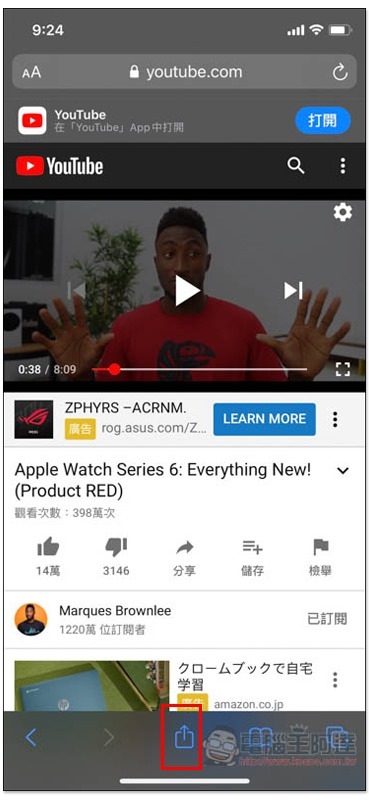
Scroll down the list to find and click this shortcut:
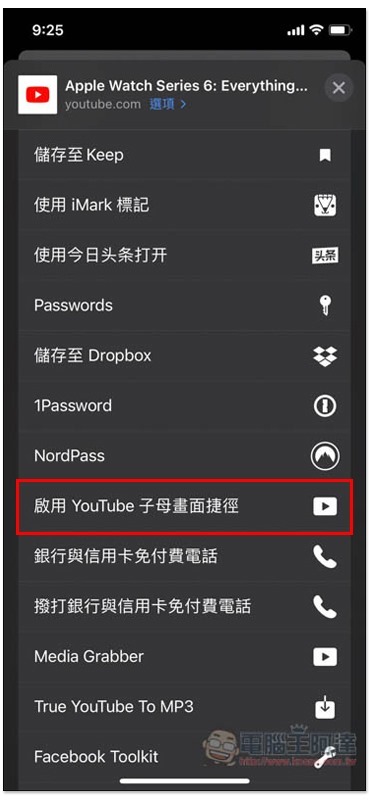
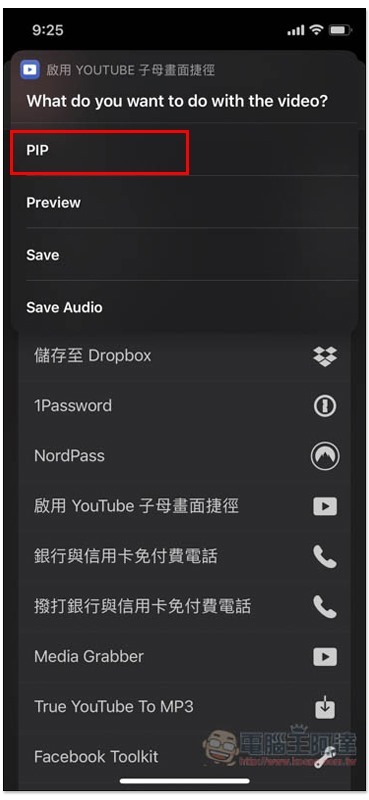
A menu will pop up at the top. The first PIP is Picture in Picture, Save is to download the video, and Save Audio is to download the audio file:
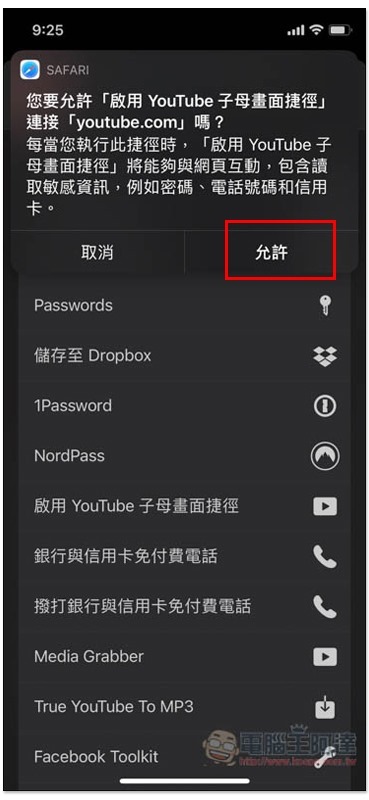
Then some questions will pop up above, just click Allow. This will only appear for the first time:
After entering the playback interface, click on the picture-in-picture function at the top:
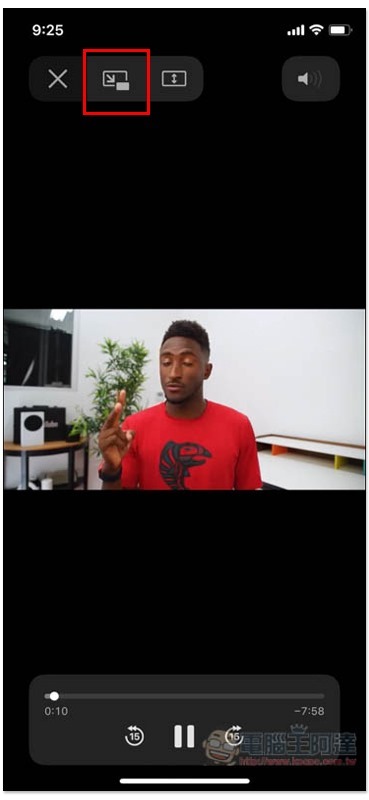
It will work normally! :
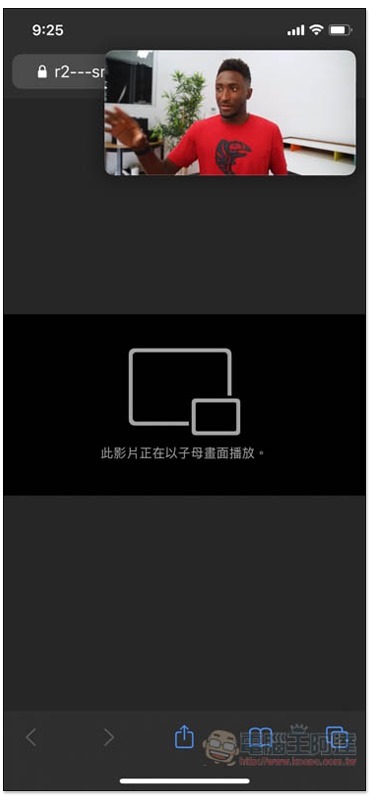
Jumping back to the main screen will continue to play, and the small window can also be moved:
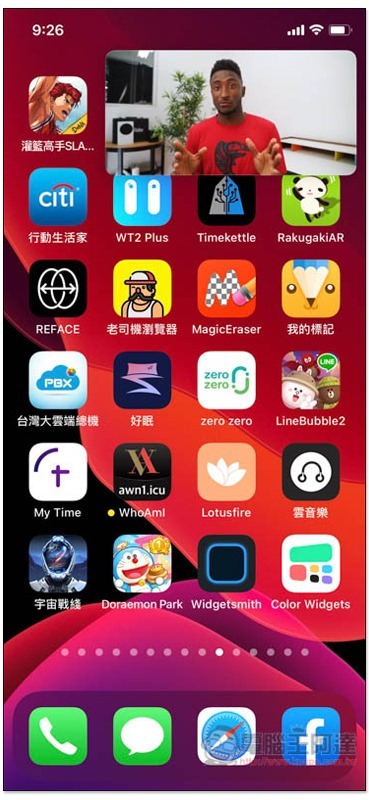
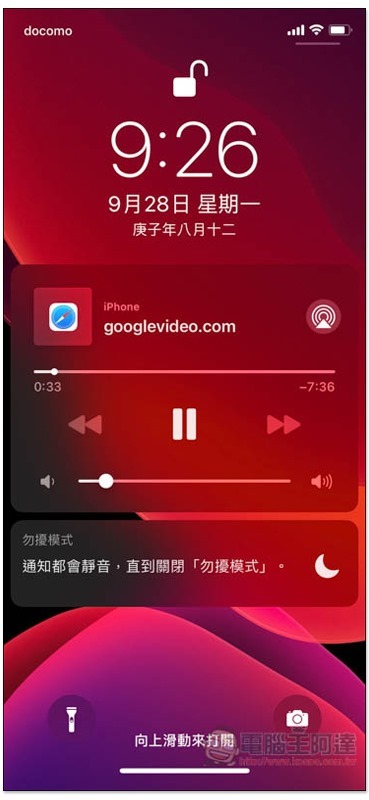
Background and standby playback are no problem:
When downloading a video or audio file, you will be asked to choose where to save it:
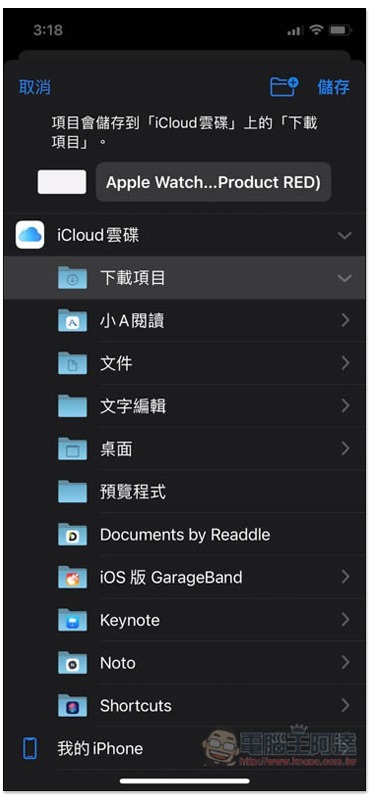
However, the format cannot be selected, and the sound files are currently only available in .m4a:
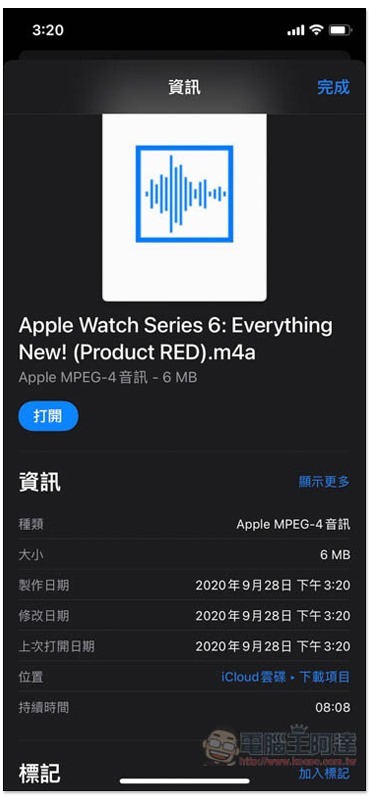
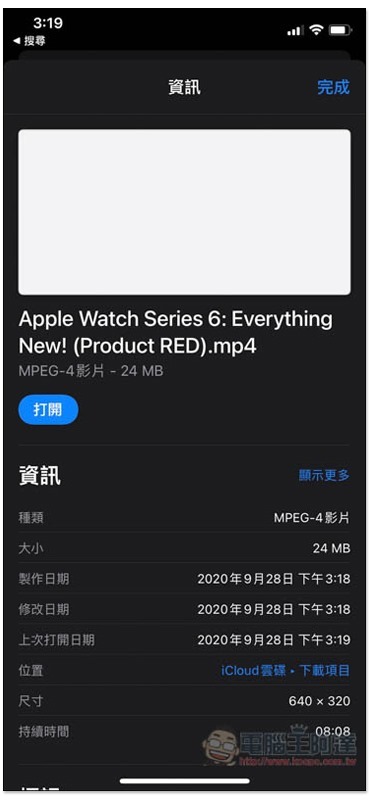
The video is .mp4. If you need other formats, you can convert it through some online tools:
Supplementary information
- Shortcut script name: Enable YouTube picture-in-picture
- Installation location:Click here to go
Source: KOCPC Chinese