


When it comes to adjusting image size and converting formats, many people may use Photoshop, Lightroom or the system’s built-in image tools. Although it is not difficult, the operation is a bit more troublesome. This article will introduce a super-fast and super-simple method that can be achieved using a browser. You can adjust it by opening the Bulk Resize Photos tool webpage, and all actions are completed locally, without uploading any pictures, which is safe and fast.
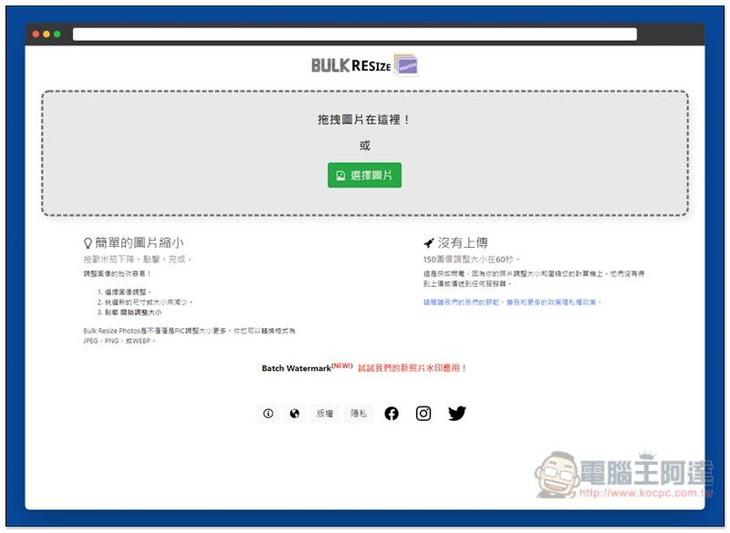
Introduction to Bulk Resize Photos, a free tool to adjust image size and file format
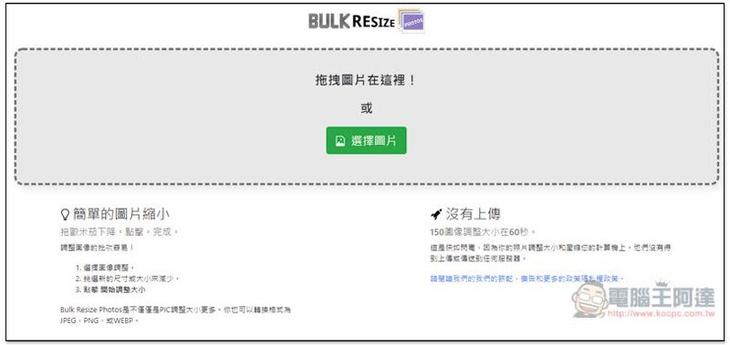
Bulk Resize Photos is very easy to use;After clicking me to enter the website, you can drag in the pictures you want to adjust, no matter how many pictures you want. In addition, because all processing is done locally, there is no need to upload any images. There are also 150 images marked in the lower right corner. It only takes about 60 seconds to resize, which is very fast:
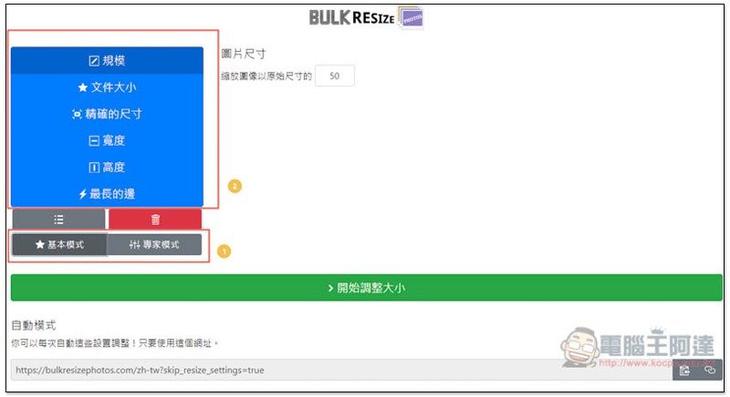
After selecting the image, you will enter the adjustment page. There are two types of “Basic Mode” and “Expert Mode”. There are 6 adjustment conditions, “Scale”, “File Size”, “Exact Size”, “Width”, “Height” and “Longest Side”. The scale part is a percentage. Enter the number you want to scale the image:
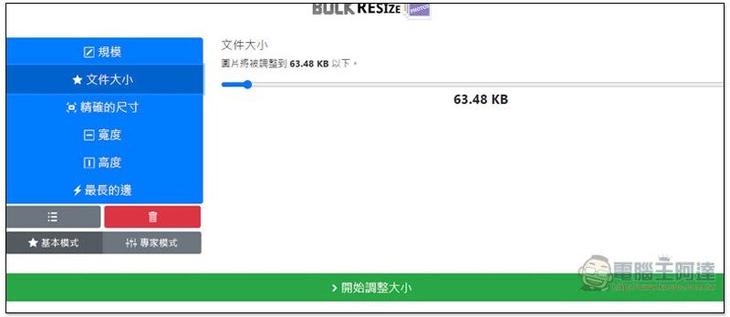
The file size is to set the file size. If you want the size of these images to be below, you can use this condition:
The precise size is the most common setting of image height and width:
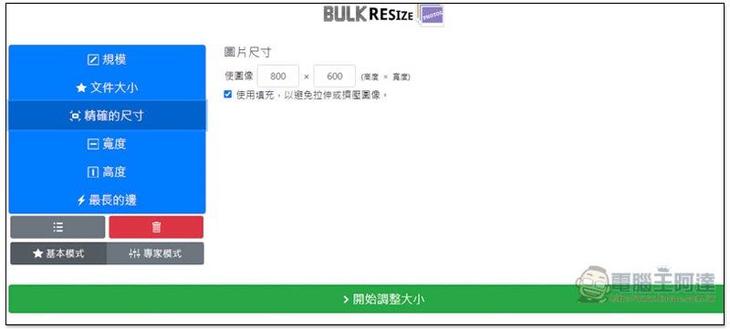
There is no need to mention the width, height and longest side.
After switching to expert mode, there will be three options below: picture format, picture quality and background. If you need to convert formats, remember to use expert mode:
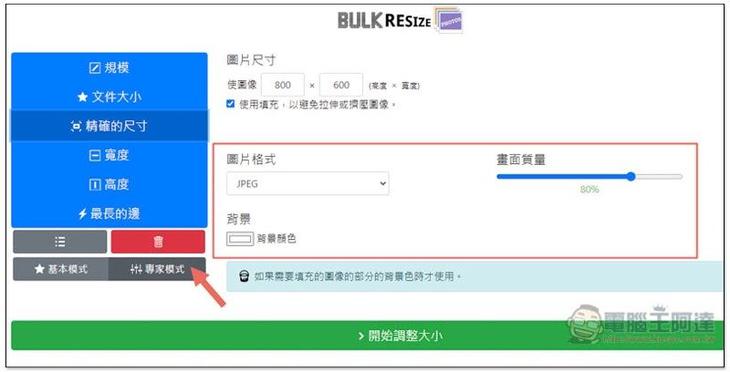
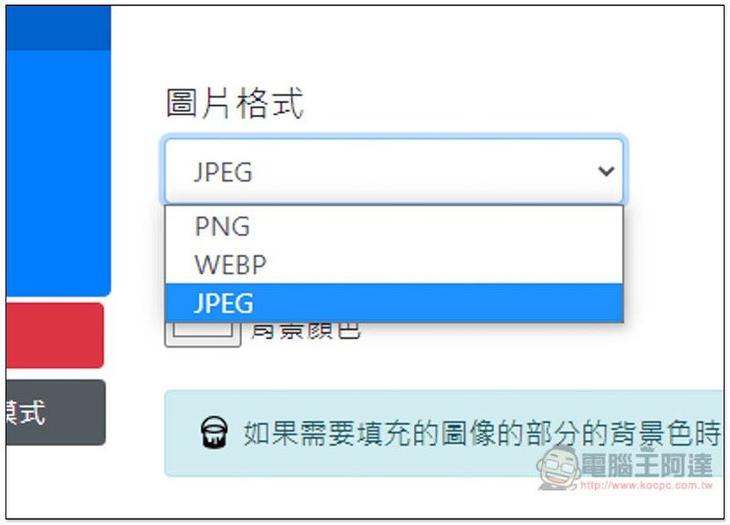
Image formats can currently be converted to JPG, PNG and WEBP:
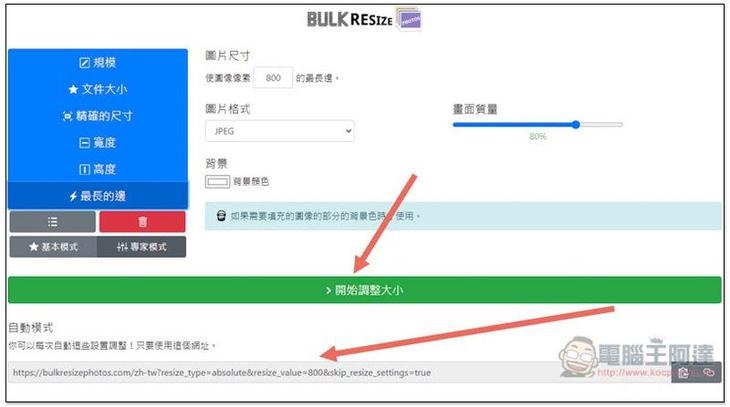
Once everything is set up, it’s time to press “Start Resize” below to process. In addition, you can also notice that there is an exclusive URL below. This URL will save all your above settings. If you want to adjust the same settings for future pictures, you can use this URL directly, eliminating the need to set it up again:
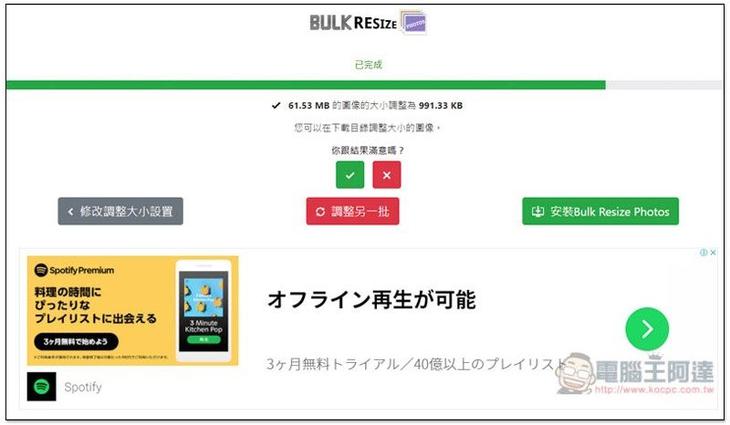
The speed is very fast. I completed about 20 pictures in a few seconds, and the adjusted size will also be displayed. In my case, the original 61.53MB became 991.33KB, which is a lot reduced:
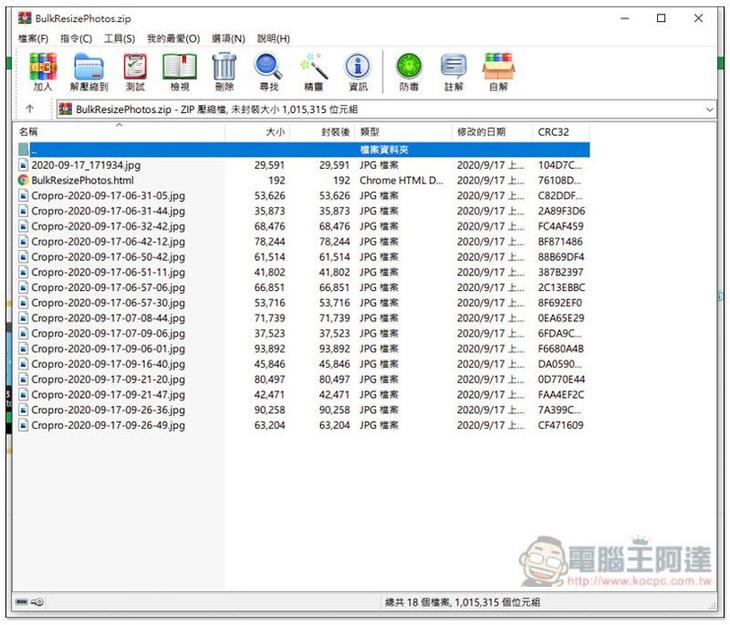
After the adjustment is completed, the compressed file will be automatically downloaded. After opening it, you can see all the adjusted pictures:
In addition to resizing and converting images, this website also provides watermark application tools BATCH WATERMARK, anyone who is interested can also try it.
Supplementary information
- Tool name: Bulk Resize Photos
- Nature: Free
- URL:Click here to go
Source: KOCPC Chinese