


When they find a YouTube video they like, many people will download it and save it. Downloading is very simple. We have compiled an article before YouTube MP4 videos, MP3 musicarticle, but not every video you want to download in its entirety, there may only be a few minutes in between that you want to collect, so what should you do? The YouTube Cutter free online tool recommended in this article can help you. It allows you to specify the YouTube clips you want to download, such as: 1 to 2 minutes of clips and cut the rest. It supports three common download formats: MP4, MP3, and GIF, which means you can also use this tool to make mobile ringtones.
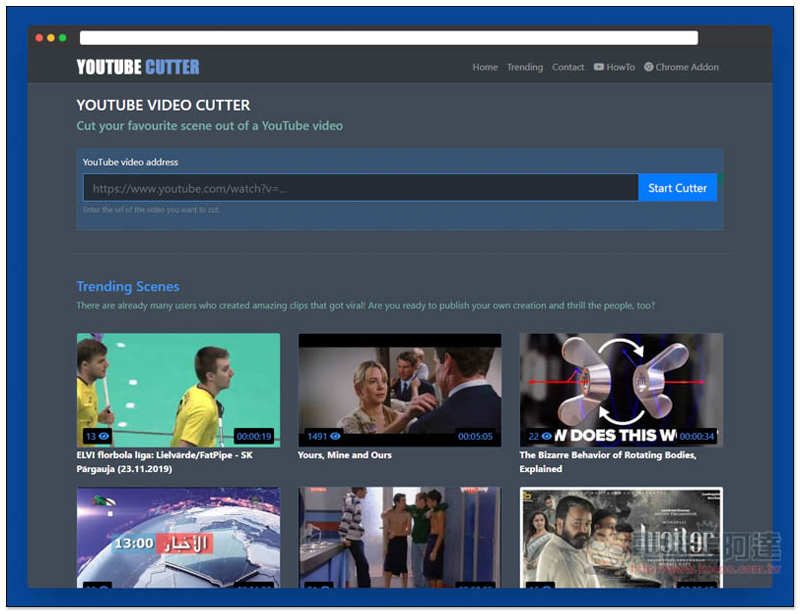
Introduction to YouTube Cutter, a free online tool for editing YouTube videos
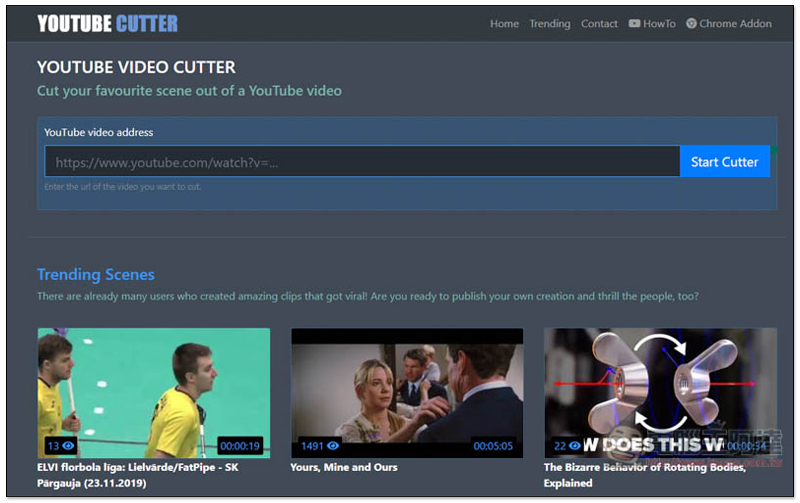
YouTube Cutter is very easy to use.After clicking me to enter the website, paste the URL of the YouTube video you want to cut, and click Start Cutter on the right:
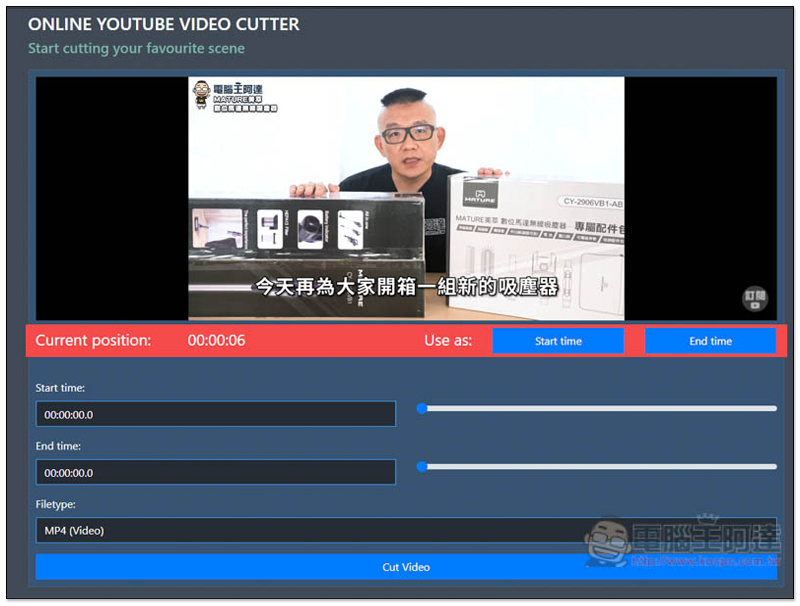
After confirming that the YouTube video is correct, adjust the sliders to the right of the Start time and End time below to specify the video clips you want to keep in the edit:
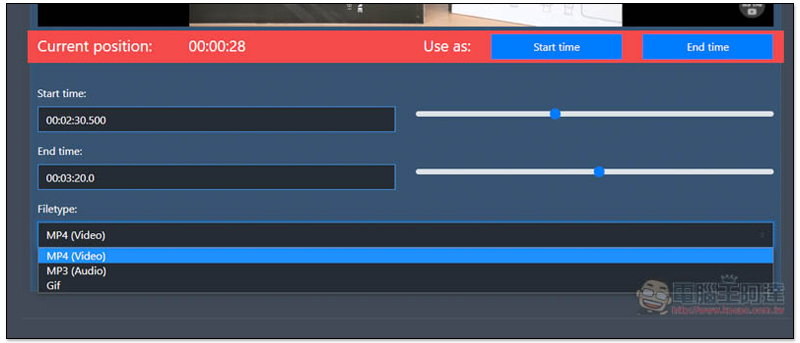
Like this, I specify 2:30~3:20, and then select the format to download, MP4, MP3, or Gif. I use MP4 as an example:
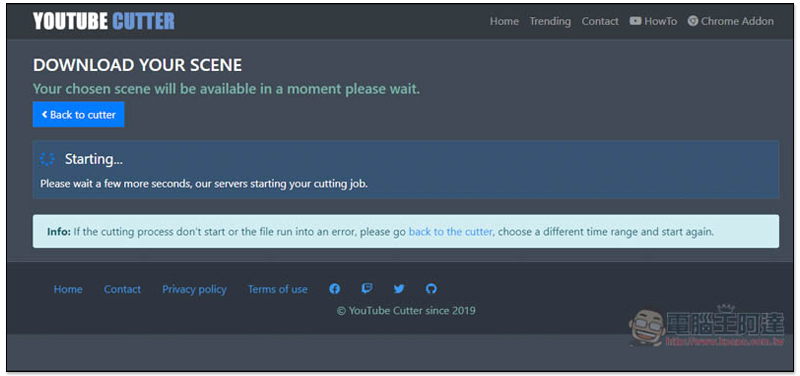
Then wait for a while. Depending on the length and format of the video you keep, MP4 is the fastest:
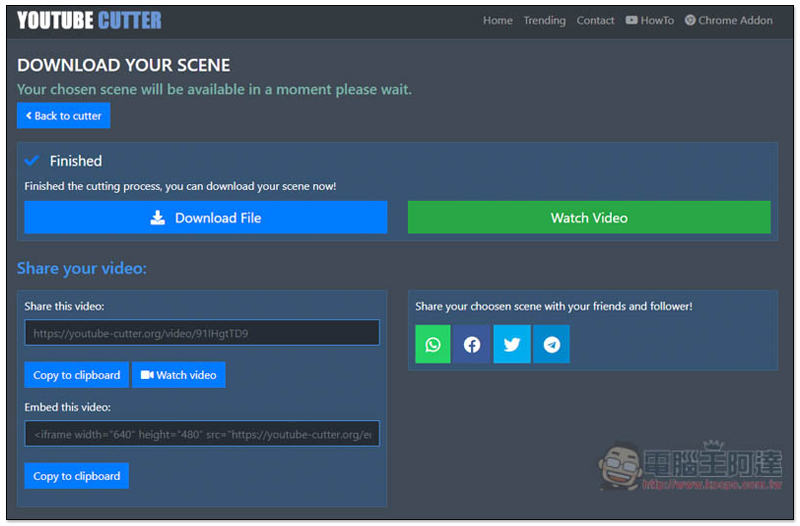
After completion, you can click Download File to download the edited file. You can also click Watch Video to preview before downloading. What’s more special is that this tool also provides a sharing function. Copy the URL below Share your video to share the edited video with others. If you have some key points in the video that you want friends and family to see, you can use this tool to edit first and remove the unnecessary ones so that they can see the key points as soon as they open it:
Preview video screen:
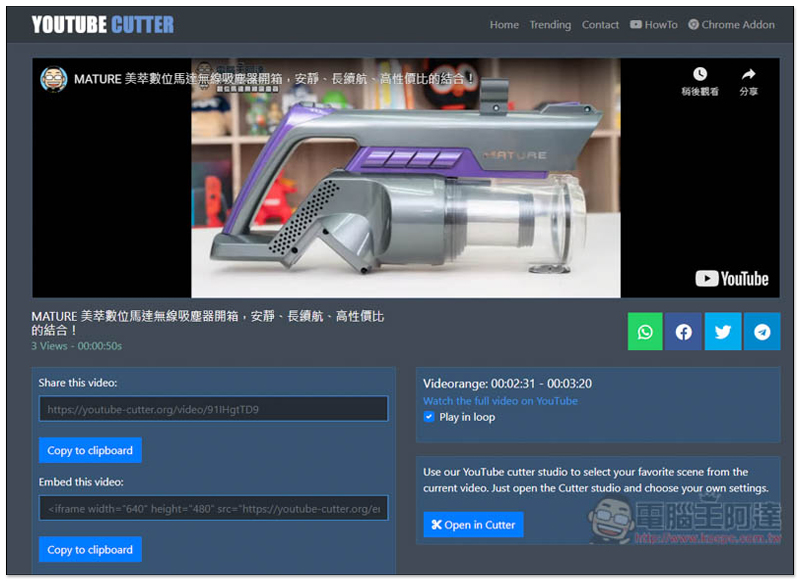
When downloading, a new page will be opened. Click the… option in the lower right corner and you will see the download function. For GIF format, open the right-click menu and click Save Image As to download:

Supplementary information
- Tool name: YouTube Cutter
- Nature: Free
- URL:Click here to go
Source: KOCPC Chinese