


Poolside FM is a music radio player that imitates the style of the 1990s. The music played is not only retro, but also aims to make users feel like playing in an infinity pool in the summer. Simply put, it will make you feel relaxed and happy. There are two versions: Mac and web version. The web version is more special. It adopts the interface design of Mac OS 8. People who don’t know it will think they are entering the operating system when opening it. Literary youths and people who like retro things or music will definitely love it.
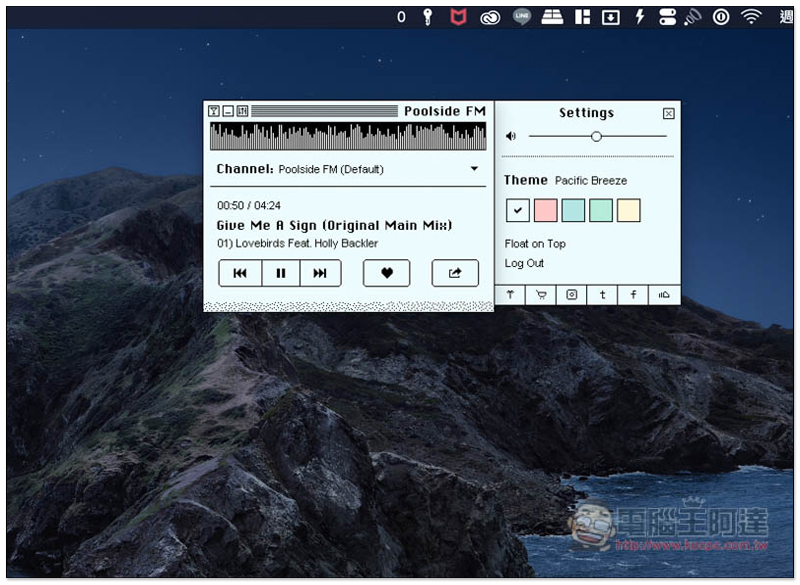
Poolside FM Free Music Radio Introduction
Although Poolside FM is called a music station, the music it plays is not from the radio, but from their SoundCloud music list. I personally think this is a bit of a pity, but this software has not been launched for a long time, so there should be opportunities to join in the future.
Mac usersPlease click me to install on App Store:
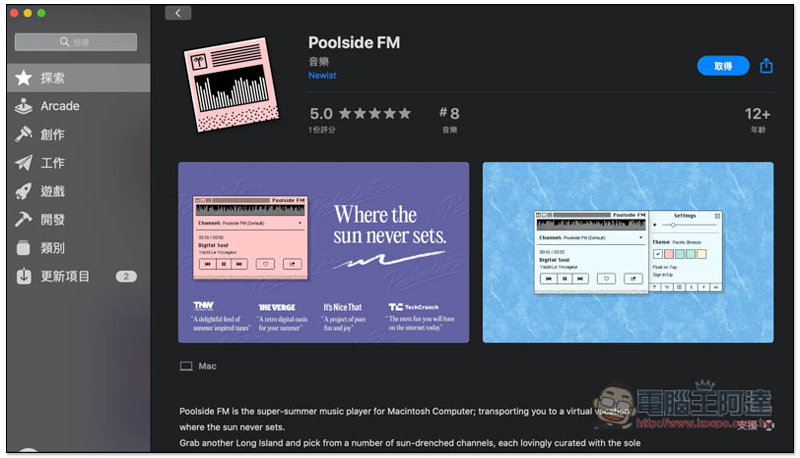
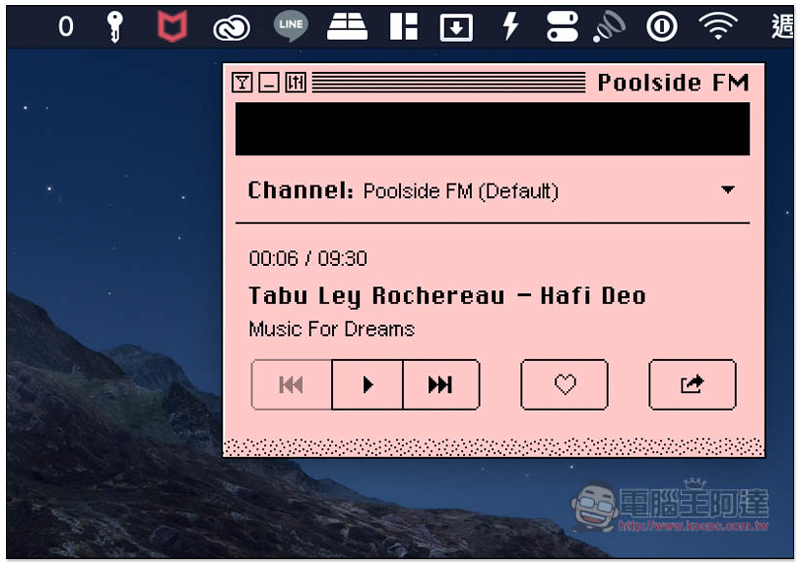
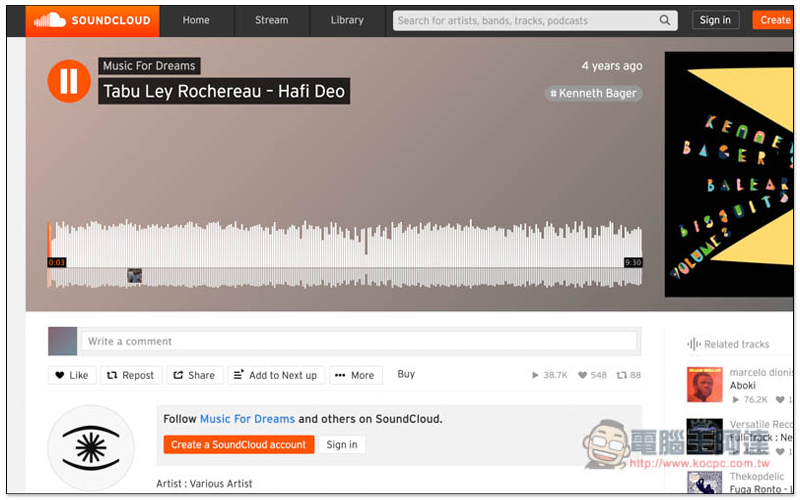
After installation, open it and you will see a very retro playback interface. Poolside FM (Default) will be played by default. Each song will display the song title. Click to jump to SoundCloud to view the song:
As shown below:
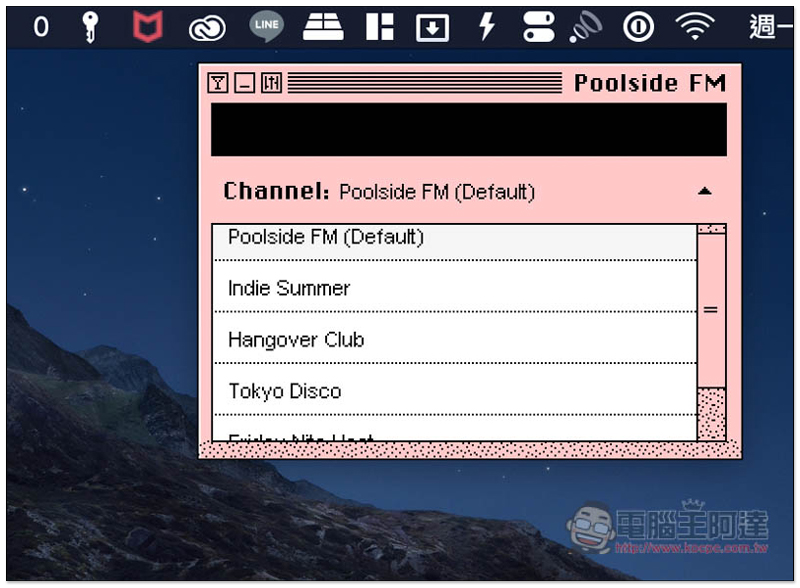
Click the inverted triangle on the right side of Channel to open the channel list. There are currently 5 channels, almost all of which are retro and relaxing music suitable for summer listening:
- Poolside FM
- Indie Summer
- Hangover Club
- Tokyo Disco
- Friday Nite Heat
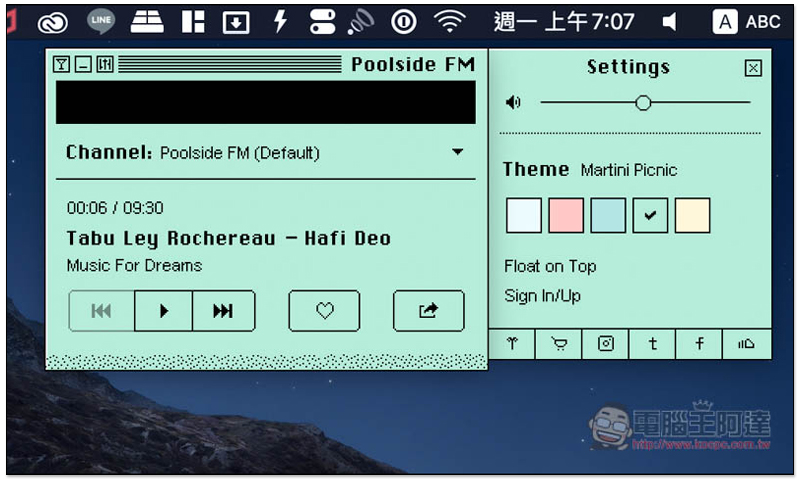
Click the third icon in the upper left corner to open the settings menu. If you don’t like the default pink, the Theme can be changed to other colors. Float on Top puts all windows on top:
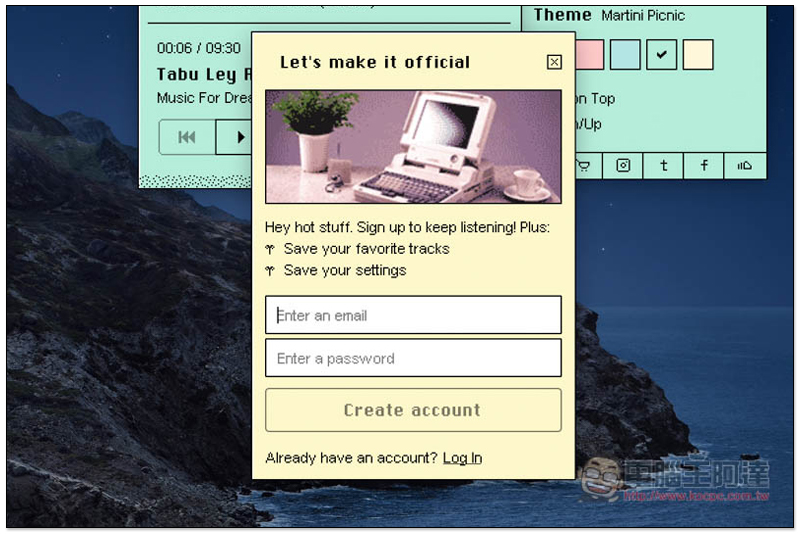
This one also provides a registration function. After registration, you can add your favorite music to your favorites and record all the settings in the settings, so that when you change to another Mac in the future, it will be changed back to your settings after logging in:
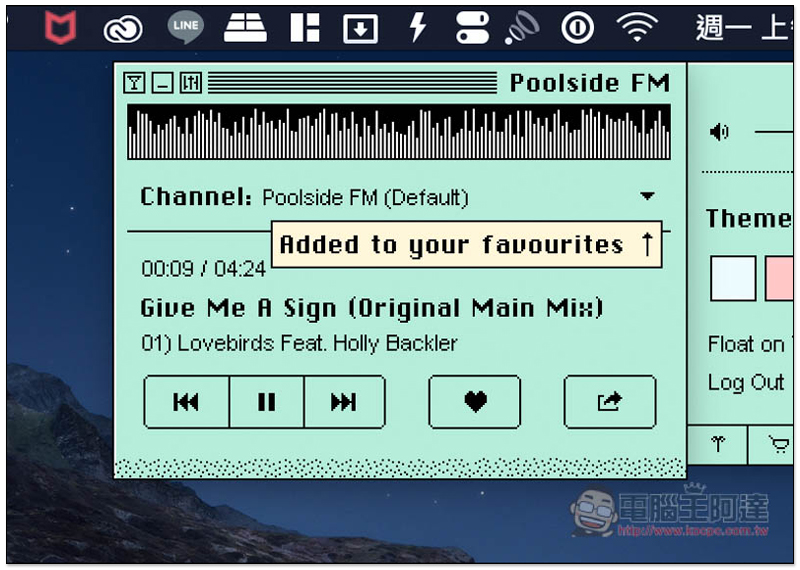
Click the heart icon below the music name to add it to your favorites:
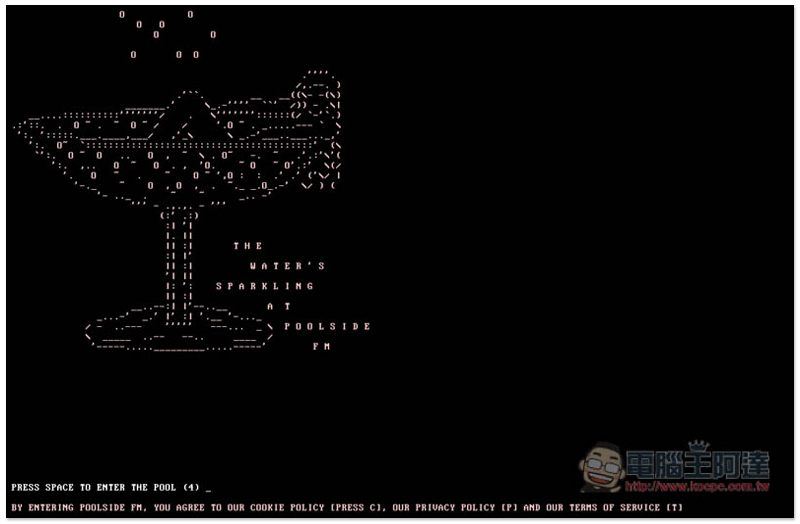
Please click here to jump to the web version.Then you will enter a page that looks like the startup screen (or PTT?), press ENTER to continue:
When I saw this scene for the first time, I really thought it was Mac OS 8, but after a closer look, it was just an imitation. However, compared to the Mac version, it has some more functions, such as: playing videos:
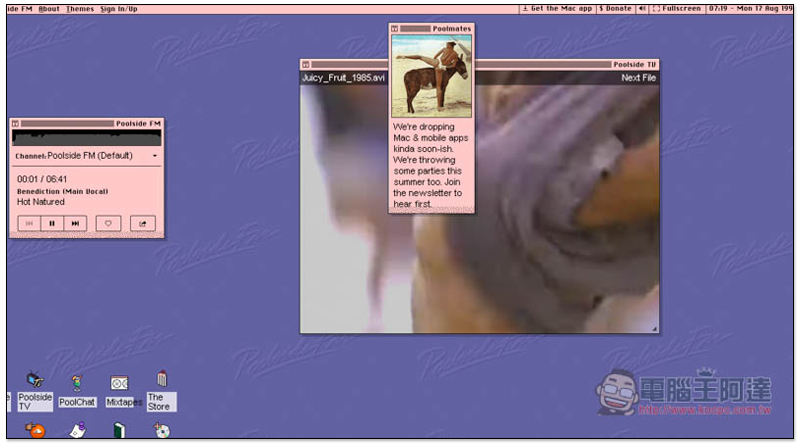
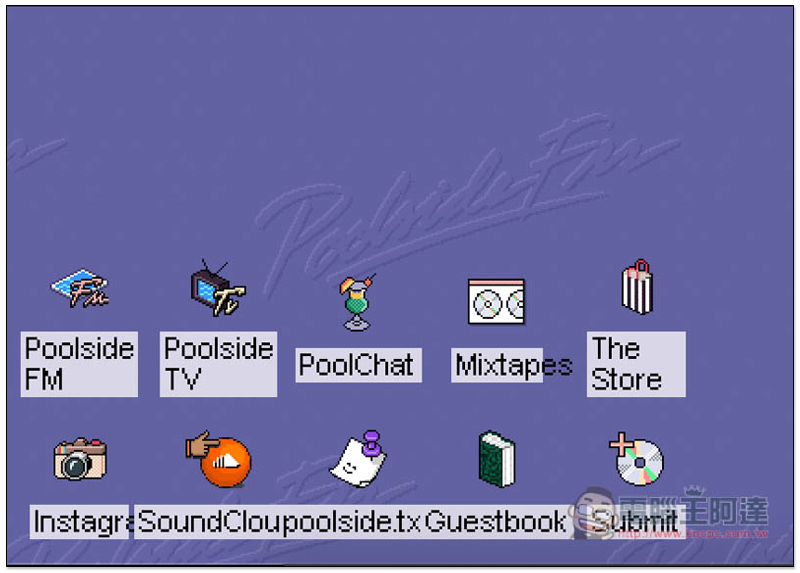
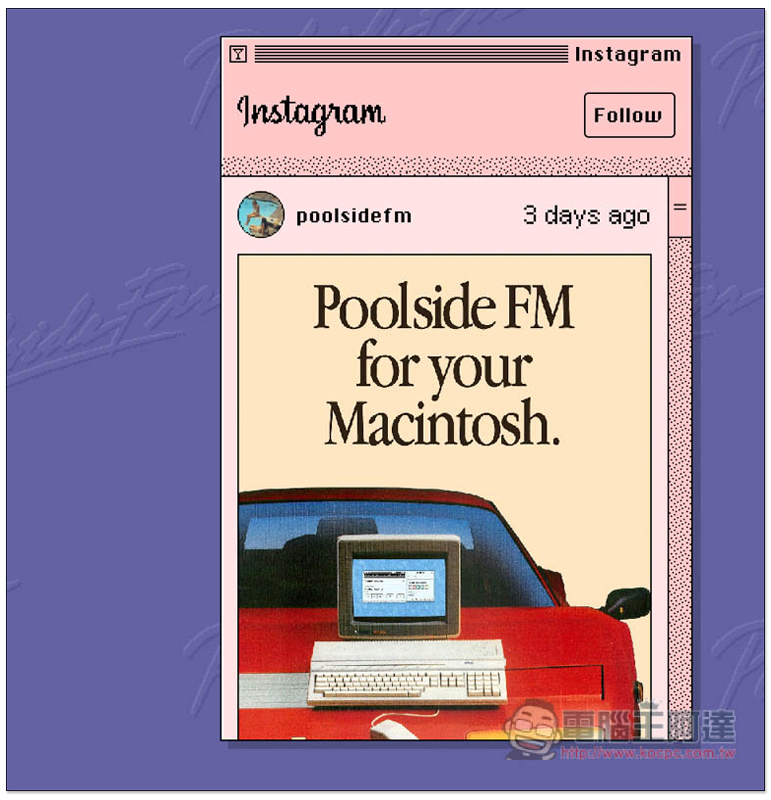
There are some applications available in the lower left corner. FM is the music station, TV can watch various retro music videos, and Instagram opens their IG page:
As shown below:
Supplementary information
- Software name: Poolside FM
- Nature: Free
- URL:Mac App installation page、Web version
Source: KOCPC Chinese