


Many people should be like me and use more than two or three cloud space services, such as Google Drive. I use it to store some videos, photos and software installation files. Dropbox is for important files and information, and Microsoft OneDrive is for some time-sensitive files (documents and the like). With so many cloud services, management is of course a little more troublesome. You need to go east and west. Recently, I found this good Air Explorer software. One set can easily manage multiple well-known cloud spaces. In addition to the above mentioned 3, supported by Mega, Amazon, Box, pCloud, etc. Built-in scheduler function, you only need to set it once, and the task will be automatically executed when the time is up. In addition, there is a one-click synchronization function for files in dual cloud spaces (or local computers), available in both Windows and Mac versions.
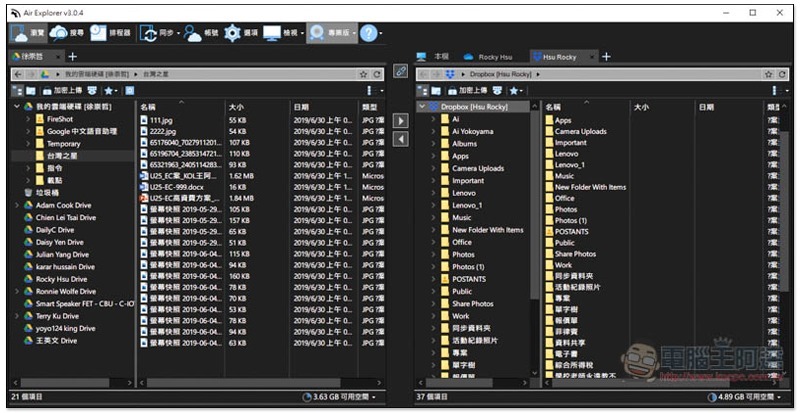
Air Explorer software introduction
Air Explorer has two versions: free version and professional version. The free version can manage multiple cloud spaces, so if there are no other special functional requirements, there is no need to pay to upgrade.
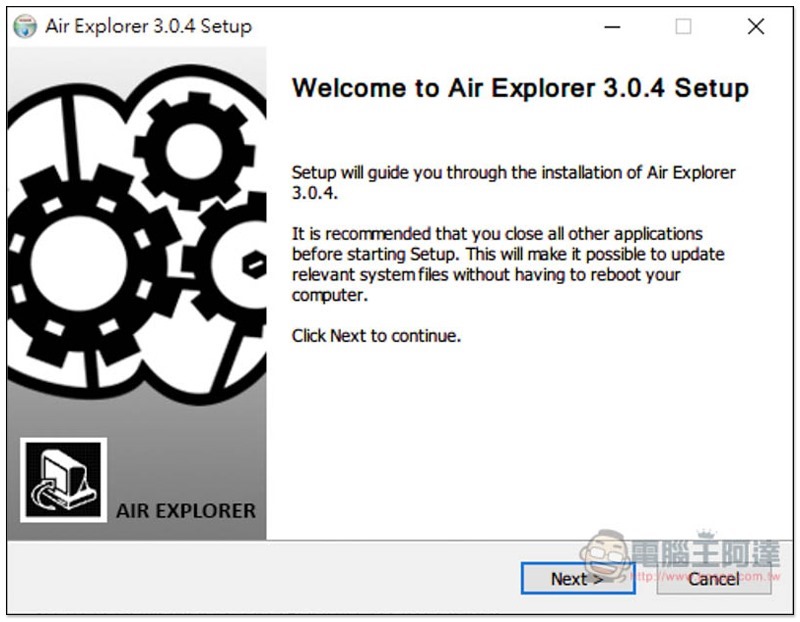
Although the installation process is in English, this set supports Chinese. Just keep pressing Next:
After opening, the following picture shows the currently supported cloud space services, a total of 26. In addition to iCloud, I have all the others that I use, such as: AWS, DropBox, GoogleDrive, Mega, and OneDrive. Click to authorize it to manage your files:
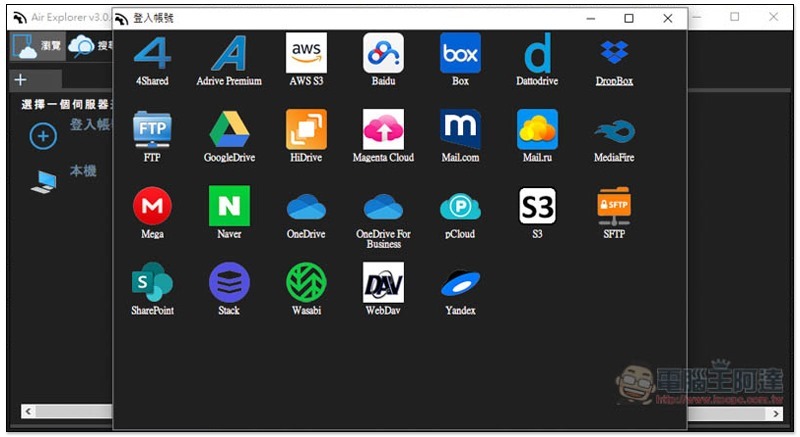
As shown below, it must be authorized to use:

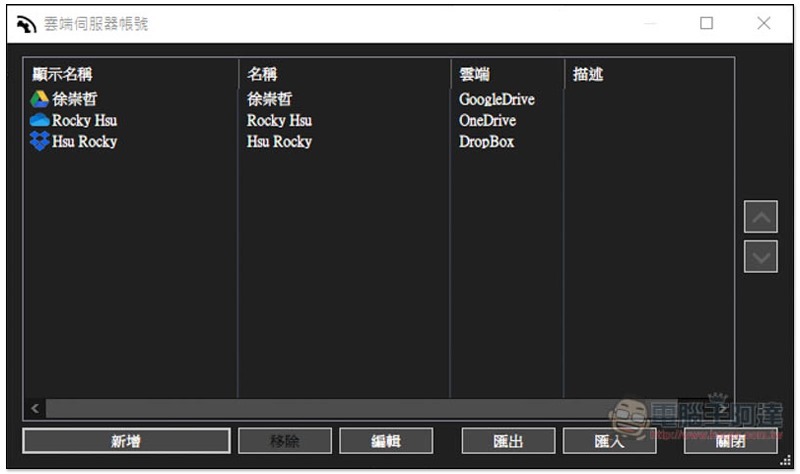
The cloud services that have been authorized to join will be displayed in the list. If you want to add more accounts in the future, click “Add” in the lower left corner:
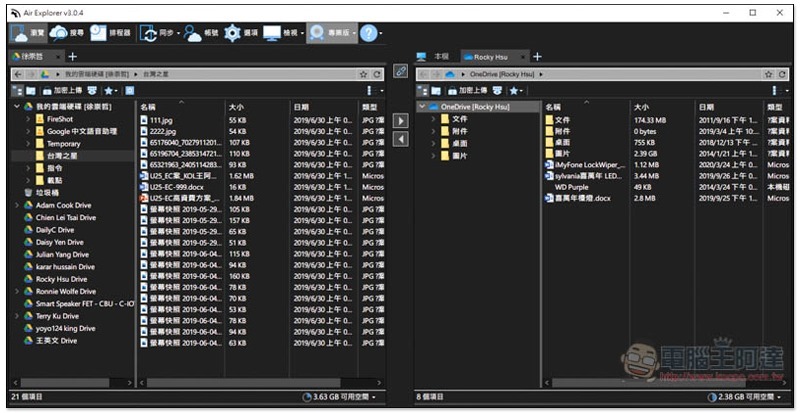
The software interface will have two small windows that allow us to quickly drag files between two cloud spaces or the local machine, which is quite good:
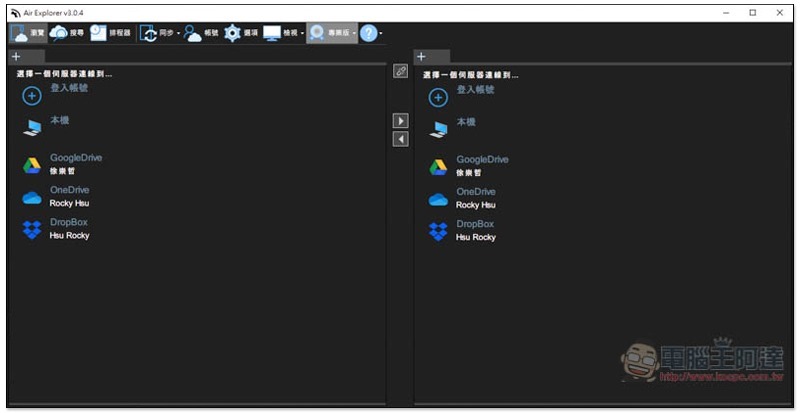
As shown below, I can quickly move Google Drive files to OneDrive or the like:
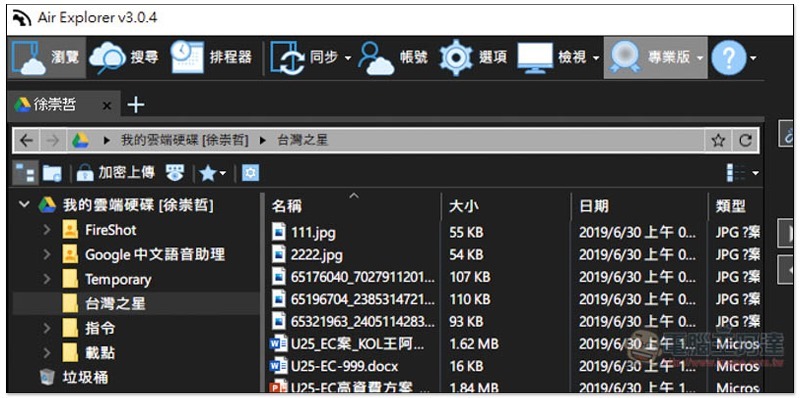
There are also several practical functions in the upper left corner, such as scheduler, synchronization, etc. For those who want to change the cloud space, they can also use this software to directly synchronize it with one click, without having to manually move them one by one:
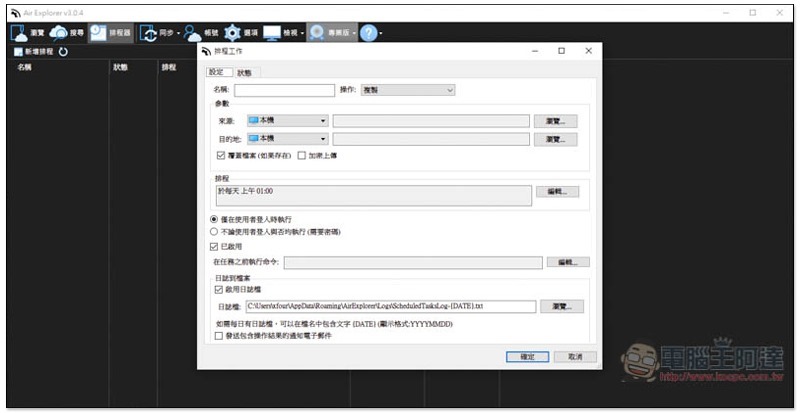
The scheduler can set when and where to copy or synchronize files. In the future, as long as this software is turned on, the time will be automatically processed, so there is no need to worry about forgetting:
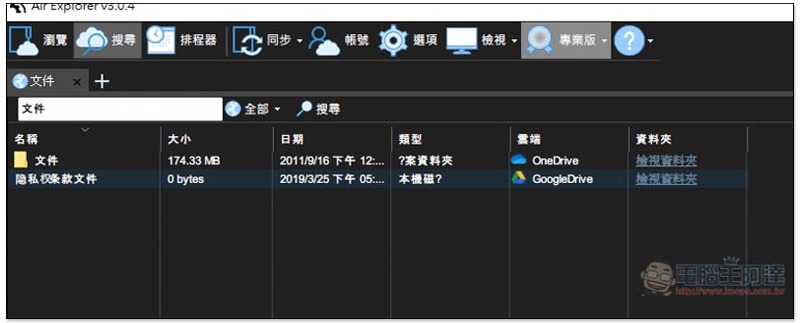
It also provides a search function, and it can search all files in your cloud space at once:
Although this set of functions is not too many, it has everything it needs, and the operation is very simple, so you can get started quickly.
Supplementary information
- Software name: Air Explorer
- Nature: free, paid
- Supported operating systems: Windows, Mac
- Official website:Click here to go
Source: KOCPC Chinese