


LINE continues to optimize the user experience, and recently released the LINE 10.13.0 version update for LINE mobile version. This update mainly focuses on revamping the user’s profile page, and also improves some functions of group video calls. In addition, LINE also announced in the update description that the “LINE Meeting Room” function will be added in the near future. In the future, users do not need to create a group, and can easily invite friends to participate in video calls through the URL.
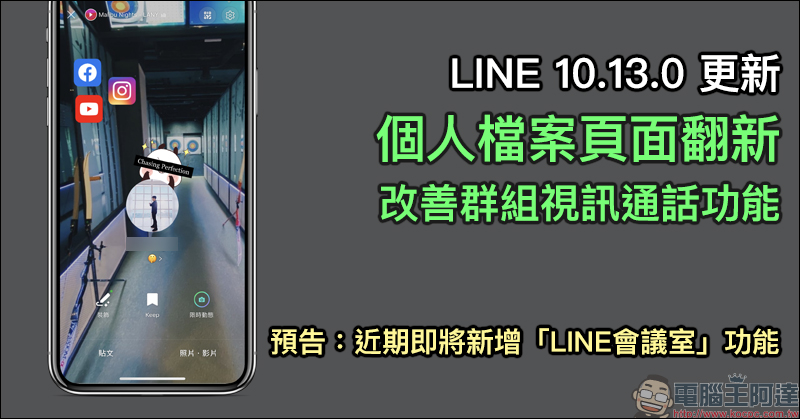
LINE 10.13.0 mobile version update: Personal profile page renovation, improved group video call function and other updated contents are organized, and the “LINE Conference Room” function is announced to be launched soon.
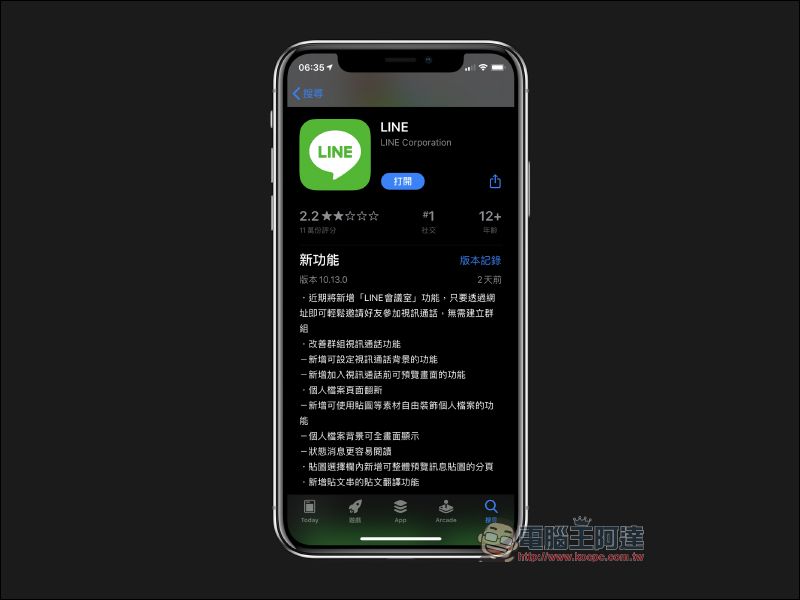
LINE UPDATE:Click here to update immediately
First of all, let’s see the LINE profile that everyone comes into contact with the most. This version 10.13.0 update has significantly renovated the user’s profile page.
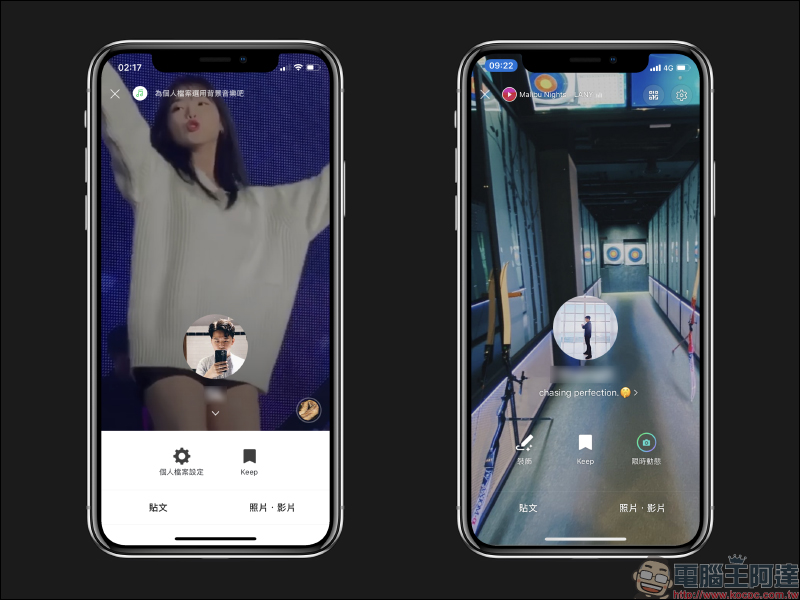
Profile background can be displayed full screen
For example, in the past, the bottom part of the background of the profile page was blocked by the function bar. If the user wanted to display a more personal style background, they must first anticipate that part of the background image may not be visible when moved down.
However, in this update, the various function buttons of the personal profile have been rearranged and designed, and the function fields have also been made transparent, so now the user’s profile background can be displayed in full screen! Additionally, user status messages have been updated to be easier to read:
Added the ability to freely decorate personal files with materials such as stickers
In the past, users who wanted to create a more personal profile page could only rely on basic content settings such as photo posts, status, background pictures, and background music. However, in the LINE 10.13.0 update, the most obvious change is that personal files have become more flexible. Users only need to click “Decorate” on the personal profile page to start creating a personal profile.
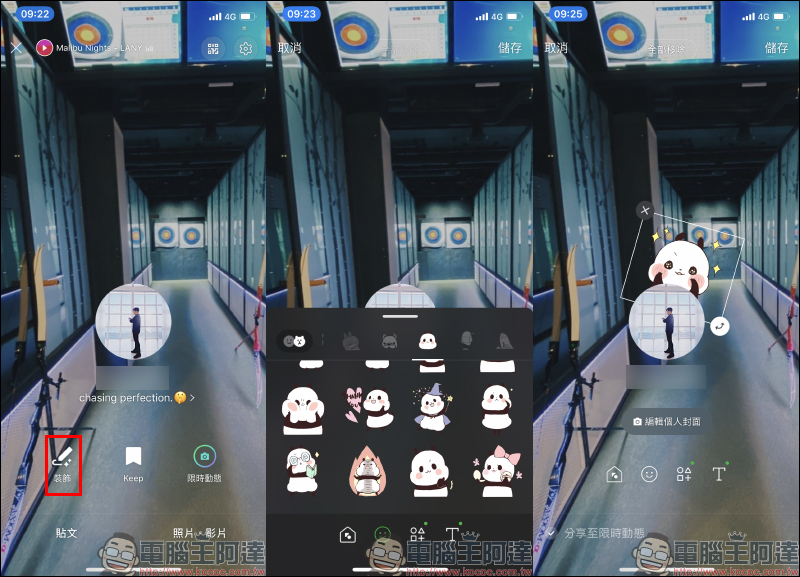
In the past, users who wanted to create a more personal profile page could only rely on basic content settings such as photo posts, status, background pictures, and background music. However, after the update, users can not only add stickers, day counters, and photo frames to their personal profiles, but can even add social button links to their profile pages.
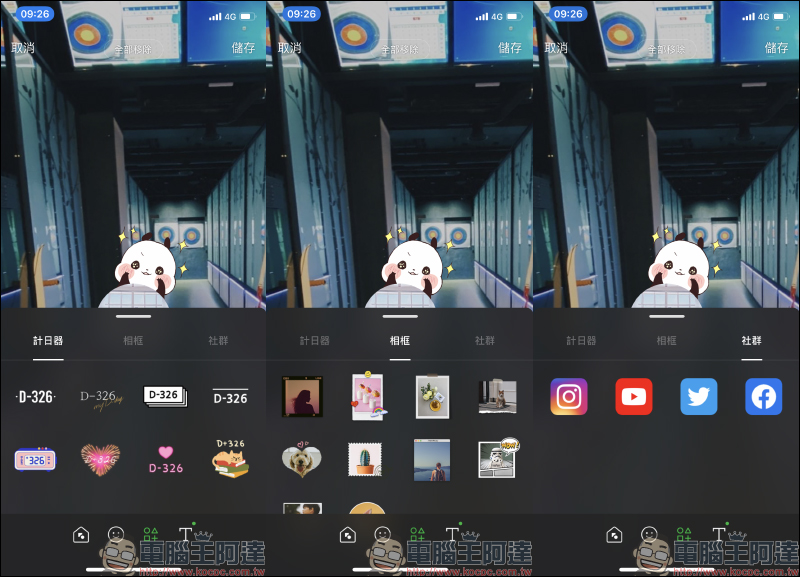
The social link function allows everyone to organize their own social files on the LINE profile page. Currently, it provides four major social platforms: Instagram, YouTube, Twitter and Facebook. It is very convenient for users who want their friends to follow, subscribe or add friends! Users only need to click on the community they want to join and then enter their personal account to generate a community link.
Whether it is a personal file or a fan page, users do not need to manually enter the complete URL. They only need to enter the last part of the personal page URL. Taking Computer King Ada’s Facebook fan page as an example, “http://facebook.com/kocpctw/” is the complete URL, but the user only needs to enter the last part of the kocpctw section.
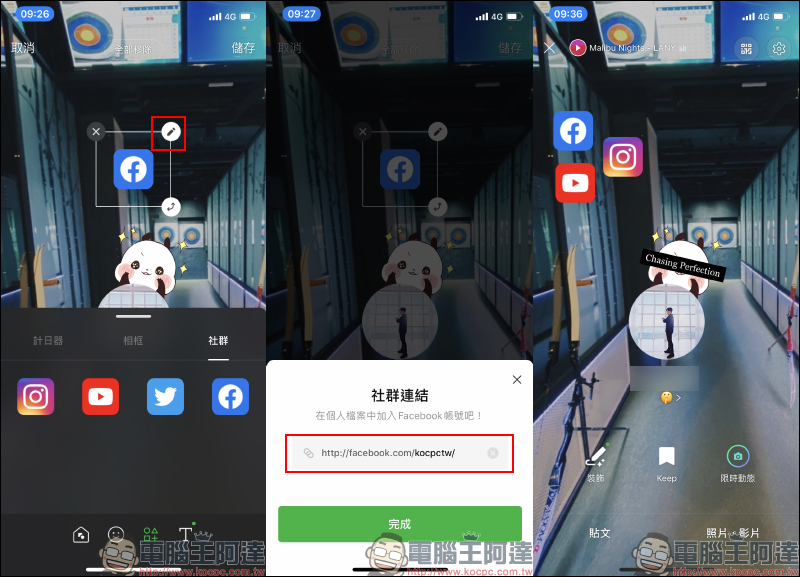
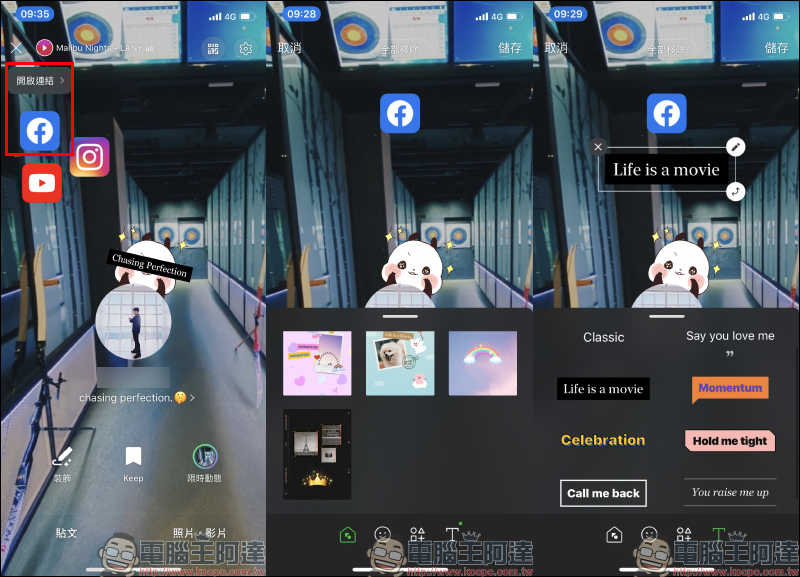
After the setting is completed, when you or your friends view this person’s profile page, click on the social button link screen and you will be prompted to “Open Link”. Click to go directly! In addition, users can also choose arranged themes and custom text slogans on the “Decoration” page.
Improve group video calling functionality
For group video calls, the LINE 10.13.0 version update adds the function of setting the background of the video call, and users can also preview the screen before joining the video call.
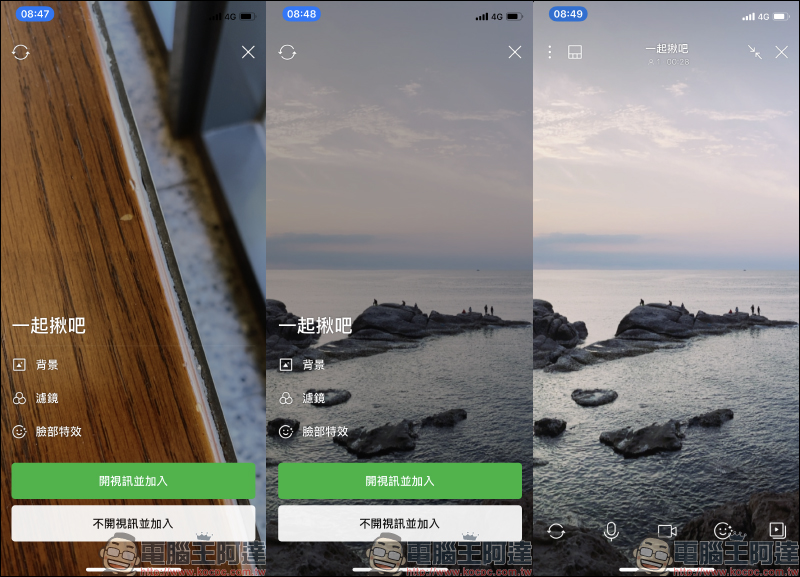
In addition, a new post translation function for post strings has been added. At the same time, LINE officials also announced that the “LINE Meeting Room” function will be added in the near future. This function allows users to easily invite friends to participate in multi-person video calls by directly sharing the URL without creating a group.
LINE UPDATE:Click here to update immediately
Further reading:
LINE installation-free plug-in version, Chrome version only has LINE memo function
Source: KOCPC Chinese