


If you want to achieve the effect of removing the background of a video, you usually have to use a green screen during recording, otherwise it will be almost impossible to remove it later. However, this is very difficult for ordinary users. Not only does almost no one have a professional background such as green screen, but the operation of removing the background is also quite difficult. Recently, a well-received automatic online video background removal service “Remove Video Background” has appeared abroad. Just upload the video and it will be automatically removed. For a single-color background, the removal effect is pretty good. It also provides a free version for everyone to try. It is worth knowing for those who need to remove videos.
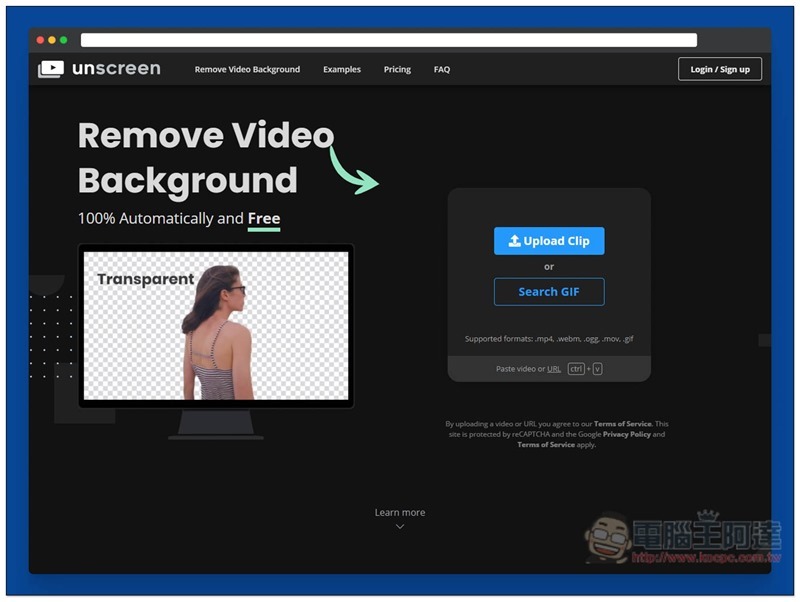
Introduction to Remove Video Background
Click here to enter the Remove Video Background website, click the Upload Clip on the right to select the video to upload. It supports MP4, Webm, OGG, MOV, and GIF formats. People who don’t want to upload their own videos can also click Search GIF to use GIPHY’s GIF images to try:
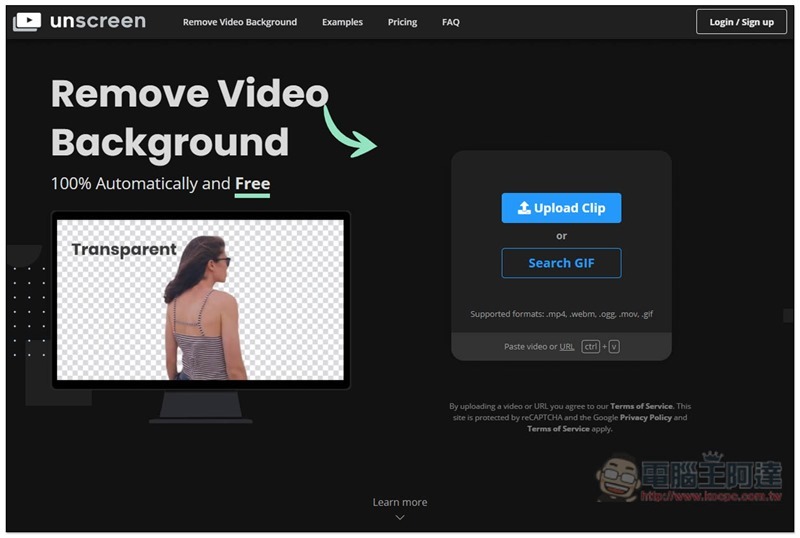
Although there is a function to paste a video URL (Paste Video or URL) below, YouTube does not support it when I tested it.
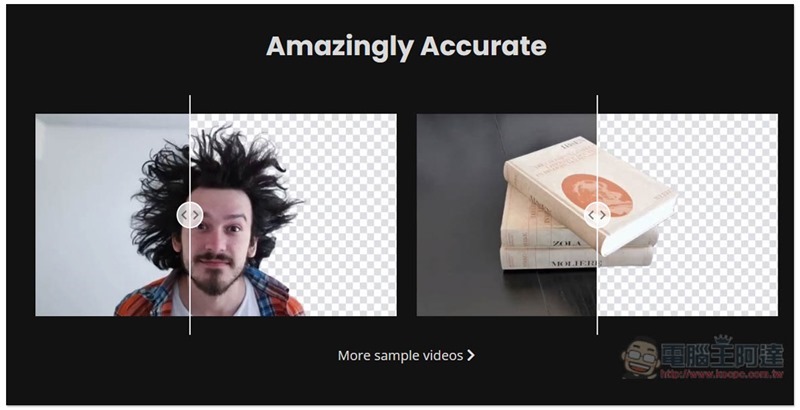
Scroll down from the homepage to view other video examples:
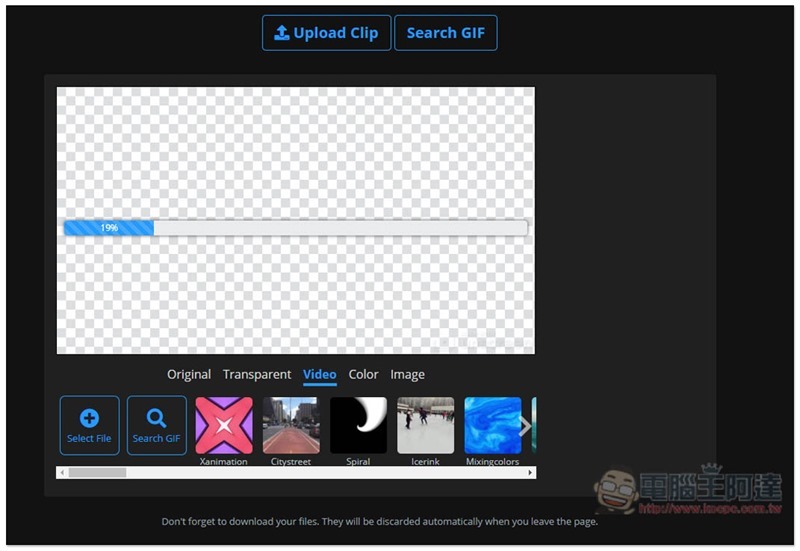
After the video is uploaded, automatic back removal processing will begin:
It’s a pity that the free version only provides 5 seconds of video clips, and there is a watermark in the lower right corner. If you want a longer video and remove the watermark, you must pay to upgrade. Taking the video screenshot below as an example, 95% of the memorization is very good, especially the hair and the edges of clothes. However, the lower leg part needs improvement. My personal guess is that it may not be able to judge correctly because it is holding a laptop:
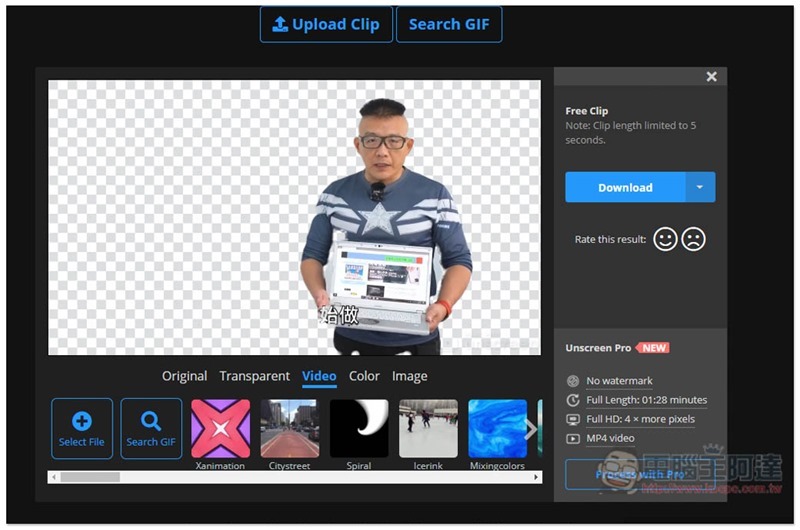
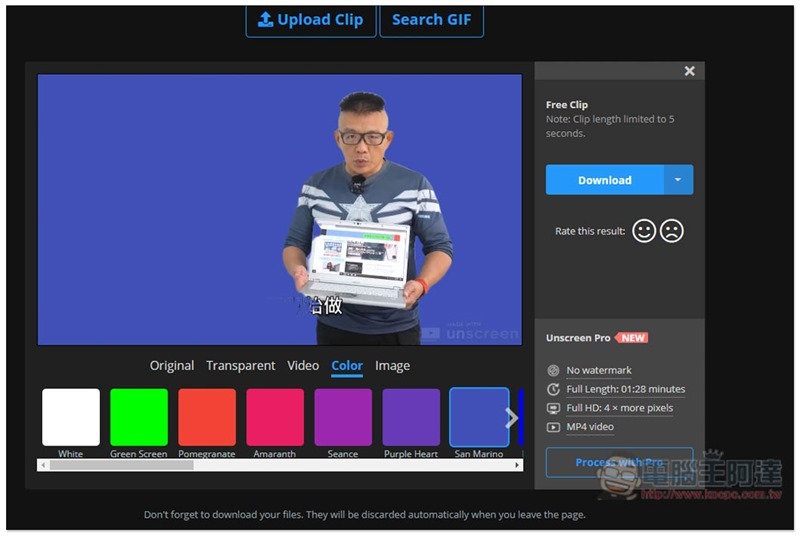
The bottom also provides some background application functions, such as: single color:
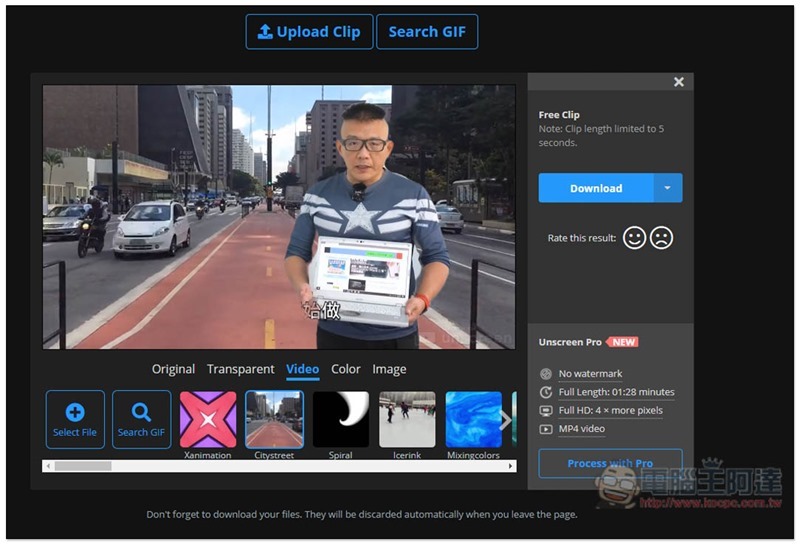
Dynamic video:
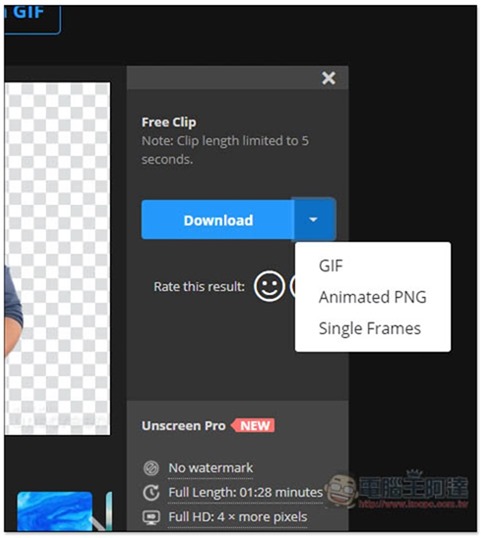
The Download option on the right provides three format choices: GIF, Animated PNG and Single Frames. The MP4 format is only available in the paid version:
The picture below is the original picture of this demonstration video. The background is white, so the background removal effect is pretty good. If the background is too complicated, I personally guess it will be worse:

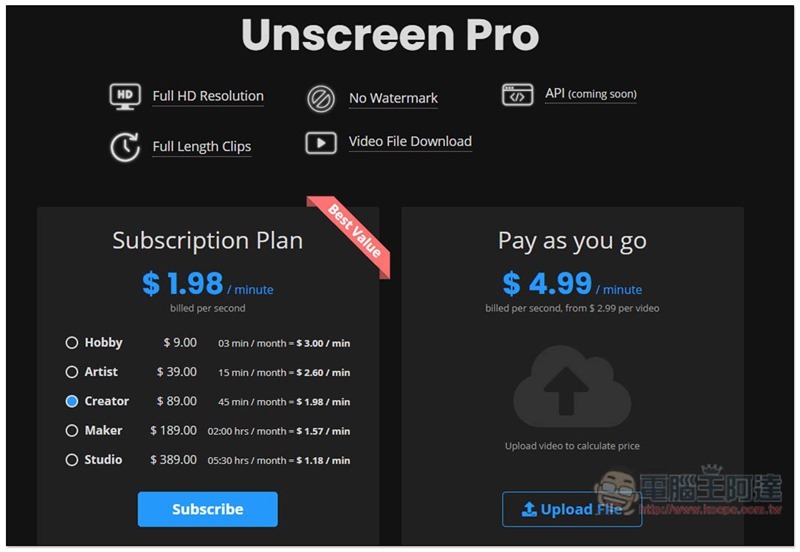
For charging plans, the cheapest subscription plan is US$1.98 per minute, which is about NT$60. The charge for a single video is quite expensive, which becomes US$4.99 per minute, which is about NT$150:
When uploading videos, it is also recommended not to use files that have already been subtitled. If someone accidentally uploads the subtitles, misunderstandings may occur.
Supplementary information
- Tool name: Remove Video Background
- Nature: free, paid
- URL:Click here to go
Source: KOCPC Chinese