


With the increasing popularity of mobile devices, the age group of users has dropped significantly, which has led to the emergence of various parental assistance tools. In May this year, Microsoft began testing an application called “Microsoft Family Safety”. Today, the application is finally out of testing and officially launched to consumers. It is available on mainstream Android and iOS for the public to download and use for free.
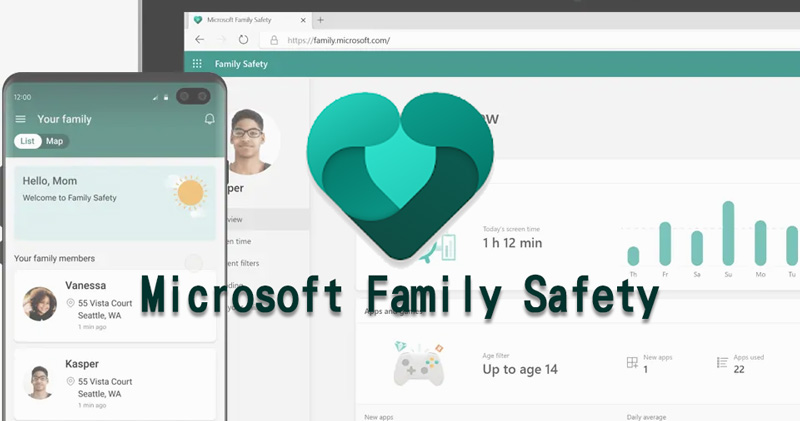
Microsoft launches Microsoft Family Safety app to help parents control their children’s mobile device use
Starting today, “Microsoft Family Safety” is officially launched. This application is mainly aimed at parents, allowing guardians to set content restrictions, set screen usage time, and view their children’s Internet usage records. Microsoft says the app can deepen conversations between parents and children about how much time they spend and what they watch on their mobile devices. The app gives parents transparency into the time their children spend online, allows for the creation of flexible schedules to make more space for important things like online learning, and allows instant location sharing and staying connected with their children.
【Microsoft Family Safety Download:Android、iOS】
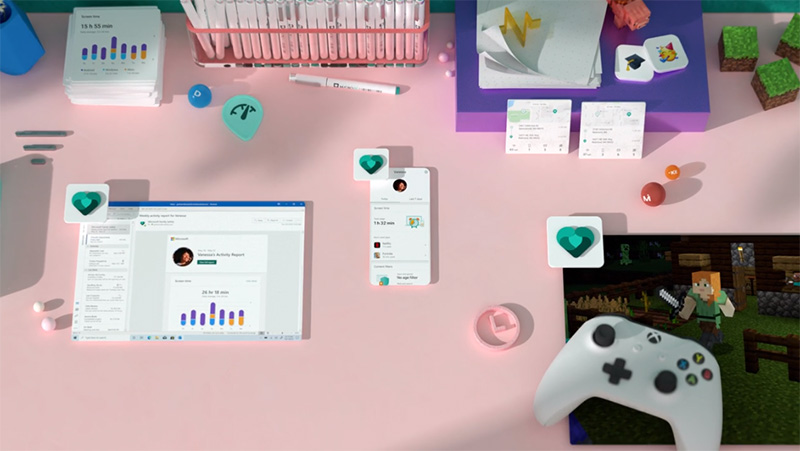
The main features of Microsoft Family Safety include the following:
- Activity Reports – for developing healthy mobile habits
1. Screen time and Internet usage activity records
2. Email weekly activity summary reports
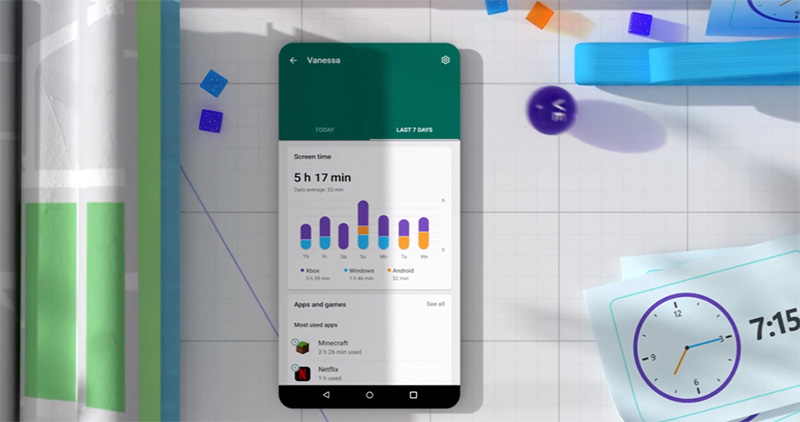
- Screen Time – Balancing Mobile Device Use
1. Restrictions on apps and games used on Xbox, Windows and Android devices
2. Screen time limits on Xbox and Windows devices
3. Set screen usage limits according to daily planning schedule
4. Display an on-screen notification manager with notifications if the child needs more usage time
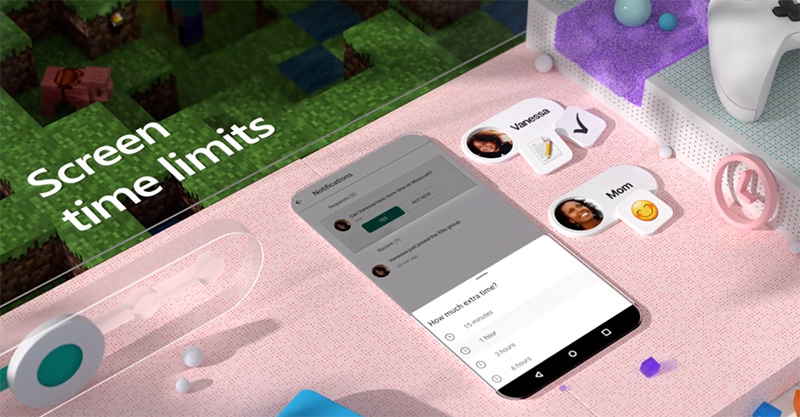
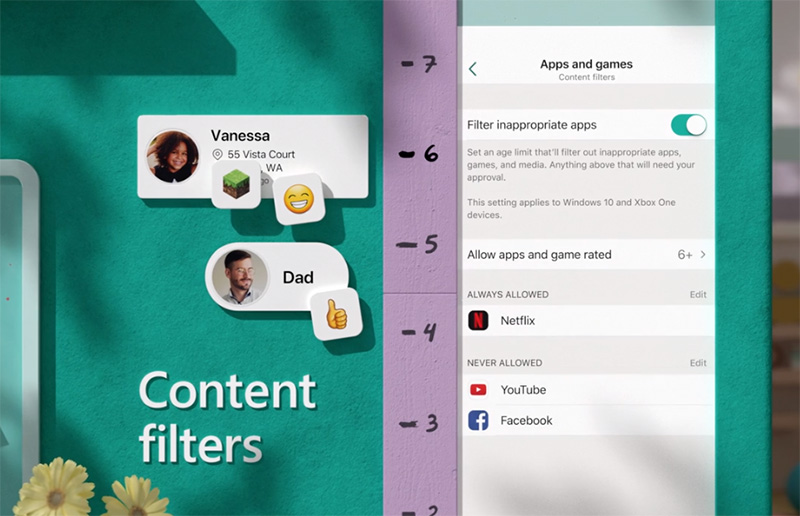
- Content filters – filter content and usage
1. You can set up child-friendly browsing mode on Microsoft Edge to filter out inappropriate content.
2. Block the use of inappropriate apps and games
- Family Location Tracker – Help find family members
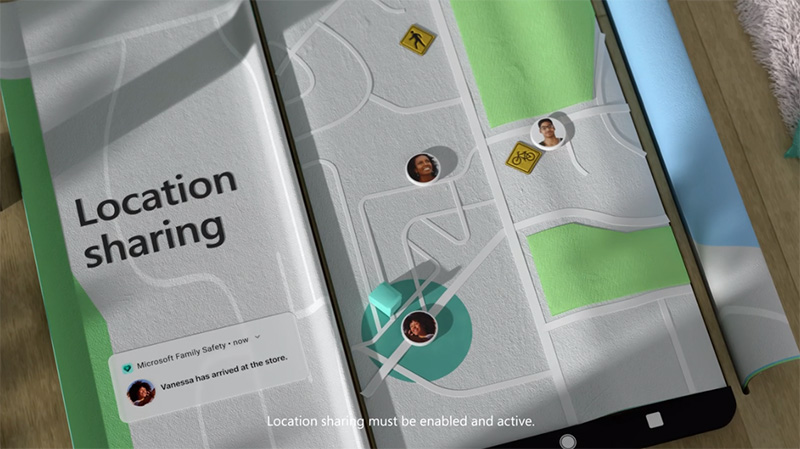
1. GPS positioning tracking to find the real-time location of your family members
2. You can share your current location information when traveling
3. Track and save frequently visited locations
In order for Microsoft Family Safety to fully function, you must make some investments in Microsoft’s system ecosystem, including requiring your children to use the Microsoft Edge browser and log in to their Microsoft account; similarly, setting app and game restrictions only applies to Xbox, Windows, and Android devices. Nonetheless, when more children are studying at home due to the epidemic, or during a long vacation, “Microsoft Family Safety” can help you confirm the use of digital products by your children.
◎Data source:Microsoft
Source: KOCPC Chinese