


Affected by the epidemic, more and more enterprises and companies have changed their work patterns to allow employees to work from home. This has also led to many communication software to strengthen their video calling functions. Facebook Messenger is one of them. Following the previous Multi-person meetings in Messenger Rooms increased to 50 peopleLater, the screen sharing function was announced again earlier, allowing users to share the real-time screen of the device with others. Both the mobile and desktop versions support it. Let’s teach you how to use it.
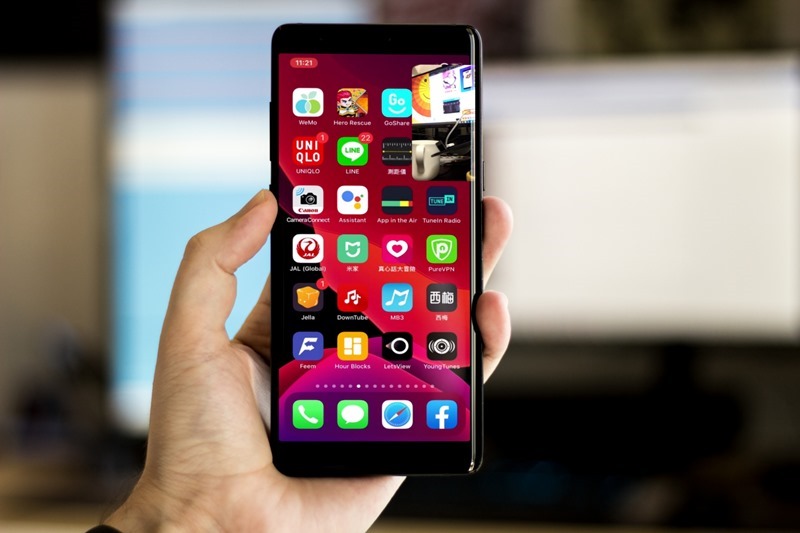
Facebook Messenger real-time screen sharing function operation tutorial
The newly added screen sharing function of Facebook Messenger can be used on iOS, Android, and web versions. I will use the iOS version as an example below, and the operations are similar. Also remember to update to the latest version (iOS, Android).
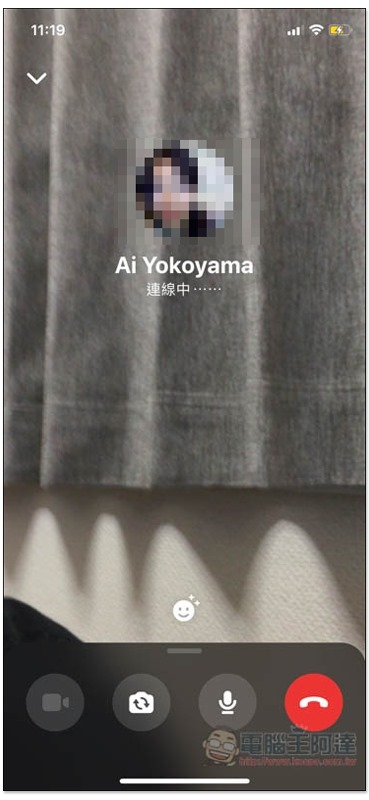
You can also call the other party using a video call or enable multi-person video:
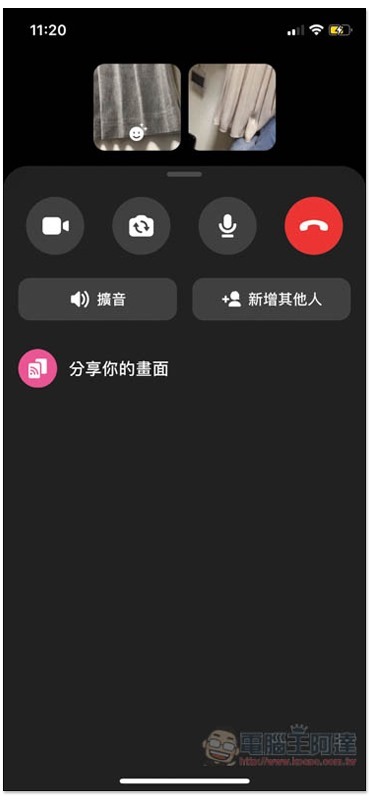
After the other party is connected, slide the bottom menu open, and then you will see the “Share your screen” option. This is the screen sharing function (you can only click this function when the other party is connected):
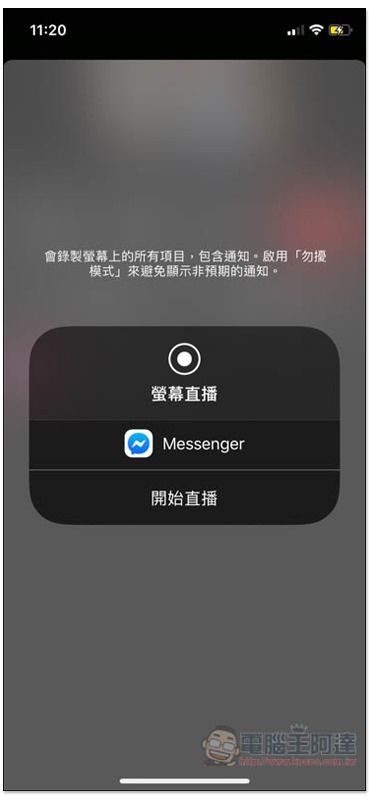
A live broadcast message will pop up on the screen. Click “Start Live Broadcast” below to activate it. It is also recommended to turn on the device’s “Interference Mode” to avoid unexpected notifications, such as your significant other sending you messages. If it is not turned on, others may see the content:
Then you can pop out of the Facebook Messenger App:

The screen the other party sees will become your device screen:
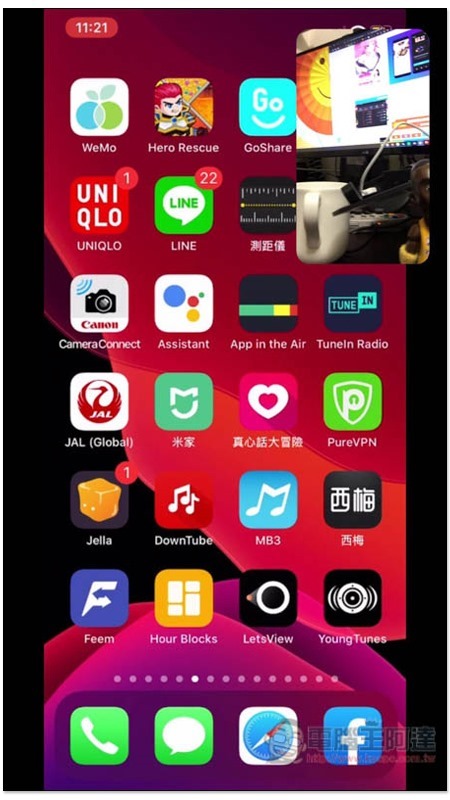
Canceling screen sharing is also very simple. After returning to the Facebook Messenger App, just click “Stop” in the upper right corner.
I have to say that it is really good to add this feature to Facebook Messenger. In addition to being used in work meetings, when family members or friends have problems with their mobile phones, you can also use this feature to help them check in real time to see where the problem is. Compared with text, direct video conversations are definitely easier. As for desktop and Mac issues, free software such as TeamViewer and AnyDesk will be more useful and can be operated directly remotely.
Source: KOCPC Chinese