


Nowadays, Android game operations are becoming more and more complex. In addition, if you play on your mobile phone for a long time, it will not only run out of power quickly, but also damage the battery. Therefore, many people may consider switching to a Windows computer or Mac to play, with a larger screen, and even use a Bluetooth controller to operate. There are currently many Android emulators on the Internet, each with its own advantages and disadvantages. This article has compiled 4 Android emulators that support Chinese for your reference.
4 Chinese Android Emulators in 2020
In order to make it easier for everyone to get started, the 5 Android emulators introduced in this article all have Chinese language, so you must understand them. Another thing to note is that after all, it is through a third-party software. It is personally recommended not to conduct any transactions directly in the simulator, such as spending money on in-app purchases. If you have such needs, it is safer to use your own mobile phone.
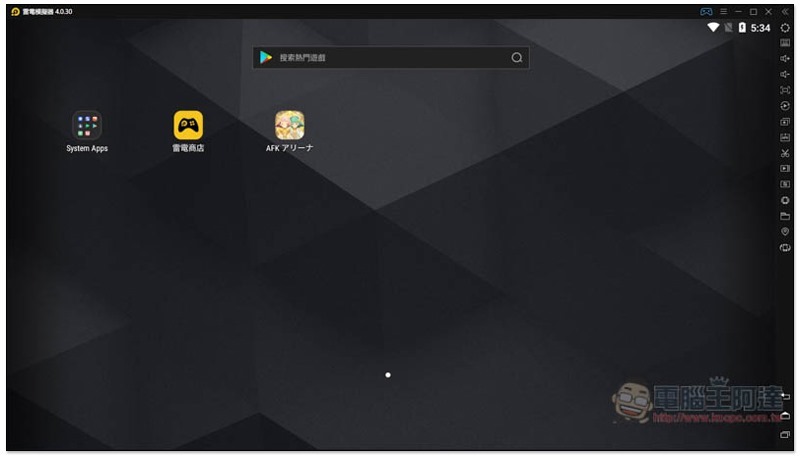
1. Lightning simulator
Thunderbolt Simulator is an Android emulator developed by a Hong Kong company. It currently only supports Windows. It has two options: “stable version based on Android 5.1 system” and “advanced version based on Android 7.1”. It claims to provide the most optimized Android gaming experience for both Intel and AMD devices. The biggest advantage of the thunder and lightning simulator is the optimization of games. Popular games such as Lineage M, Soul Killing, RO Ragnarok,
2. BlueStacks
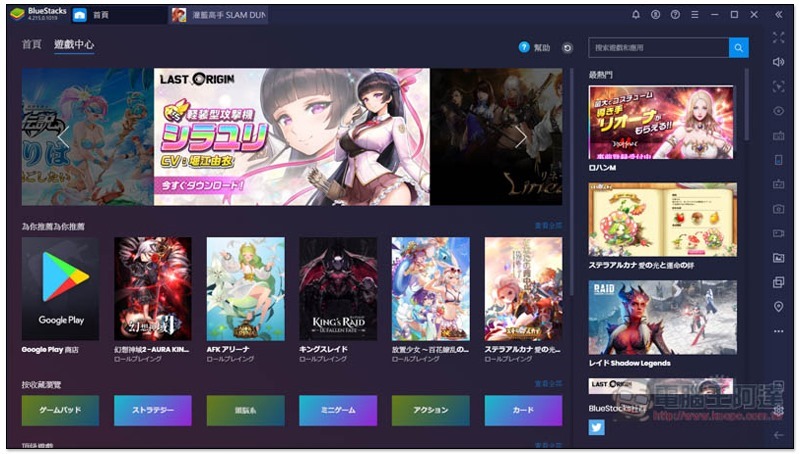
BlueStacks is an Android emulator developed by an American company. It is available in Windows and Mac versions. It has built-in Google Play, so you can download the games, applications, etc. you want to play directly from the Play Store. (There’s even a BlueStack + SAMSUNG Galaxy Store version)
After installation, you basically don’t need to set anything to start using it. You can play directly with the keyboard, and it also supports external handles and multi-open functions.
This one has slightly higher hardware requirements, but it’s completely free, so you can try it out to see if your computer or Mac can run.
3. Night God Simulator
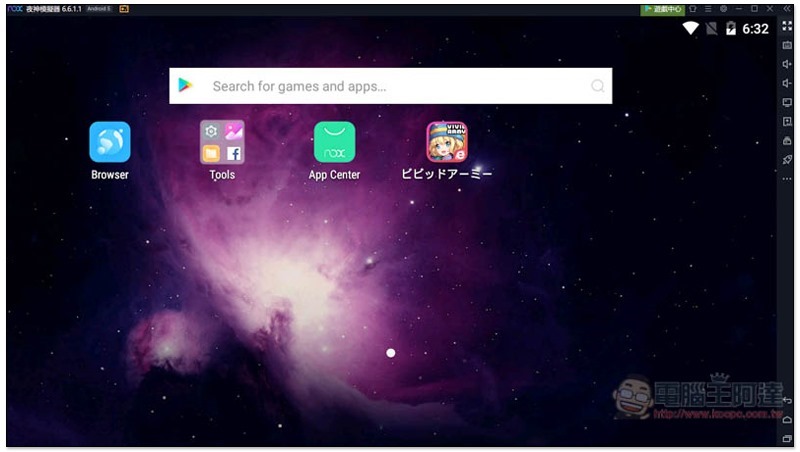
Yeshen Emulator is an Android emulator developed by a Hong Kong company. It also supports Windows and Mac. It also has built-in Google Play and is placed in the Tools folder. Although the App Center on the main screen is Yashen’s own store application, most of them jump back to the Play Store to download, so you can also find the App you want to download from here, and it also supports manual installation of APK.
The installation method is also very simple and can be completed with one click. Compared with BlueStacks, this is currently the only emulator in the world that provides the Android 9 engine. It also has multi-open functions and an operation assistant, which will record your complex operations so that you only need to tap them next time.
4. MEMU MEmu emulator
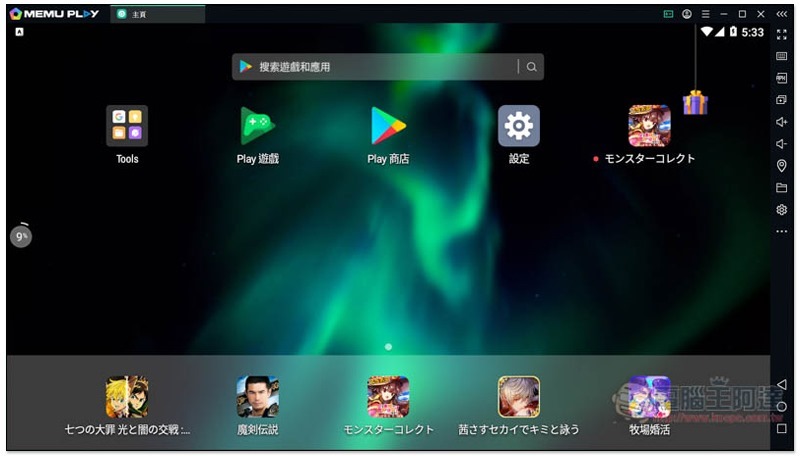
MEMU MEMU is an Android emulator developed by a company in Shanghai, China. Currently it seems to only have a Windows version. It is mainly designed to provide the ultimate performance, even if your computer hardware specifications are not particularly good. Through enhanced OpenGL and DirectX 3D rendering effects, you can enjoy higher image quality. Regarding this point, I personally don’t have much obvious feelings about the game I played, so I’ll let readers experience it for themselves.
There is a built-in Google Play Store, and the overall speed is quite smooth. It also has a built-in virtual keyboard, multi-open functions, etc.
5.Wakuoo Waku
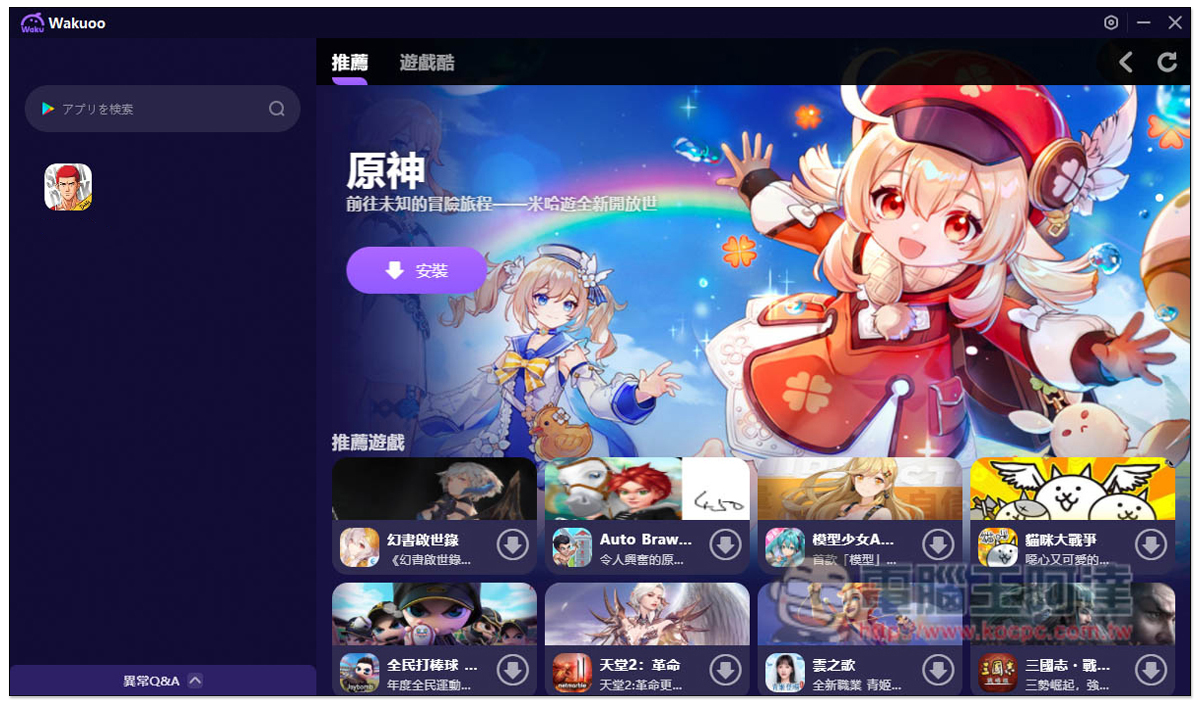
Wakuoo is a fairly new emulator. It is designed to create a “PC mobile game” experience for lazy players who don’t need too many additional features and just want to play mobile games. The interface design is simple and easy to operate, making it suitable for novices who don’t understand computers! The homepage of Waku will recommend the most popular mobile games today. There is also a Google Play search shortcut bar on the left to facilitate players to search for the games they want to play. All installation sources are Google Play. iOS players don’t have to worry. As long as they are bound with a third-party account such as Facebook, they can also log in to the account on a Windows computer to play.
Many people don’t know much about 32-bit, 64-bit, Android 7 or Android 9 support. This product will also automatically determine. For example: when the game you want to play requires Android 9, this set will automatically use the Android 9 environment to meet the requirements. This is very good for people who are not very computer literate, so it is most recommended for novices. In addition, friends who are tired of traditional emulator interfaces will have a completely new feeling when using it. Of course, there are small disadvantages. Because it is still very new, the number of official teachings is relatively small.
in conclusion
Overall, these 5 Android models are similar. It depends on whether you are comfortable using them, whether the computer hardware can meet the performance requirements, and your trust in it. Personally, I mainly use BlueStacks.
Source: KOCPC Chinese