


Data rescue is a must-have software for every Windows 10 computer user. It may not be useful at ordinary times, but if you accidentally delete important files, it will be a super savior. You can scan them immediately to see if they can be recovered. Recently, a set of Aiseesoft Data Recovery professional data rescue software, originally priced at US$69.95 (approximately NT$2,100), is offering a limited-time free offer. You only need to fill in your email and name to get a “permanent” serial number for free. Those who haven’t had it are highly recommended to collect it now.
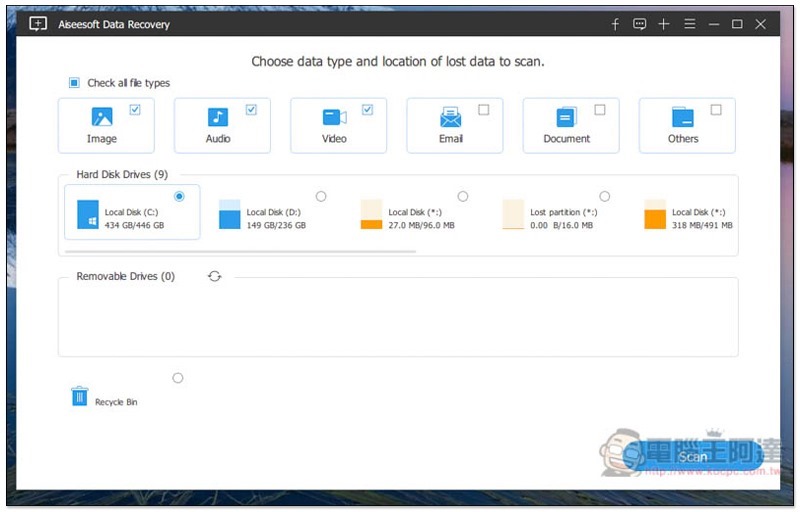
Aiseesoft Data Recovery Limited Free Activities and Operational Tutorials
Click here to go to the Aiseesoft Data Recovery limited free event page, fill in your name and email address in the form, and click Register below to register:

The serial number will be sent to the email you filled in:

As shown below, you will receive this Free Registration Code letter, which contains the registered email and serial number:
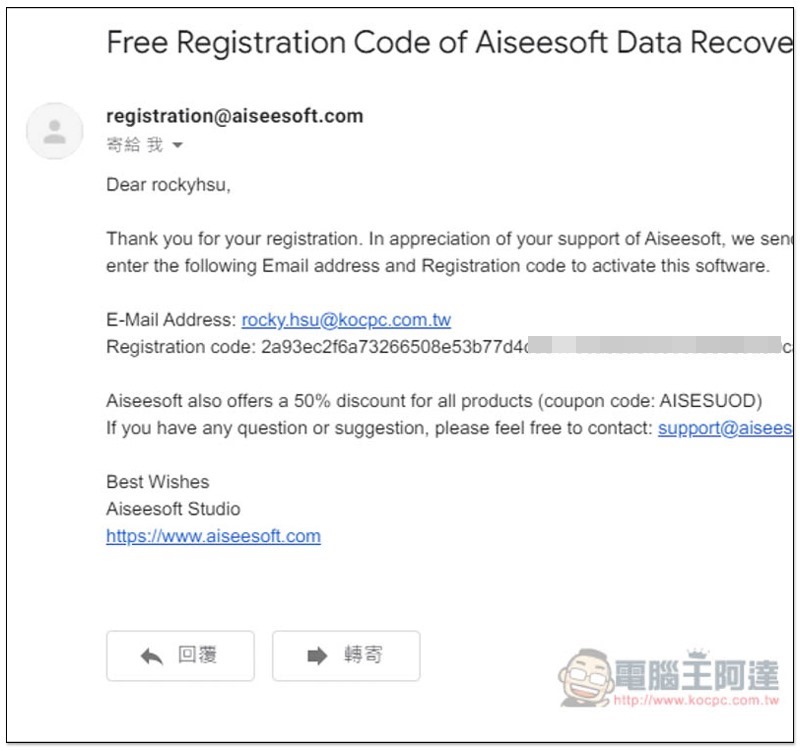
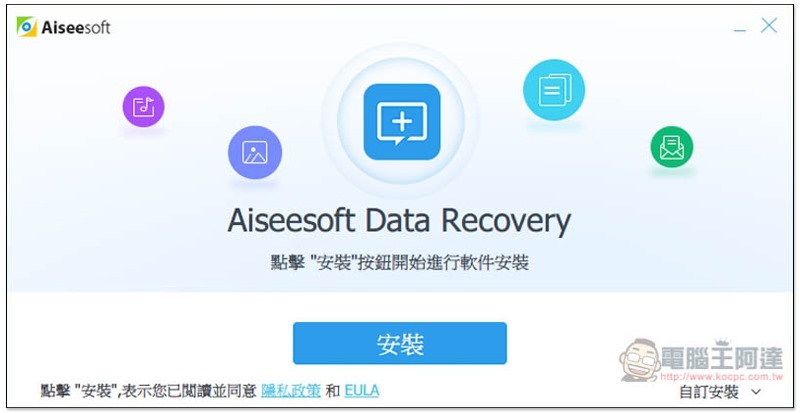
Then click me to download the Aiseesoft Data Recovery installation file from the official website, although the installation process is in Chinese, the actual software interface is not yet available, so people who are not good at English may need to spend some time getting familiar with it (but the operation is very simple):
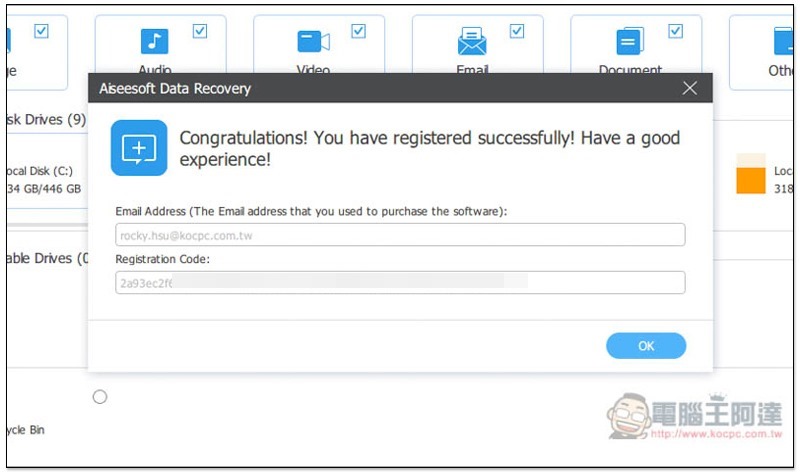
After installation, open it and you will be asked to enter registration information. Fill in your email and the registration code you just obtained, and then click Register:
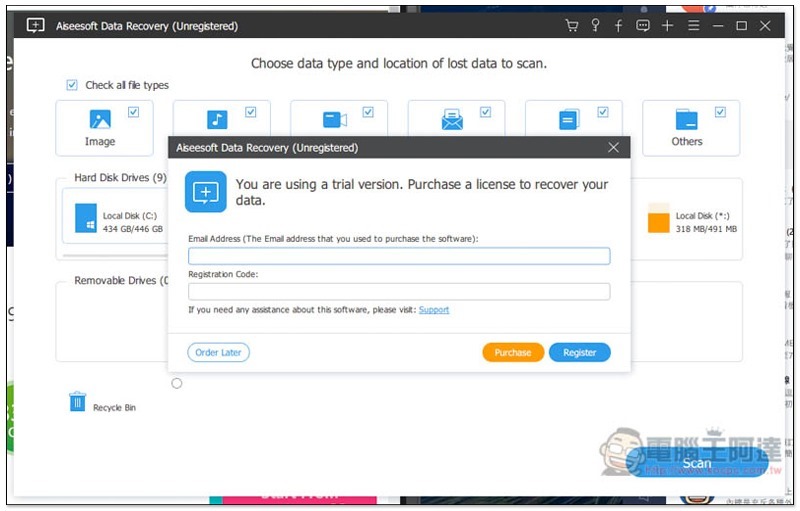
According to the actual test, the registration was indeed successful, and it should be permanent, without any expiration date information:
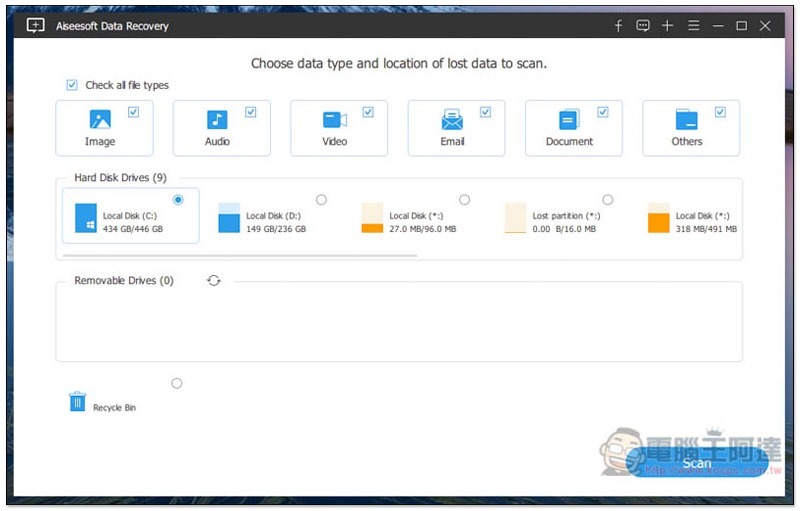
Then you can start using it. Supports scanning pictures, music, videos, emails, documents and other 6 modes. Hard Disk Drives Select the hard drive you want to scan, and finally click Scan on the lower right to start scanning:
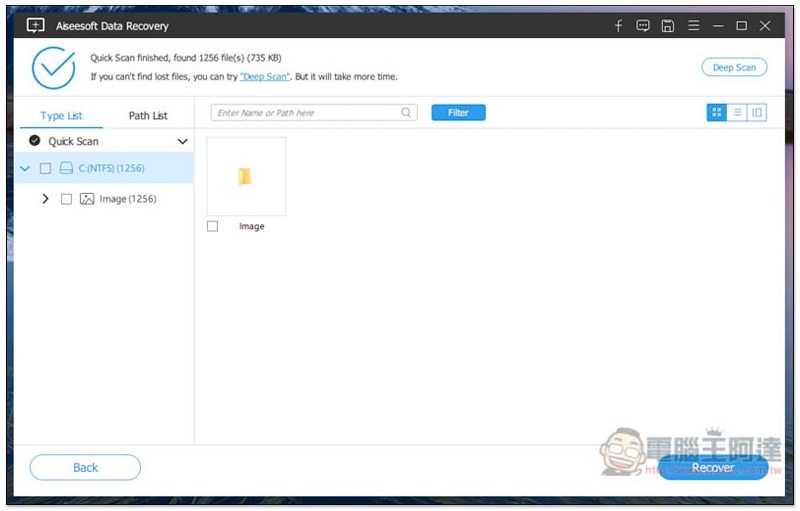
A quick scan will be performed at the beginning, which takes about 1 minute to complete. It is very fast. If the scanned content contains files that you deleted by mistake, you can restore them immediately. If not, a deep scan is also provided. Click Deep Scan above to start. However, this takes a long time. It may take more than ten minutes or even hours. It depends on how many files there are in your computer and the hard disk capacity:
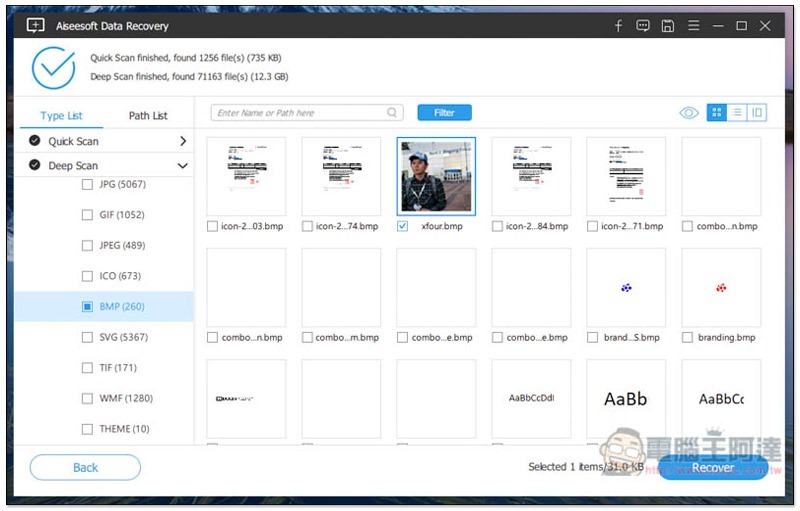
Deep Scan will also appear on the left. The great thing about this set is that you can instantly see which files are found while scanning. If you find the file you want to restore, you can stop it immediately without waiting for the scan to finish:
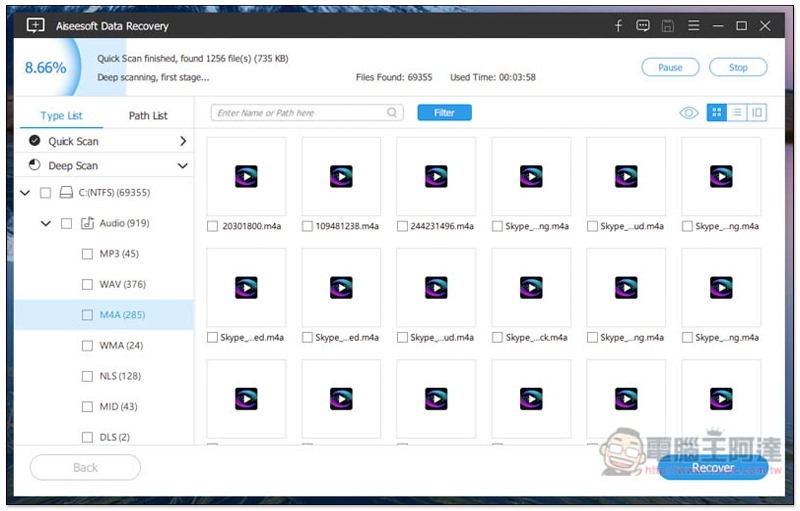
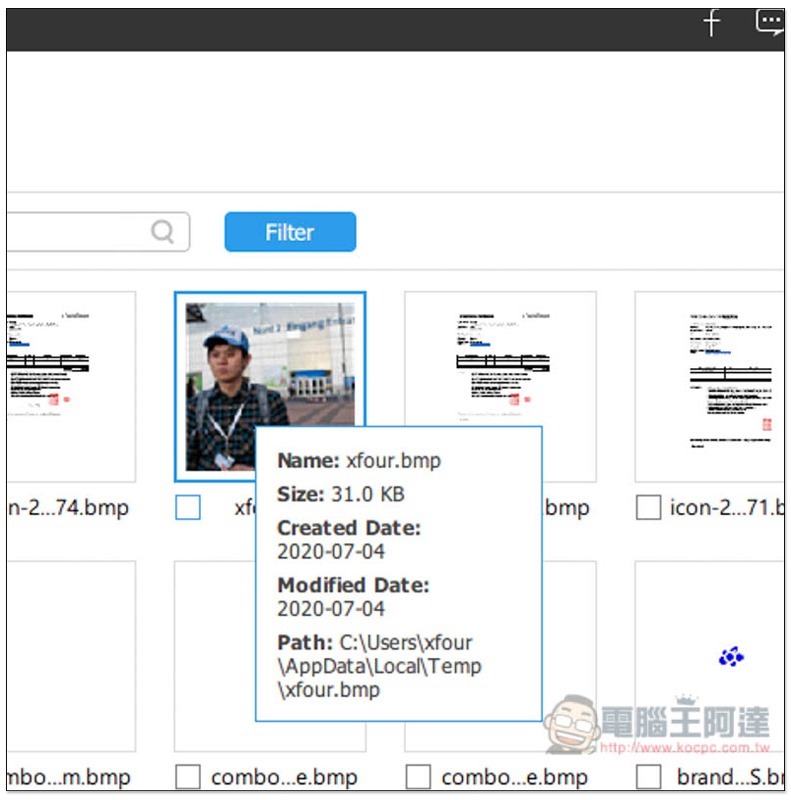
Each file will also display relevant detailed information, such as: creation, modification date, etc.:
After checking the files you want to recover, click Recover in the lower right corner:
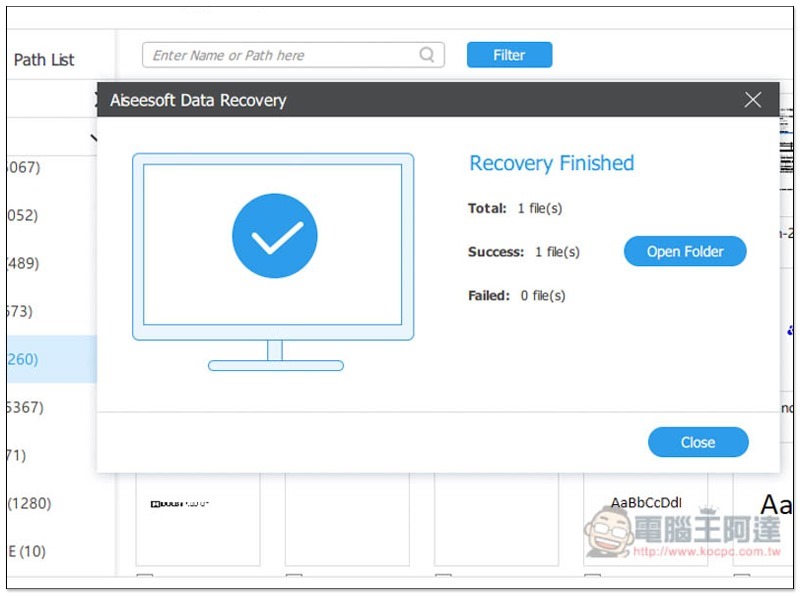
Confirm that the final message displays Success:
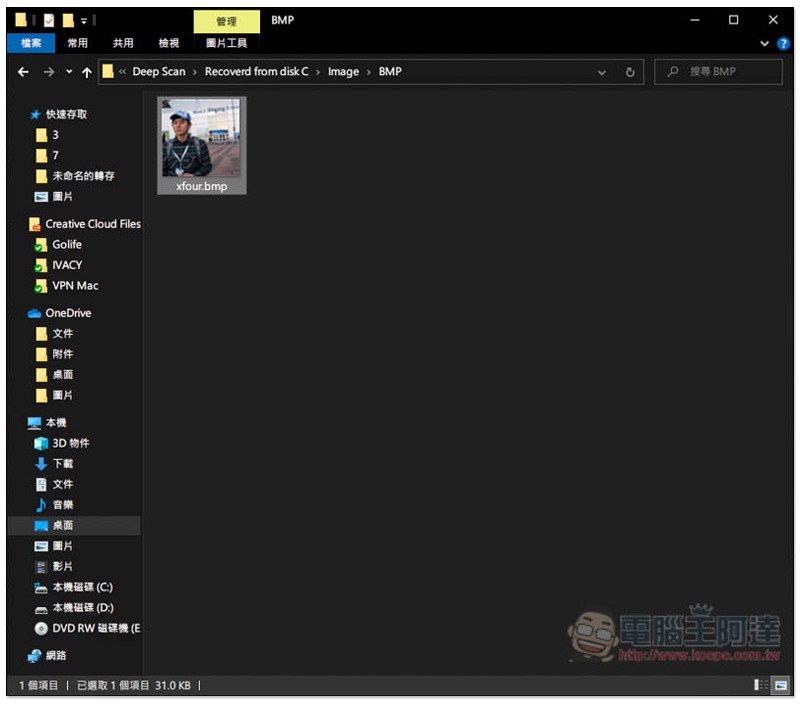
You can find it in the saved folder:
Finally, I would like to remind you that data rescue software does not necessarily mean that you can recover files you accidentally deleted. So if you don’t see it, it is likely that the relevant data has been cleared, or you can try other software.
Supplementary information
- Software name: Aiseesoft Data Recovery
- Limited free event website:Click here to go
Source: KOCPC Chinese