


Focus on Pomodoro is the most unique Pomodoro Technique (Pomodoro) free app that I have ever used and tested. The interface is very artistic and adopts a hand-drawn style. In addition to the basic time countdown function, it also provides white noise, which means that when you enable the Pomodoro Timer, you can also listen to sounds and music that enhance concentration. Here is a quick introduction to you. Currently, it is only available for iOS.

Introduction to Focus on Tomatoes
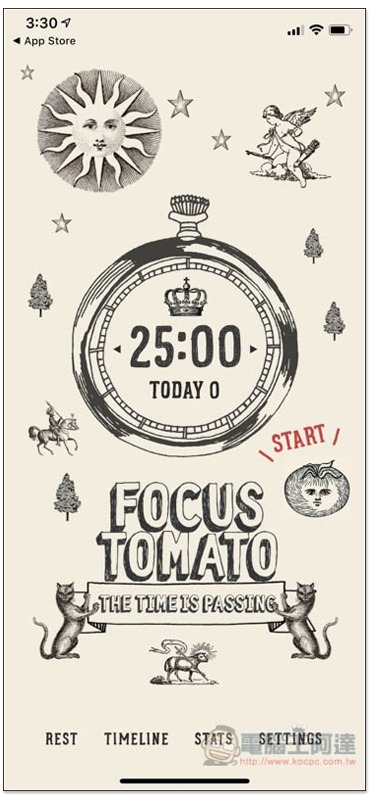
After opening the app, although the interface looks all in English, in fact many functions are in Chinese (wait for the screenshots). This app is also made by Taiwanese developers. I’m not sure why it’s not all in Chinese. Maybe it’s for aesthetics? The standard 25 minutes has been preset. For those without special needs, just press START on the right and the countdown will start:
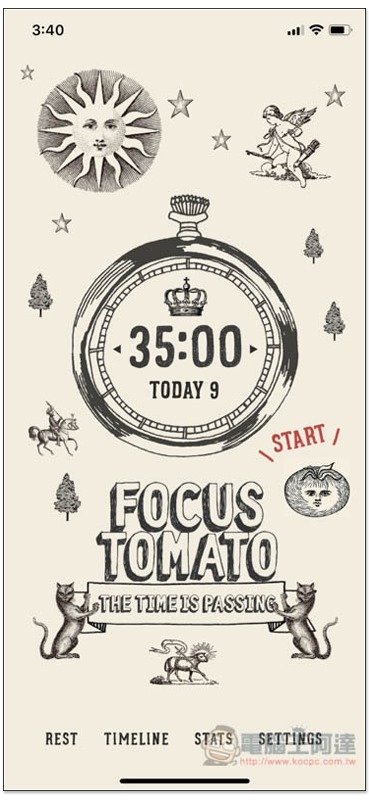
You can also press the triangles on the left and right sides of the clock to increase/decrease the time. The minimum is 5 minutes, and the maximum seems to be unlimited. I can continue to increase it until it reaches more than 200 minutes, and each time it is 5 minutes longer:
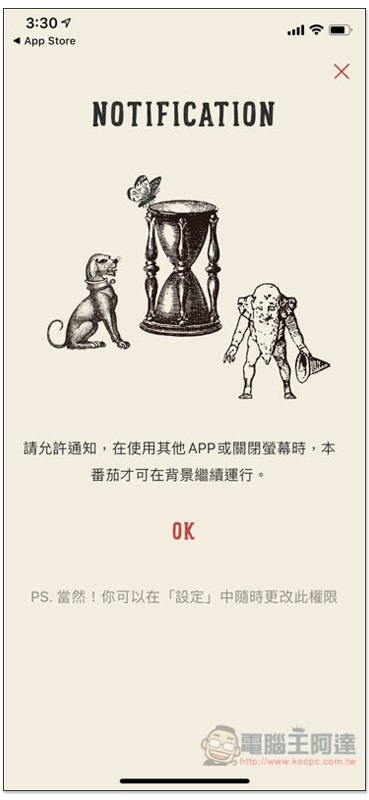
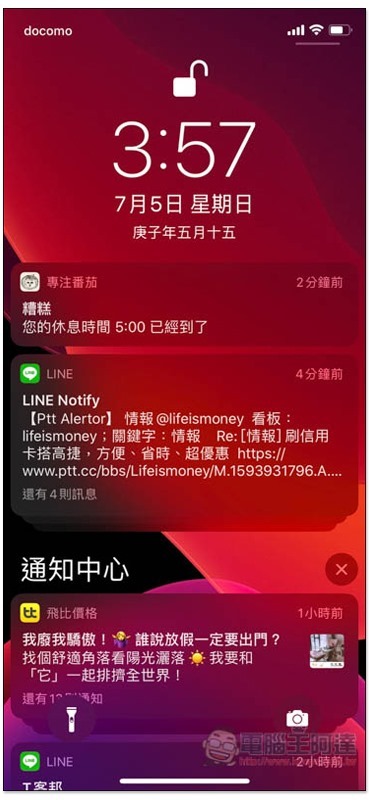
Remember to allow notifications so that even if your iPhone screen goes dark or jumps out of the app, you will receive a notification when the time is up:
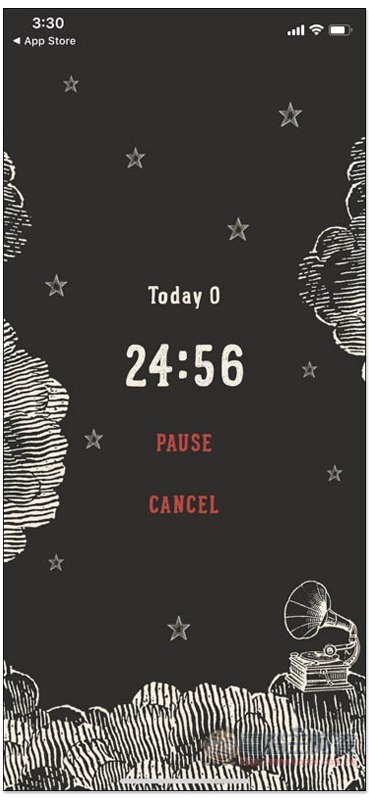
Then the countdown will start, and you can pause (Pause) or cancel early (Cancel) in the middle. For those who want to listen to white noise, please click on the speaker graffiti in the lower right corner:
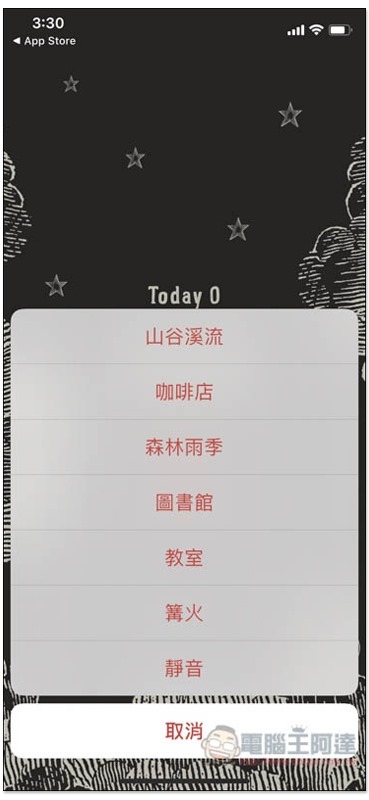
The white noise menu will open. There are currently 6 types, including valley streams, coffee shops, forest rainy seasons, classrooms, etc. It depends on which one you want to listen to. Actual testing will continue to play when in standby and when returning to the main screen:
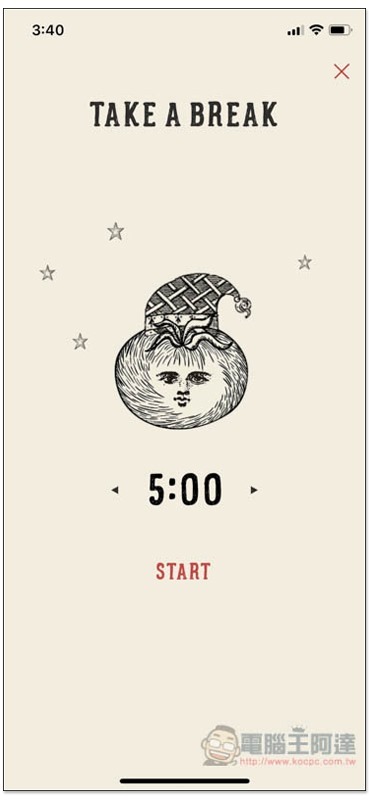
After the set working time is over, you can enable rest time (Rest in the lower left corner of the main screen), which is also preset to the standard 5 minutes, with no limit to the longest:
You will receive a notification when the time is up:
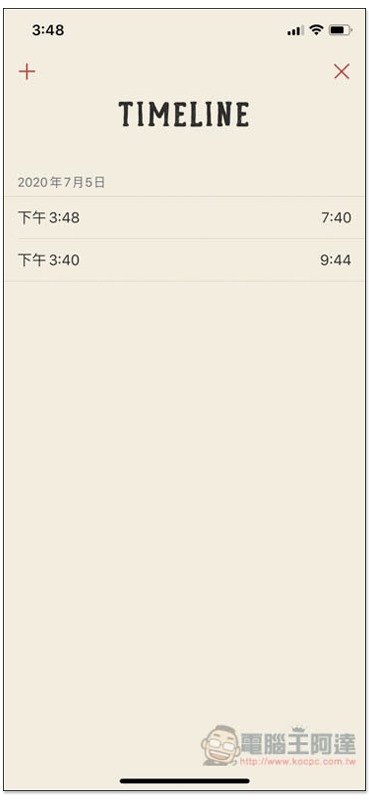
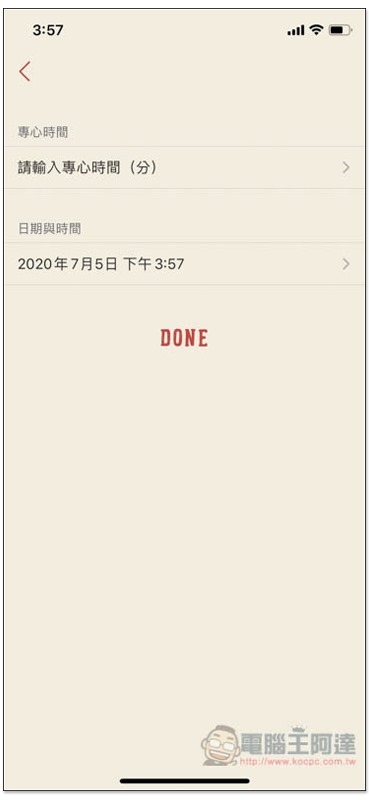
The TIMELINE function on the main screen will display Pomodoros that have been enabled in the past. Even if they are canceled midway, they will be recorded to facilitate your follow-up tracking and management. If you forget to set a Pomodoro timer, you can press + in the upper left corner to add a new record manually:
As shown below, enter the concentration time and date:
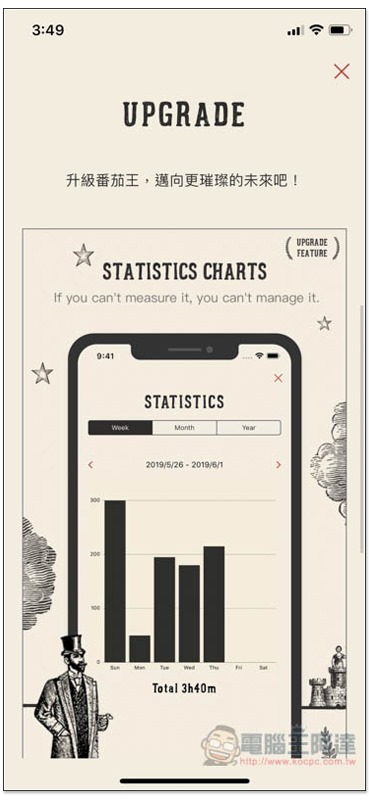
It also has a paid version, but the main difference is only in the analysis of charts. The paid version has a free version. Personally, I suggest you use it for a few days or a few weeks. If you really like it, you can then consider whether to pay:
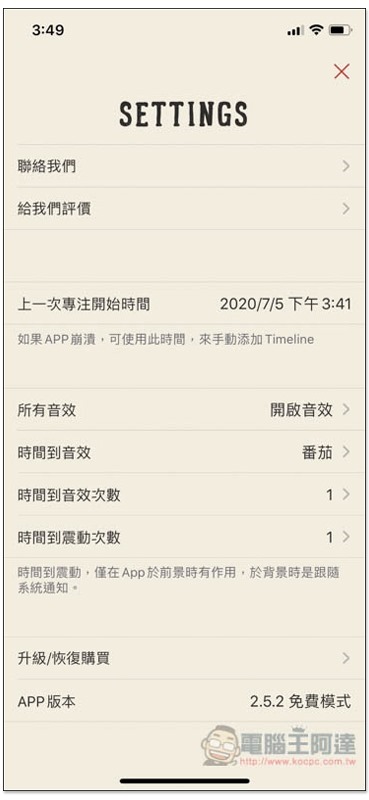
The settings menu allows you to adjust sound effect settings, frequency, and view the time your last focus started:
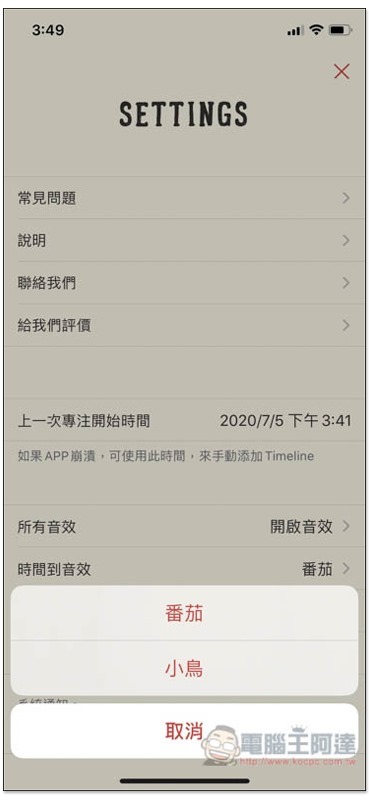
There are currently only two sound effects for time up, tomato and bird:
Supplementary information
- App Name: Focus on Tomato
- Nature: free, paid
- Supported operating system: iOS
- Download page:App Store
Source: KOCPC Chinese